Talk to sales Contact Login English

7 Best Cafe & Coffee Shop POS Systems

Contents

The market offers a variety of cafe & restaurant POS systems designed to cater to the unique demands of the coffee industry.

This article explores the best POS systems for cafes and coffee shops, highlighting key features that can help elevate the customer experience and optimize operational efficiency.

What is a cafe POS?

cafe pos - coffee shop

A Cafe POS (Point of Sale) system is a specialized POS software and hardware designed specifically for cafes and coffee shops. It’s engineered to meet the distinctive operational demands of the coffee service industry, offering more than just transaction processing capabilities.

These systems accommodate essential functions vital to cafes and coffee shops, including:

  • Order management 
  • Managing inventory
  • Customized drink orders (like varying sizes and add-on flavors)
  • Integration with online ordering systems and platforms 
  • Dynamic pricing for different sizes and special ingredients
  • Delivery management 

Cafe and coffee shop POS systems streamline order-taking, ensure accuracy in crafting drinks, oversee kitchen and counter operations smoothly, and enhance customer satisfaction by reducing wait times and errors. 

Tailored to meet the unique needs of cafes, these systems are essential for boosting production efficiency and service quality, making them invaluable assets for businesses seeking operational optimization.

    What is the best POS system for a coffee shop?

    Choosing the best POS system for a coffee shop depends on size, budget, and specific needs. However, several systems are widely regarded for their comprehensive features tailored to the unique requirements of coffee shops.

    Here are the top 7 systems to consider, along with their features and benefits for your coffee shop.

    FeatureSquare for RestaurantsToast POSCloverLightspeedTouchBistroLavuKORONA POS
    Inventory Management
    Order Management
    Payment Processing
    Reporting & Analytics
    Customer Management
    Integration with Third-Party Systems
    Loyalty Program
    Mobile-Friendly Interface
    Offline ModeLimitedLimited
    User-Friendly Interface
    Scalability & Customization
    PricingVariableVariableVariableVariableVariableVariableVariable
    Customer Support

    1. Square for Restaurants

    cafe pos - square for restaurants

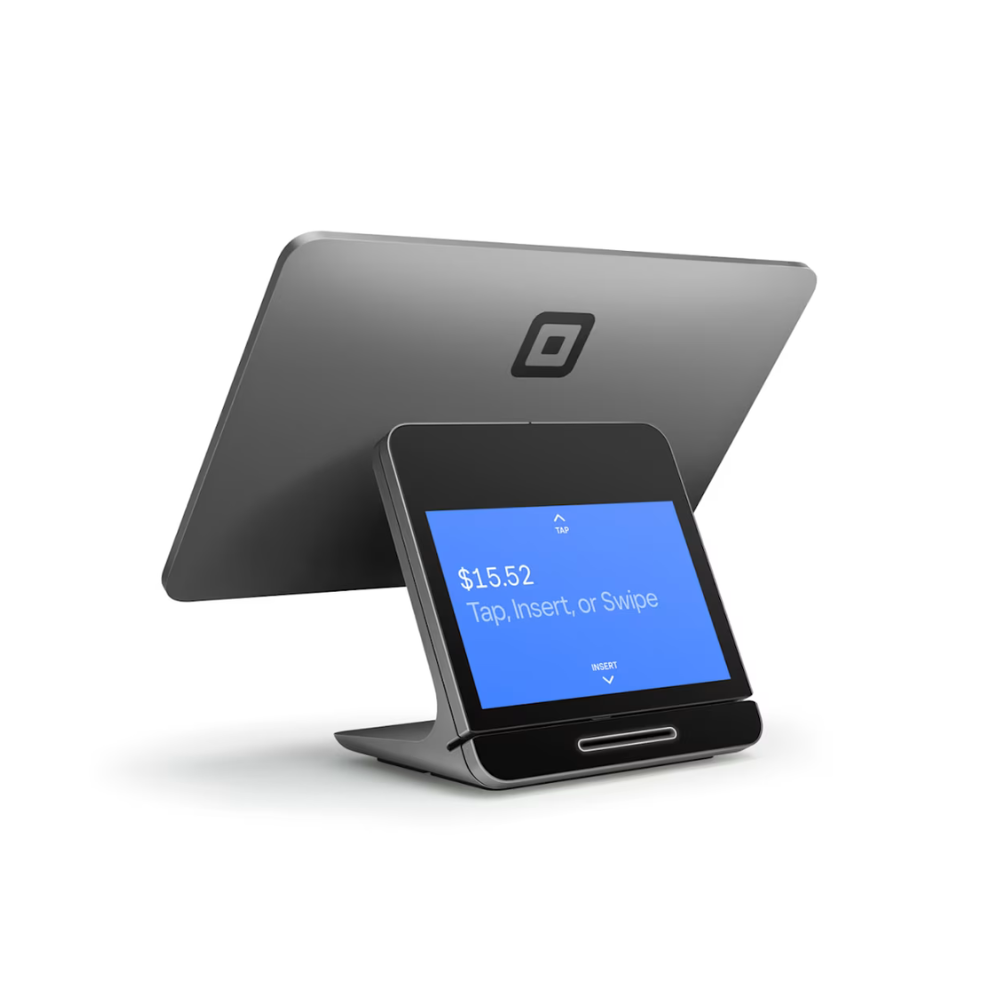
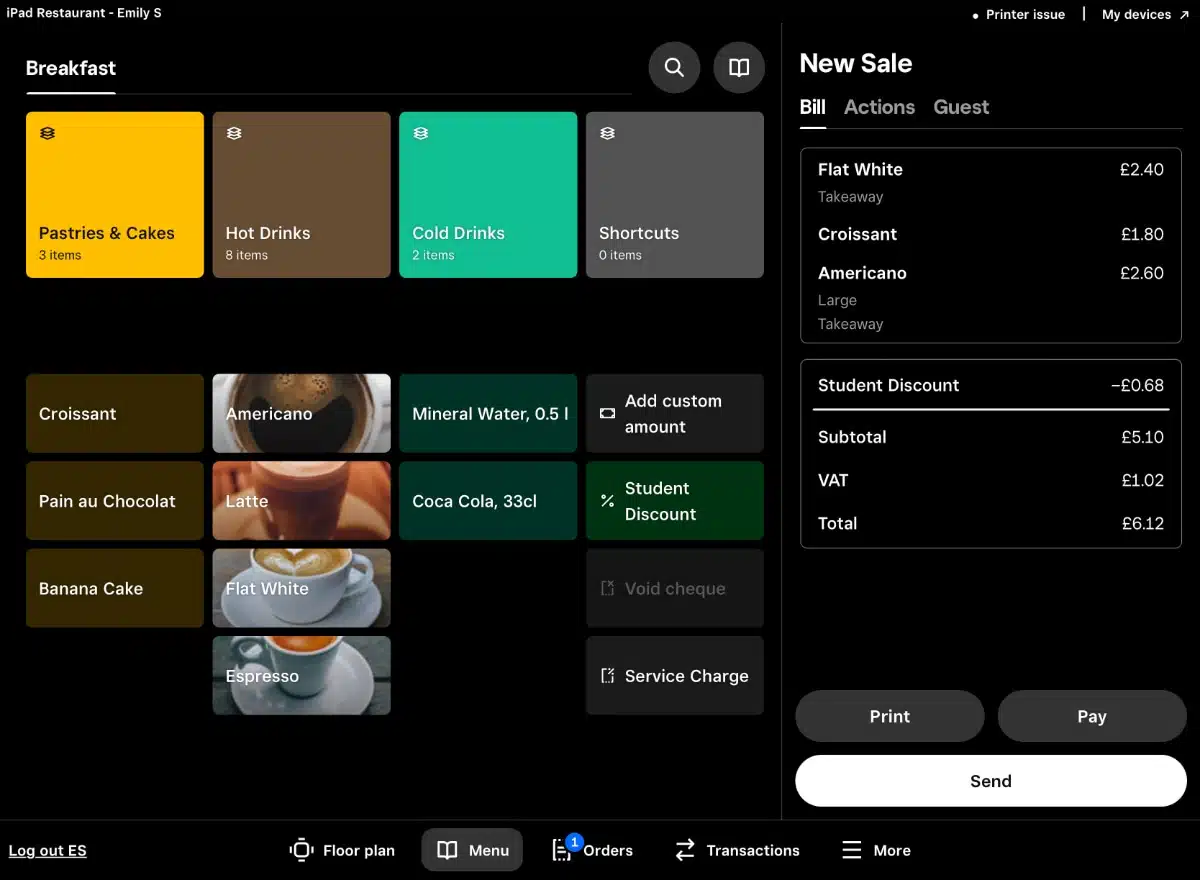
    Square for Restaurants, a dedicated POS solution by Square tailored for the food service sector, is recognized for its user-friendliness, simple configuration, and clear pricing structure.

    Targeting small to medium-sized enterprises, it provides an array of functionalities to enhance online ordering, manage tables efficiently, and gather customer insights.

    cafe pos - square for restaurants

    Pros
    Cons
    Seamless online ordering integration
    Frequent system freezes noted by some users, necessitating restarts
    Intuitive interface with rapid configuration
    Variable response times from otherwise reliable customer support
    Efficient management of customer order history recall, including email, phone number, and previous payment information

    Reports of restricted flexibility in areas like loyalty schemes and discount setups

    Pricing

    The monthly fees are as follows:

    • Free – $0 per month + processing fees
    • Plus – $29+ per month + processing fees
    • Premium – custom pricing + processing fees

    For more information, visit the Square POS website.

    2. Toast POS

    cafe pos -  toast pos logo

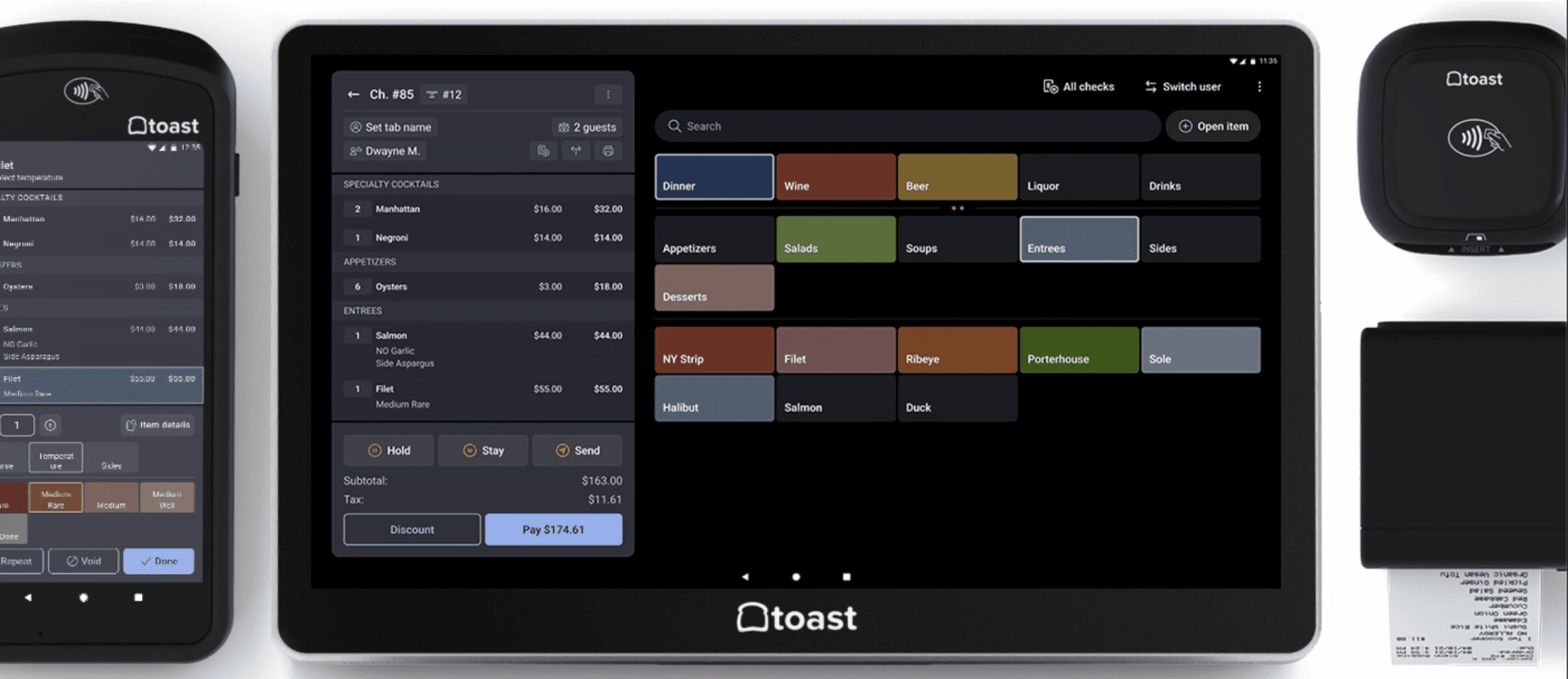
    Toast POS is an all-encompassing restaurant management solution tailored for the broad spectrum of the food service sector, including coffee shops. Its cloud-based platform has comprehensive tools to optimize restaurant operations, improve customer interactions, and increase sales.

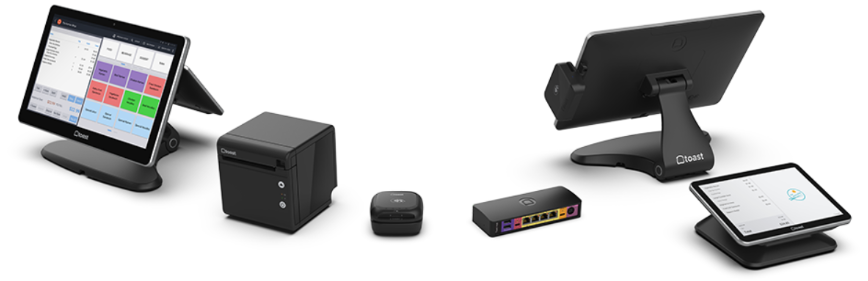
    Toast offers a variety of specialized hardware options, such as point-of-sale terminals, mobile devices for tableside orders, kitchen displays, and printers, all designed to work seamlessly with its software.

    While the software’s cloud-based nature allows certain management tasks to be performed from any device with internet access, fully harnessing the power of Toast POS for tasks like order taking, processing, and comprehensive management requires adopting these proprietary hardware solutions.

    cafe pos -  toast pos

    Pros
    Cons
    Integrated online ordering
    The full operation of Toast POS is dependent on the use of specialized hardware
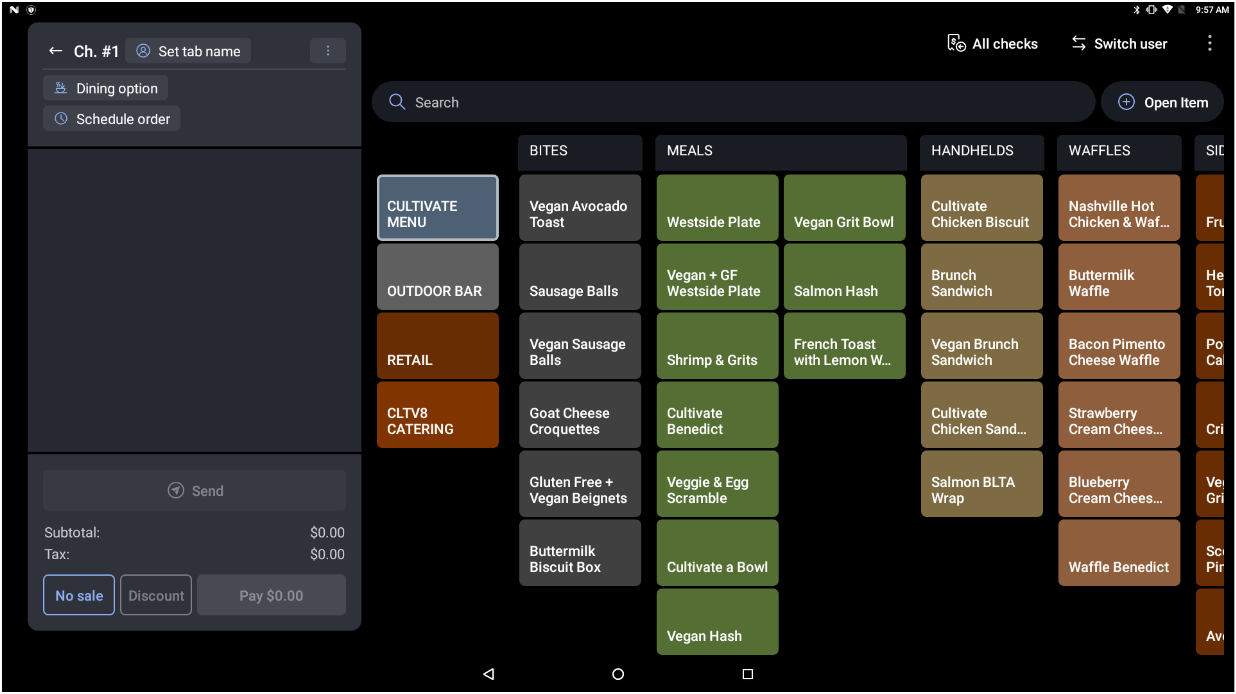
    User-friendly menu management with adaptable customization options
    Some users have encountered intermittent problems with the magnetic swipe card reader
    Detailed analytics on customer behavior and sales performance

    Commitment to a two-year agreement is necessary

    Pricing

    A cafe pays a monthly subscription fee for the chosen plan:

    • Quick Start Bundle – $0
    • Core – $69
    • Build Your Own – Custom pricing

    More details on the Toast POS website.

    3. Clover

    cafe pos - clover logo

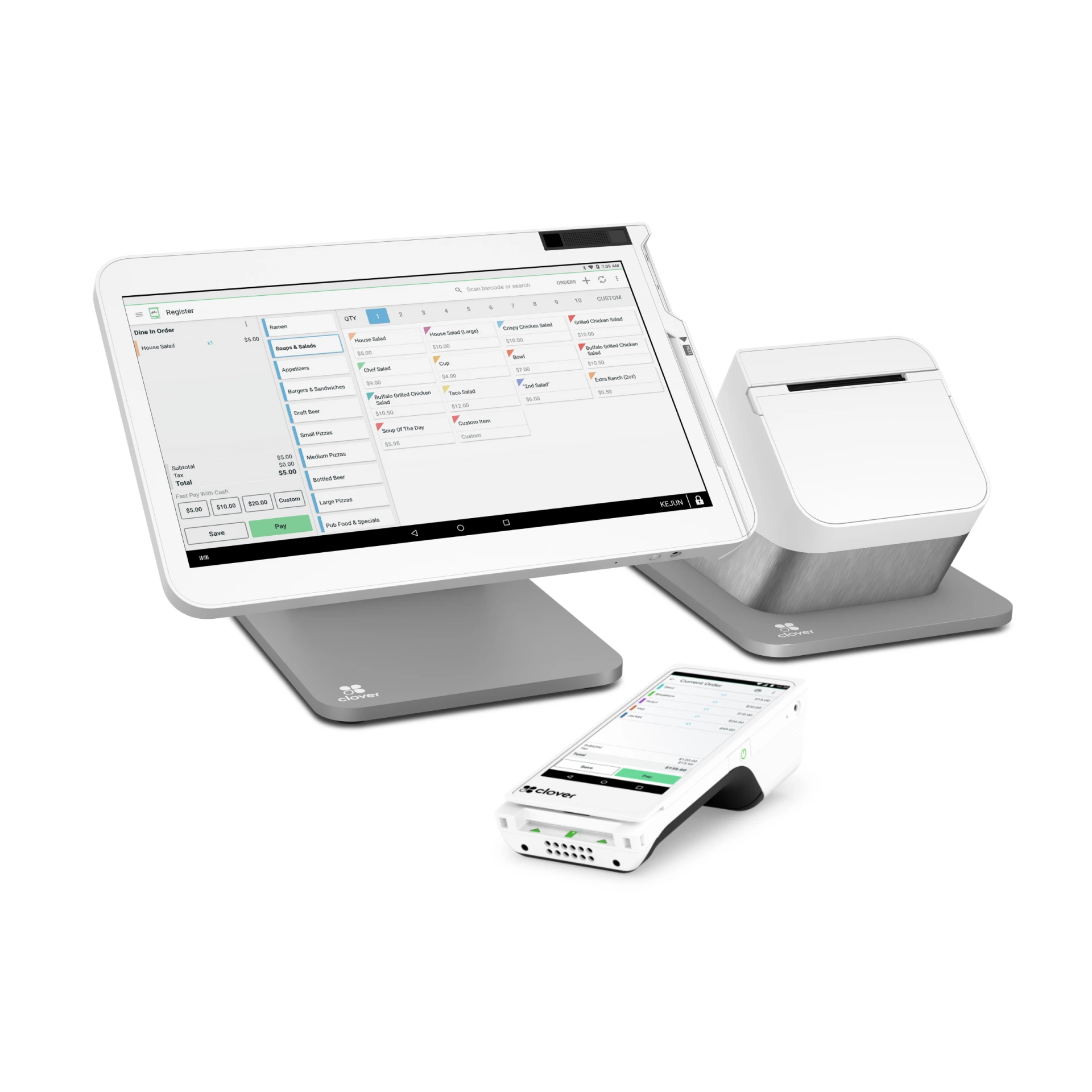
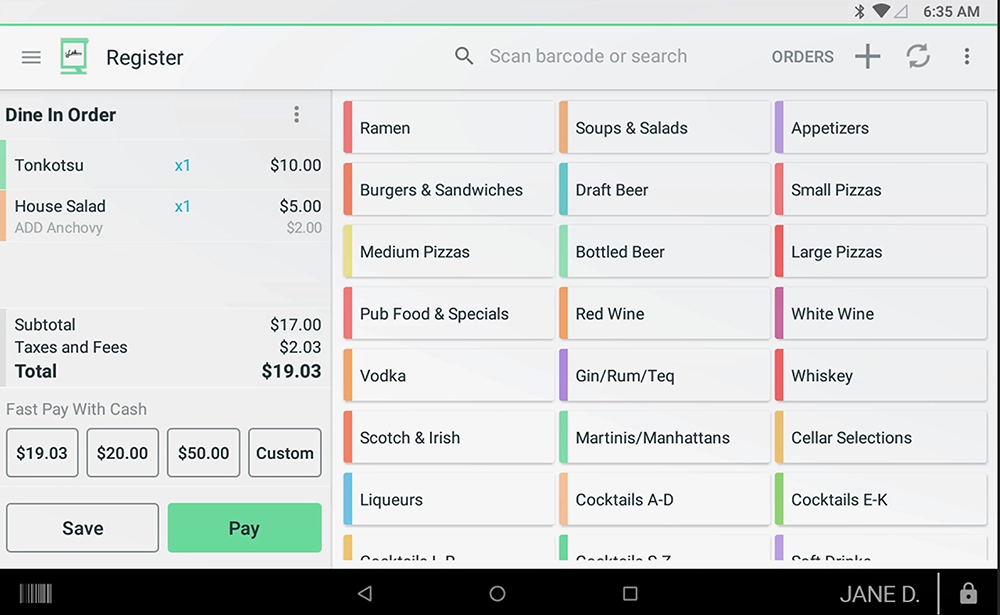
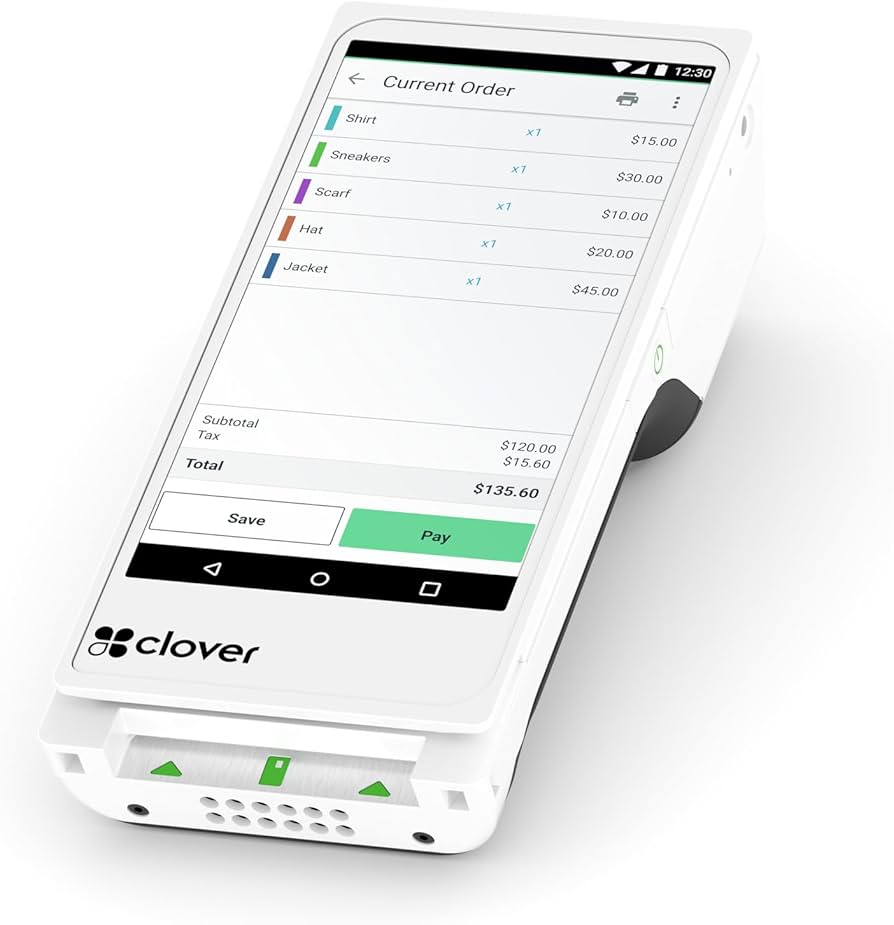
    The Clover POS system is a versatile and user-friendly platform for businesses of all sizes, from small cafes to full-scale restaurants and retail stores. It offers various hardware options, from portable devices for tableside ordering to stationary countertop setups, making it adaptable to various business models.

    Clover’s app marketplace further enhances its functionality, allowing businesses to customize their POS system with various applications for inventory management, customer loyalty, and more.

    cafe pos - clover website

    Pros
    Cons
    Highly user-friendly with broad acceptance of various credit cards and payment methods
    Some users have reported that tablets sometimes malfunction and require a system reboot; a hard reset typically resolves the issue
    Clover manufactures all its POS hardware in-house, eliminating the need for external vendors for device requirements
    No cafe loyalty program in the Starter plan
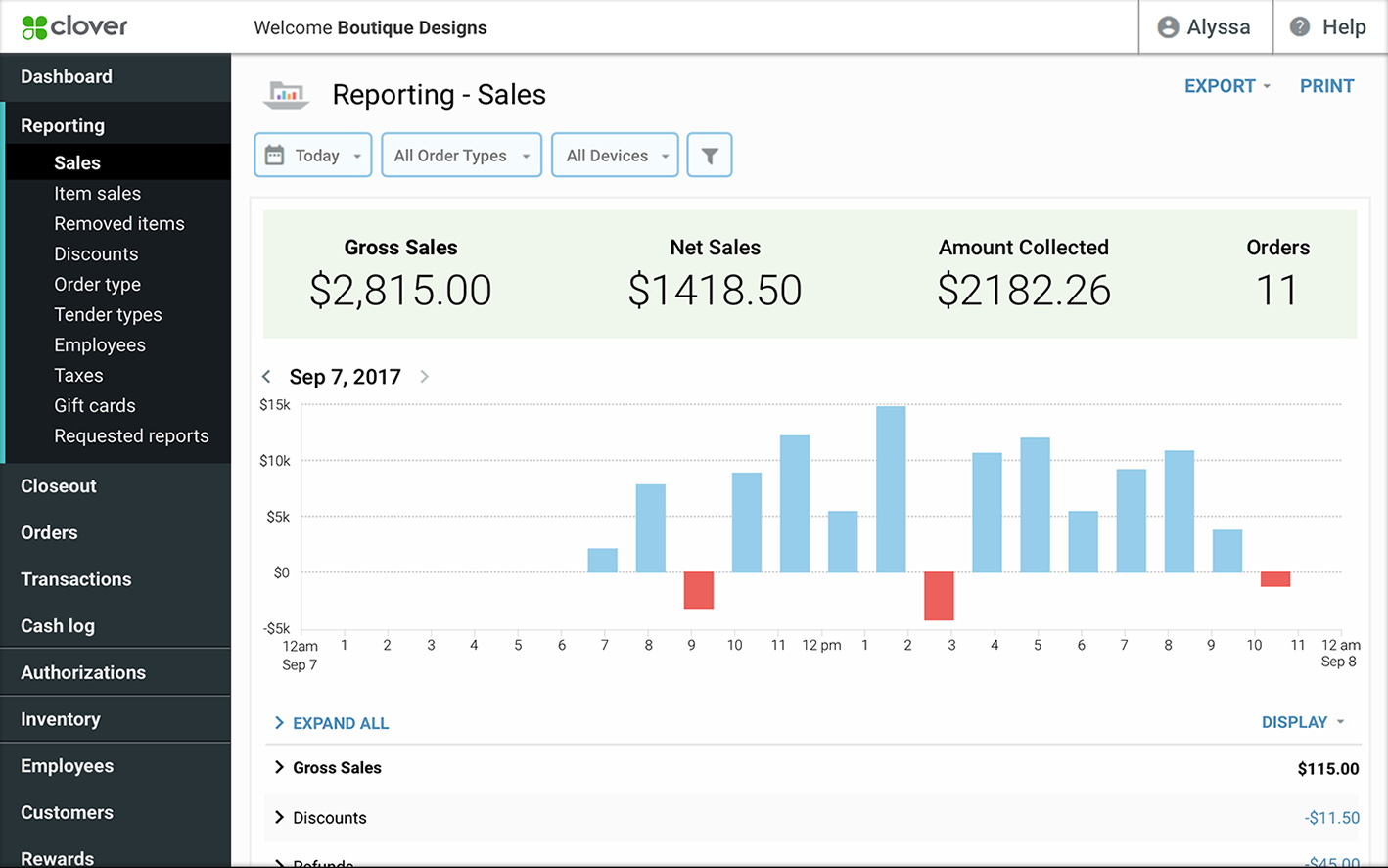
    Clover's wireless devices are user-friendly for staff, offering robust security features at various user levels and versatile reporting capabilities

    Unable to integrate a preferred external payment processor

    Pricing

    There are free plans to choose from:

    • STARTER – $100 per month for 36 months or $799+ $54.95 per month
    • STANDARD – $140 per month for 36 months or $1,799+ $54.95 per month
    • ADVANCED – $190 per month for 36 months or $2,398+ $69.90 per month

    More details on the Clover website.

    4. Lightspeed

    cafe pos - lightspeed logo

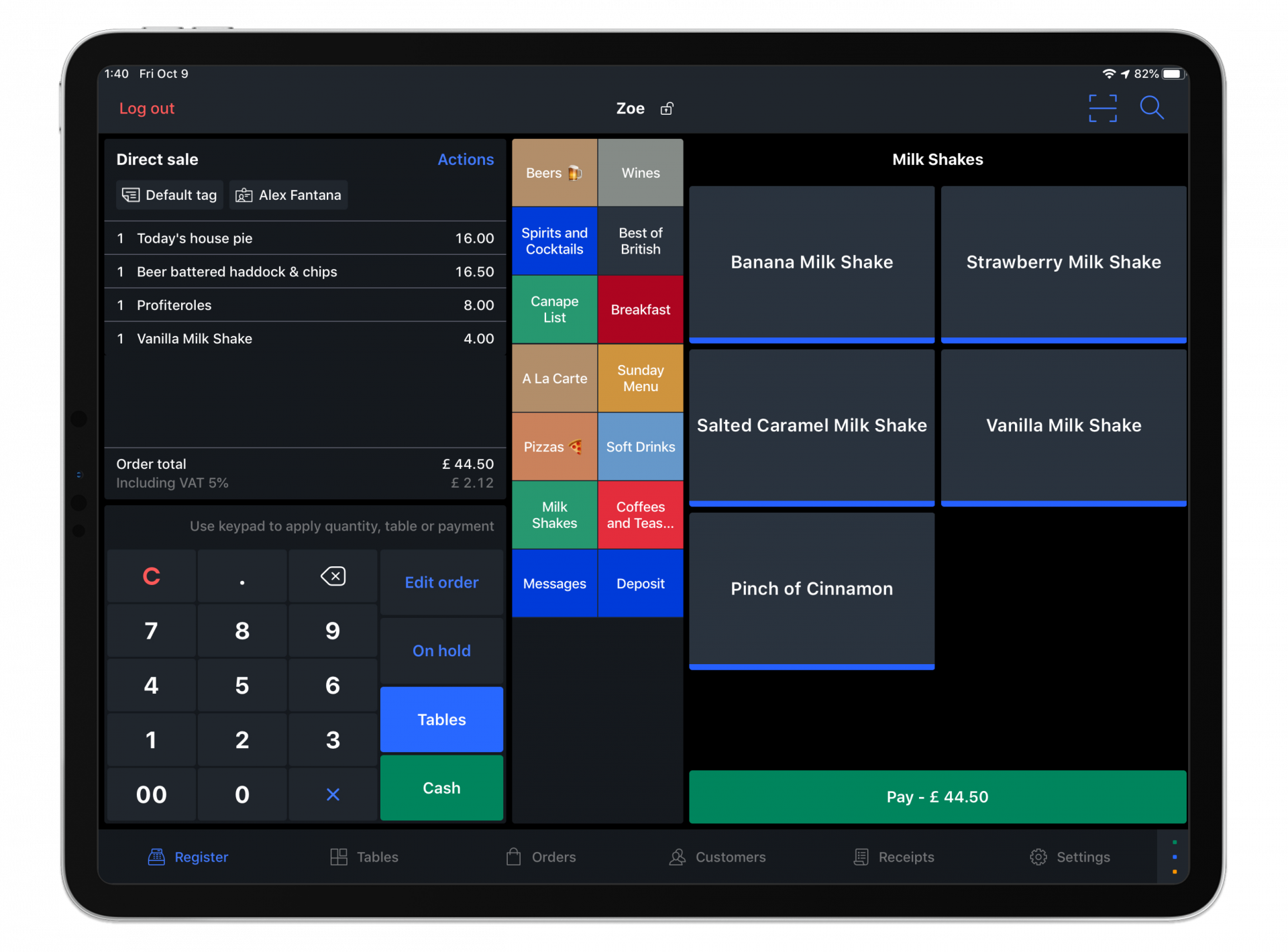
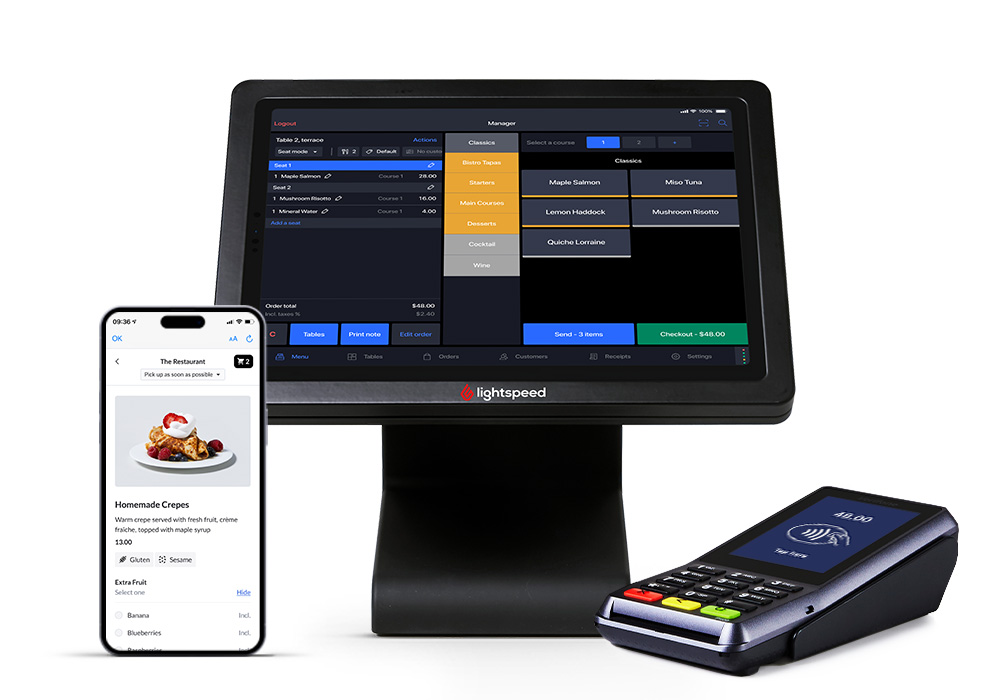
    Lightspeed provides a cloud-based POS system for the retail and restaurant sectors,  including coffee shops. 

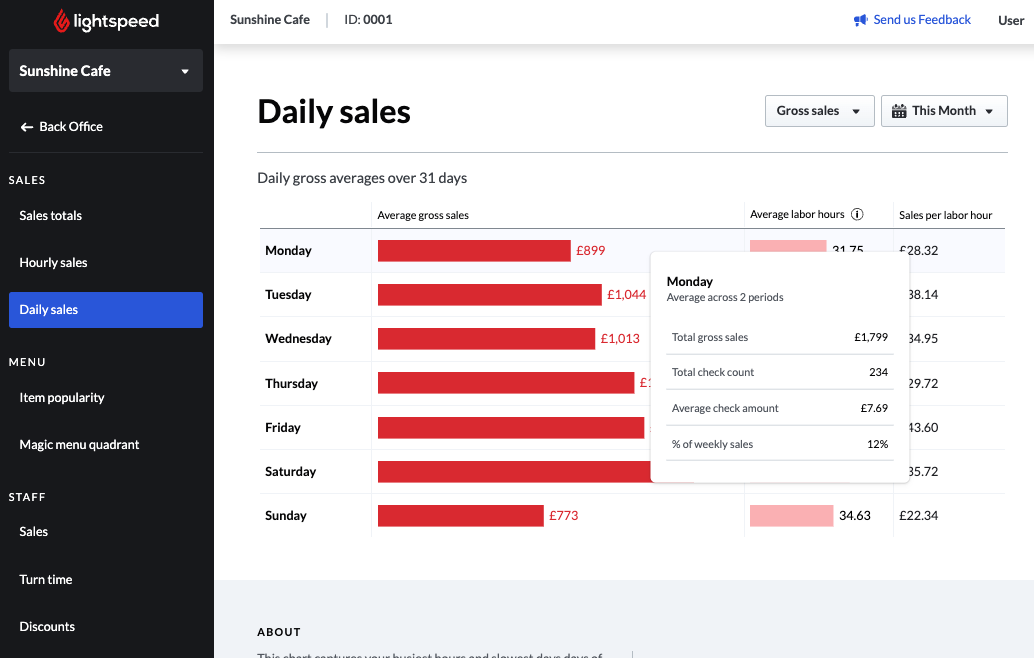
    Its comprehensive inventory management, in-depth analytics, and effortless compatibility with numerous external applications stand out, positioning it as a flexible option for expanding coffee shop businesses.

    cafe pos - lightspeed

    Pros
    Cons
    Intuitive interface featuring item search and categorization
    Some users have reported the need for regular updates and occasional system glitches
    Extensive compatibility with third-party integrations
    Some users have noted delays in customer support response time
    Free trial available

    The initial steep learning curve

    Pricing

    You can choose from the following 3 plans:

    • Starter that costs $69 per month
    • Essential that costs $189 per month
    • Premium that costs $399 per month

    More details on the Lightspeed website. 

    5. TouchBistro

    cafe pos -  touchbistro logo

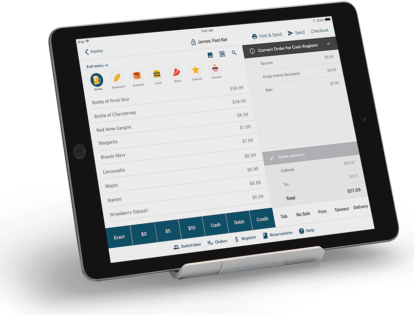
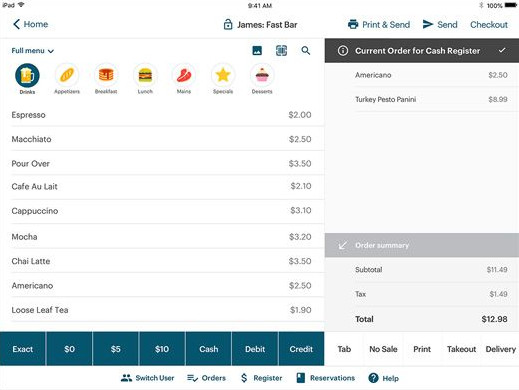
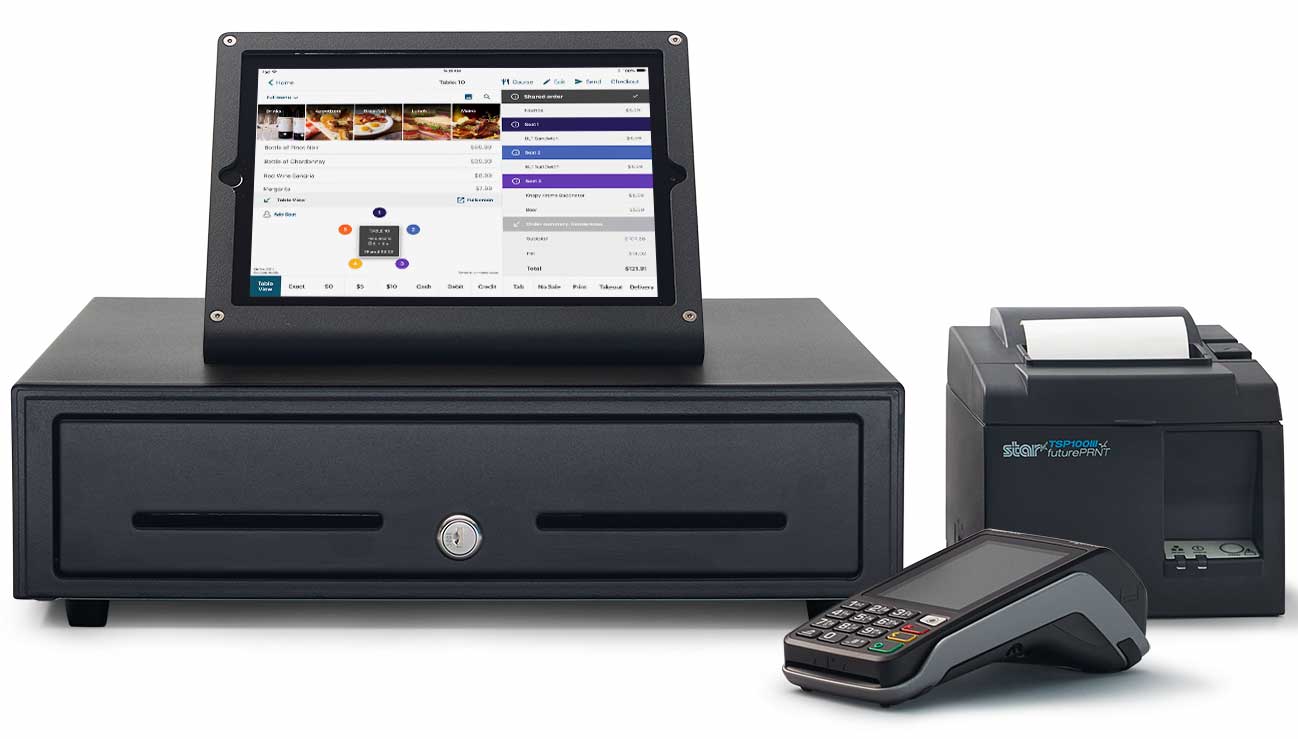
    TouchBistro is tailored for the restaurant sector, providing a cloud-based POS solution that streamlines ordering procedures and boosts customer interaction. Known for its intuitive interface, it facilitates tableside service, allows for easy menu adjustments, and aids in kitchen operations, making it an ideal choice for coffee shops across various sizes.

    cafe pos -  touchbistro

    Pros
    Cons
    Easy setup and daily maintenance, featuring uncomplicated entry for products, ingredients, modifiers, and prices
    Compatibility is restricted to iOS devices, potentially limiting for certain businesses.
    A user-friendly interface that's easy to navigate
    Some users have noted long wait times for customer support
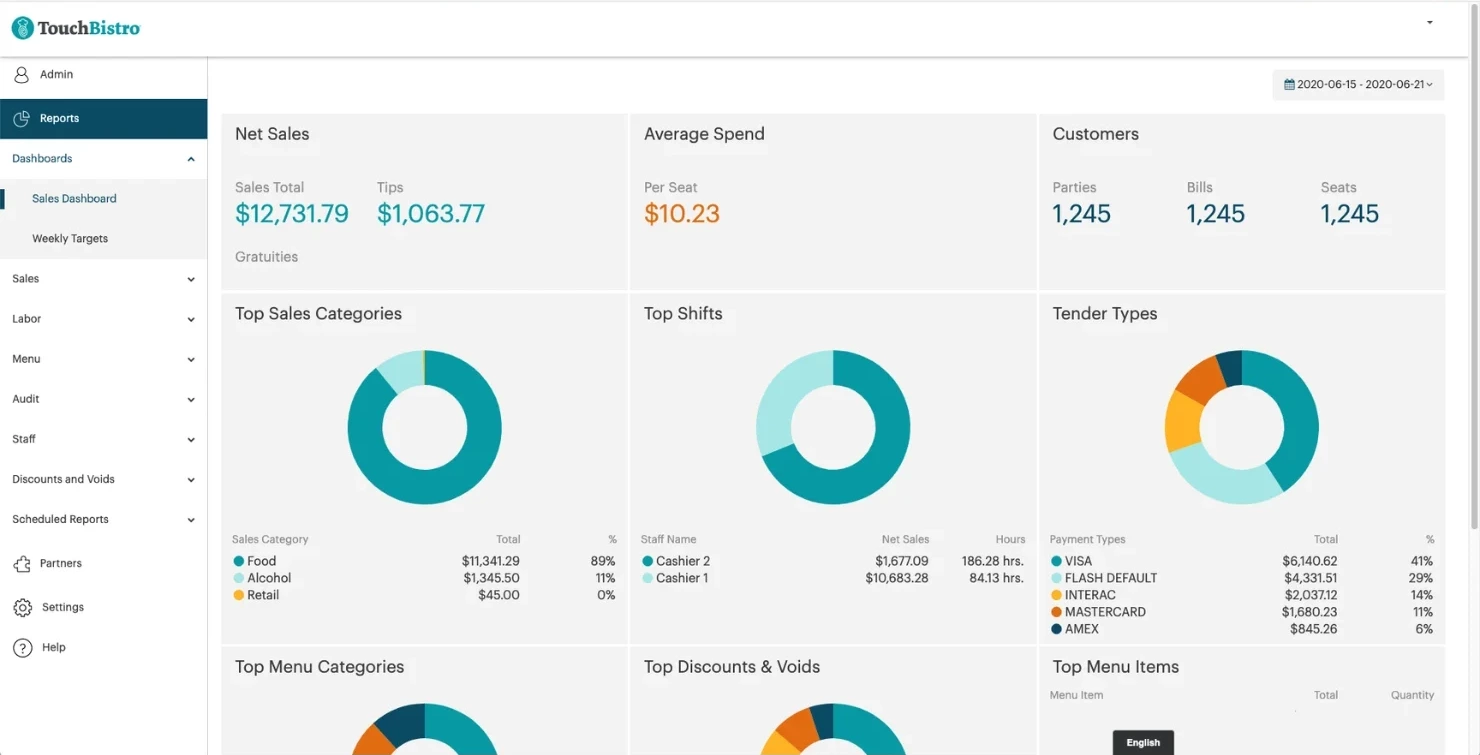
    Reports are detailed and easy to understand

    Some users reported that discounts are not displaying on day printouts

    Pricing

    Pricing begins at $69 monthly. For a personalized quote, visit the TouchBistro website.

    6. Lavu

    cafe pos -  lavu logo

    Lavu is a mobile POS system designed specifically for the restaurant industry, offering features that support order management, payment processing, inventory control, and customer interaction. It’s known for its flexibility, catering to various food service establishments, from cafes and food trucks to full-service restaurants and bars.

    cafe pos -  lavu

    Pros
    Cons
    A dual pricing program can reduce payment processing costs
    Some users have expressed frustration with customer service, citing challenges in reaching support and receiving inadequate assistance
    Many users reported that software evolves in response to customer needs, ensuring it remains current and comprehensive
    Some users noticed frequent system outages, leading to interruptions in credit card processing and order handling
    Simple process for adding, modifying, and removing menu items
    Some users reported you can't use this POS system if the internet goes down or the server stops working
    Cloud-based nature simplifies operations, allowing for swift updates and changes on the go

    Some users noted inventory system design could be improved to include bill scanning, currently requiring significant effort to maintain inventory

    7. KORONA POS

    cafe pos - korona pos logo

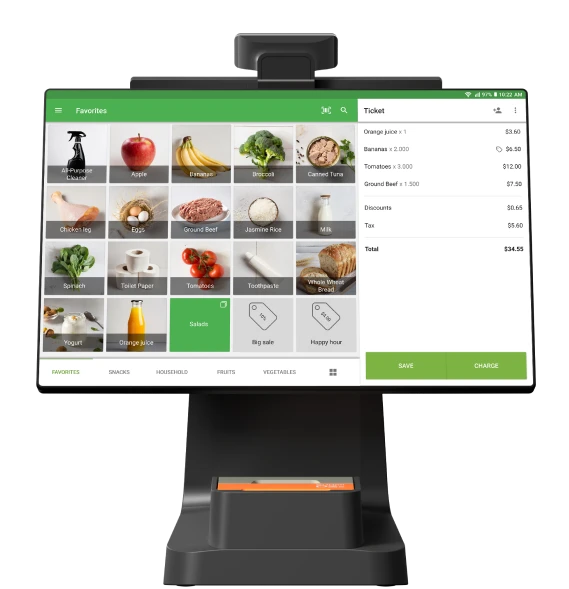
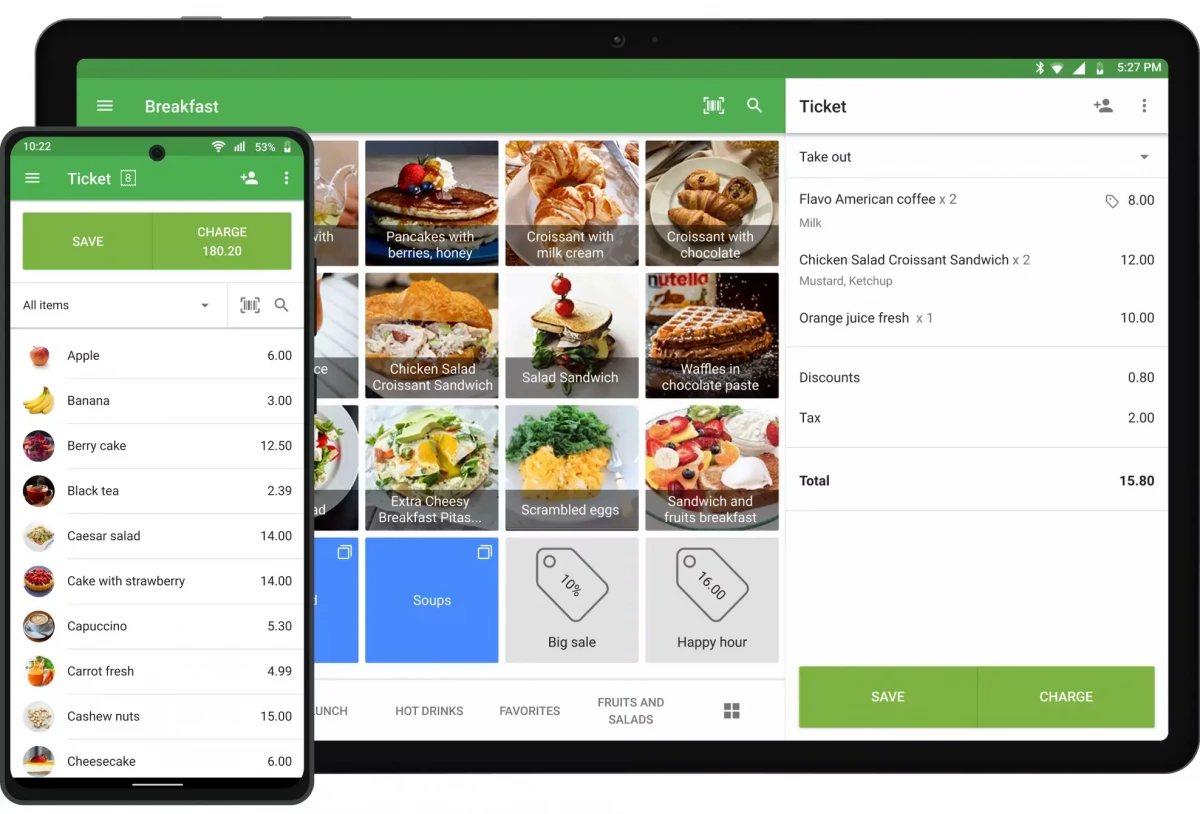
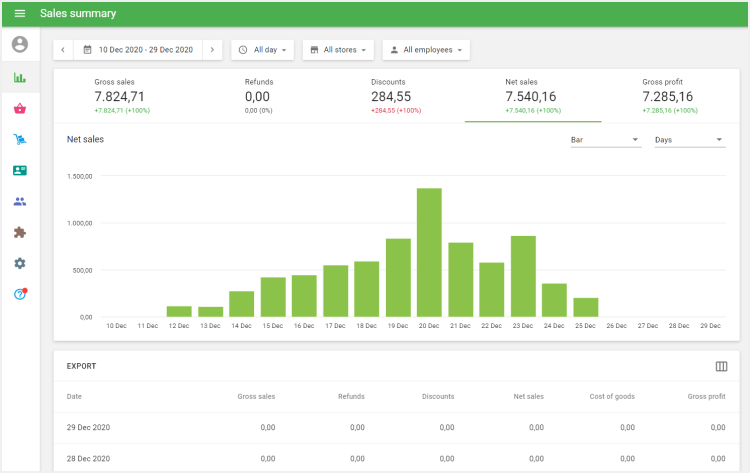
    KORONA POS is a cloud-based point-of-sale system that serves various retail and hospitality businesses, including coffee shops, bakeries, and quick-service restaurants. It emphasizes inventory management, sales analysis, and customer loyalty features, aiming to improve operational efficiency and business insight.

    cafe pos - korona pos

    Pros
    Cons
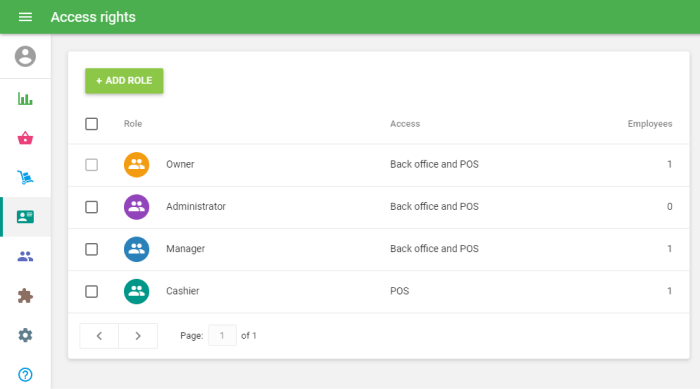
    Enables effortless remote business management, allowing updates to pricing and stock receipt entries
    Some users reported the need for an expanded range of features in the mobile version of the back-office
    The essential features are customizable to suit your business needs, with extensive reporting options available
    Some users reported that its abundance of features can make it challenging to navigate and utilize certain functionalities
    Adaptable payment processing options
    Some users reported that, at times, the user interface is complex and lacks intuitiveness
    Lack of long-term contracts

    Restricted functionality in offline mode

    Pricing

    There are 2 plans to choose from

    • KORONA POS Core costs $59 per month
    • KORONA POS Retail costs $69 per month

    There are also Optional Additional Module Packages. For more information, visit the KORONA POS website.

    Key Takeaways

    • Coffee shop management software is crucial for streamlining operations, from order taking to inventory management, ensuring everything runs smoothly behind the scenes.
    • POS cafe software should be user-friendly, allowing staff to process orders and payments quickly, which is essential for the fast-paced environment of a cafe.
    • A POS system for coffee shops must support integration with third-party applications, such as online ordering and loyalty programs, to expand the shop’s capabilities and enhance customer experience.
    • The ideal coffee shop point-of-sale system will offer robust reporting and analytics features, providing valuable insights into sales trends, popular items, and customer preferences to help drive business decisions.
    • When selecting cafeteria POS systems or POS systems for cafes, consider the system’s scalability to ensure it can grow with your business, accommodating more products, locations, and evolving customer needs.

    Frequently Asked Questions (FAQ)

    In cafes, POS stands for “Point of Sale,” referring to the system for processing customer transactions, managing orders, and sales tracking. It’s tailored to cafe operations, streamlining service and improving customer experience.

    According to POS USA, Starbucks uses Oracle Simphony, a POS system tailored for the restaurant sector. Although Oracle Simphony is widely adopted across the United States, it’s not the universal choice. For example, Starbucks in Iceland utilizes LS Nav, while its operations in India are managed through TCS.

    The cost of a cafe POS system varies, from free basic plans with additional costs for extra features to mid-range options around $69 to $150 per month and high-end solutions exceeding $200 per month. Hardware costs can add a one-time expense of a few hundred to several thousand dollars.

    Picture of Agata Kubiak - Padkowska

    Agata Kubiak - Padkowska

    6+ years Partnerships Manager passionate about helping restaurants thrive in online space.

    How helpful was this post?

    Share this article

    More from UpMenu:

    Try for free,
    no commitment!

    Ready to take the next step for your restaurant business?
    Schedule a Demo Today! 🚀