
Restaurant Order Management Software
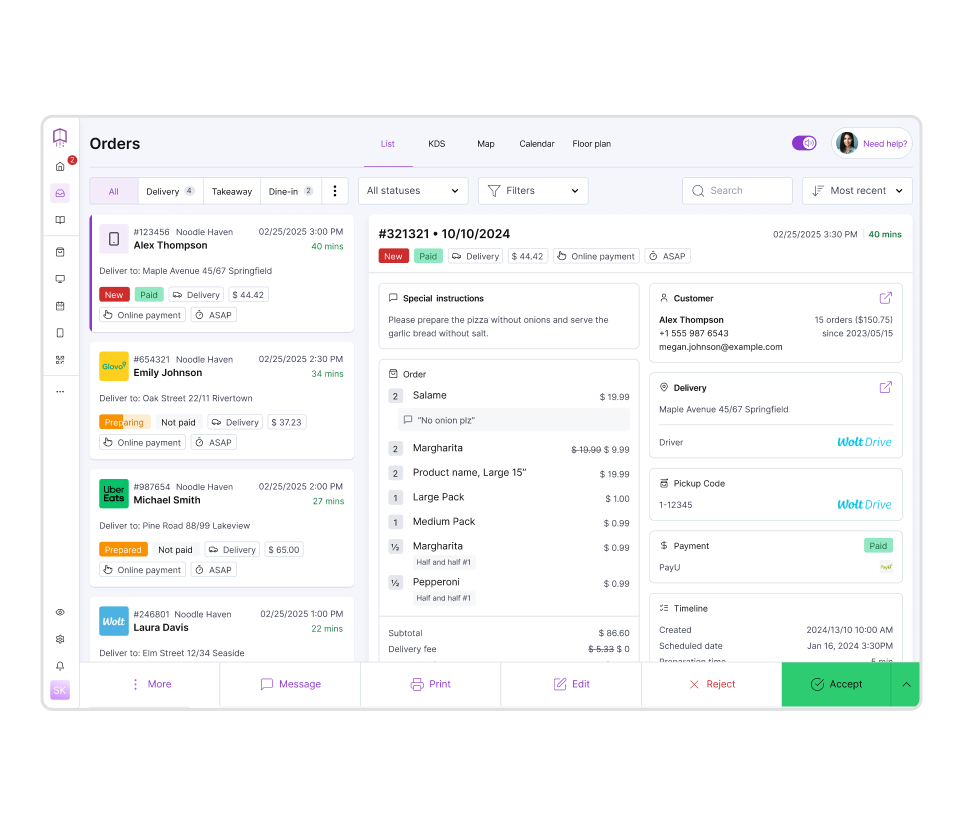
- All orders in one place = full control over operations
Manage dine-in, online, phone orders, and delivery apps from one dashboard — no switching between tablets. - Faster daily operations and less manual work
Automate order handling, confirmations, and updates — your team spends less time on repetitive tasks. - More orders handled without increasing staff
Process higher order volume without adding complexity or extra workload.
Benefits
Why you need restaurant order management system
- Real-time visibility of orders and workload
See what's coming in, what's in progress, and what's delayed — react instantly during peak hours. - Fewer errors and missed orders
Eliminate mistakes caused by manual input, miscommunication, or disconnected tools. - More efficient kitchen and delivery coordination
Keep kitchen, staff, and drivers aligned with clear order details, timing, and status. - Two-way menu management across all channels
Manage your menu and updates in one system and publish changes instantly across all ordering channels — no duplication, no inconsistencies. - Better control over order flow and capacity
Decide how many orders you accept and when — avoid overload during peak hours and keep service quality consistent.
Quick start & zero risk
Collect and manage orders from multiple channels today
- No disruption to your operations
Get your order management system up and running quickly without changing how your restaurant works today.
- Full support 7 days a week
Get help via chat or email — before, during, and after setup.
- No long-term contracts
Use the system as long as you want — no lock-ins or commitments.
How it works
How the order management system works
- 1.
Collect all orders in one system
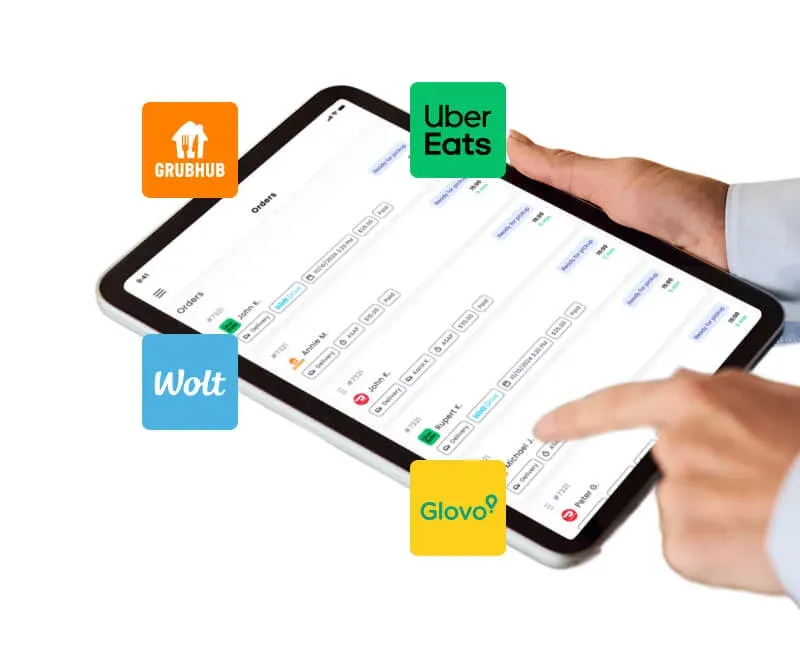
Orders from your website, phone, on-site and delivery apps are gathered in one dashboard — no more switching between tablets.
- 2.
Manage and track orders in real time
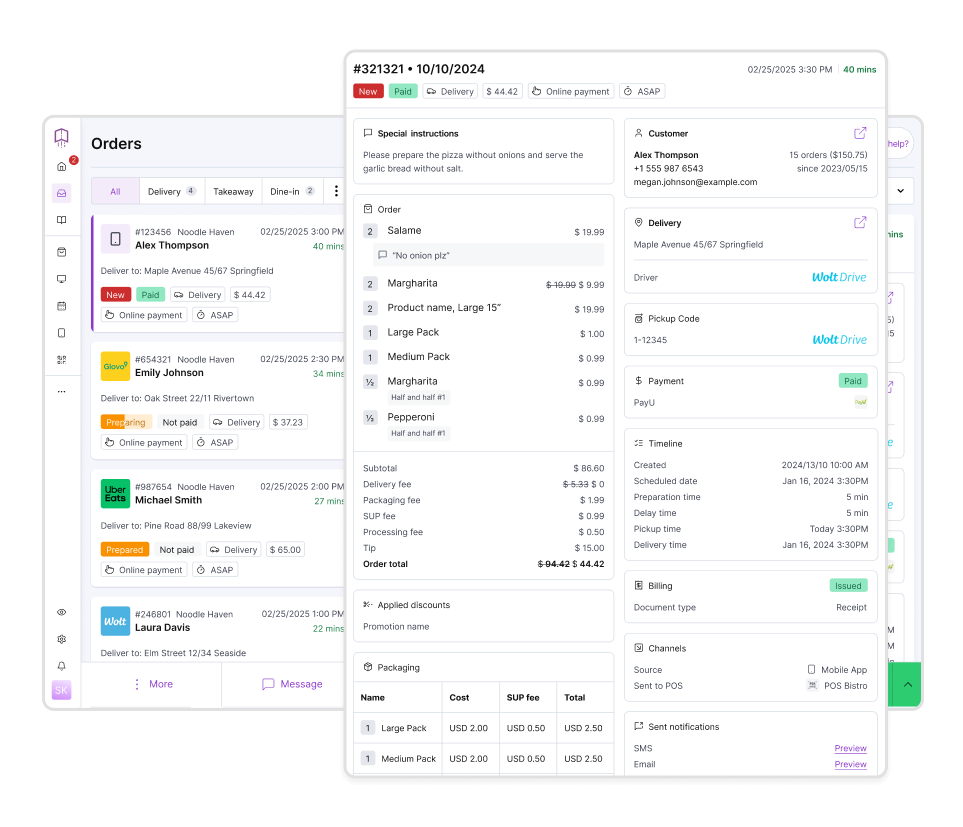
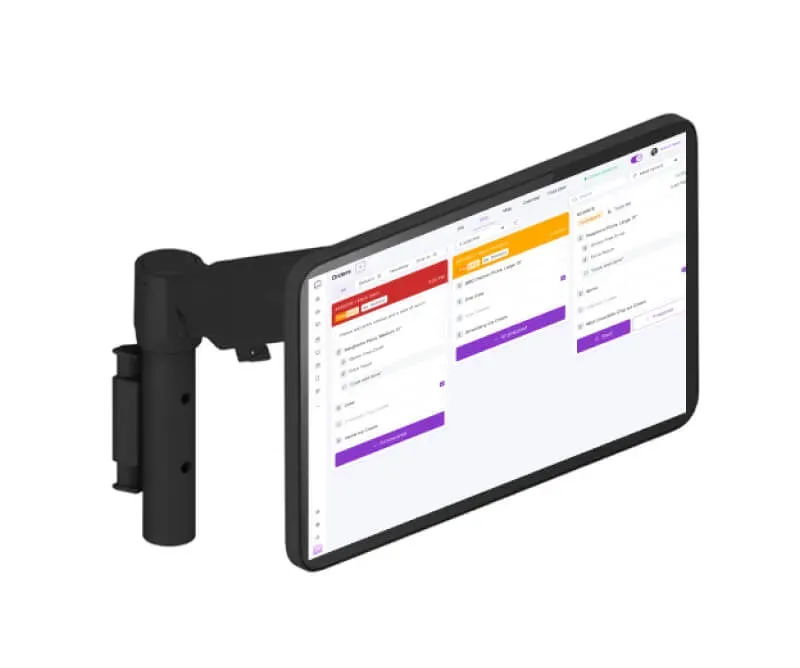
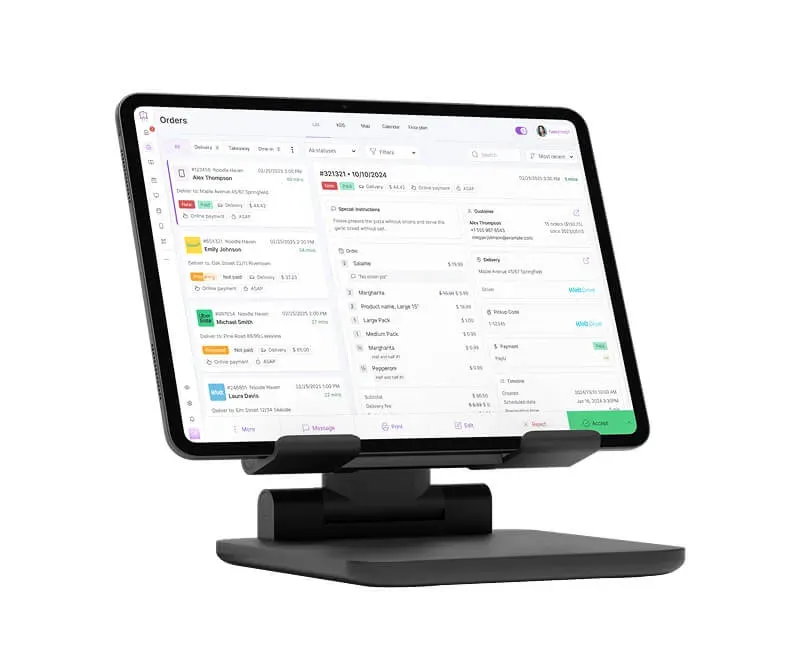
See incoming orders, update statuses, and control timing from one place — your team always knows what's happening.
- 3.
Send orders directly to the kitchen and staff
Orders are instantly forwarded to the KDS and POS system, reducing delays, miscommunication, and manual handling.
- 4.
Control order flow and delivery operations
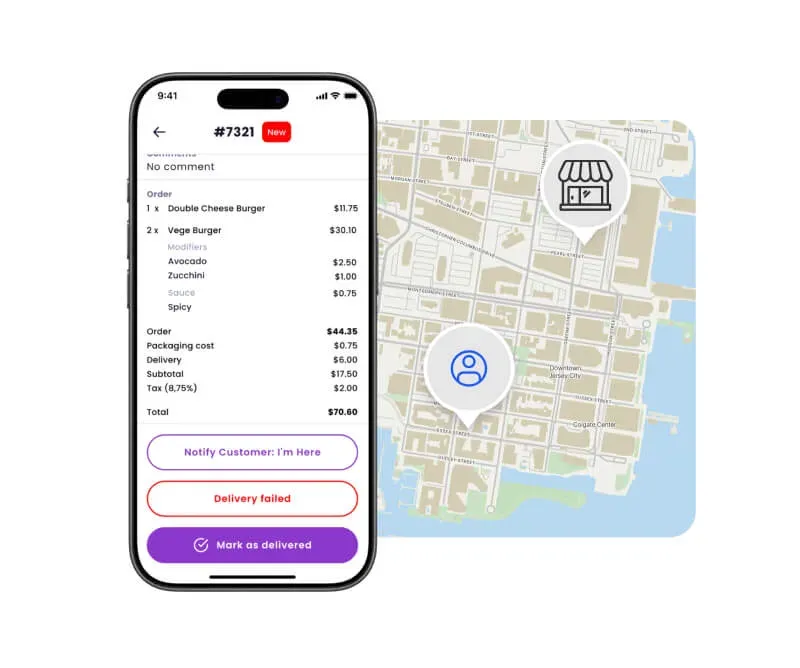
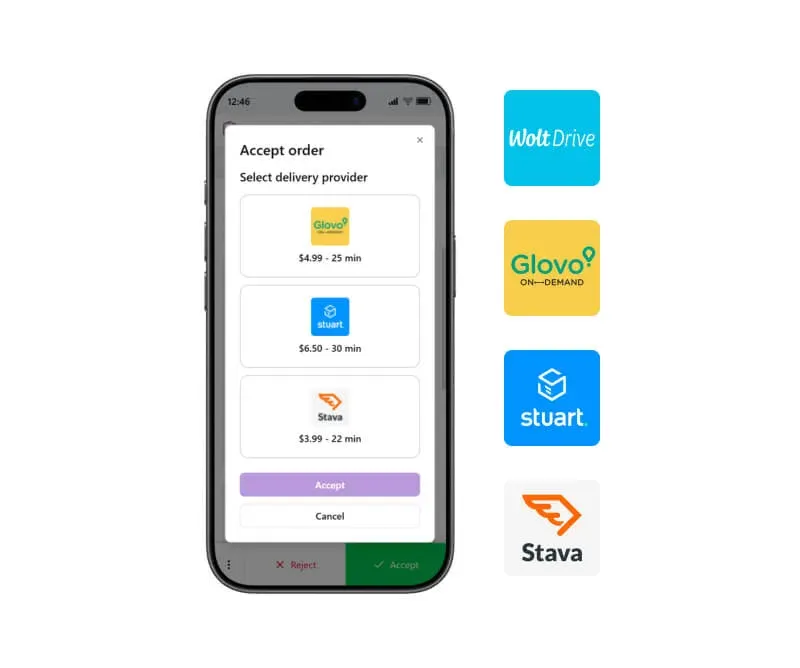
Set limits, manage peak hours, and organize delivery or pickup — stay in control even during busy periods.
Result: Organized workflow, faster service, and no missed orders
You manage every order from one system — with full visibility and fewer errors.
See the difference
Order Management System vs Aggregators vs Multiple tools
| UpMenu Order Management System | Delivery Aggregators (Uber Eats, DoorDash) | Multiple tools (POS + plugins + tablets) | |
|---|---|---|---|
| All orders in one system | ✅Yes | ❌No — separate app per platform | ❌No — spread across systems |
| Centralized order management | ✅Yes | ❌No | ❌No |
| Real-time order tracking | ✅Yes | ➖Limited — per app only | ➖Fragmented |
| Kitchen & staff coordination | ✅Built-in | ❌No | ➖Manual / partial |
| Multi-channel order aggregation | ✅Yes | ❌No | ➖Complex setup |
| Number of tools required | ✅1 system | ❌Multiple apps | ❌Multiple systems |
| Setup complexity | ✅Simple | ➖Easy but limited | ❌Complex |
| Monthly cost structure | ✅Predictable | ❌High + variable | ❌High combined costs |
| Customer data ownership | ✅Full access | ❌No access | ➖Partial |
| Scalability (more orders / locations) | ✅Easy | ❌Limited | ❌Gets more complex |
Who it is for
Who is this order management system for?
- Restaurants handling orders from multiple channels
Perfect if you receive orders from your website, phone, and delivery apps and want to manage everything in one place.
- Restaurants using delivery platforms and multiple tablets
Ideal if you want to reduce tablet chaos and manage all incoming orders without switching between systems.
- Restaurants struggling with manual order handling
Best for businesses relying on phone calls, notes, or spreadsheets — leading to errors and delays.
- Growing restaurants with increasing order volume
Great if you want to handle more orders without adding complexity or losing control of your operations.
UpMenu products
Explore the UpMenu platform
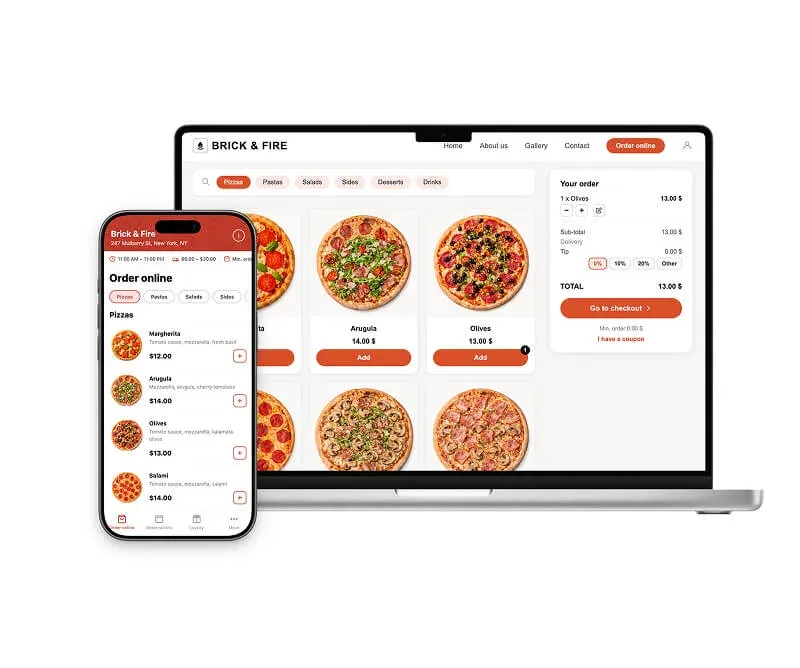
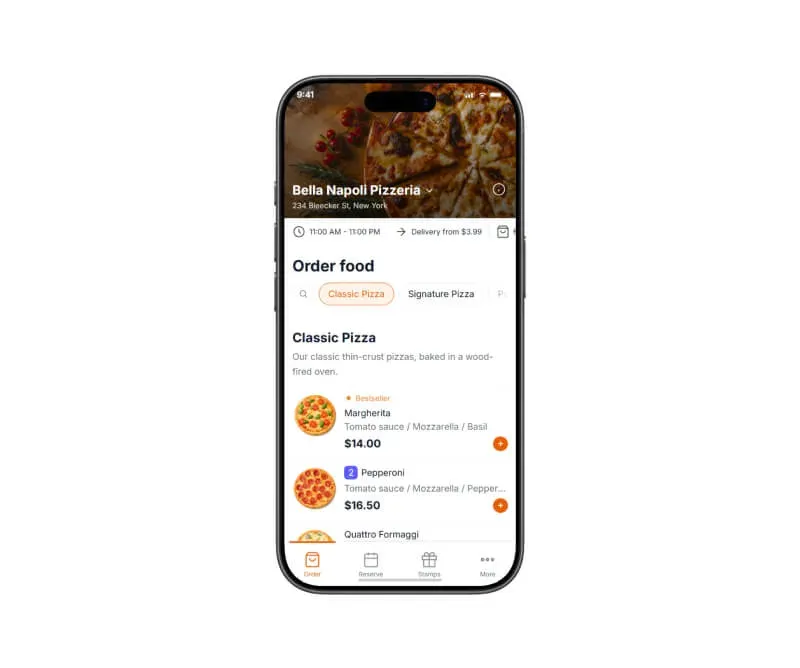
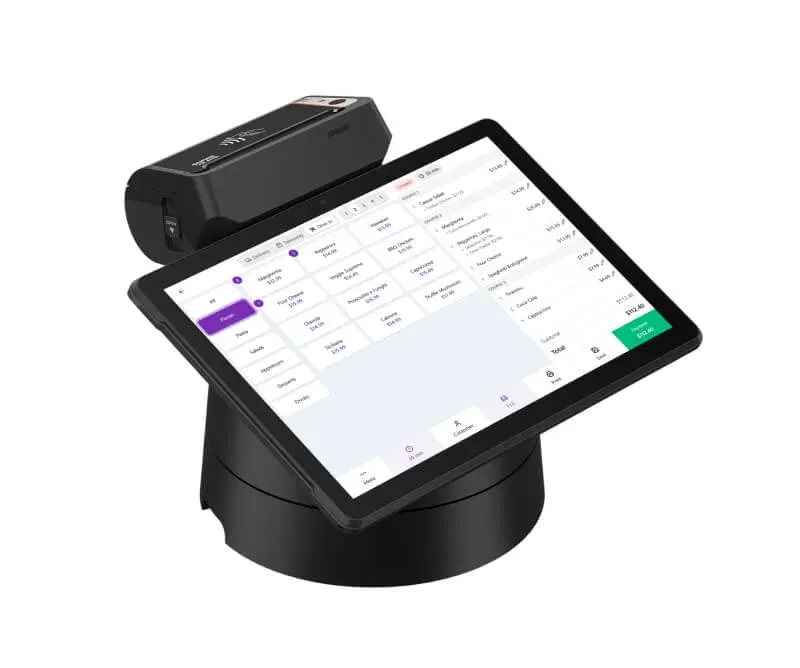
Everything your restaurant needs
Trust our experience
We've been working with restaurants since 2012, building tools designed specifically for how food businesses operate.
We understand how complex it is to manage orders from multiple channels, coordinate kitchen and delivery, and keep operations running smoothly during peak hours.
That's why we created a restaurant order management system that helps you collect, manage, and track all orders in one place — without chaos, missed orders, or manual coordination.
Our happy clients
Why restaurateurs choose UpMenu




What owners say
Pricing
How much does an order management system cost
Read more about online ordering
Restaurant online ordering
How To Sell Food Online in 2026: 10 Step Guide for Beginners
Restaurant marketing
How to Increase Restaurant Sales: 16 Proven Strategies (2026)
Restaurant online ordering
10 Best Restaurant Online Ordering Systems In 2025 (Tried & Tested)
Restaurant online ordering
How to Set Up an Online Ordering System for Your Restaurant (9 Steps)
Restaurant online ordering
9 Benefits of Online Ordering for Restaurants (2026 Data)
Restaurant online ordering