
Table Ordering System for Restaurants
Guests order and pay at the table from their phones — without waiting for staff.
- Tableside ordering and payments in one system
Orders and payments are placed directly at the table via mobile device. - Faster table turns = serve more guests
Speed up ordering and payment to increase table turnover and daily revenue. - Better order accuracy = fewer mistakes and complaints
Guests enter orders themselves, and staff confirm them digitally — no miscommunication.
How it works
How restaurant table ordering works
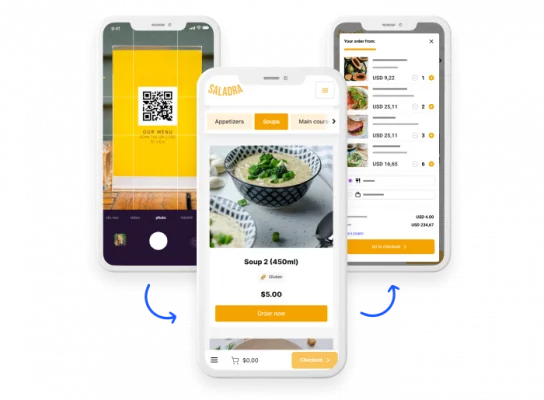
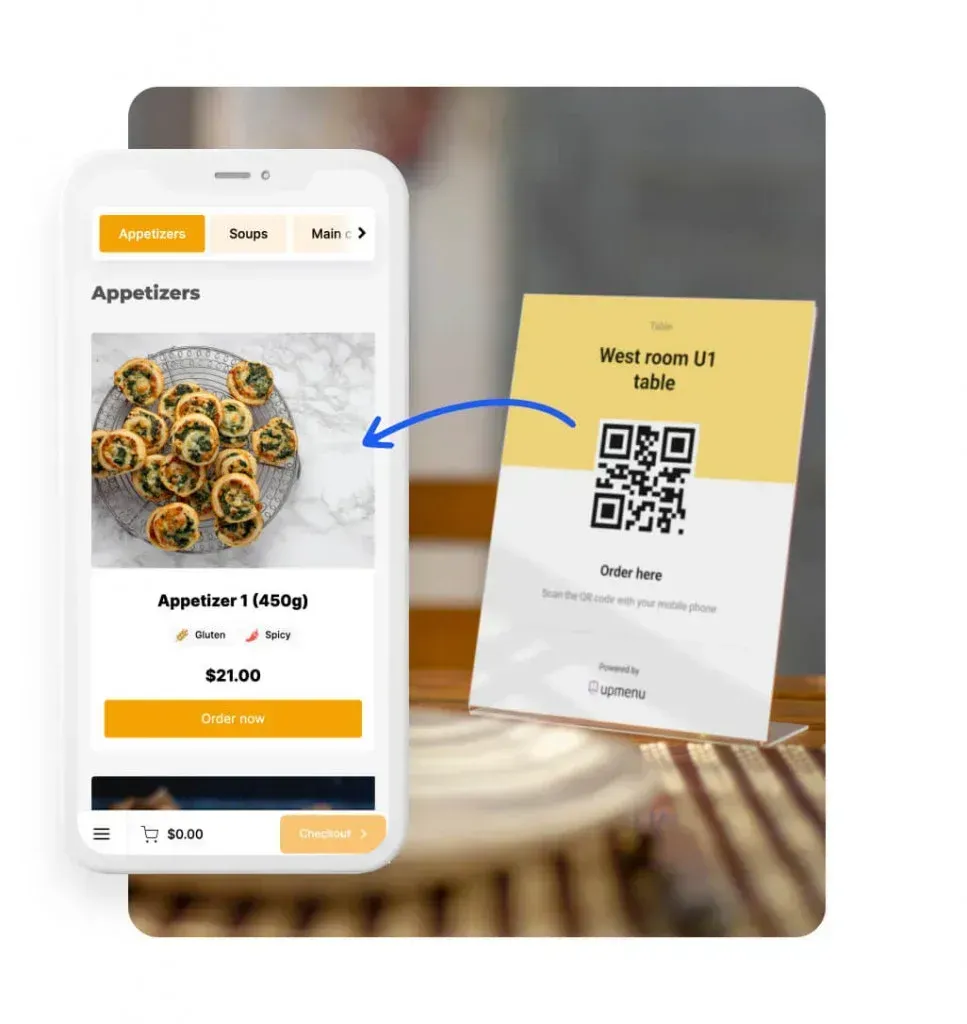
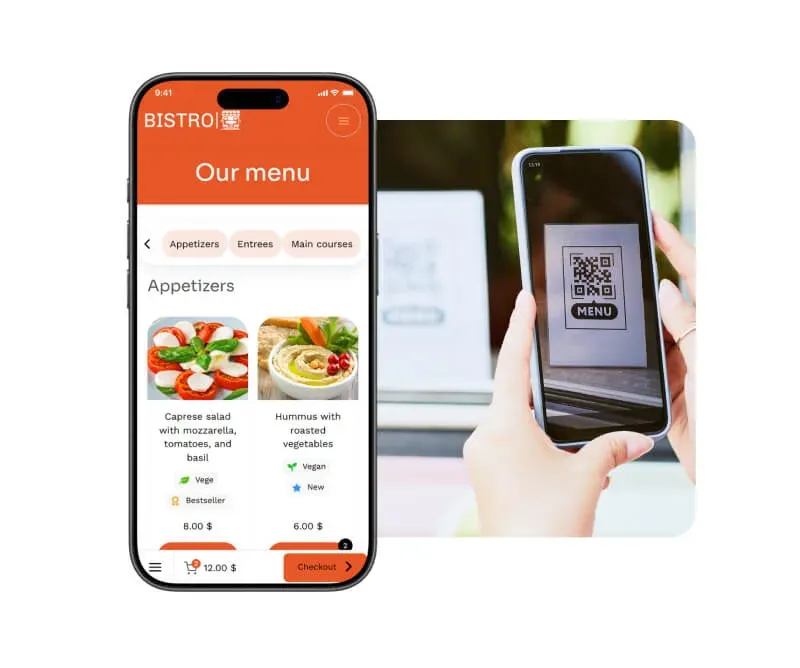
Guests scan QR code at the table
Customers access your digital menu and ordering system instantly at the table.
Orders go directly to the kitchen and POS
Orders are automatically sent with all details, modifiers, and notes.
Staff manages service in real time
Your team focuses on preparation and service instead of manual order taking.
Result: Faster service and higher table turnover
Serve more guests with fewer delays — even during rush hours.
Benefits
Benefits Of Tableside Ordering System
- Full control over orders and payments
Track every order and payment in real time from one system — no confusion, no lost tickets. - Faster service during peak hours
Guests order instantly without waiting for staff, reducing queues and keeping service smooth even during rush. - Orders are automatically sent to the kitchen
Orders go directly to the kitchen with all details, eliminating delays and manual handoffs.
Quick start & zero risk
Fast and easy setup — even in one day
- Test the system risk-free
Try tableside ordering and see how it works in your restaurant.
- No long-term contracts
Use it as long as you want — no commitments.
- 7-day support
Get help via chat or email — during and after setup.
See the difference
Tableside Ordering vs. Traditional POS
| Tableside Ordering (UpMenu) | Traditional POS / Ordering | |
|---|---|---|
| Order flow | ✅Orders placed directly at the table via QR or mobile | ❌Orders taken manually and entered later at POS |
| Service speed | ✅Faster ordering & payments with no waiting for staff | ❌Slower service due to back-and-forth between table and POS |
| Order accuracy | ✅Higher accuracy — orders entered directly by guests or staff | ❌More mistakes from handwritten or verbal orders |
| Table turnover | ✅Faster table turns = more guests served | ❌Slower turnover due to delays in ordering and payment |
| Staff workload | ✅Less manual work — staff focus on service, not order taking | ❌High workload — staff take orders and handle payments manually |
| Upselling | ✅Built-in upsells (add-ons, suggestions, combos) | ❌Limited upselling depends on staff performance |
| Payments | ✅Pay at the table instantly (card, mobile wallets) | ❌Payment delays — waiting for bill and terminal |
| Customer experience | ✅Fast, convenient, contactless | ❌Slower and dependent on staff availability |
Benefits
How table ordering increases your revenue
- Better team efficiency = lower labor costs
Automating ordering and payments reduces the workload on staff and minimizes the need for additional hires. - No lost revenue due to delays or missed tables
Guests don’t leave because of long wait times — they can order immediately when they’re ready. - Increased average order value with add-ons
Digital menus make it easy to upsell extras, drinks, and add-ons during the ordering process.
UpMenu products
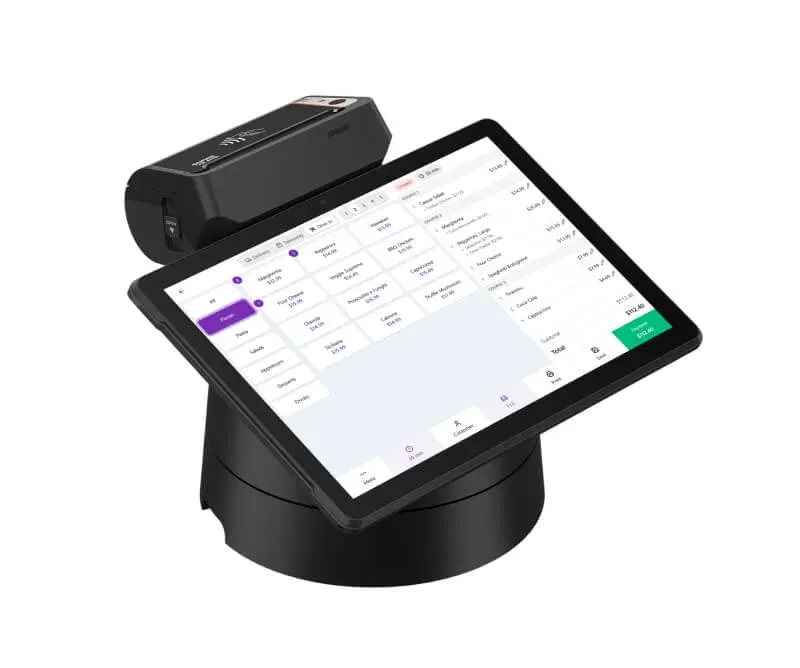
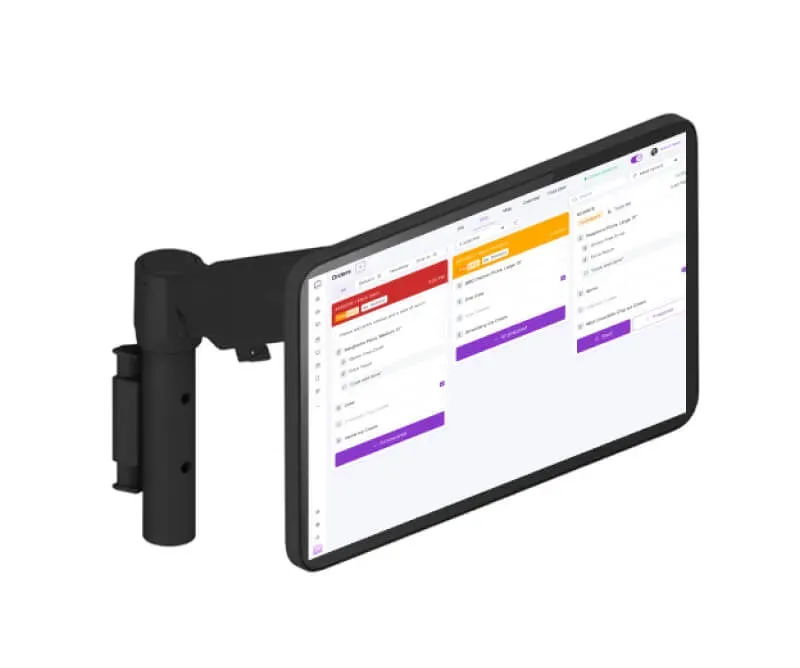
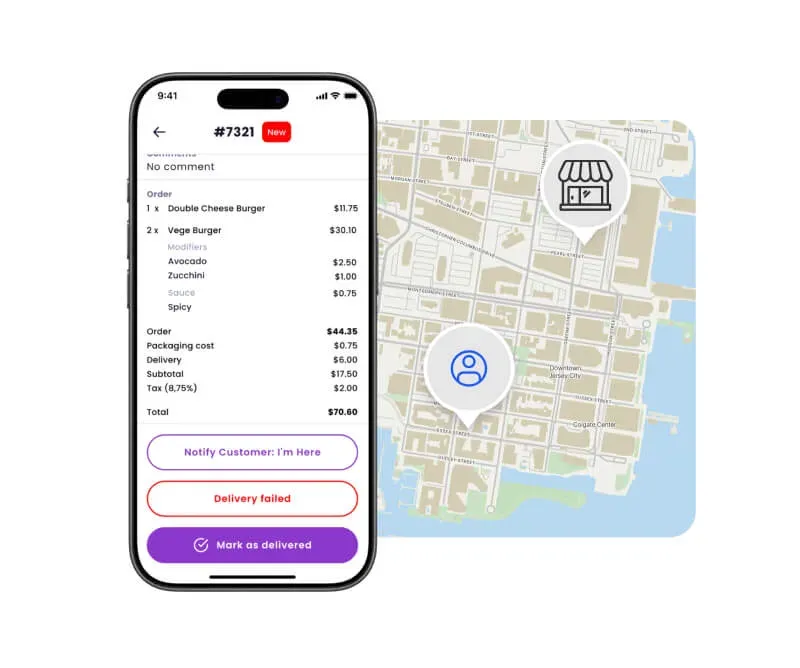
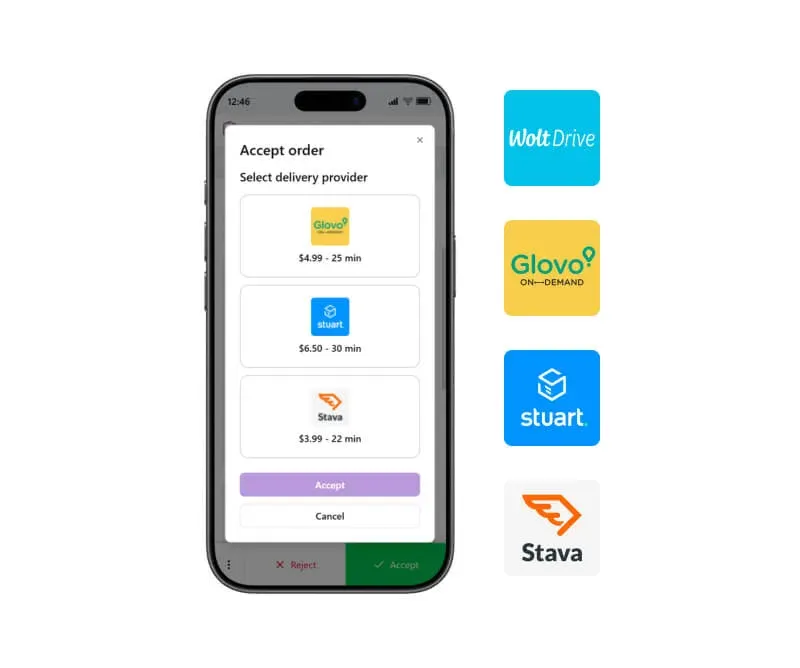
Explore the UpMenu platform
Everything your restaurant needs
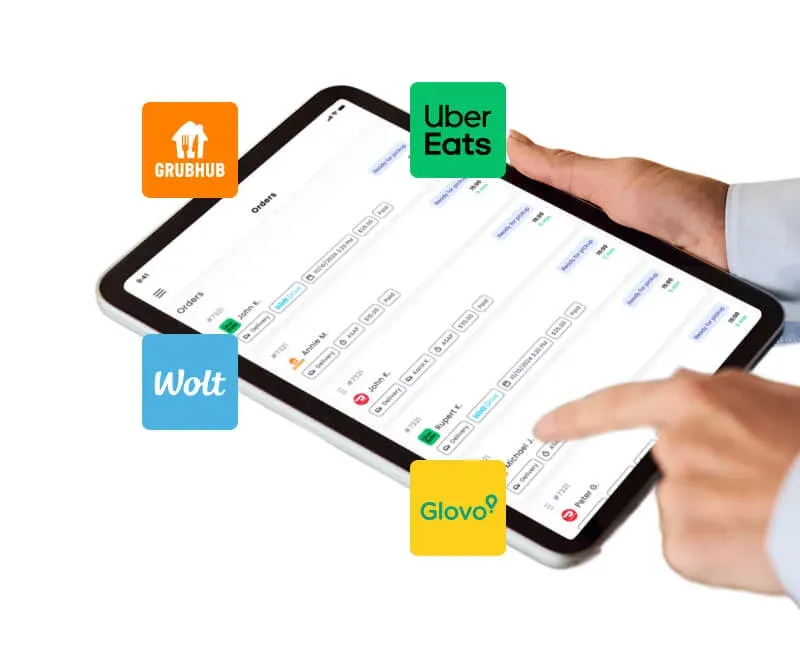
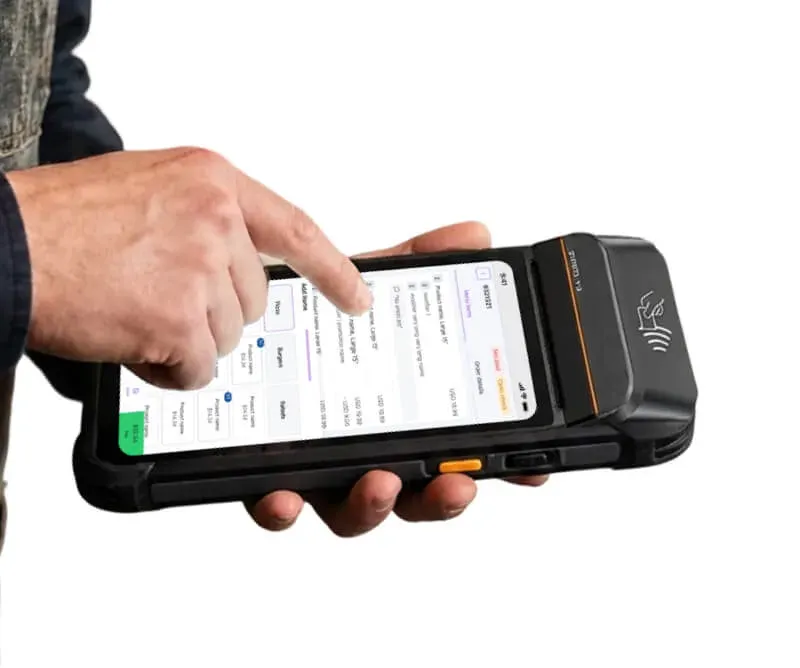
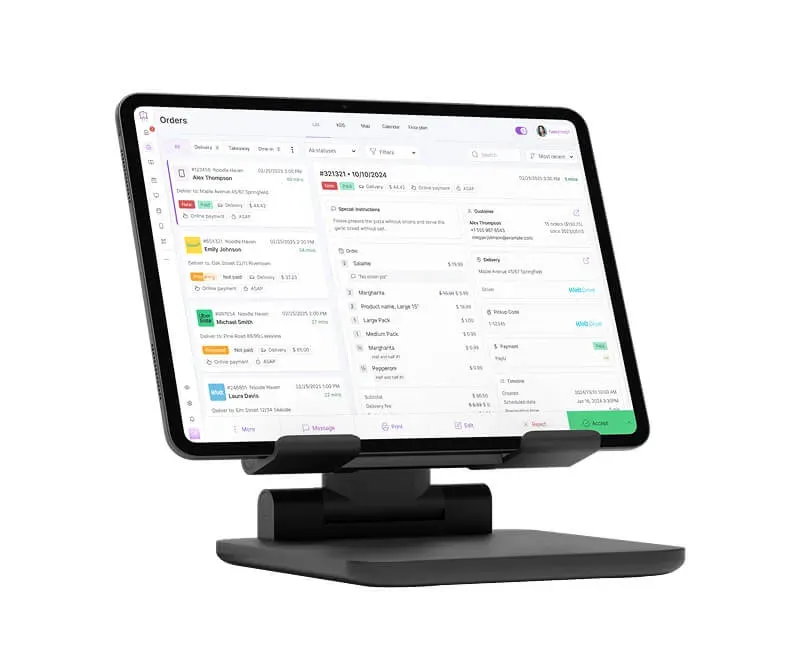
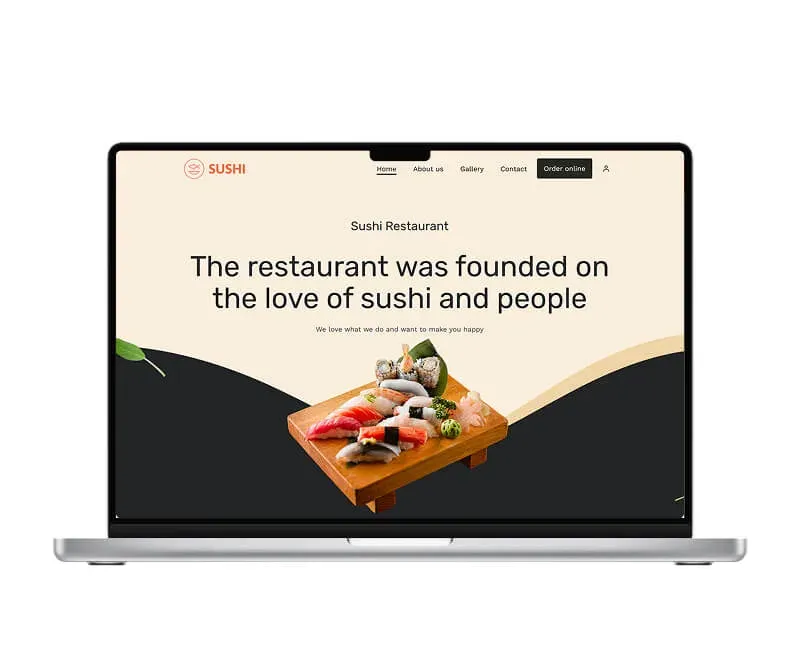
Trust our experience
We’ve been working with restaurants since 2012. Together with restaurant owners, we’ve built an all-in-one platform designed specifically for the restaurant industry.
We understand how critical speed and guest experience are. That’s why we built a table ordering system that lets guests order and pay instantly at the table — helping restaurants increase table turnover, reduce wait times, and generate more revenue during peak hours.
Our happy clients
Why restaurateurs choose UpMenu




What owners say
Pricing
How much does a table ordering system cost
Included in a simple monthly subscription
Read more about online ordering
Restaurant online ordering
How To Sell Food Online in 2026: 10 Step Guide for Beginners
Restaurant marketing
How to Increase Restaurant Sales: 16 Proven Strategies (2026)
Restaurant online ordering
10 Best Restaurant Online Ordering Systems In 2025 (Tried & Tested)
Restaurant online ordering
How to Set Up an Online Ordering System for Your Restaurant (9 Steps)
Restaurant online ordering
9 Benefits of Online Ordering for Restaurants (2026 Data)
Restaurant online ordering