
Kitchen Display System
Streamline kitchen operations with a KDS system for restaurants.
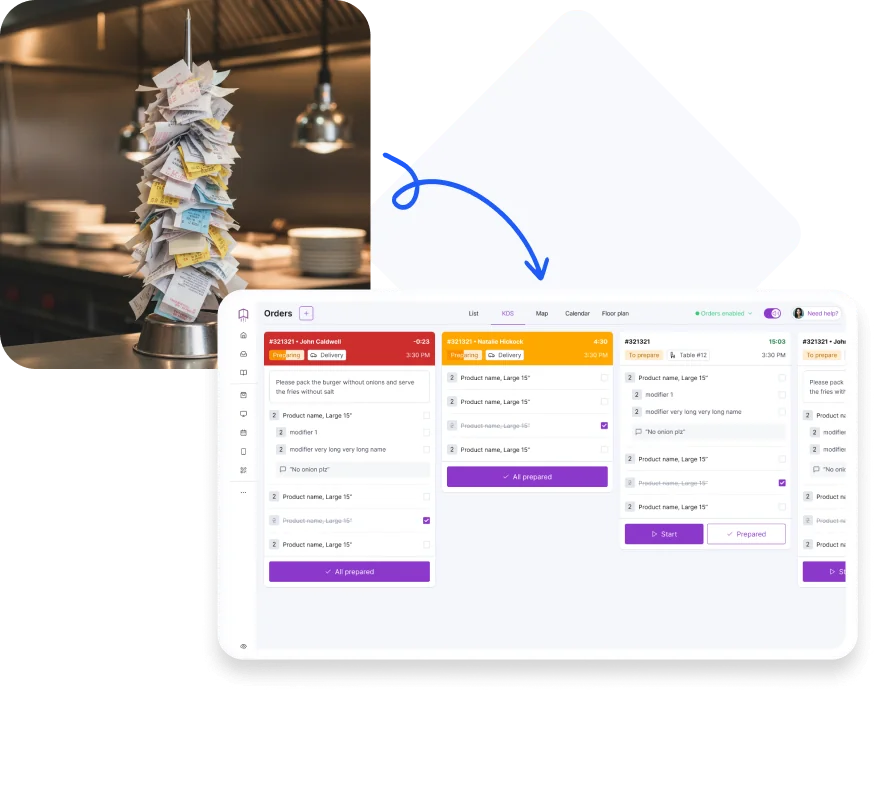
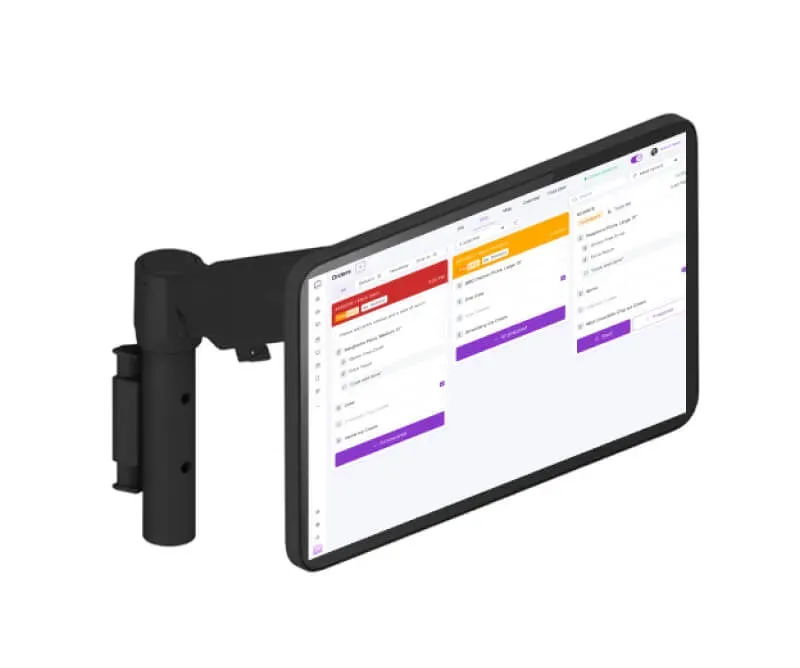
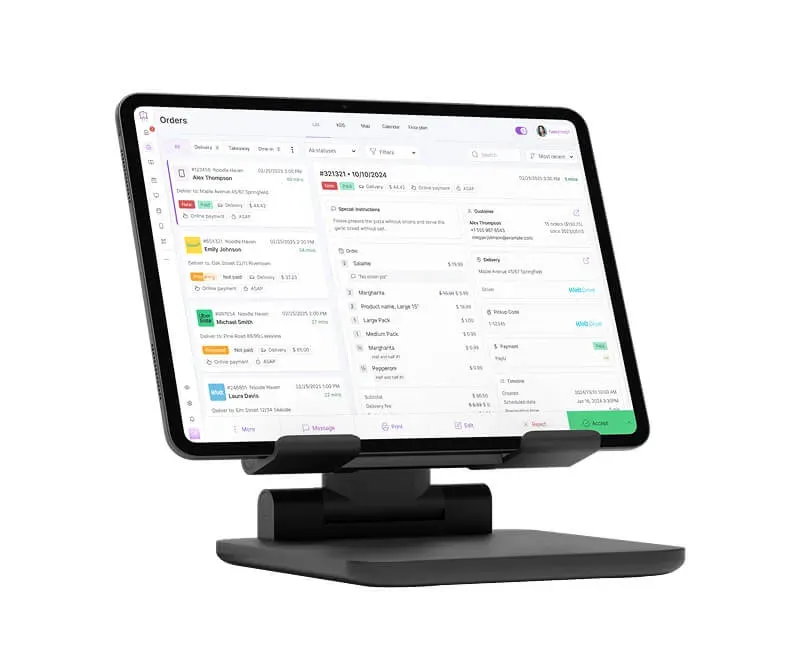
- All orders on one screen
Orders from your POS, restaurant website, and delivery channels automatically appear on a kitchen tablet. - Better kitchen organization = higher team efficiency
Orders can be assigned to specific stations and screens. - Faster order fulfillment = more customers served
Your kitchen can prepare more orders at the same time.
How it works
How does a Kitchen Display System work
- 1.
The order enters the system
An order from your POS, restaurant website, or delivery platform automatically appears on the kitchen display.
- 2.
The kitchen sees order details
The system displays dishes, modifications, preparation time, and order priority.
- 3.
The kitchen updates the order status
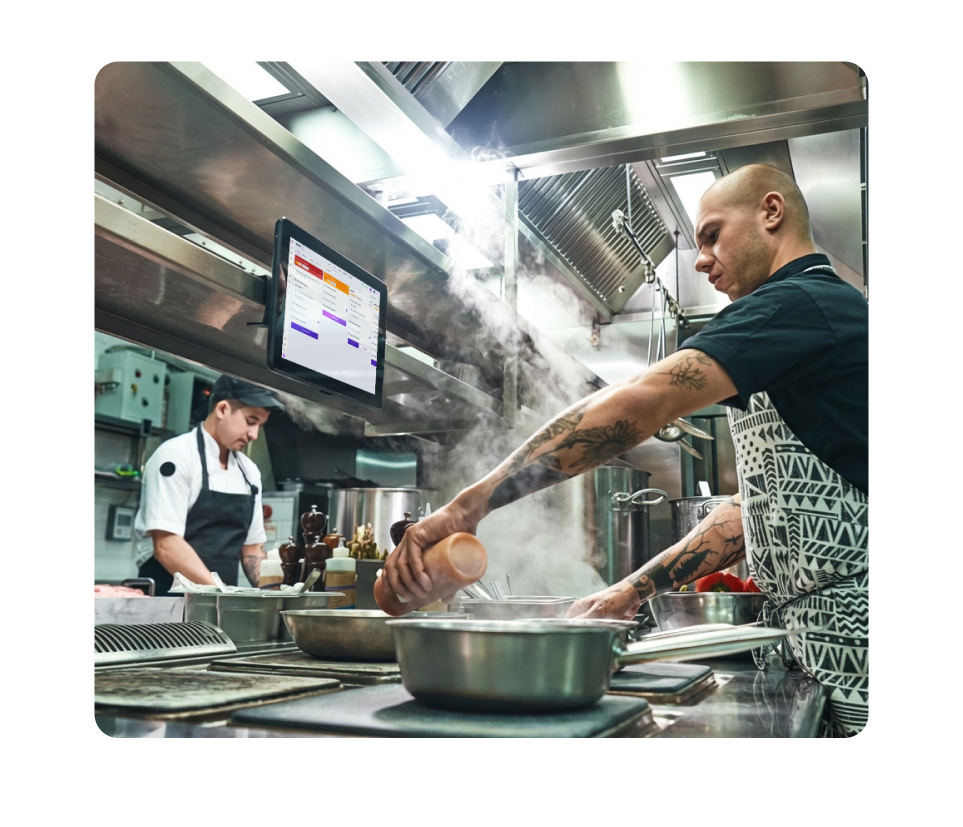
Staff mark orders as in preparation or ready.
Shorter prep times and smoother service
Your team works more efficiently and your restaurant handles peak hours with ease.
Benefits
How does a KDS improve kitchen operations?
- Orders without paper tickets and kitchen chaos
The system clearly displays items, modifications, and customer notes. - Better communication between kitchen and front-of-house = faster order pickup
Staff can instantly see which orders are ready to be served. - Better use of staff time
Your team spends less time searching for information or organizing paper tickets. - Fewer kitchen mistakes = less refunds and food waste
Clear orders help reduce preparation errors. - Order priorities visible instantly = fewer delays during rush hours
The KDS highlights preparation times and urgent orders.
Quick start & zero risk
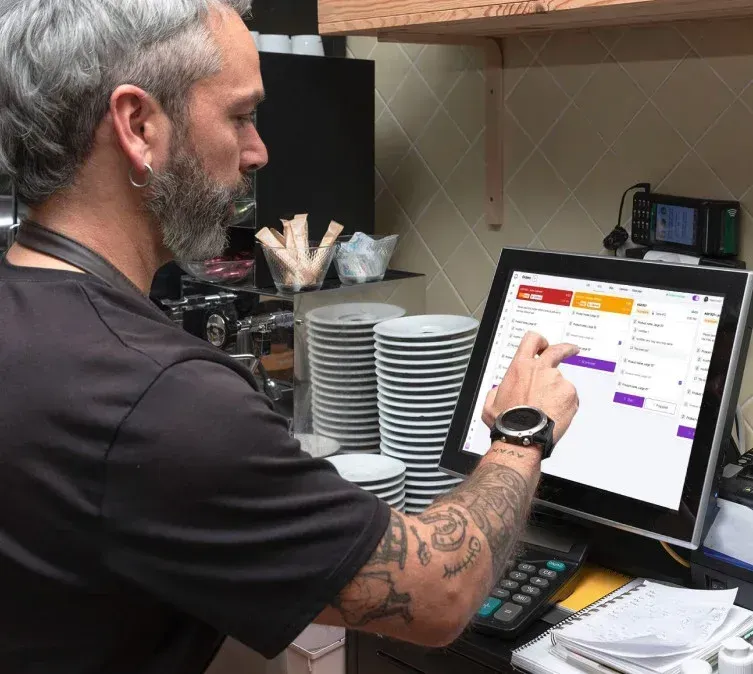
Lightning fast installation — even in one day
- Test the system risk-free
Try the KDS system on your tablet, mobile device, or computer and see how it works in your restaurant. - No long-term contracts
Use the system as long as you want — with no commitments. - Technical support 7 days a week
Get help via chat or email — during setup and after your system is live. - Easy setup for multiple kitchen stations
Add additional kitchen screens as your restaurant grows.
Who it's for
Where does KDS work best?
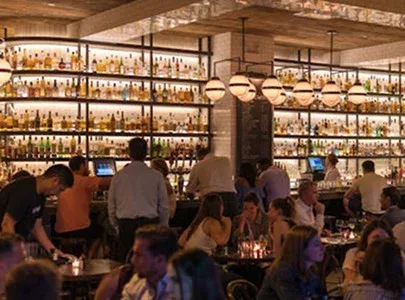
A kitchen display system designed for different types of restaurant operations and concepts.
 Full-service restaurants
 Fast food and quick-service restaurants
 Restaurant chains and high-volume locations
 Restaurants with online ordering and delivery
UpMenu products
Kitchen Display System is just the beginning
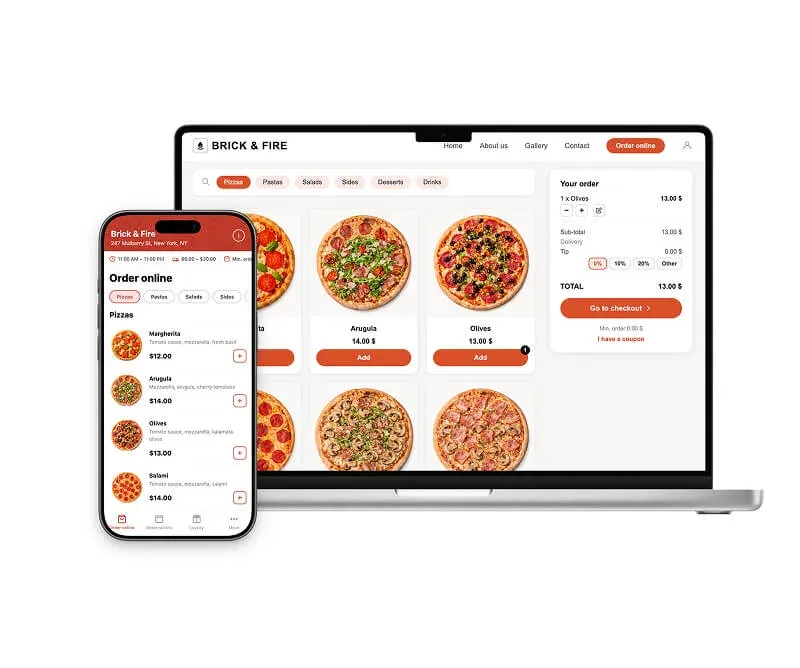
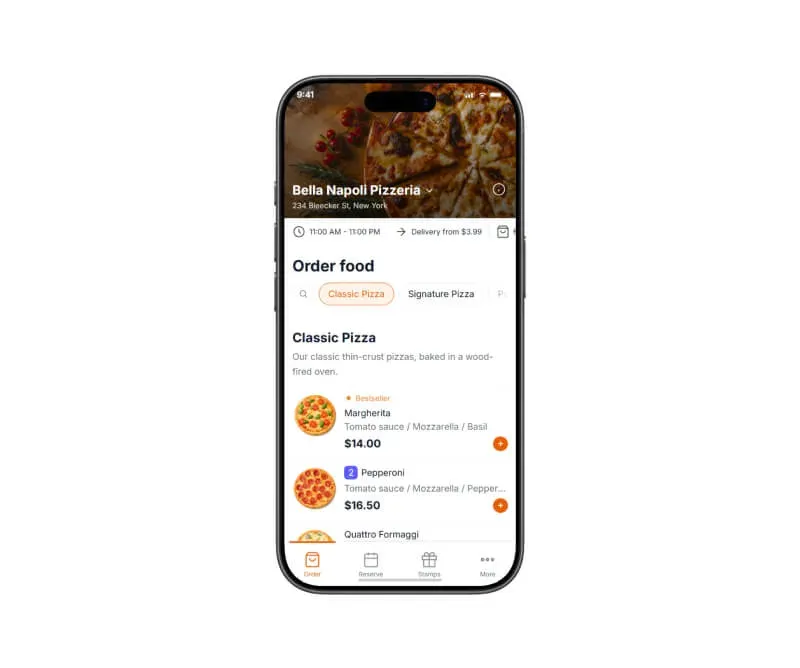
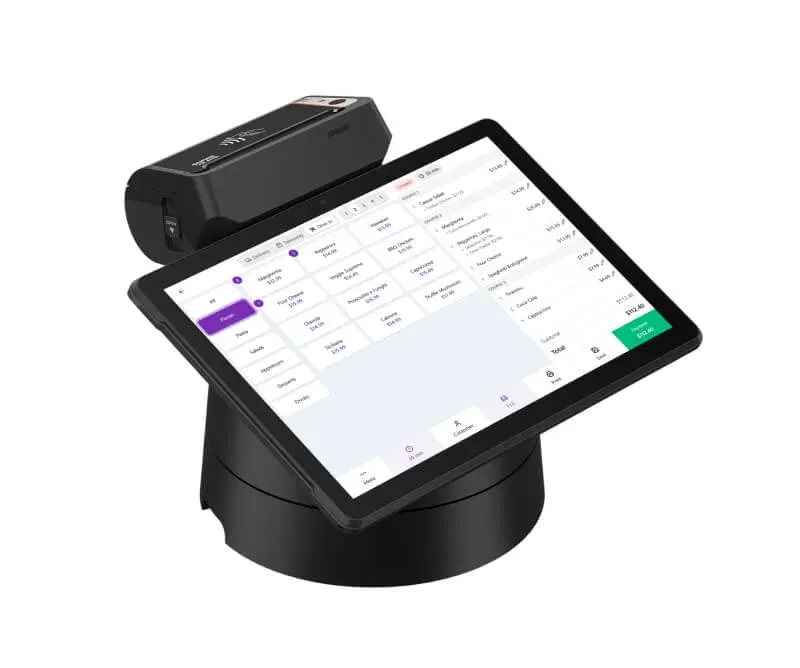
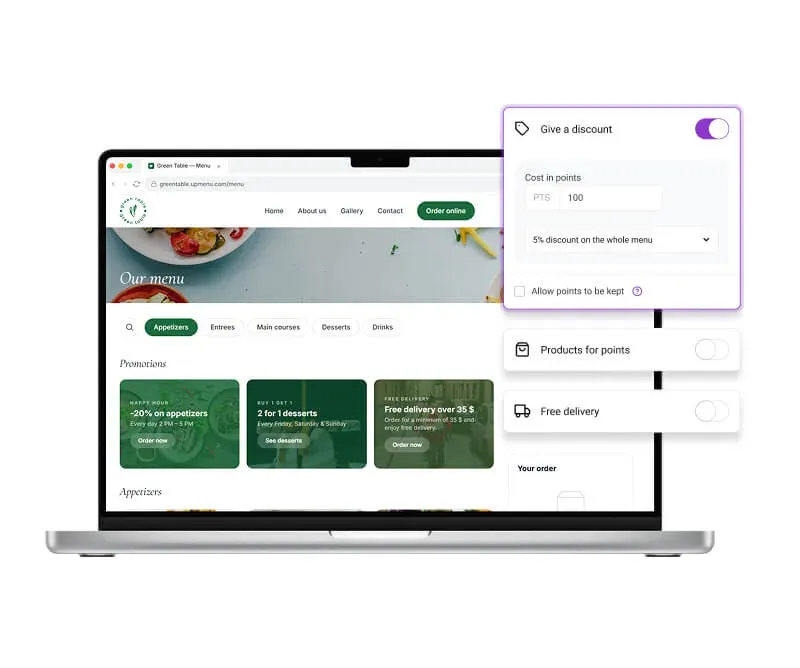
Everything your restaurant needs in one platform
Trust our experience
We've been working with restaurants since 2012. Together with restaurant owners, we've built an all-in-one platform designed specifically for the restaurant industry.
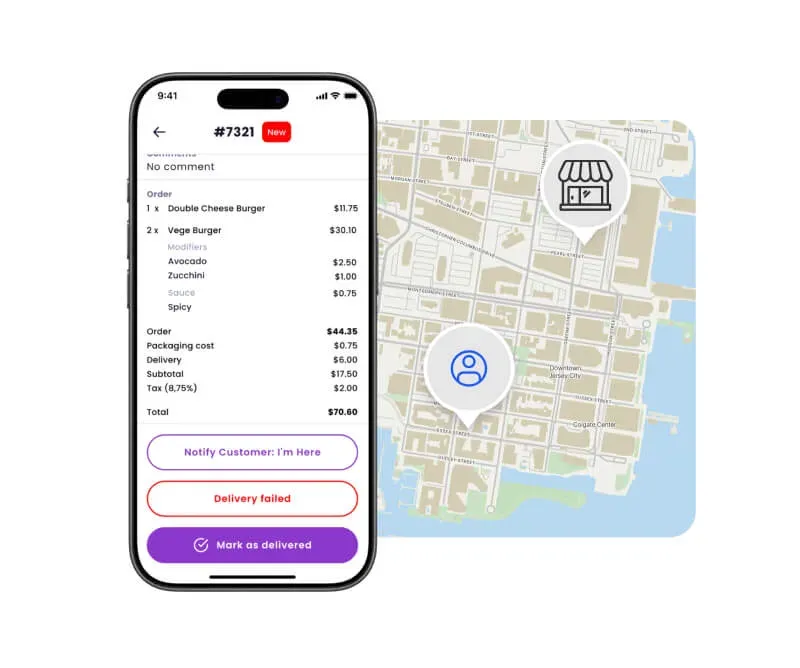
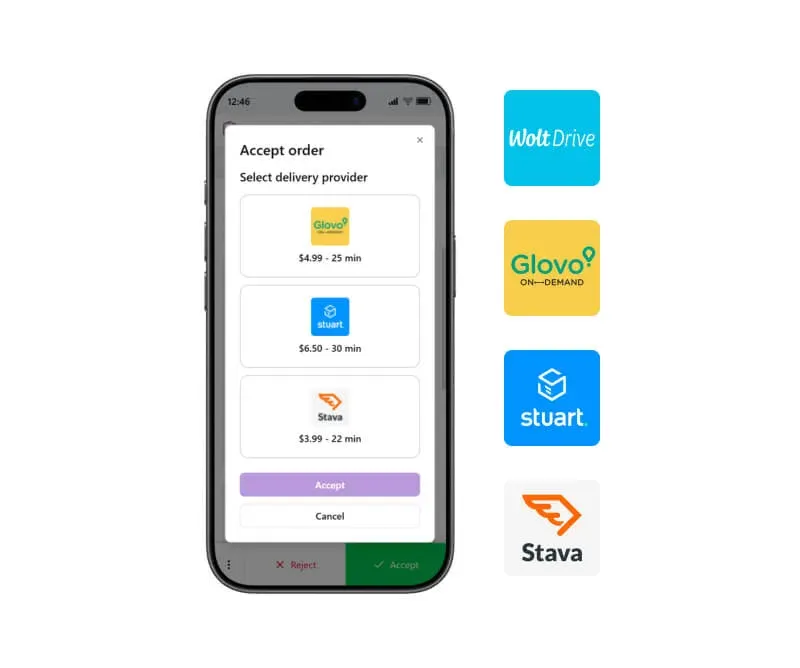
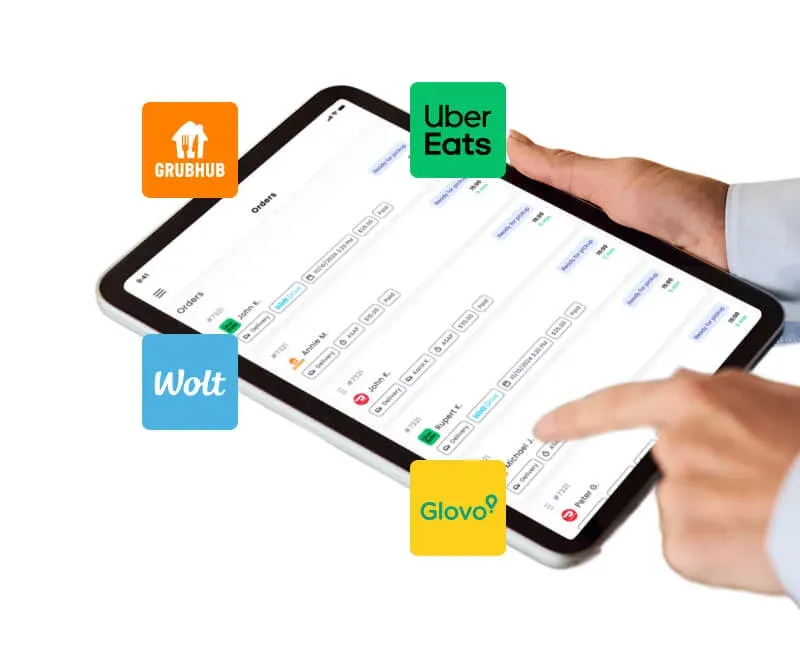
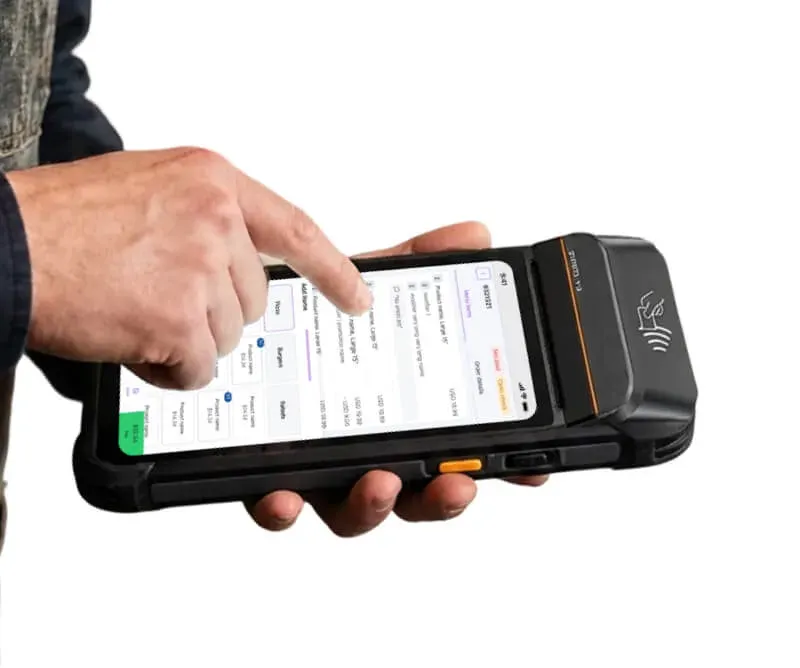
Our KDS system displays orders from POS, your restaurant website, and delivery platforms on one screen, organizes them by priority, and helps your kitchen work faster with fewer mistakes.
Our happy clients
Why restaurateurs choose UpMenu





What owners say
Pricing
How much does a KDS system cost
Kitchen Operations & Supply Chain
Operations
Restaurant Food Suppliers: Where Do Restaurants Get Their Food?
Operations
Kitchen Management: How to Run Efficient Restaurant Kitchen
Operations
10 Best Practices in Restaurant Supply Chain Management
Operations
Par Level: What It Is & How to Set in Restaurant
Operations
Top 10 Restaurant Inventory Management Software in 2024 (Tried & Tested)
Operations