

POS system cost adds up faster than most owners expect. It is not just the visible monthly fee or hardware cost. It is processing rates, extra add-ons, and how much time the system actually saves you during service.
Square is often the first choice because it is easy to start with, but it is not always the best fit once your sales grow or you open more locations. At some point, higher transaction fees, feature gaps, or limitations for restaurants can start to hold you back.
I’ll walk you through the best Square alternatives in 2026, show you how they compare, and help you decide when it makes sense to switch.
Key Takeaways
- When to Switch from Square: Move on when Square limits your menu complexity, multi-location control, delivery integrations, or support options.
- Best Alternatives by Restaurant Type: Toast is best suited for busy dine-in restaurants, Lightspeed is the most flexible option for multi-location or hybrid concepts, and UpMenu is ideal for restaurants that focus on online ordering, delivery, and marketing.
- What to Look for in a Square Alternative: Prioritize transparent processing fees, hardware compatibility, and flexible menu setup (modifiers, combos). Compare needed features, integrations, and support reliability.
- How to Make a Smooth Switch: Test with one location first, run both systems in parallel, then carefully migrate menus and customer data, with a fallback option.
Square Competitors: Key Features Comparison
Before I walk you through each option in detail, I want you to see how the main Square competitors line up side-by-side.
The table below compares core points like monthly fees, hardware cost, commissions per order, ease of use, and support for online ordering and delivery.
| Features | UpMenu | Toast | Clover | Lightspeed | SpotOn | Upserve | Shift4 | TouchBistro | Shopify POS | Restroworks |
|---|---|---|---|---|---|---|---|---|---|---|
| Pricing (monthly) | Starts from $49 | Starts from $69 | Starts from $69 | Starts from $89 | Starts from $55 | Starts from $89 | Starts from $20 | Starts from $69 | Starts from $89 | N/A |
| Hardware Cost | Varies by provider | $627-$1,034 | $599-$1799 | $199-$729 | N/A | $199-$729 | $29 monthly | Varies by provider | $49-$459 | N/A |
| Commission per Order | No fees | 3.09% + $0.15 | 2.9% + $0.30 | 2.6% + $0.10 | 1.99% + $0.25 | 2.6% + $0.10 | N/A | 2.49% + $0.15 | 2.9% + $0.30 | N/A |
| Free Trial | ||||||||||
| Setup Service | Free | Starts from $75 per hour | N/A | N/A | Quoted rate | Free | Free | Quoted rate | Starts from $250 | N/A |
| Ease of Use | Easy | Moderate | Moderate | Moderate | Easy | Moderate | Moderate | Moderate | Easy | Hard |
| Online Ordering | ||||||||||
| POS System | Coming Soon | |||||||||
| Order Management | ||||||||||
| Delivery Management | ||||||||||
| Delivery Dispatcher | ||||||||||
| Third-Party Orders Aggregation | Coming Soon | |||||||||
| Marketing Tools | ||||||||||
| Loyalty Programs | ||||||||||
| CRM System | ||||||||||
| Integrations | ||||||||||
| Supports Multiple Locations |
Use it as a quick filter. Start with what matters most to you right now: total POS system cost, payment processing fees, delivery management, or third-party order aggregation.
Then, shortlist two or three Square alternatives that match your needs and budget before you dive into the deeper reviews in the next sections.
How I Tested and Compared Square Alternatives
To give you a realistic view of Square competitors, I evaluated each option based on my experience working with busy restaurants and small businesses.
I focused on how well each platform handles daily operations, from taking payments to managing orders and staff.
My testing combined hands-on product research, public documentation, and honest user feedback. Here is what I looked at.
1. Capabilities of Core Features
A good Square alternative should reduce the number of tools you juggle every day. I prioritized platforms that bring key functions into one place and support both in-person and online sales:
- Online Ordering System: Accept direct orders without extra marketplaces and keep control over customer data.
- Restaurant POS: How smoothly the system handles checks, modifiers, tips, and order tracking during a rush.
- Delivery Management: Whether you can manage in-house drivers, delivery routes, or third-party deliveries from one screen.
- Order Aggregation: Support for pulling in orders from delivery apps so you do not need multiple tablets.
- Marketing Tools: Built-in options to drive repeat business, such as email, SMS, loyalty programs, and simple promos.
2. Usability and Learning Curve
You should not need weeks of training to use a POS provider or payment solution. I examined how easy each platform is for new staff and managers by checking:
- Set up and onboarding steps for a single location and for multiple locations.
- Menu building, navigation, and dashboard layout.
- Built-in tips, guides, and training resources.
- How well the system adapts to both smaller venues and larger concepts.
3. Customer Support Responsiveness
Payment processing issues or failed terminals hurt revenue right away, so I looked closely at support quality:
- Availability: Is support limited to business hours or available 24/7.
- Channels: Live chat, phone, email, and self-service help center.
- Response time: How quickly a typical user can expect help with urgent payment or hardware problems.
4. Real User Feedback (G2, Capterra, Trustpilot)
Beyond vendor claims, I reviewed feedback from platforms like G2, Capterra, and Trustpilot. I focused on:
- Common themes in complaints and positive reviews.
- Reports about stability, outages, and bugs.
- Perceived value for money compared to payment processing fees and monthly fees.
5. Pricing and Hidden Fees
With each Square alternative, I tried to look past the headline price. I compared:
- Base pricing, monthly fee, and any tiered plans.
- Hardware costs and whether you can reuse existing devices.
- Extra payment processing fees and transaction fees for credit card payments or contactless payments.
- Additional charges such as setup, integrations, chargeback fees, and any hidden fees or cancellation fees buried in the contract.
6. Scalability for Multi-Location
Finally, I checked how well each option supports growth so you do not outgrow your POS system after a year:
- Tools for managing menus, pricing, and staff across several locations.
- Cloud-based access so owners and managers can work from anywhere.
- Integration possibilities with delivery platforms, accounting tools, and other payment processors as your operations expand.

Best For
- Online-order–driven restaurants
- Owners who want all-in-one marketing and retention
- Brands moving off third-party delivery apps
Pros
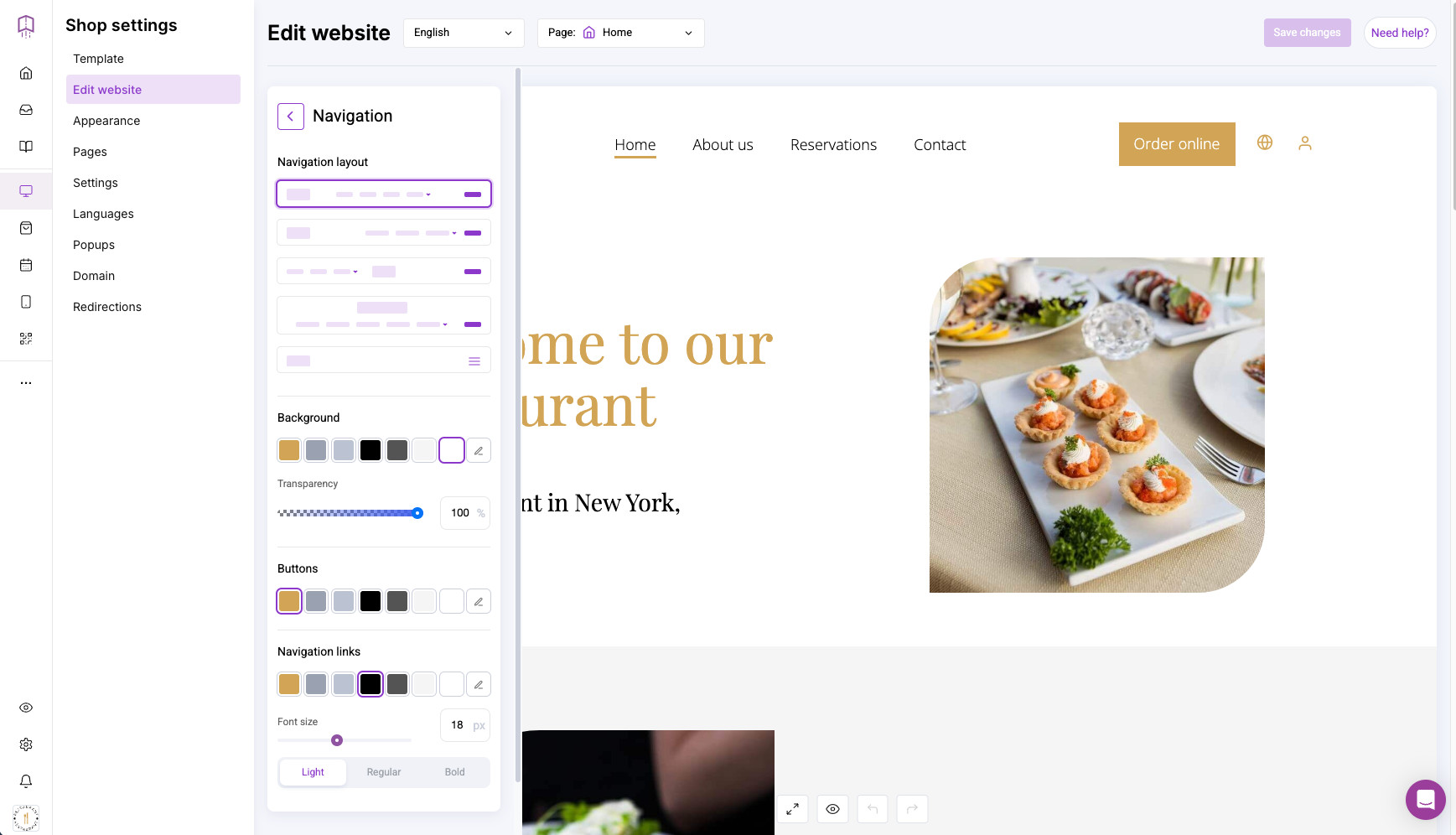
✅ Connected online ordering and marketing: Combines website, online ordering, CRM, marketing automation, and delivery tools in one place, with a native POS system in development.
✅ Commission-free direct sales: Helps you shift customers from marketplaces to your own channels so you keep more from each order instead of paying higher fees on every ticket.
✅ Free setup: Website and mobile app are designed, configured, and launched for you without extra setup charges, which reduces upfront cost and speeds up go-live.
Cons
❌ No built-in POS system yet: You still need a separate POS system or integration if you want to manage in-person orders and tables from the same screen.
Pricing
Plans
- Basic (75 orders):
$49 / month - Standard (210 orders):
$89 / month - Premium (unlimited orders): $169 / month
Addons
- Mobile App:
$49 / month - Loyalty Program:
$19 / month - Delivery Dispatcher:
$49 / month
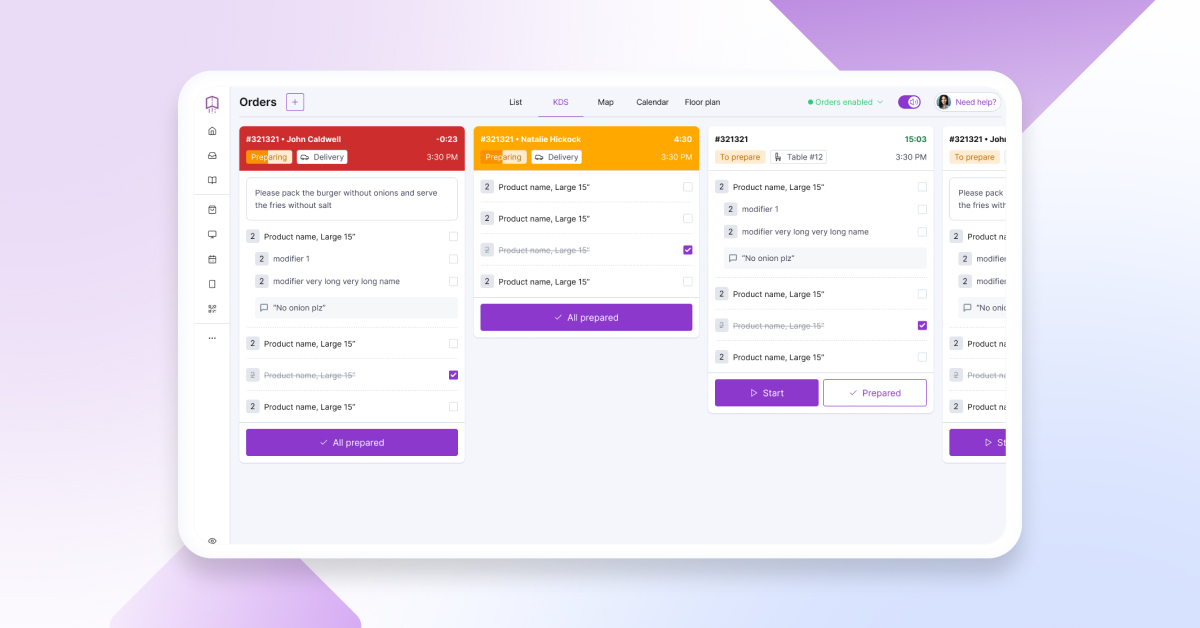
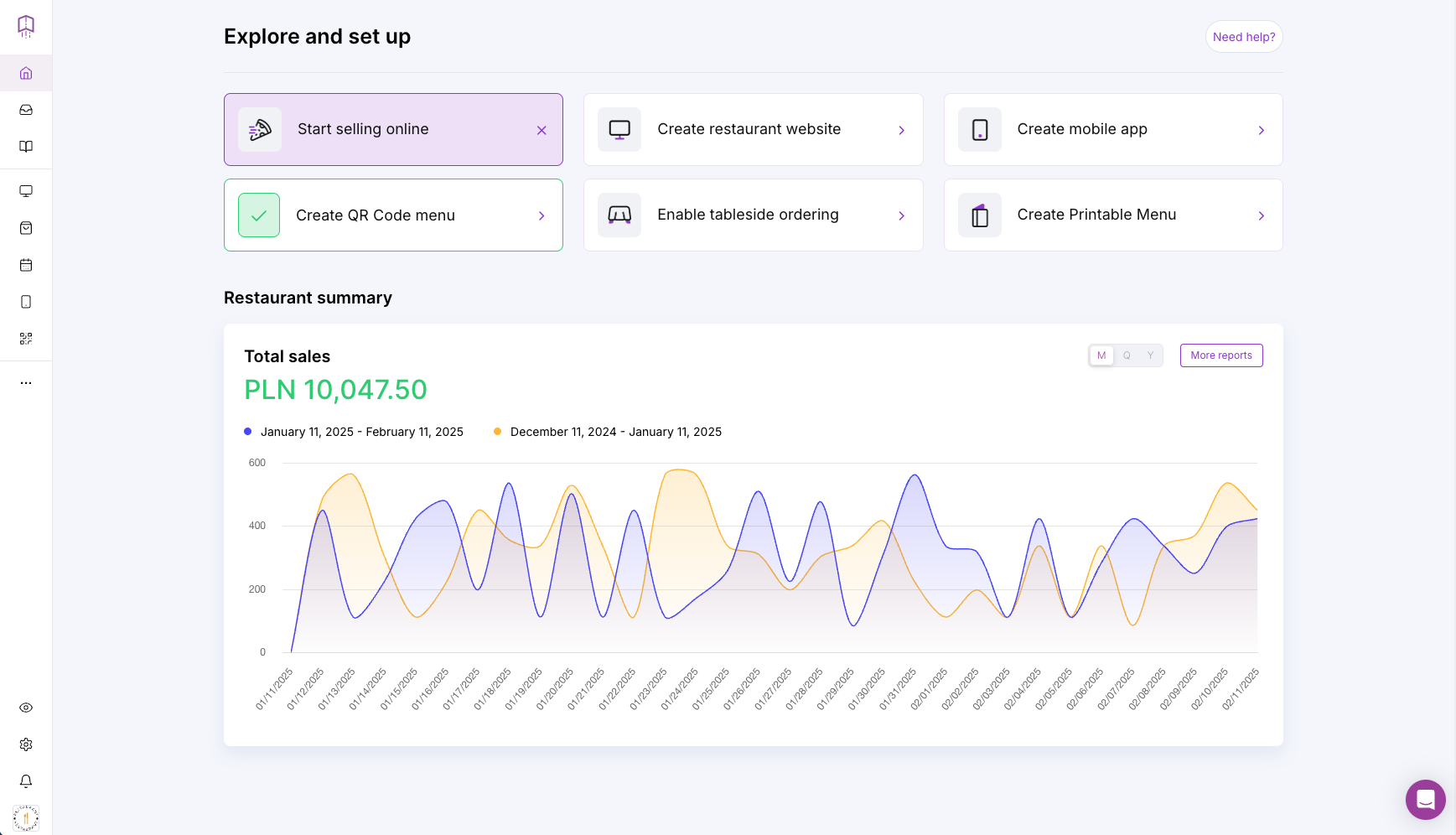
UpMenu helps your restaurant drive more online orders while keeping operations organized. That covers front-of-house tasks like online ordering, marketing, and customer engagement, as well as back-of-house work such as order management, kitchen flow, and delivery coordination.
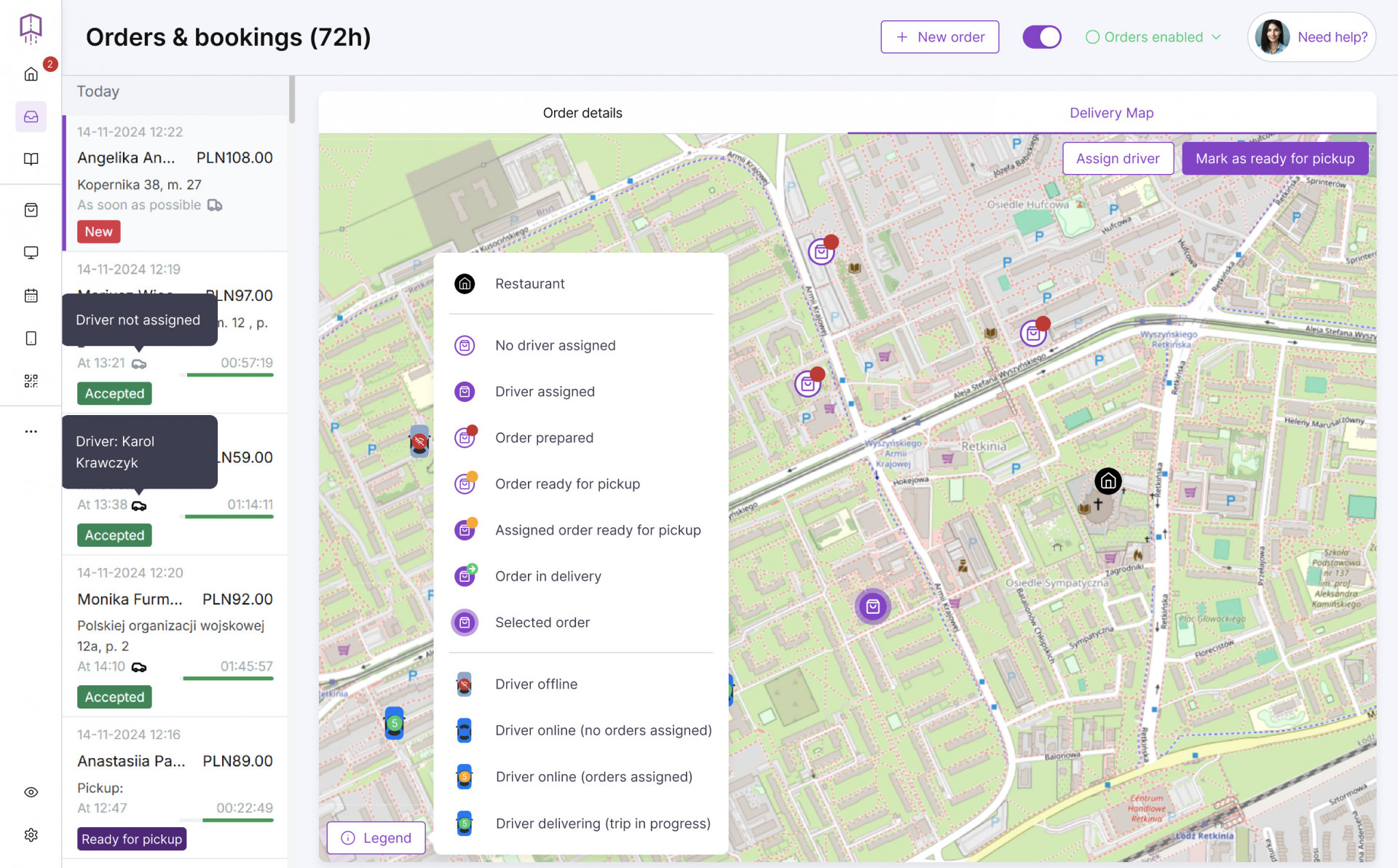
If you rely on third-party delivery services, UpMenu gives you tools to shift customers to your own website or mobile app, so you pay less in commission fees. With integrated restaurant delivery software and order aggregation, you can manage in-house and marketplace orders from a single dashboard.
The goal is not only to save on commissions but also to convert more visitors into paying guests. UpMenu’s online ordering system is built to lift conversion rates, often generating several times more orders than a basic restaurant website.
Features like smart upselling, tailored recommendations, and automated campaigns help you turn one-time visitors into repeat, loyal customers.
Key Features:
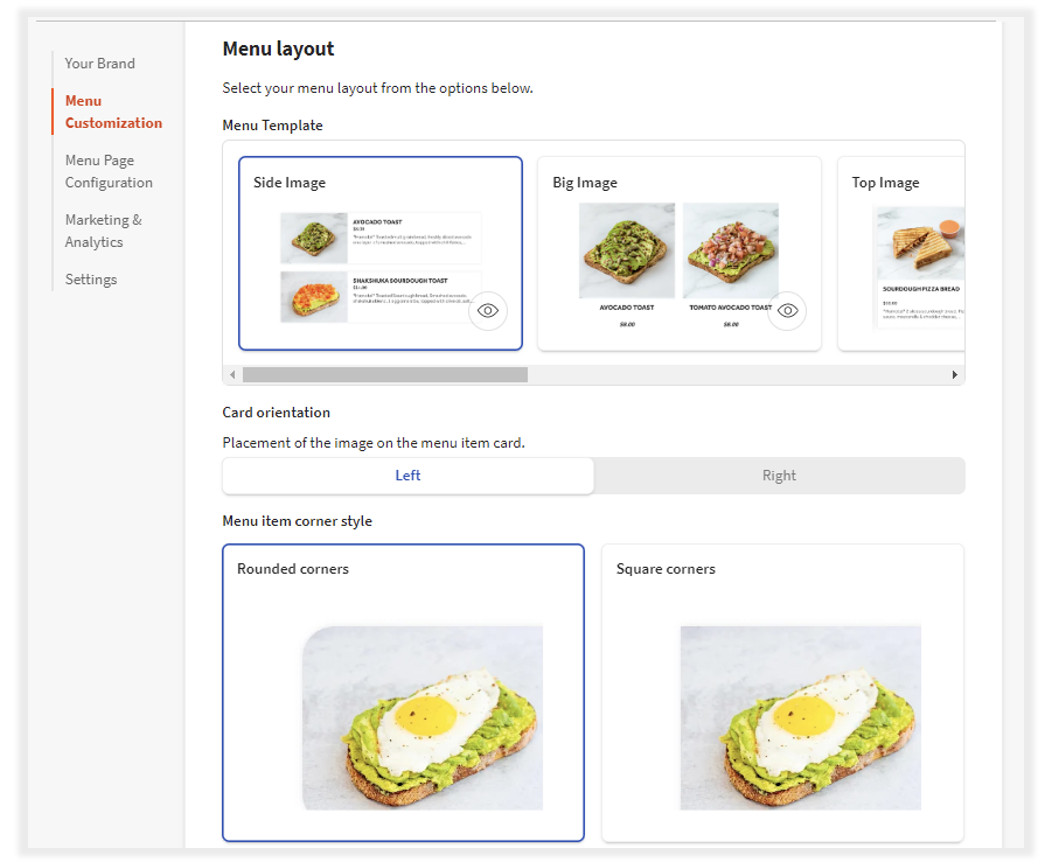
- Online ordering: Commission-free ordering with built-in upselling and customer-friendly menu flows.
- Restaurant website builder: Create a custom, SEO-ready restaurant website designed to attract new customers and convert more visits into orders.
- Branded mobile app: Launch your own app with loyalty rewards, push notifications, and smooth mobile ordering.
- Delivery management and driver app: Oversee the full delivery journey, from order placement to final handoff.
- Order aggregation: Manage orders from platforms like Uber Eats and DoorDash in one system instead of juggling multiple tablets.
- Automated marketing: Run email and SMS campaigns, schedule promotions, and re-engage customers automatically.
What users say about UpMenu
“UpMenu made it incredibly easy to move our online ordering to one system. We manage all website and mobile app orders in a single dashboard, which saves time and helps us stay organized. The setup was quick and seamless, and the support team was always available online to assist with onboarding and small adjustments.“
Verified User, Restaurant Owner (Source: G2)
My conclusion
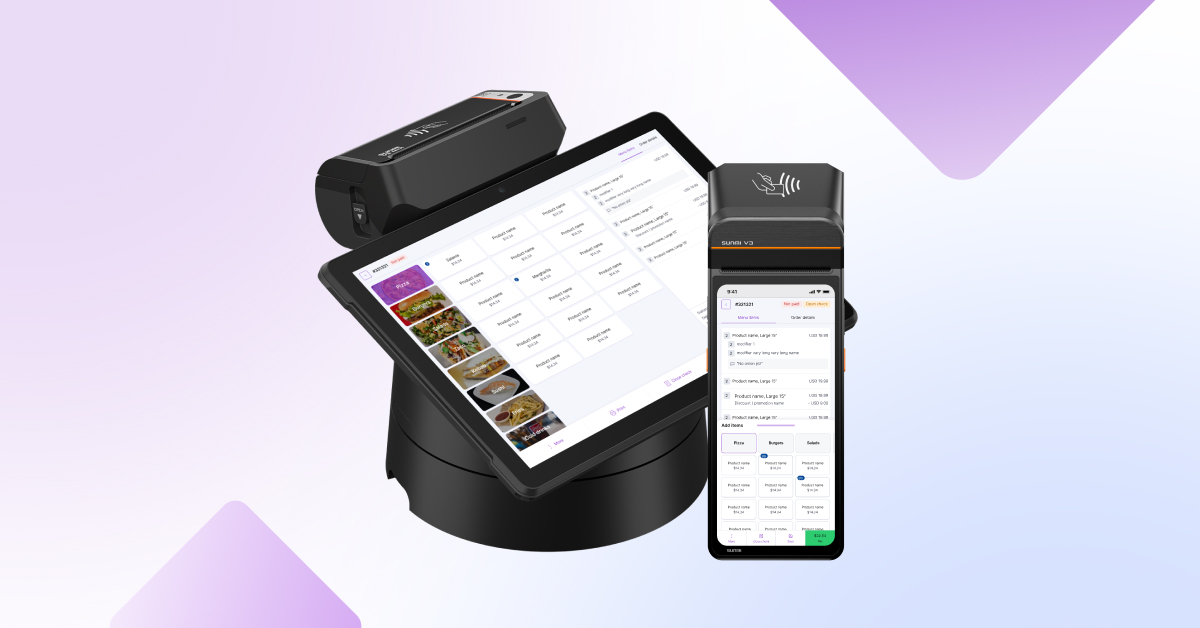
UpMenu is an all-in-one platform that brings together online ordering, delivery management, CRM, marketing, and a soon-to-launch POS system.
It steers customers toward commission-free direct ordering, includes fast support, and offers free setup so restaurants can improve margins and depend less on third-party delivery apps.

Best For
- Busy full-service restaurants
- Multi-location restaurant groups
- Operators who want an all-in-one POS and online ordering setup
Pros
✅ Unified restaurant platform: Combines POS, online ordering, CRM, marketing tools, and delivery features in a single system.
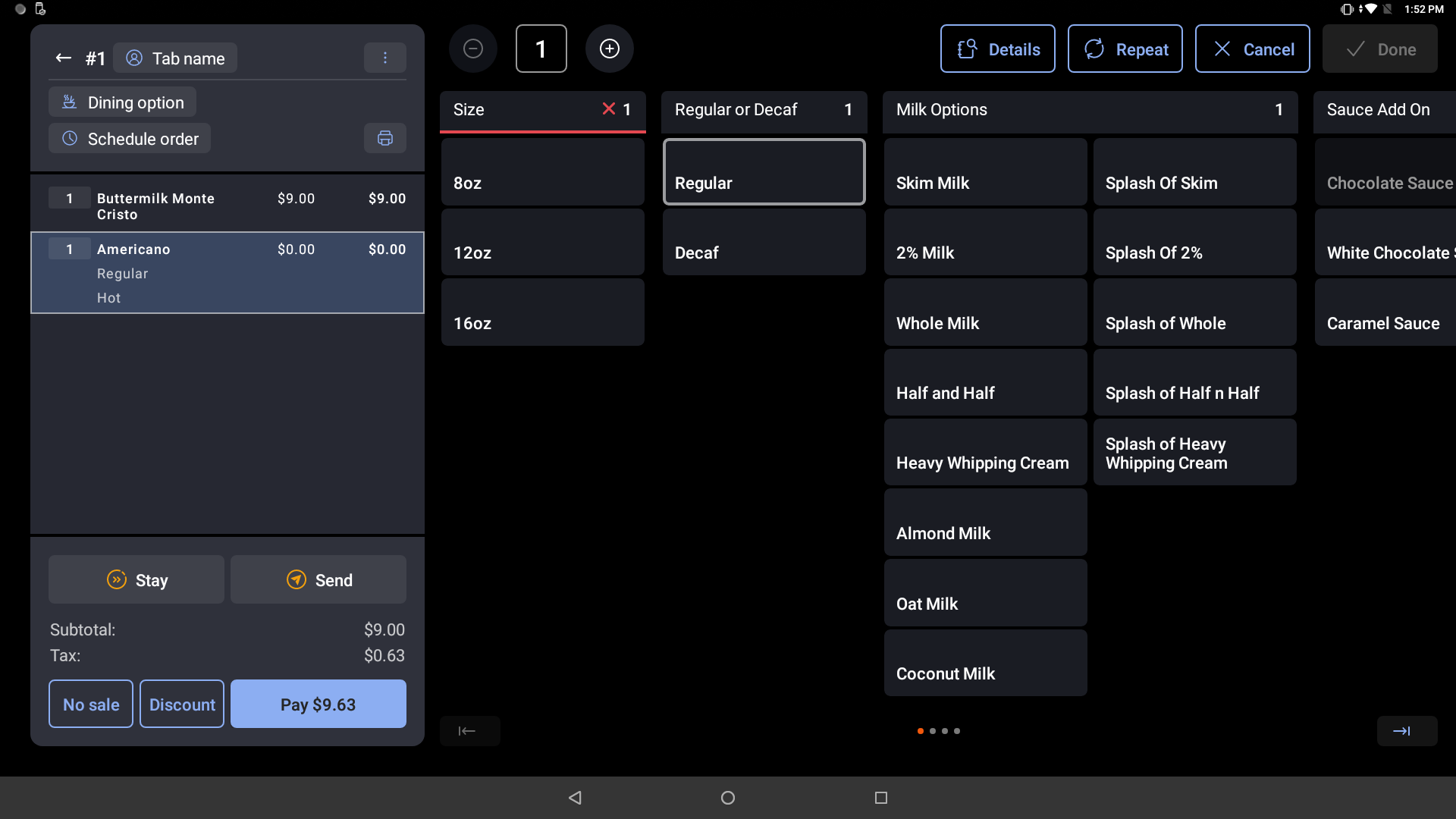
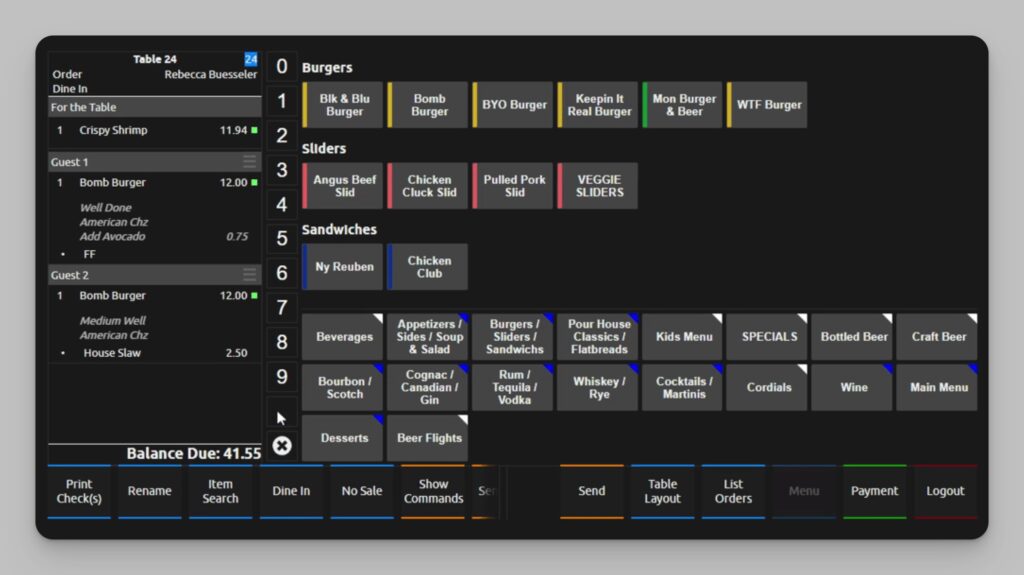
✅ Restaurant-focused POS: Strong table service, bar, and kitchen features with tools for modifiers, courses, and rush periods.
✅ 24/7 support: Round-the-clock help through phone and other channels, which is useful when issues appear during peak hours.
Cons
❌ Locked into Toast payments: You need to use Toast’s payment processing, with its own payment processing fees and transaction fees.
❌ Rising total cost: Hardware costs, monthly fees, and paid add-ons can increase the overall cost of the POS system compared to some other alternatives.
Pricing
Plans
- Starter Kit:
$0 / month + higher payment processing fees. - Point of Sale Plan:
Starts at $69 / month + payment processing fees.
Addons
- Hardware Costs:
$627-$1,034 - Setup Service:
$75-95 per hour
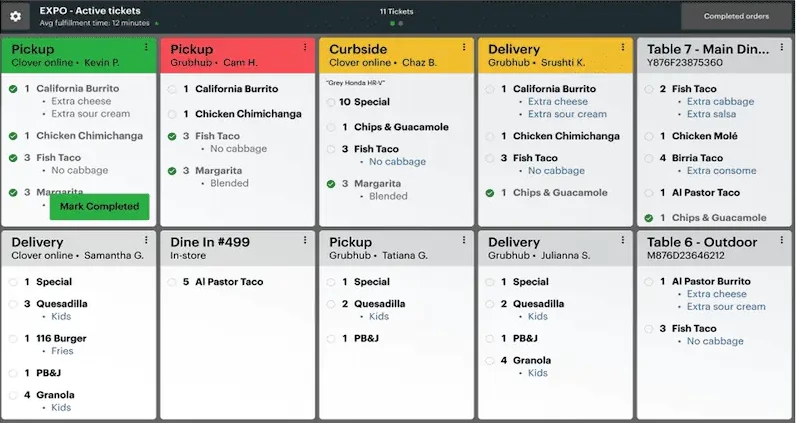
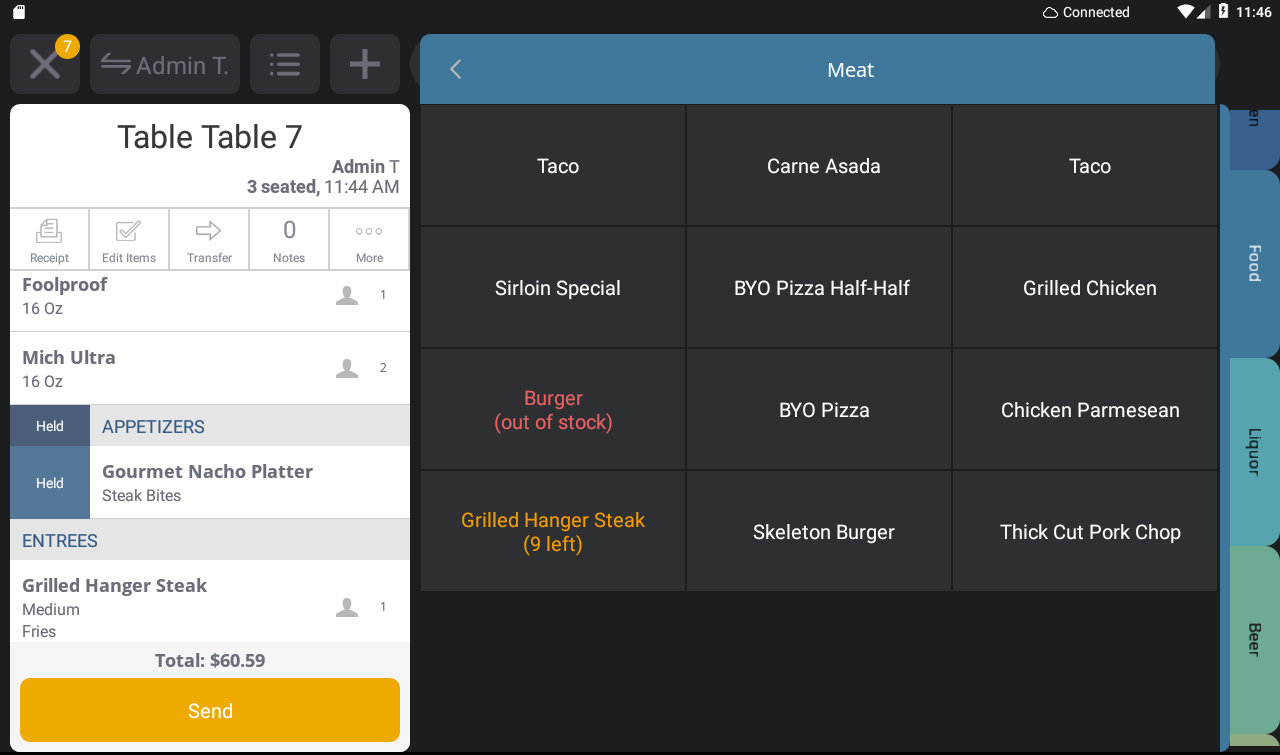
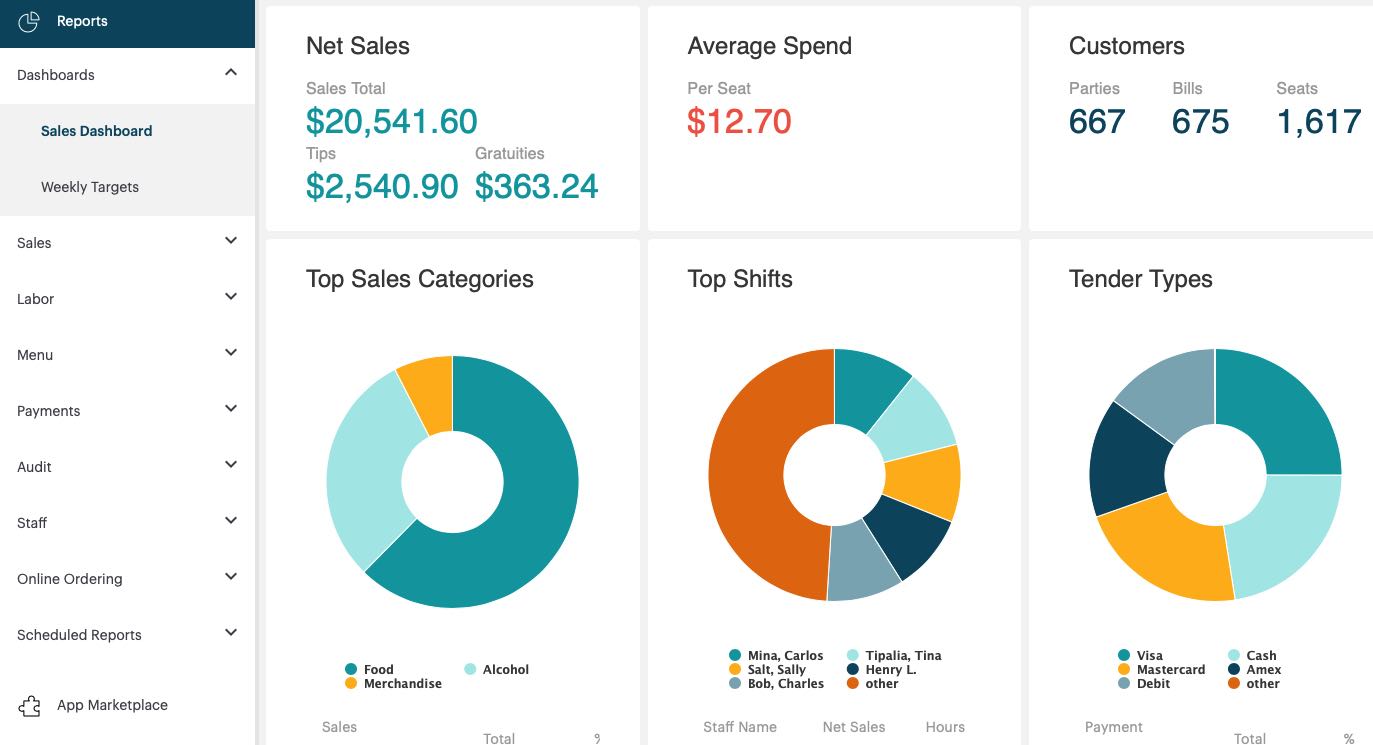
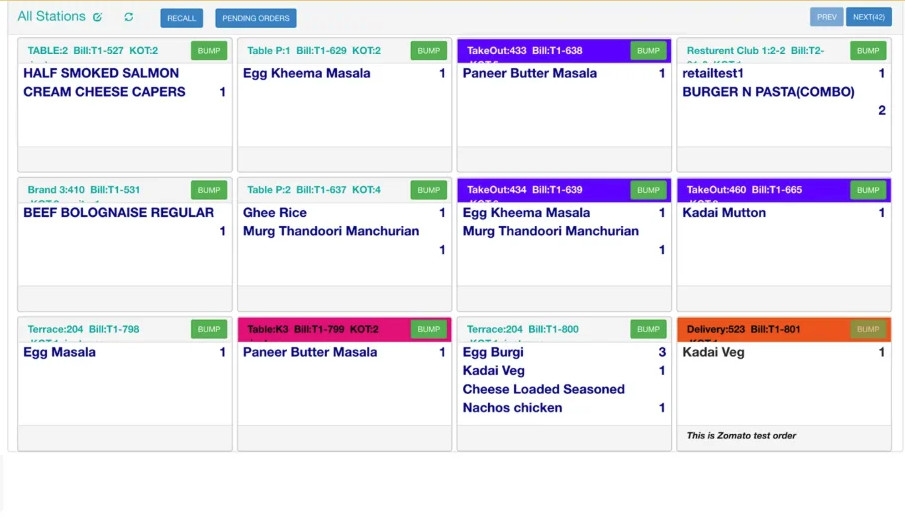
Toast is an all-in-one restaurant platform built for venues that need a reliable POS, smooth online ordering, and stronger control over both front- and back-of-house operations.
It delivers a restaurant-focused point-of-sale system with tools for menu building, real-time order tracking, and kitchen coordination, making it a stronger fit for food service than many general POS systems.
Because Toast handles in-person payments, online sales, and credit card processing in-house, it gives restaurants a consistent workflow across multiple channels.
Features like table management, staff tools, and kitchen display systems are designed specifically around the day-to-day pace of restaurants, bars, and cafes.
Key Features
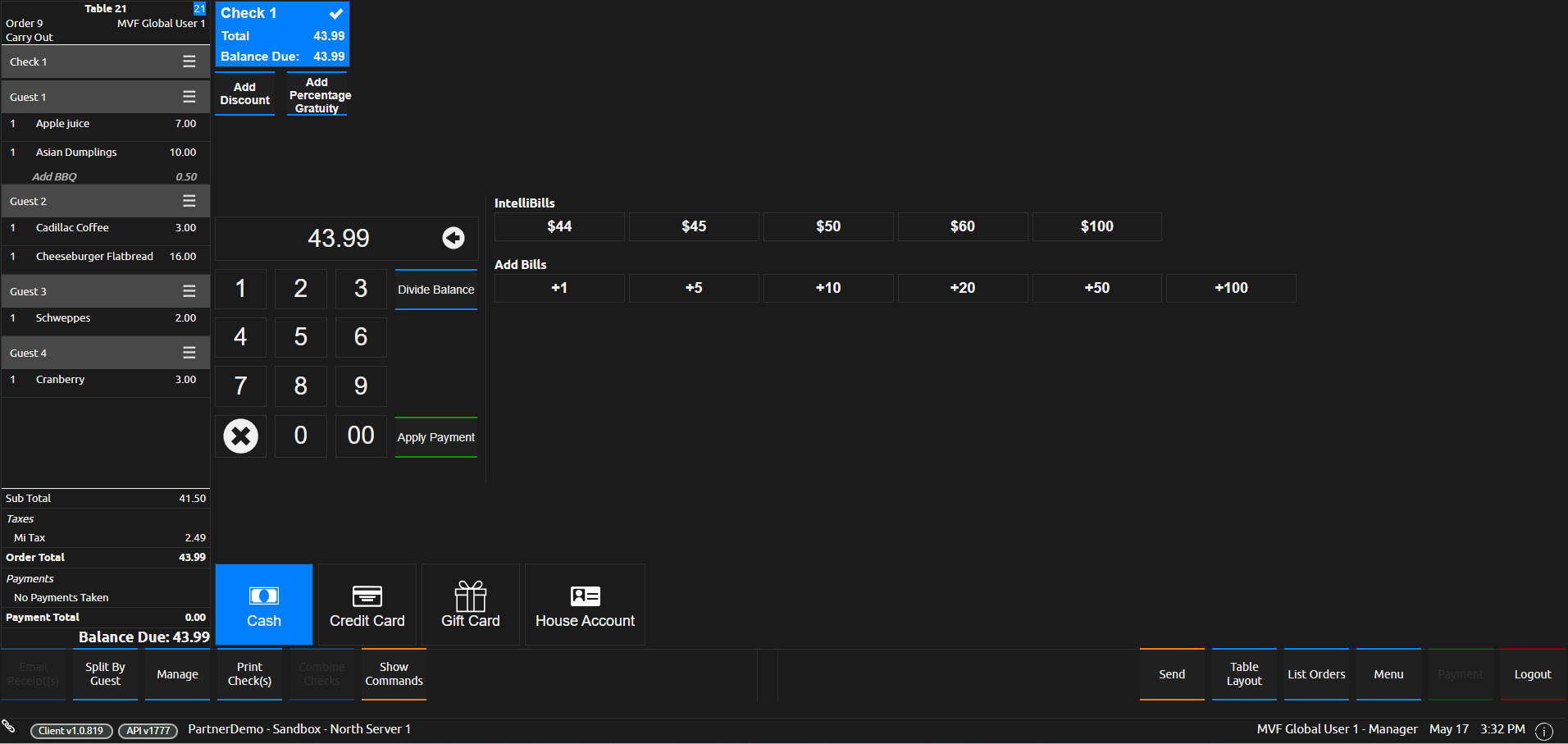
- Restaurant-first POS system: Includes table management, split checks, menu editing, and tools built around fast-paced service.
- Online ordering and delivery: Supports direct online orders and connects with delivery partners to help you reach a broader customer base.
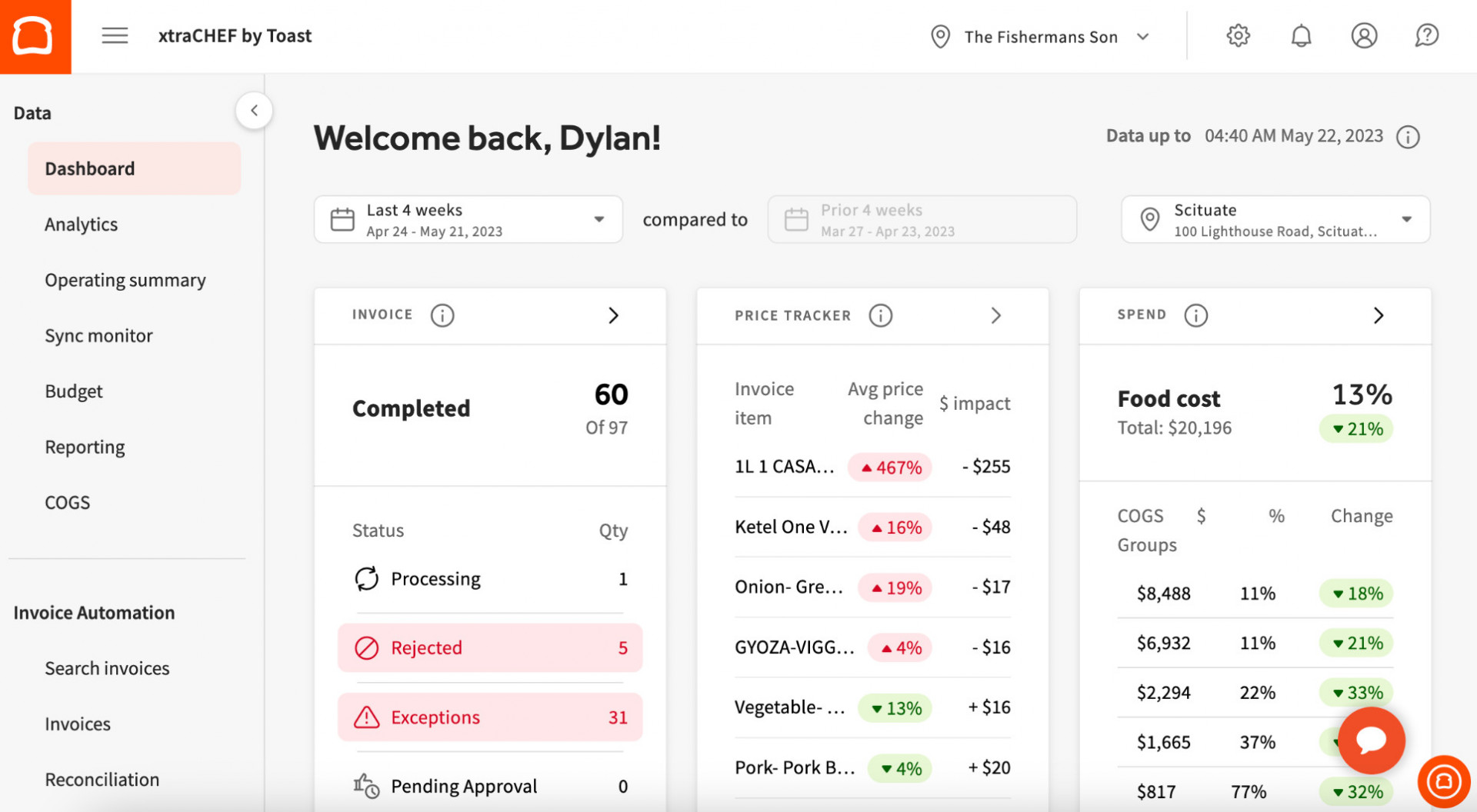
- Restaurant inventory management: Track stock levels in real time, set low-stock alerts, and manage supplier orders from one place.
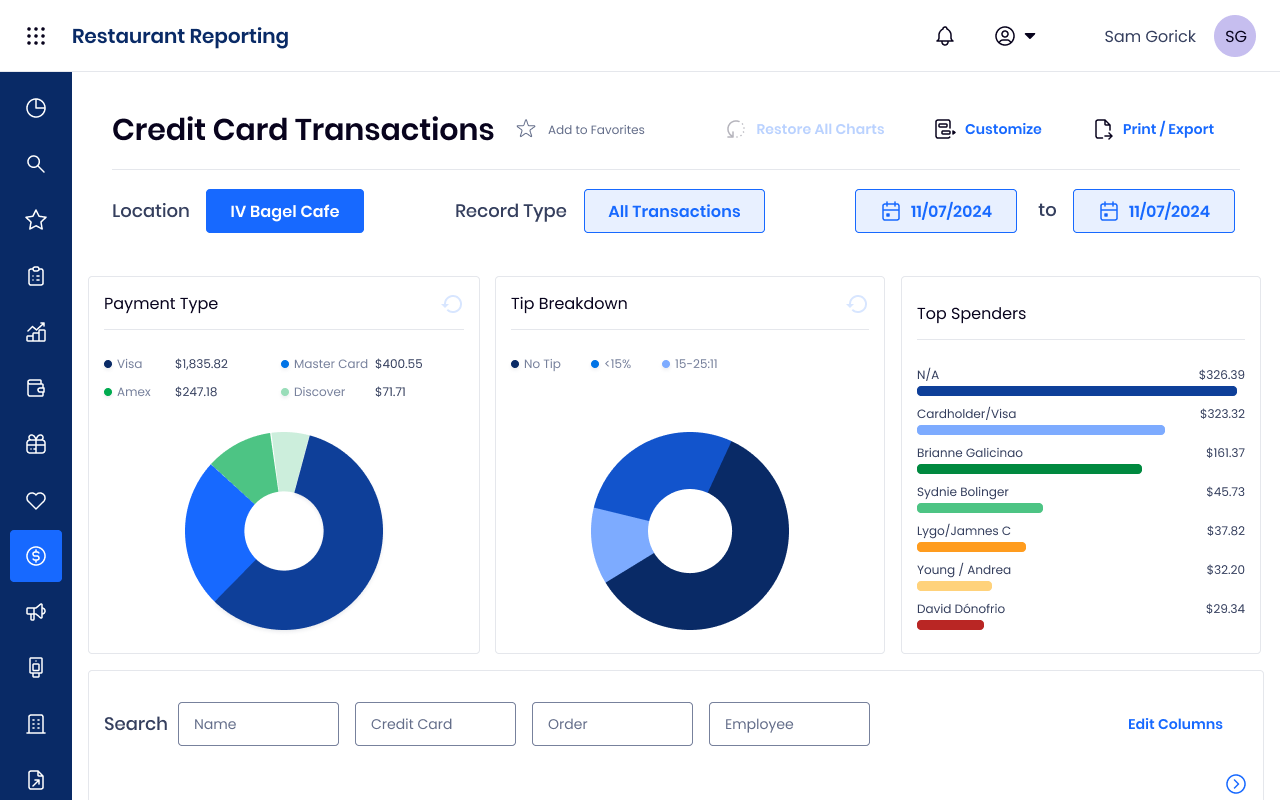
- Advanced reporting: Review detailed insights on sales, labor, and customer activity to guide operational decisions.
What users say about Toast
“Everything is much easier. You use Toast just like using any tablet. Processing credit card transactions is easy. Resolving payment-related issues is easy. At the same time, it’s extremely simple and user-friendly. In addition, the reporting system is amazing.“
Eda D., Floor Manager (Source: G2)
My conclusion
Toast is a strong choice for restaurants that want a single platform to manage service, orders, and payments with fewer workarounds. It helps streamline daily operations, maintain consistent workflows during peak hours, and improve restaurant profit margins by enabling better control over menus, staff, and inventory.
It’s a solid fit for operators who want a restaurant-specific system rather than adapting a general POS to busy dining environments.

Best For
- Quick-serve spots, cafés, food trucks
- New or small businesses that want a fast setup
- Mixed restaurant and retail concepts that share checkout
Pros
✅ Quick to get running: Simple onboarding and an intuitive POS system, so staff can pick it up with minimal training.
✅ Omnichannel ready: Combines in-person payments, online sales, and basic reporting in one dashboard, which is helpful if you sell through multiple channels.
✅ Flexible payments and apps: Works with different payment processing options through various providers and offers a large App Market for add-ons such as loyalty, invoicing, or extra reporting.
Cons
❌ Pricing depends on provider: Overall payment processing fees and monthly costs vary based on the payment processing company or merchant agreement you choose.
❌ Restaurant depth often needs apps: More advanced restaurant and back-of-house functions may require extra third-party apps and subscriptions.
Pricing
Plans
- Starter:
from $14.95 / month - Standard / Table Service:
$89.95 / month for first device, +$14.95 for each additional - Counter Service:
around $54.95 / month
Addons
- Loyalty & Rewards:
from $45 / month - Email Marketing:
$15 / month - Inventory Pro:
$35 / month - Hardware Costs:
$599-1799$
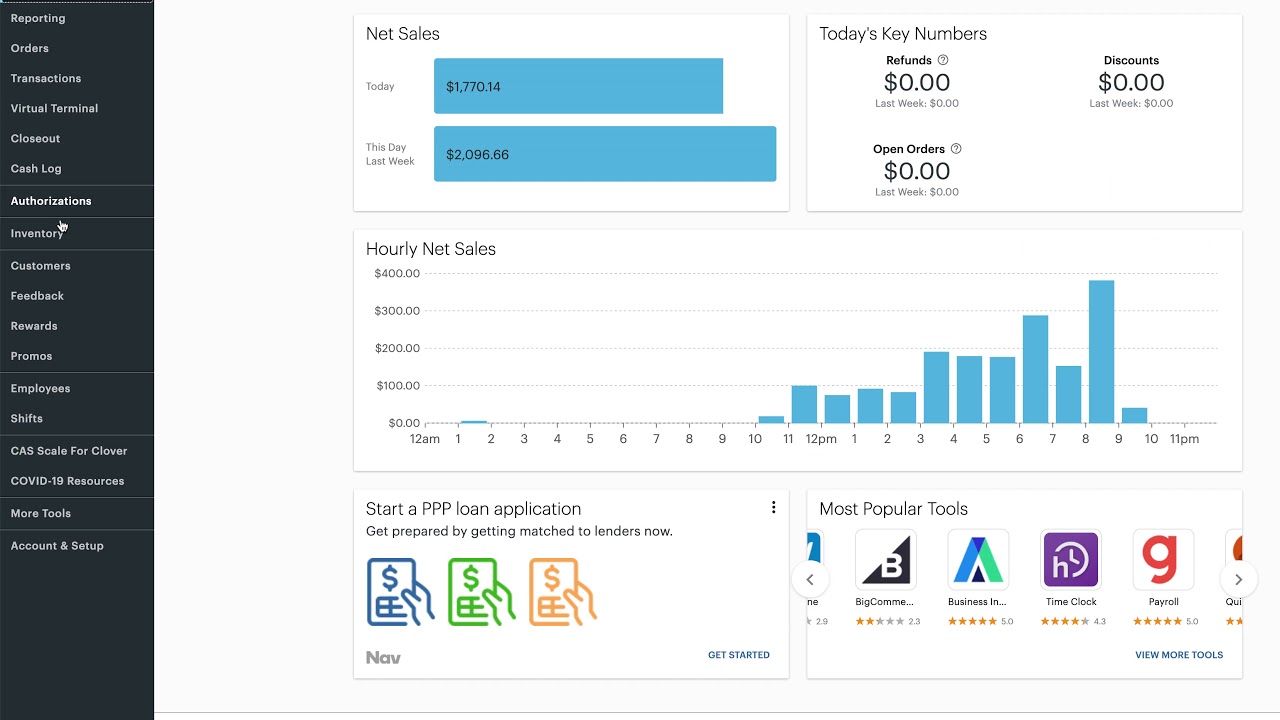
Clover is a flexible POS system that appeals to small businesses and quick-serve restaurants looking for fast setup and simple tools for in-person payments and online sales.
It offers a mix of built-in functions and optional add-ons, giving you room to customize your workflow without committing to a heavy, restaurant-first system.
Because Clover works with different payment processors, it can be a practical alternative for owners who want more control over processing fees and hardware costs.
Key Features
- Customizable POS system: Mix and match devices like Clover Station, Mini, or Flex to build a setup that fits your counter space and service style.
- Online ordering tools: Accept credit card payments for online sales and connect with popular apps through Clover’s App Market.
- App Market add-ons: Expand features with tools for loyalty, scheduling, reporting, and more third-party payment solutions.
- Unified reporting: Track in-person payments and online transactions from a single dashboard to monitor daily performance.
What users say about Clover
“The product’s realistic UI is straightforward and the touch screen is responsive for high-traffic times and speedy to react. The register is smooth and doesn’t take a great deal of room. Charge card exchanges are basic and quick.“
Gerald L., Restaurant Manager (Source: G2)
My conclusion
Clover works well for small businesses and quick-serve restaurants that want an easy start and flexible payment processing options. It offers enough features to handle core restaurant needs, and its App Market lets you add more depth as you grow.
The trade-off is that advanced restaurant workflows may require multiple apps, which can increase monthly fees. If you want a POS provider with simple onboarding and the ability to choose your payment processor, Clover is a solid fit.

Best For
- Quick-serve spots, cafés, food trucks
- New or small businesses that want a fast setup
- Mixed restaurant and retail concepts that share a checkout
Pros
✅ Customizable POS setup: Lets you adapt menus, workflows, and payment options to match your service style and sales channels.
✅ Strong inventory management: Tracks stock levels in detail, supports bulk imports, recipe-level ingredients, and supplier management to keep costs under control.
✅ Detailed analytics and reporting: Offers real-time views of sales, staff performance, and customer trends so you can make data-based decisions.
Cons
❌ Higher overall cost: Subscription, add-ons, and hardware costs can run higher than some other Square competitors, especially for smaller teams.
❌ Support can feel slow: Some users mention delayed responses or back-and-forth with customer support when issues come up.
Pricing
Plans
- Essential:
$189 / month + (2.6% + 10¢ per transaction) - Premium:
$399 / month+ (2.6% + 10¢ per transaction)
Addons
- Kitchen Display System:
$30 / month per screen
Prices are not provided for the rest of addons.
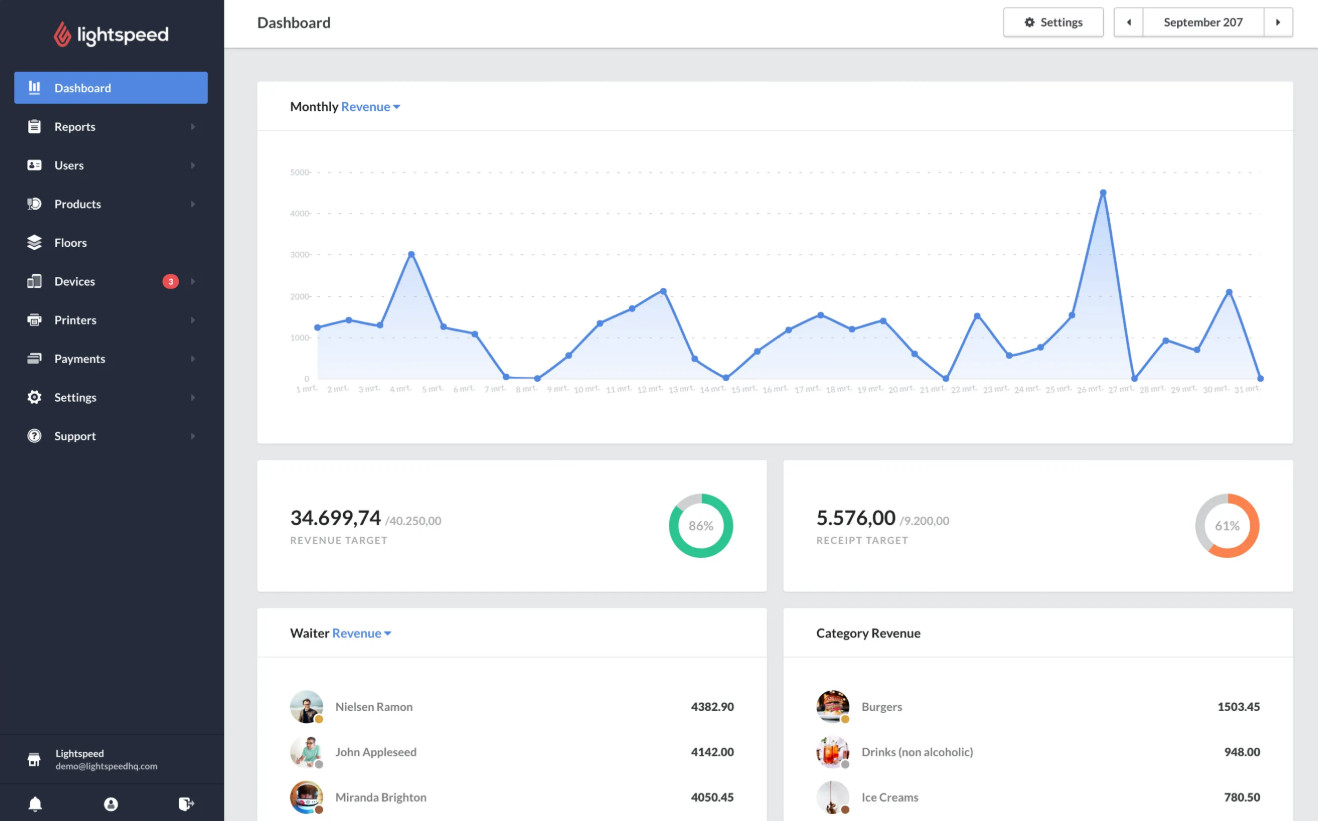
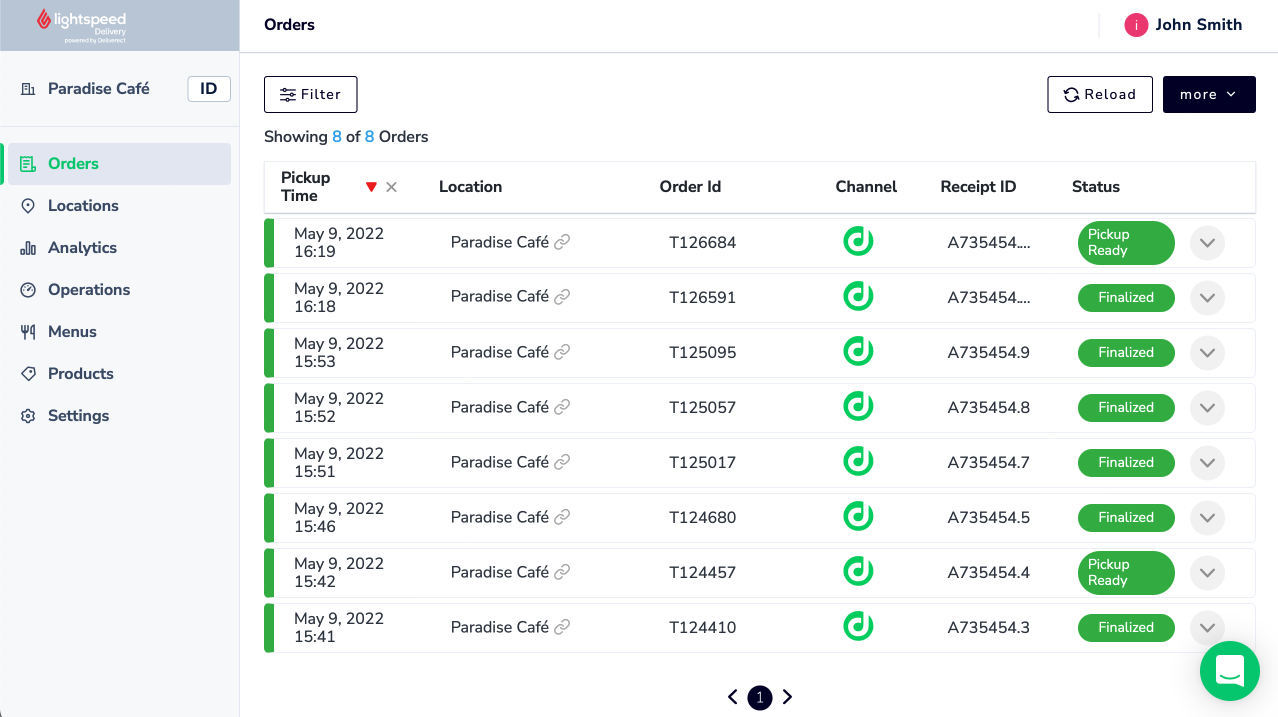
Lightspeed is a restaurant-focused POS system built for full-service venues, quick-serve concepts, bars, and larger hospitality groups.
It goes beyond basic order-taking with tools for table management, detailed inventory management, and strong multi-location control.
Compared with more generic POS systems, Lightspeed gives you deeper visibility into what sells, how your menu performs, and where margins leak.
It supports both in-person payments and online sales, so you can keep the front-of-house, kitchen, and management aligned from a single system.
Key Features
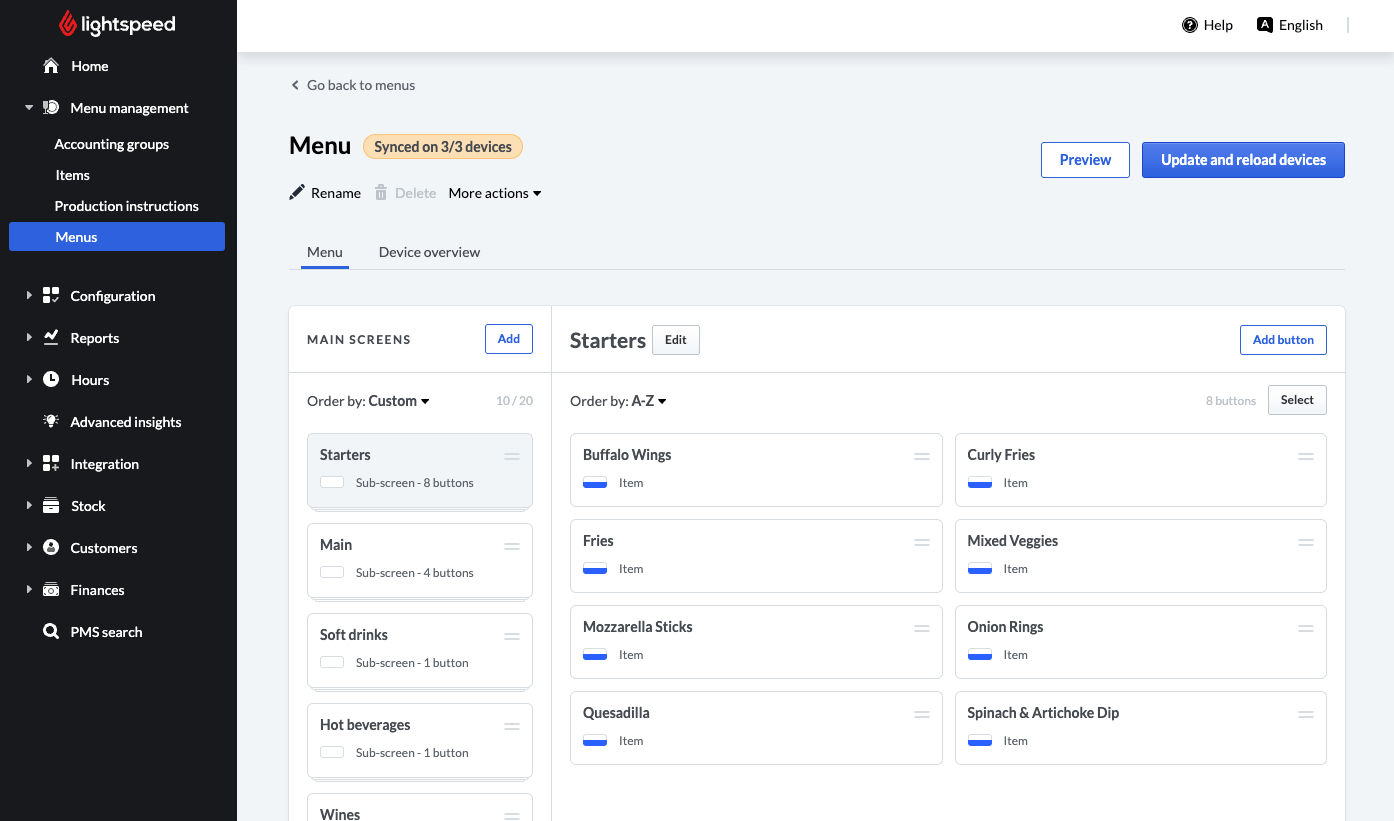
- Restaurant-focused POS: Tools for table management, ordering, menu engineering, and kitchen display systems to keep service moving during busy shifts.
- Online ordering and delivery integrations: Connects with third-party delivery partners and online ordering tools so tickets flow into the same POS system.
- Multi-location management: Centralize menus, pricing, and reporting for franchises or groups operating multiple locations and sales channels.
- Real-time inventory tracking: Monitor ingredient-level stock, set low-stock alerts, and link inventory to recipes to control food cost and waste.
What users say about Lightspeed
“Smart and ease of use software for all of our staff. No need to buy exclusive hardware, all hardware can be bought off the shelf and is easy to set up. Customer support is always available and we have a dedicated account manager who looks after our portfolio.“
Nathan R., ITC Manager (Source: G2)
My conclusion
Lightspeed suits restaurants that require more than a basic point-of-sale system and seek clearer insights into inventory management, menus, and performance across multiple locations.
It does come with a higher overall POS system cost, but the advanced reporting and multi-location structure can pay off if you rely on data to guide staffing, pricing, and menu decisions.
If you are scaling a restaurant group and want tighter operational control, Lightspeed is worth considering as a Square alternative.

Best For
- Quick-serve spots, cafés, food trucks
- New or small businesses that want a fast setup
- Mixed restaurant and retail concepts that share a checkout
Pros
✅ Restaurant-first POS: Handles dine-in, takeout, online orders, and QR orders in one system.
✅ Strong labor & profit tools: Includes reporting for food costs, labor, and margin control.
✅ Modern hardware options: Handhelds, stations, and customer-facing displays for faster service.
Cons
❌ Costs rise with add-ons: Loyalty, online ordering, and scheduling increase the total monthly fee.
❌ Requires SpotOn processing: You can’t use other payment processors.
❌ Hardware adds up: Terminals and handhelds are pricier than tablet-based setups.
Pricing
Plans
- Quick Start:
$0 / month + higher processing rate - Counter-Service:
from $99 / month - Full-Service:
from $135 / month
Addons
- On-site implementation & training:
Around $1,000 one-time.
Prices are not provided for the remaining addons.
SpotOn is a restaurant-first POS system built for operators who want tighter control over orders, payments, and guest experience.
It supports full-service, counter-service, and fast-casual restaurants, offering tools for online ordering, menu management software, staff scheduling, and in-person payments.
Compared to other systems, SpotOn leans heavily into restaurant workflows and gives operators more structure around labor, reporting, and menu customization.
Key Features
- Restaurant-Focused POS System: Built for dine-in, takeout, QR ordering, and online orders from a single dashboard.
- Online Ordering: Lets you accept direct orders without relying fully on third-party marketplaces.
- Menu & Labor Management: Adjust menus in real-time, control labor costs, and track performance across multiple locations.
- Integrations & KDS: Works with major restaurant tools and supports kitchen display systems for faster ticket flow.
- Reporting & Analytics: Tracks sales, labor, and item performance so you can make decisions based on accurate data.
What users say about SpotOn
“From the front of house to the back end of operations, SpotOn is seamless, efficient and amazing. Starting with the back of the house, everything is rather simple and self-explanatory which makes it super-efficient and user friendly. I love the live updates and the quickness of changes.“
Connor P., Restaurant Owner (Source: G2)
My Conclusion
SpotOn is a strong option if you want a structured restaurant POS system with deeper tools for labor, online orders, and table service. It gives operators more control over workflows and supports both single units and growing multi-location teams.
The main drawback is cost: payment processing requirements, add-ons, and hardware can push total monthly fees higher than other Square alternatives.
But if you need a restaurant-focused setup with reliable in-person transactions and direct online ordering, SpotOn fits that niche well.

Best For
- Busy full-service and fast-casual restaurants
- Multi-location operators that need centralized menu + reporting
- Teams that want direct online ordering built into the POS
Pros
✅ Restaurant POS: Built around table service, coursing, and check management for busy dining rooms.
✅ Strong analytics and reporting: Menu intelligence, sales, labor, and guest insights help you see which items and servers drive profit.
✅ Integrated payments and online tools: Upserve Payments, online ordering, loyalty, and marketing tools are designed to work together in one system.
Cons
❌ Must use Upserve payments: Using another payment processor can trigger higher monthly fees or penalties.
❌ Higher POS system cost: Monthly software, added terminals, and optional modules can be pricier than some other Square alternatives.
❌ Mixed reliability feedback: Some users report crashes or slow support responses, especially during busy times.
Pricing
Plans
- Core:
$59 / month - Pro:
$199 / month - Pro Plus:
$359 / month
Addons
- Additional terminals:
$40-$60 / month (prices vary by plan)
Prices for the remaining addons are not provided.
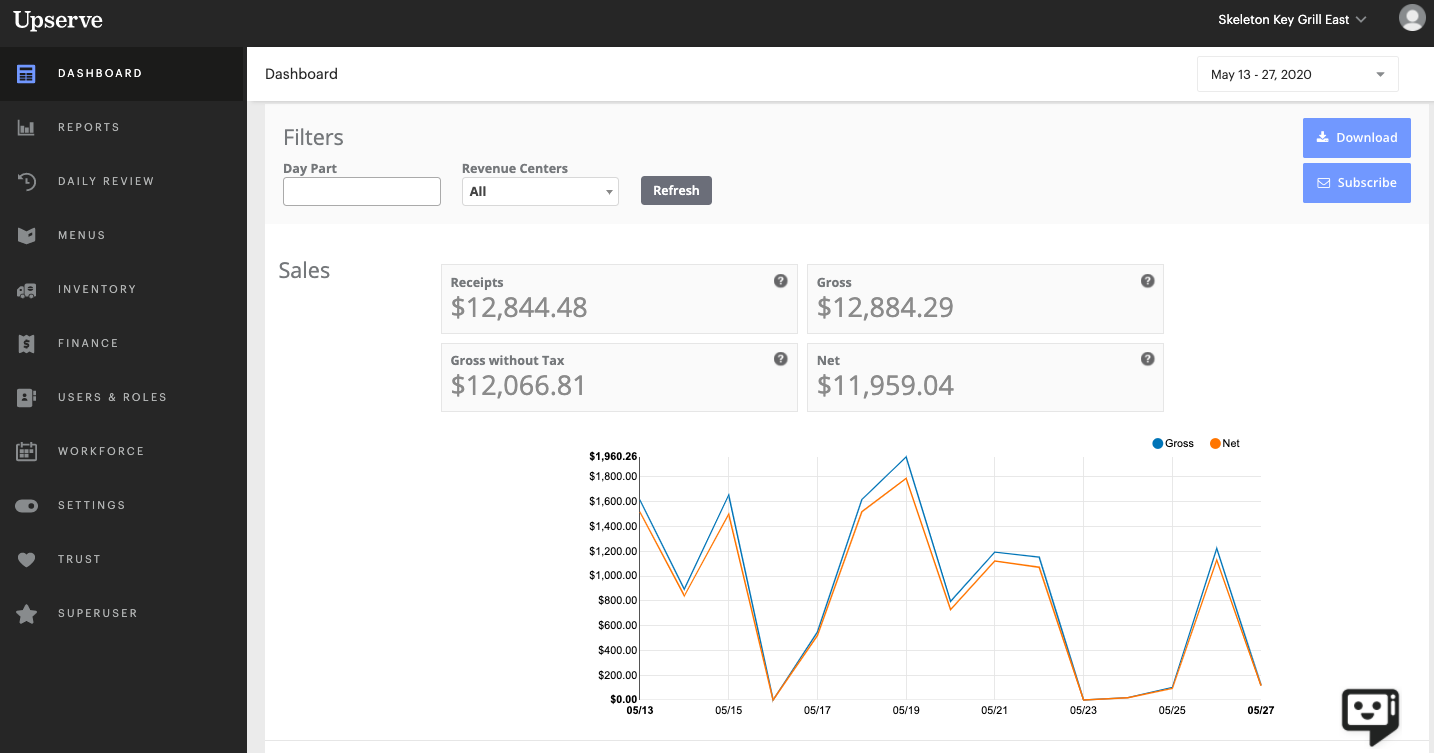
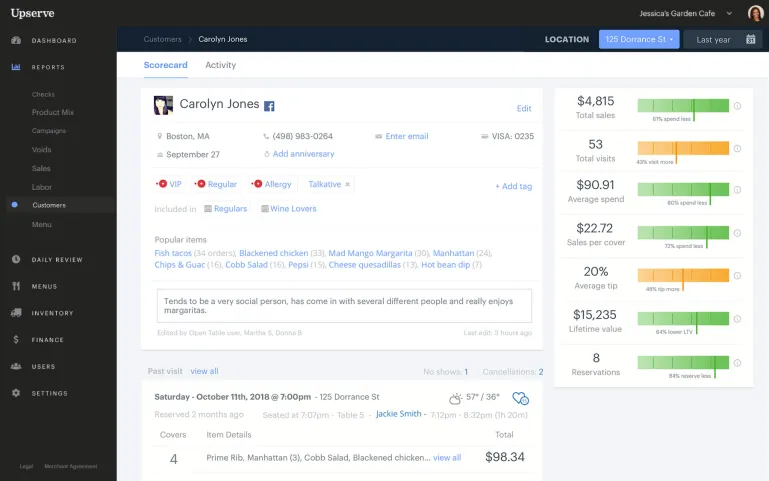
Upserve (now part of the Lightspeed ecosystem) is a restaurant POS built for operators who rely heavily on data to guide daily decisions. Platform combines menu engineering, detailed reporting, online ordering, and integrated payments into a single workflow.
Unlike many systems, Upserve (Lightspeed U-Series) places a strong focus on insights: what drives sales, which items support stronger profit margins, and how staff performance impacts service quality.
It’s often chosen by full-service restaurants and multi-location groups that want a POS system with deeper analytical tools rather than basic payment processing solutions.
Key Features
- POS System: Supports table management, coursing, split checks, and fast in-person payments during rush periods.
- Menu & Sales Analytics: Helps you identify top-performing dishes, adjust pricing, and improve margins based on real-time sales trends.
- Online Ordering & Loyalty: Offers direct ordering, customer insights, and loyalty tools that help restaurants increase online sales and repeat visits.
- Advanced Inventory Management: Tracks ingredient-level usage, low-stock alerts, and supplier management to reduce waste and keep food costs consistent.
What users say about Upserve
“The app for our ipad works fine – the initial installation was fast. We have created all tables and can now make payments very quickly. The quick function for splitting invoices is very helpful and makes our work easier.“
Lara R., Restaurant Owner (Source: G2)
My Conclusion
Upserve is well-suited for restaurants that want more insight than a standard POS provider offers.
Its menu analytics, inventory management, and reporting tools give operators tighter control over labor, food costs, and guest behavior.
The monthly fee is higher than some alternatives, and you’re tied to Upserve’s payment processing, but the added visibility can be worth it if your restaurant depends on data to stay efficient and profitable.

Best For
- Full-service and quick-service restaurants
- Concepts that want low upfront cost
- Operators who want POS, payments, and online ordering in one platform
Pros
✅ Low monthly cost with hardware: Plans often start around $29.99 per workstation per month with $0 upfront hardware.
✅ Online ordering and marketing included: Built-in online ordering, reservations, waitlist, marketing, and loyalty reduce extra subscriptions.
✅ Dedicated restaurant devices: Terminals, mobiles, KDS, and QR order and pay are designed for in person payments and restaurant workflows.
Cons
❌ Locked into Shift4 payments: You need to use Shift4’s payment processing instead of choosing other payment processors.
❌ Processing terms can be complex: Programs like Dual Pricing or cash discounting make effective payment processing fees harder to compare.
❌ Extra devices add cost: Mobile units, KDS, and displays each have their own monthly fee, increasing POS system cost as you add hardware.
Pricing
Plans
- SkyTab POS workstation:
from $29.99/month - SkyTab Mobile handheld: $20/month per device.
- SkyTab Glass tablet POS: $29.99/month per tablet.
- KDS and customer-facing display:
$29.99/month each.
Addons
Costs vary based on customization and integrations.
Prices are not available on the website.
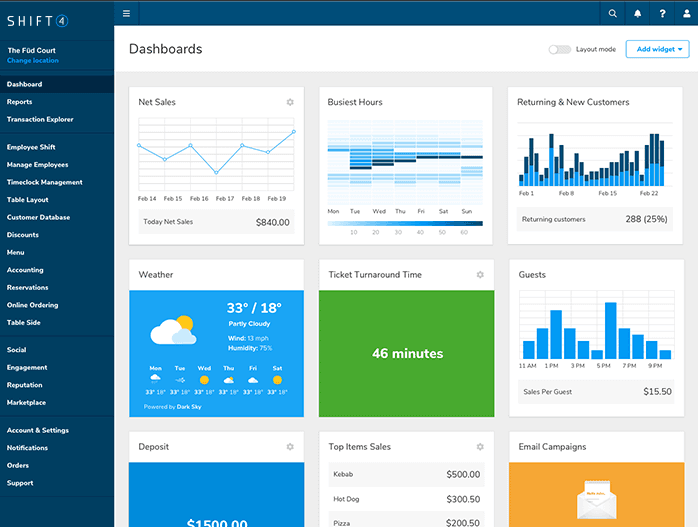
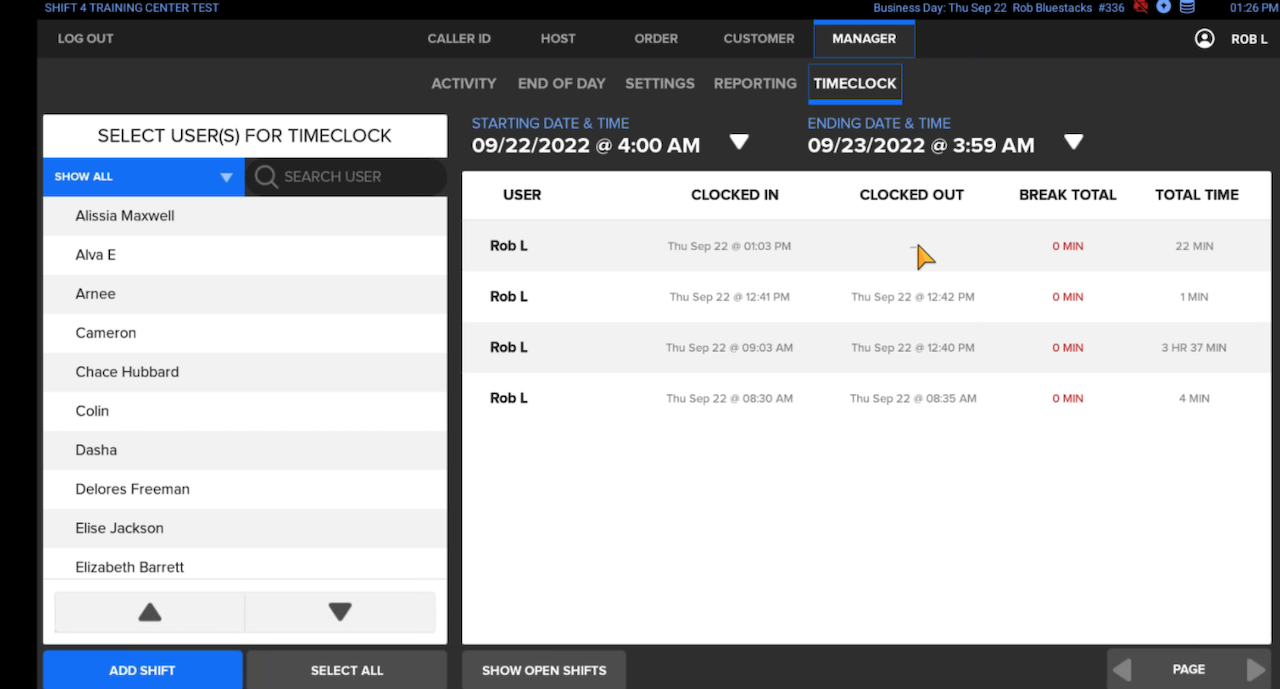
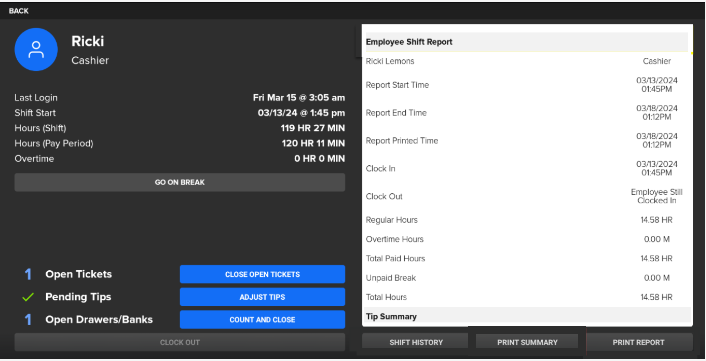
SkyTab POS from Shift4 is a restaurant-focused point-of-sale system designed for operators who want low upfront cost and predictable monthly fees.
It pulls together POS, online ordering, loyalty, and basic marketing inside one platform, with hardware often included in the plan.
Because several features come bundled, it can be a cost-efficient square alternative for restaurants that want integrated payments and online sales without stacking multiple subscriptions.
Key Features
- Restaurant POS: Table service, counter service, QR order-and-pay, and fast in-person payments.
- Included online ordering: Built in at no extra monthly fee.
- Marketing and loyalty: Email tools, offers, and rewards available inside the main platform.
- Reservations and waitlist: Integrated booking and walk-in management.
- Hardware options: Workstations, handhelds, KDS screens, and customer-facing displays.
What users say about Shift4
“It is easy to use for employees. It has many options that allow you enter items fast. Features such as splitting checks and splitting payments are very easy and this is important because it can be time consuming. Customer service at Harbor Touch is quick to help If any issues need to be resolved.“
Andrea A., Head Bartender (Source: G2)
My Conclusion
SkyTab works well for restaurants that want predictable costs and bundled features like online ordering and loyalty. You are tied to Shift4’s payment processing, and hardware costs rise as you expand, but the overall value is strong for operators who want an all-in-one POS system without a large upfront investment.

Best For
- Table-service restaurants that want an iPad-based POS
- Cafés and small venues
- Operators who want built-in reservations
Pros
✅ Works offline: Runs without internet access, so service continues uninterrupted.
✅ iPad-based POS: Portable, easy to move between tables, and simple for staff to learn.
✅ Built-in reservations and waitlist: Native tools for managing guest flow without extra integrations.
Cons
❌ Limited pricing transparency: Full pricing requires contacting sales, making plan comparisons harder.
❌ Stability concerns: Some users report system freezes or glitches during service.
❌ No delivery management: Lacks tools for tracking and dispatching deliveries.
Pricing
Plans
- Solo (1 User):
$69 / month - Dual (2 Users):
$129 / month - Team (Up to 5 Users):
$249 / month - Unlimited:
$399 / month
Addons
- Online Ordering:
$50 / month - Reservations:
$229 / month - Loyalty Program:
$99 / month
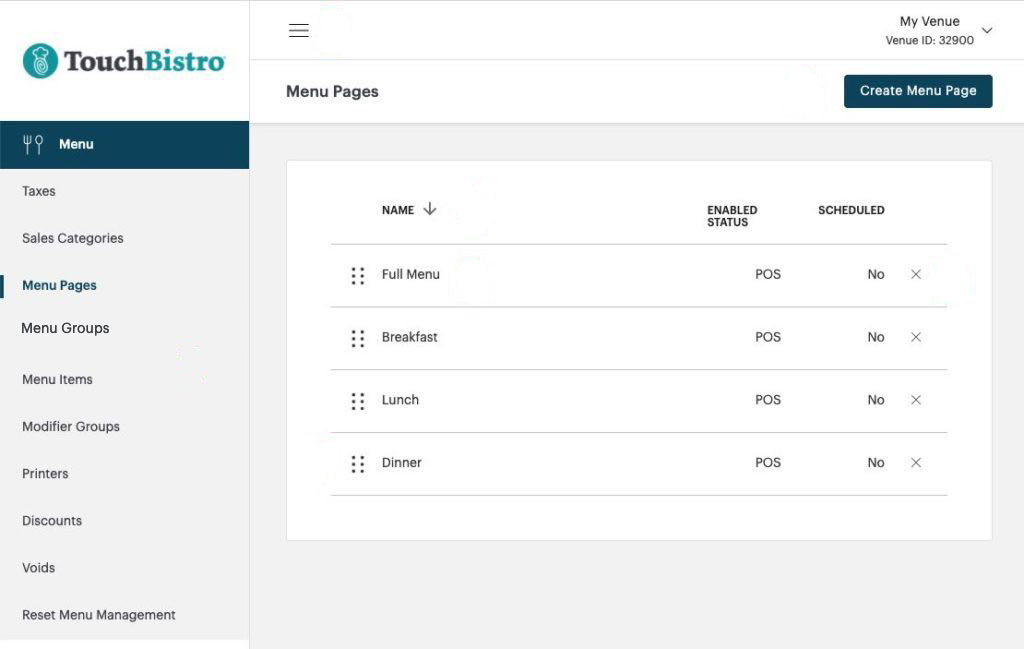
TouchBistro is an iPad-based POS system designed for restaurants that want a simple, mobile setup for tableside ordering and fast service.
It works offline, which is helpful for venues where Wi-Fi can be unreliable, and includes built-in tools for reservations and waitlists.
TouchBistro is popular among smaller dining rooms, cafés, and table-service restaurants that prefer a flexible, portable POS instead of a fixed hardware setup.
Key Features
- iPad-Based POS System: Lightweight, portable, and easy for staff to learn.
- Offline Mode: Continues running even when the internet drops, preventing service interruptions.
- Reservations & Waitlist: Built-in guest flow tools without needing extra software.
- Menu & Table Management: Designed for table-service workflows, including modifiers and quick order entry.
- Integrated Payments: Works with select payment processing partners for in-person payments and card transactions.
What users say about TouchBistro
“I was able to save all our products during installation and also enter special shortcuts for our handheld. This allows us to type in frequently ordered products faster. The credit card payment always works perfectly. All types of cards are accepted.“
Umar M., Restaurant Owner (Source: G2)
My Conclusion
TouchBistro is a good fit if you want a simple, mobile POS system that works offline and supports table-service workflows. It lacks delivery management and some advanced features found in other Square alternatives.
Reservation tools and ease of use make it a strong option for smaller restaurants and cafés that prioritize mobility and straightforward operations.

Best For
- Restaurants with strong online sales or e-commerce focus
- Brands that sell across multiple channels (in person and online)
- Operators who want inventory synced between website and POS
Pros
✅ Omnichannel selling: Syncs in-person payments, online transactions, and inventory across your Shopify store and physical locations.
✅ Scales with your store: Works well for restaurants that also sell merch, meal kits, or other e-commerce products.
✅ Simple entry point: POS Lite is included with any Shopify plan, so you can test in-person selling without another monthly fee.
Cons
❌ Requires Shopify store: You need an active Shopify e-commerce subscription to use Shopify POS.
❌ Extra cost for POS Pro: Advanced POS features require POS Pro at an additional monthly fee per location.
❌ Add-ons and apps increase cost: Third-party apps and hardware kits can raise overall POS system cost beyond the base monthly plans.
Pricing
Plans
- POS Lite:
$0 (included with any Shopify plan; ecommerce plans from $39/month). - POS Pro:
$89/month per location as an add-on to your Shopify plan.
Addons
- Starter hardware (Tap & Chip / reader kits):
from about $49–$219. - Terminal Countertop Kit:
around $459. - Wireless Countertop Bundle:
around $999.
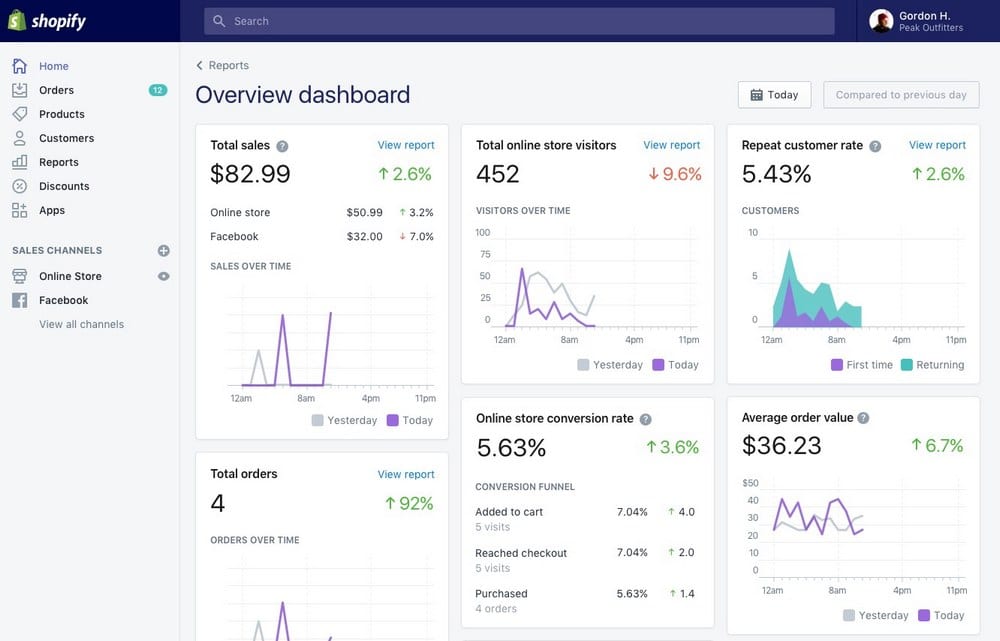
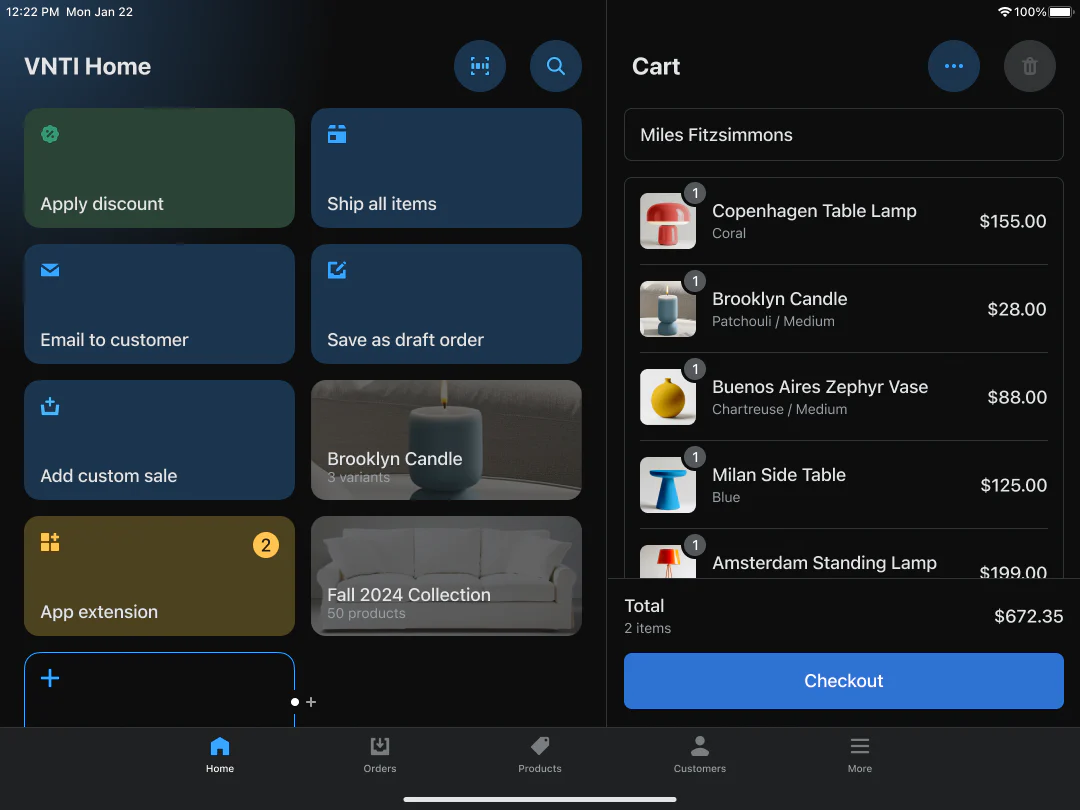
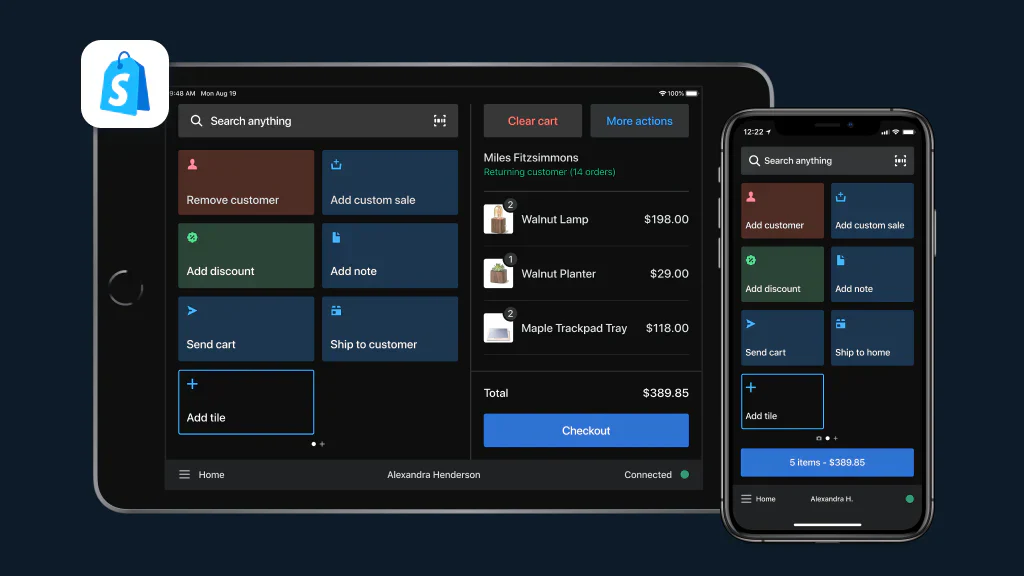
Shopify POS is built for restaurants and food businesses that rely on strong online sales alongside in-person payments.
Because it connects your website, menu, inventory, and point of sale in one system, it’s handy if your restaurant also sells merch, gift cards, meal kits, or other e-commerce items.
Compared with other square competitors, Shopify POS stands out for automatically syncing inventory and online transactions, giving small businesses a simple way to accept credit card payments across multiple channels without extra setup.
Key Features
- Omnichannel POS System: Syncs online sales, in-person payments, and inventory in real time so you never double-sell an item.
- POS Lite Included: Every Shopify plan includes POS Lite at no extra monthly fee, which is helpful if you want to test in-person transactions on a budget.
- Advanced POS Pro Option: Offers tools for staff permissions, smart inventory counts, and multi-location selling.
- Integrated Online Store: Connects your menu and product catalog to your e-commerce site for smooth online transactions.
- Flexible Payment Processing Options: Built to accept contactless payments, chip cards, and popular digital wallets.
What users say about Shopify POS
“I love how seamlessly Shopify POS connects with our online store. The interface is modern and very easy for staff to use, especially during peak hours. Inventory sync is real-time, customer profiles are automatically updated, and the system supports quick checkouts.“
Alex E., Retail Operations Manager (Source: G2)
My Conclusion
Shopify POS works best if your restaurant or café has a strong e-commerce component or sells beyond traditional food service.
The system is not as deep into restaurant workflows as some other alternatives. Still, its omnichannel features, low starting cost, and seamless sync between online and in-person sales make it a practical solution for hybrid businesses.
It’s a solid fit if you want a single POS provider that handles both your website and in-store checkout without additional integrations.

Best For
- Multi-location restaurant chains and high-growth brands
- Operators needing unified reporting across outlets and countries
- Locations prioritising advanced inventory management
Pros
✅ Advanced inventory & stock control: Tracks ingredient-level usage, bulk imports, and supplier orders to reduce waste and improve cost control.
✅ Scalable for multiple locations: Used by large chains globally, it manages menus, outlets, and sales across many sites in one platform.
✅ Seamless integrations: Works with online ordering, CRM, delivery, payment processing, and analytics tools to provide a full-service restaurant platform.
Cons
❌ Pricing transparency is limited: Full pricing details aren’t publicly broken down for all modules; many quotes are custom.
❌ Delivery-management features are less prominent: Some users report that tracking and dispatch of third-party deliveries are not as robust compared with specialist tools.
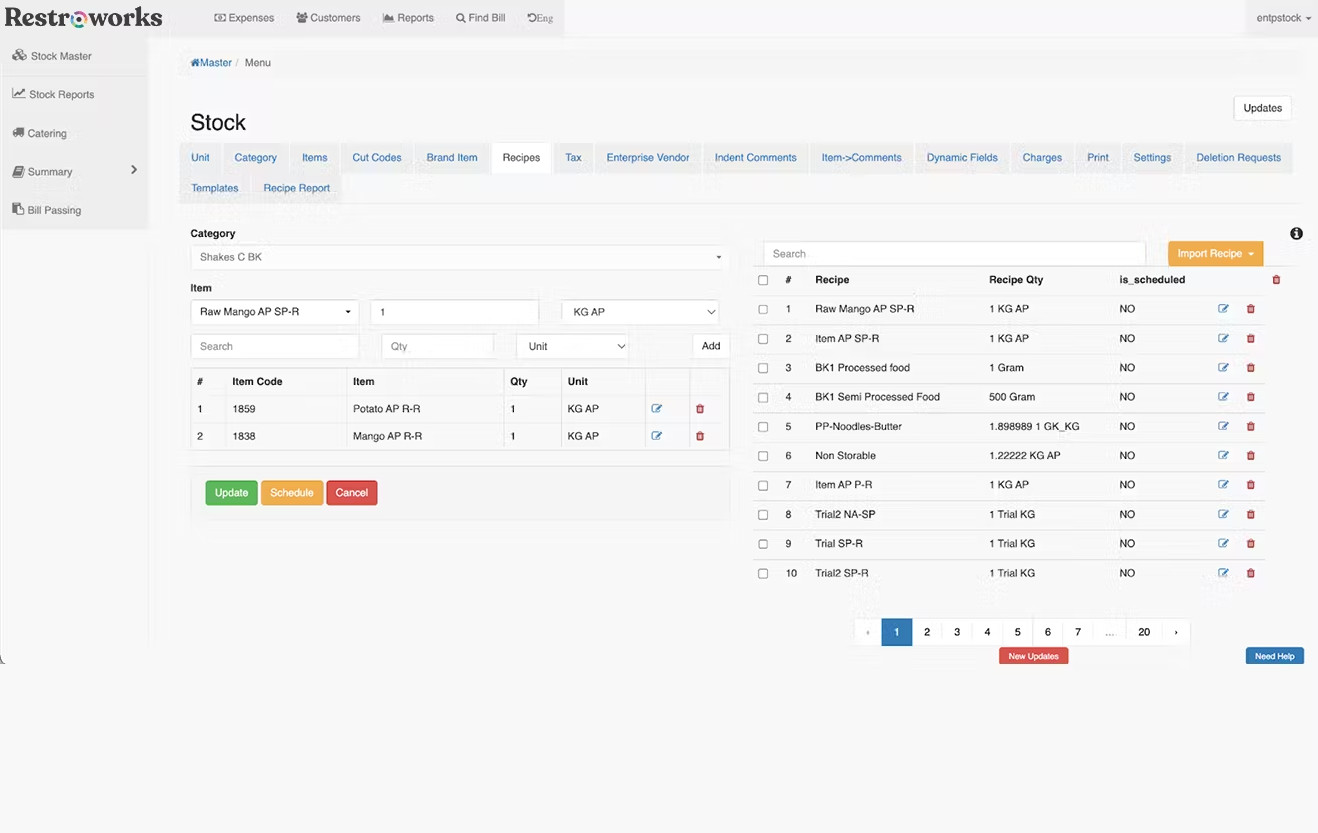
Restroworks is a restaurant management and POS system built for multi-location groups, large chains, and concepts that operate across several sales channels.
It focuses less on quick setup for small businesses and more on deep control over inventory, purchasing, and analytics. If you are comparing square competitors with scalability in mind,
System stands out for helping you keep online sales, in-person payments, and stock levels aligned across every location.
Key Features
- Advanced Inventory Management: Ingredient-level tracking, purchase orders, supplier management, and real-time stock visibility across outlets.
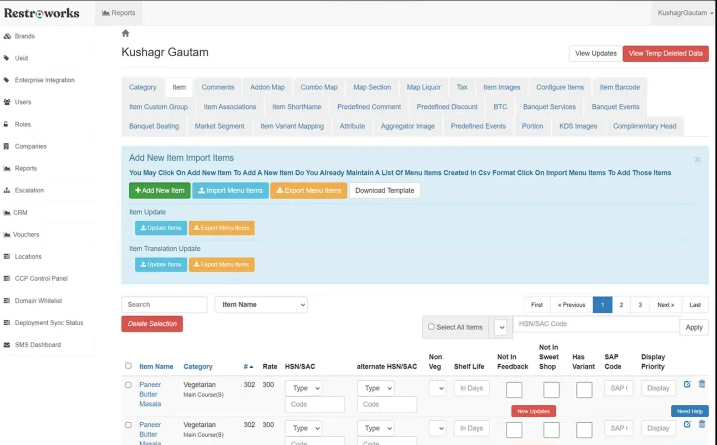
- Multi-Location POS System: Central dashboards for menus, pricing, promotions, and reporting, designed for brands with many stores.
- Integrations and API: Connects with online ordering platforms, accounting tools, and payment processing options for a unified setup.
- Reporting and Analytics: Detailed views of sales trends, performance by store, and profit margins to support data-driven decisions.
- Central Menu and Price Management: Update items once and sync changes to all locations to maintain consistency.
What users say about Restroworks
“Restroworks POS makes my daily work much easier. Earlier things felt messy, but now everything is clear and quick to handle. The system is easy to learn, and all features like billing, orders, and reports work smoothly. “
Namdev S., Restaurant Manager (Source: G2)
My Conclusion
Restroworks is best suited for larger restaurant groups that need more than a basic POS provider and want tight control over inventory and multi-location operations.
Pricing is custom and not fully transparent, so it requires a conversation with sales, but the feature set can be a strong fit if you manage several sites and care about consistency, cost control, and detailed reporting across your portfolio.
When to Switch From Square?
I would start thinking about a Square alternative when the system costs you more in fees and workarounds than it saves in time. This often happens once you add more locations, more staff, or more sales channels.
Industry data shows that over 60% of small and mid-sized businesses that switch POS systems do it because of unexpected fees or poor support, not because they wanted “more features.”
You might be ready to move on from Square when:
- Fees keep creeping up: Your effective payment processing fees and transaction fees rise with volume, and you have no clear way to negotiate or compare credit card processing fees with other payment processors.
- You need more control over payments: You want more payment processing options, support for mobile payments and contactless payments, or better handling of high transaction volumes and international payments.
- Inventory starts to get messy: You need stronger inventory management features, recipe or ingredient tracking, or multi-location stock control that basic Square reporting cannot handle.
- Omnichannel is your new normal: You sell across multiple channels (in person, online sales, delivery, and maybe e-commerce) and need clearer reporting, fewer manual entries, and better tools for tracking sales trends.
- Hidden costs are hard to track: You keep discovering add-ons, hardware costs, or statement fees that weren’t obvious at the start, and you would prefer more transparent fees and custom pricing that match how you actually operate.
- You are outgrowing the ecosystem: You need deeper employee management, better integrations, or industry-specific tools (for restaurants, hotels, or high-volume businesses) that Square simply does not offer.
How to Prepare to Switch?
Once you decide to change POS provider, the goal is a clean, low-stress switch where you can still process payments every minute of every day.
With more than 90% of full-service restaurants already using a POS system, the risk is not whether you can find a new tool, but whether you move your data and team over in an organised way.
Here is a simple prep checklist I recommend:
- List what you use today: Write down all the features you rely on in Square: online customers, menus, discounts, inventory management, basic business tools, virtual terminal use, and any recurring billing or invoicing.
- Export and clean your data: Export menus, modifiers, categories, customer lists, and order history. Clean up duplicates now so the new point of sale does not inherit old problems.
- Clarify payment needs: Decide how you want to accept credit card payments going forward: in-person payments, online transactions, mobile wallets like Apple Pay and Google Pay, local payment methods, and any special rules for high-volume businesses.
- Review hardware and accessories: Check which pieces you can reuse (tablet, receipt printer, cash drawer) and which must be replaced. Compare total hardware costs with any monthly fee the new POS provider charges.
- Plan roles and training: Decide who will manage inventory, process payments at the register, and handle refunds or chargebacks. Schedule short trainings so small business owners and staff feel confident from day one.
- Run both systems briefly: Run Square and the new POS system side-by-side for a few days. Confirm that card payments, reports, and inventory updates match before you shut down the old system.
Preparing this way helps you avoid downtime, surprise cancellation fees, and hidden costs, and it gives your new POS system a fair chance to support your profit margins from the first week.
Frequently Asked Questions (FAQ)
Which alternatives to Square offer better features?
Some of the best Square alternatives with stronger restaurant features are Toast, Lightspeed, SpotOn, TouchBistro, Upserve (Lightspeed), SkyTab (Shift4), Shopify POS, Restroworks, and UpMenu with strong online ordering and marketing.
The “best” fit depends on whether you prioritise advanced inventory management, multi-location control, direct online sales, or lower payment processing fees.
Which company is Square’s main competitor?
In restaurants, Toast is usually seen as Square’s main competitor, with a restaurant-specific POS system, integrated payment processing, and strong table-service tools. In retail and mixed-use, Shopify and Clover are also major competitors.
Is Square the most affordable choice?
Not always. Square keeps upfront costs low, but effective processing fees, hardware costs, and paid add-ons can add up as you grow.
For higher volumes, some providers with custom pricing or lower transaction fees can be cheaper overall, even if their monthly fee looks higher at first.