




Talk to sales Contact Login English

QR Code Menu for Restaurants

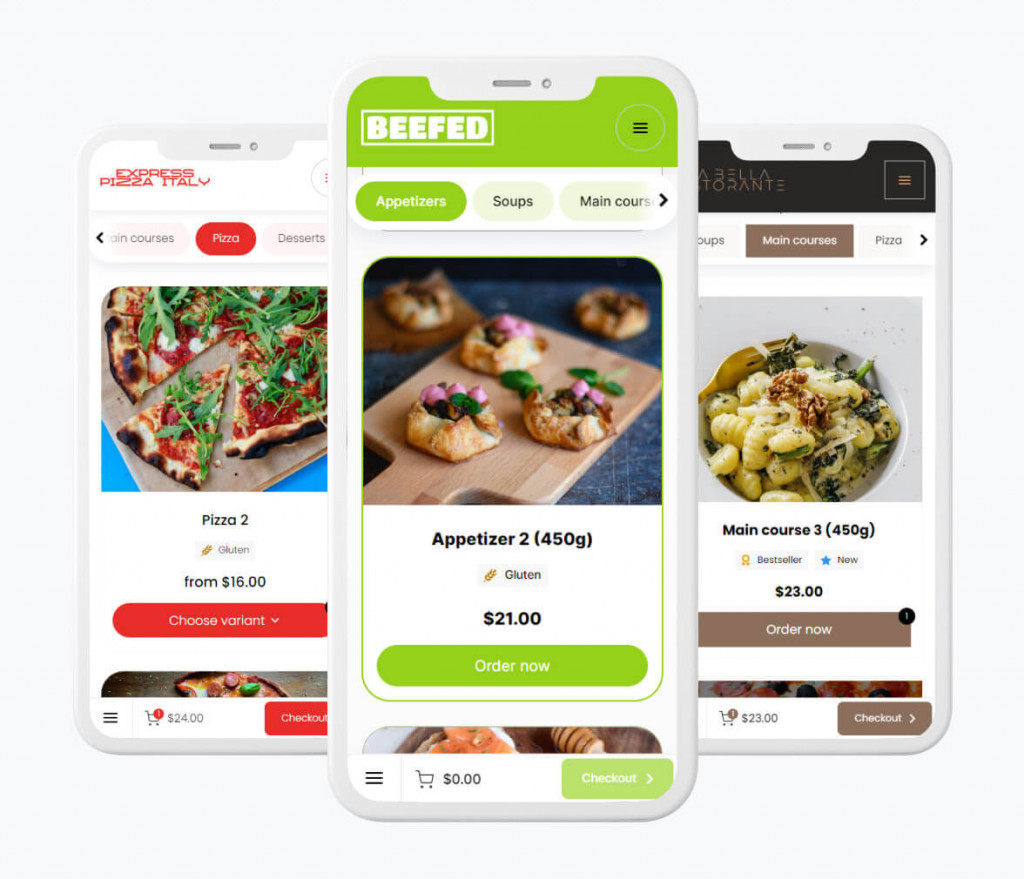
Create a QR code menu for self-service ordering right from the table.

  • Instant table ordering
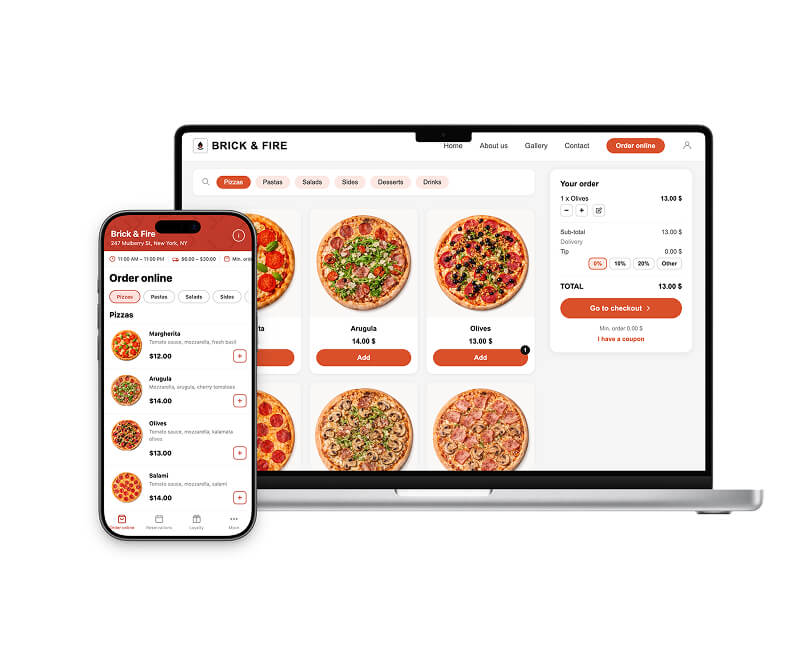
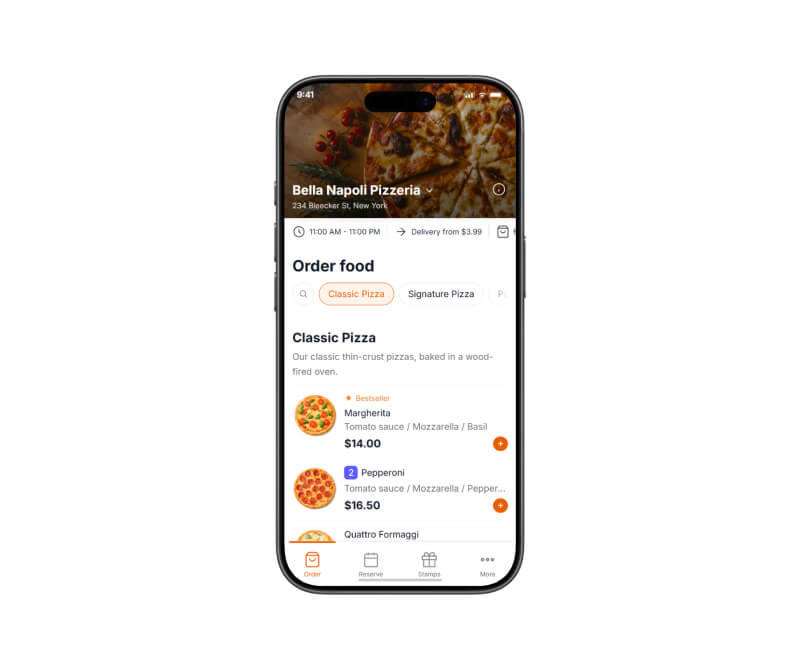
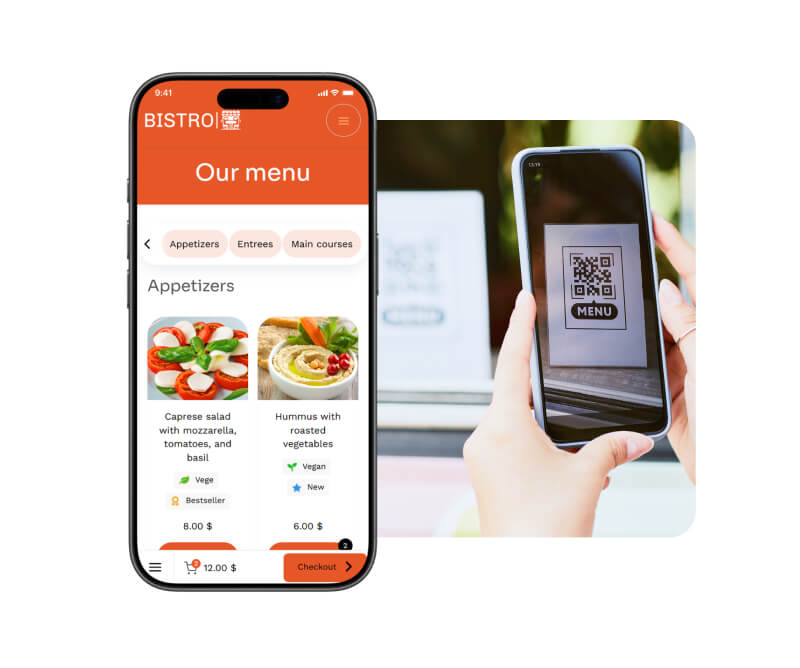
    Customers can browse the menu, order, and pay directly from their phones while sitting at the table.
  • Faster service, no waiting
    Your digital menu is instantly available to guests — no need to wait for a waiter, which helps keep service smooth even during busy hours.
  • Easy menu updates
    Add new dishes, update prices, or change photos anytime. Your menu updates instantly — no printing required.

BENEFITS

Digital QR code menu benefits

  • Table self-ordering = faster service and fewer mistakes
    More efficient service means happier guests and even up to 30% fewer negative reviews.
  • Increase your average order value by up to 20%
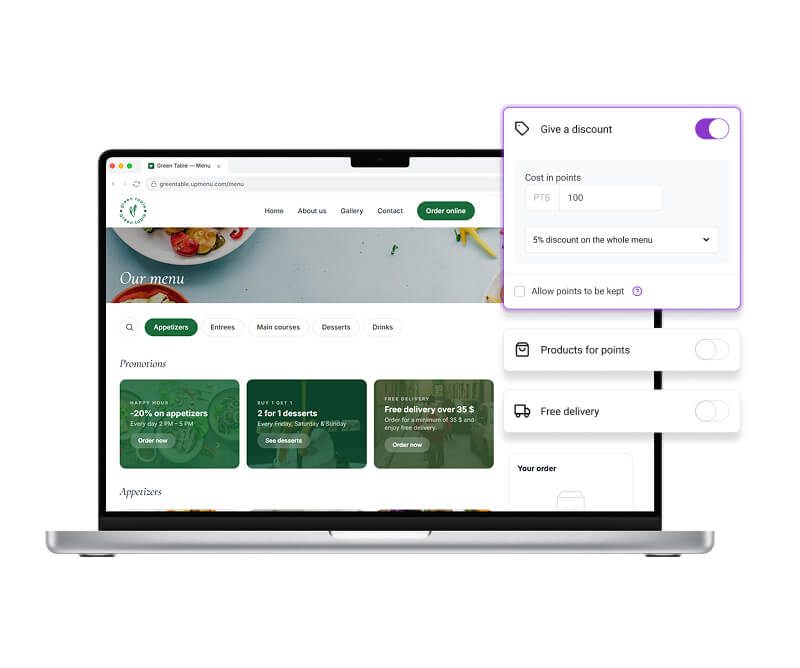
    Promotions, happy hours, and dish recommendations help encourage customers to order more.
  • Lower staff cost
    A QR code menu can support your staff or partially replace traditional table service, depending on your restaurant’s model.
  • More convenience for guests
    Digital menus allow guests to browse the menu and order at their own pace.
  • Less stress and more control
    QR menus streamline service and help waitstaff work more efficiently — giving managers and owners more time to focus on running the restaurant.

Trust our experience

We’ve been working with restaurants since 2012. Together with restaurant owners, we’ve built an all-in-one platform designed specifically for the restaurant industry.

One of our solutions is a digital QR menu that helps streamline service, lets guests browse the menu and order easily, and helps managers and owners reduce chaos and stress during busy hours.

Years in the market
0
Countries
+
Customers
0 +
Commission
0 %

Quick setup. Zero risk.

Your digital menu ready in minutes

  • 7-day free trialtest everything with no risk and no upfront cost
  • No long-term contractscancel anytime
  • 7-day support via chat and email — before and after launch
  • Easy setupget a menu editor, QR codes, and ready-to-use templates

BENEFITS

What else do you get with a QR Code menu?

  • Menu customized to match your restaurant’s brand and style
  • Modern lookkeep your restaurant experience up to date
  • 40+ ready-to-use menu templates
  • Automatic customer reviews collected after orders
  • Online payments directly at the table
  • Multilingual menueasier service for international guests
  • Support for restaurant chainsone QR Code menu for all locations

HOW IT WORKS

How to create a QR Code menu?

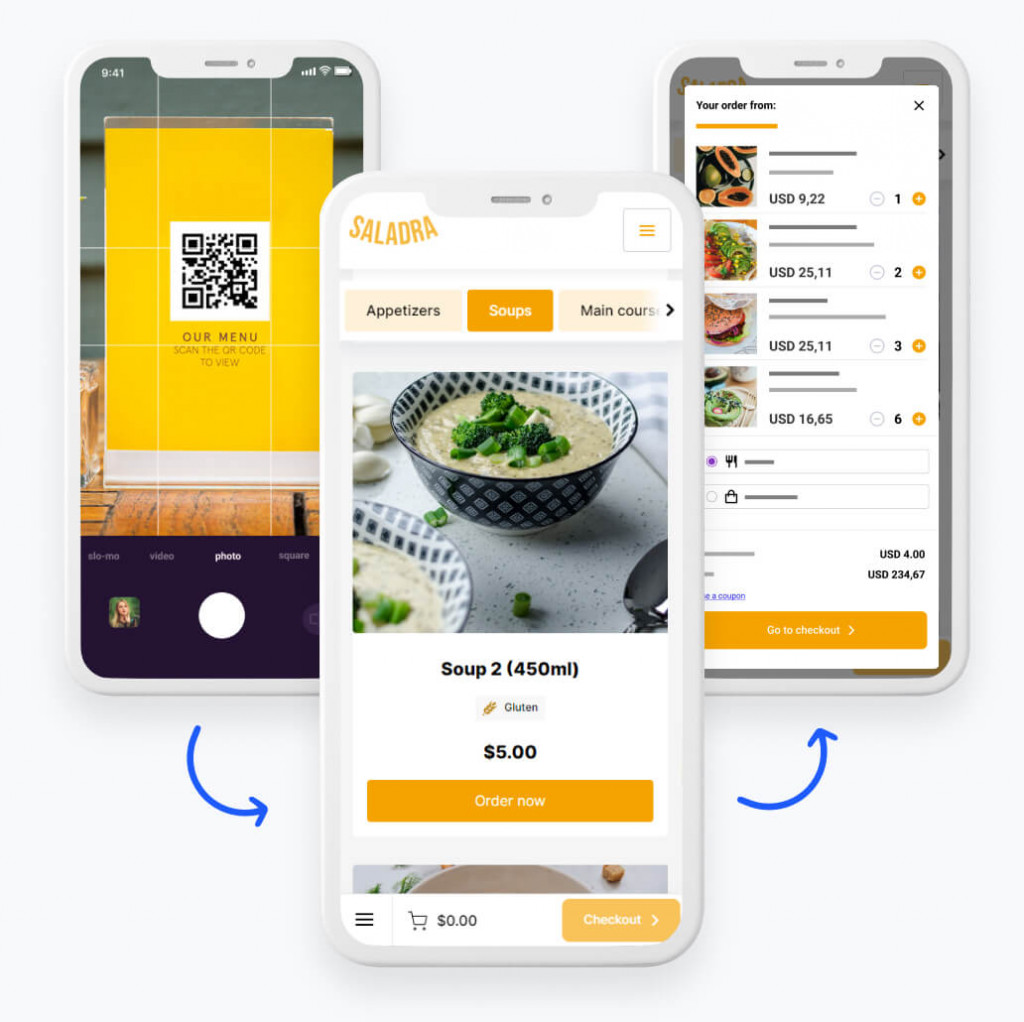
1
Step 1

Create your QR Code menu

Add your dishes, prices, and table numbers, and customize the design to match your restaurant.

2
Step 2

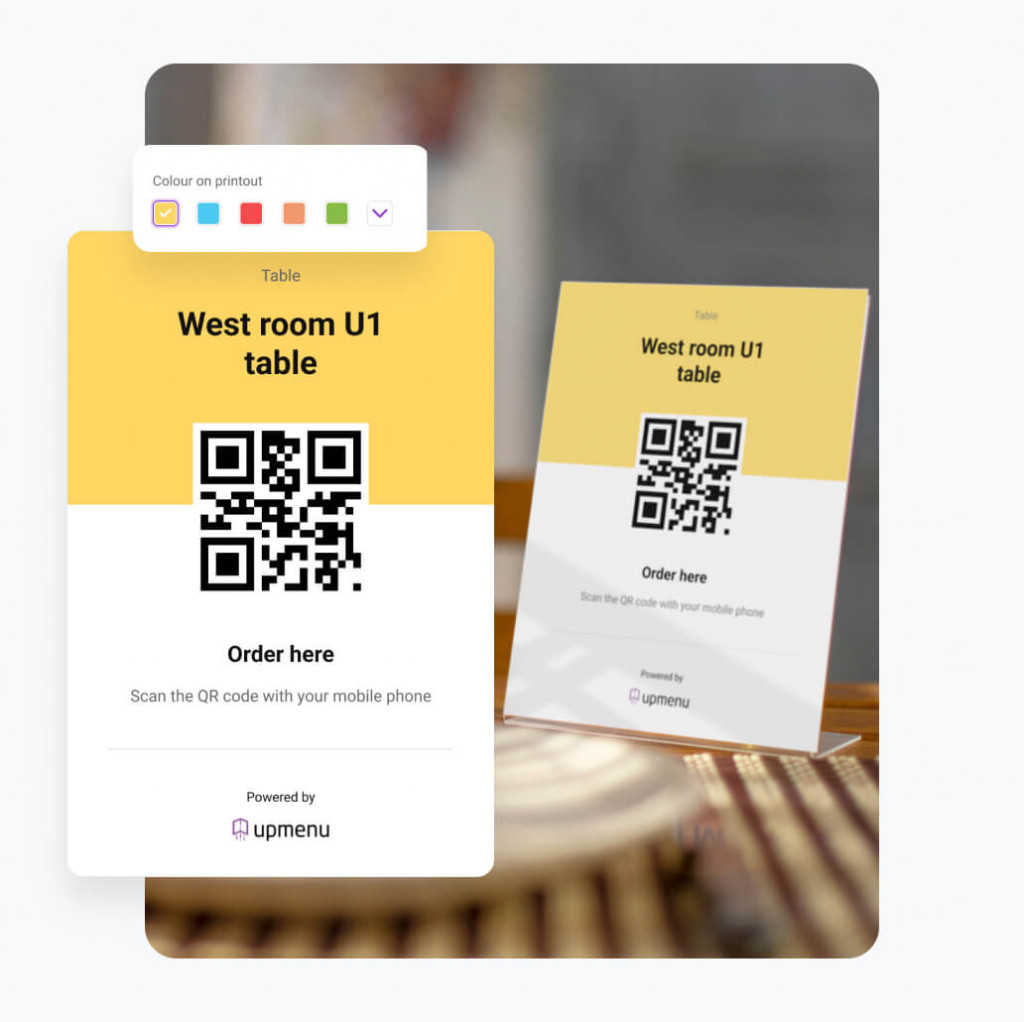
Download and print your QR codes

Generate QR codes in your dashboard and print them as stickers, table stands, or menu inserts.

3
Step 3

Place QR codes on tables

Place or stick QR codes on tables so they're easy for guests to scan.

4
Step 4

Customers scan and order

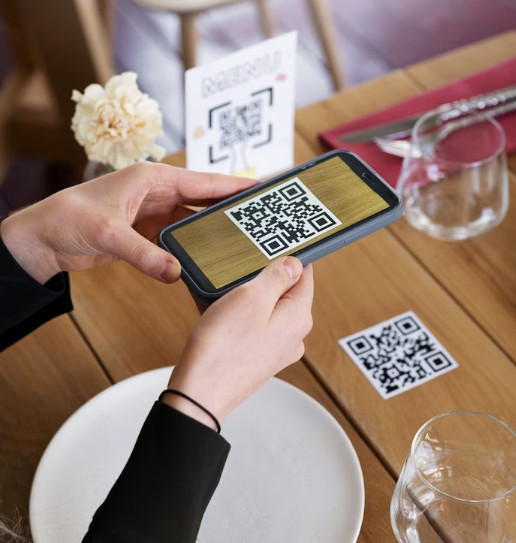
Guests scan the QR code, open the QR Code menu on their phone, browse dishes, and place an order.

✓ Result

Orders without waiting for a waiter

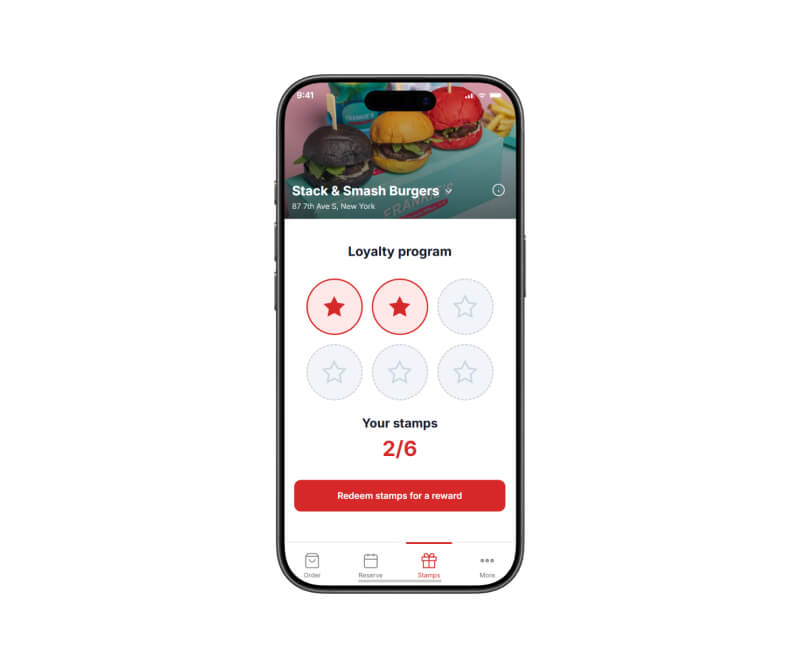
Service becomes faster, guests are happier, and you can increase sales while building a loyal customer base.

TEMPLATES

40+ QR code menu templates

Try it out!
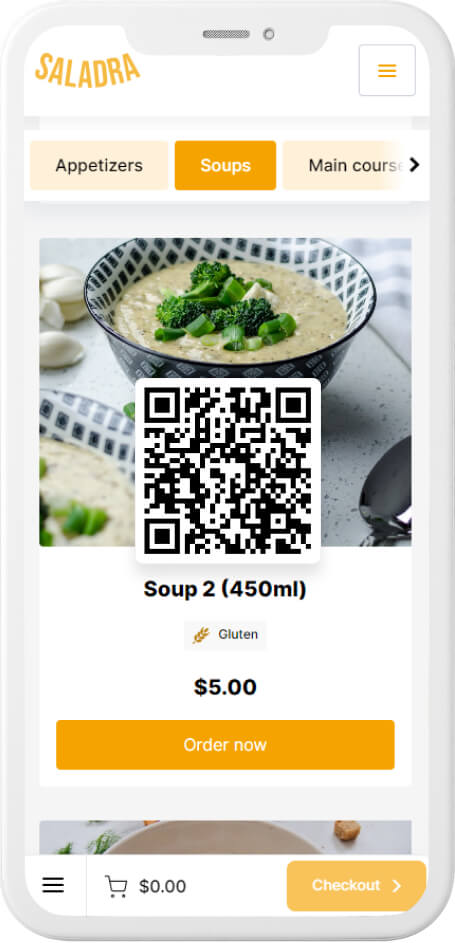
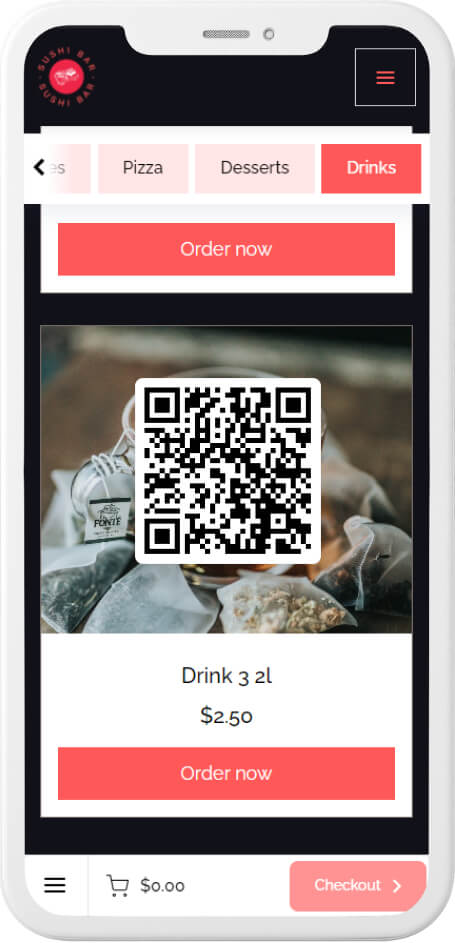
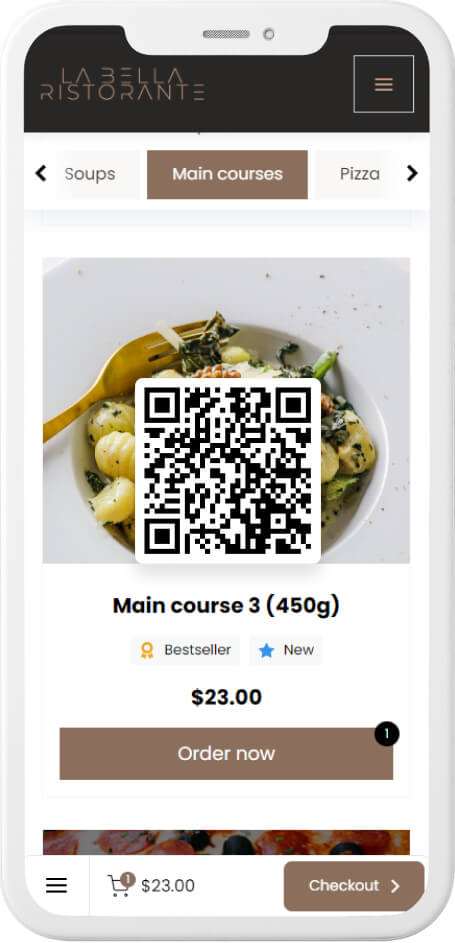
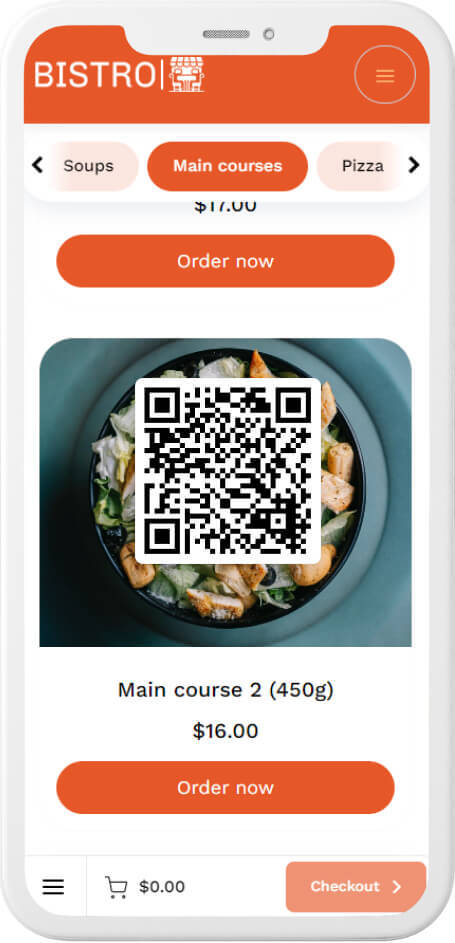
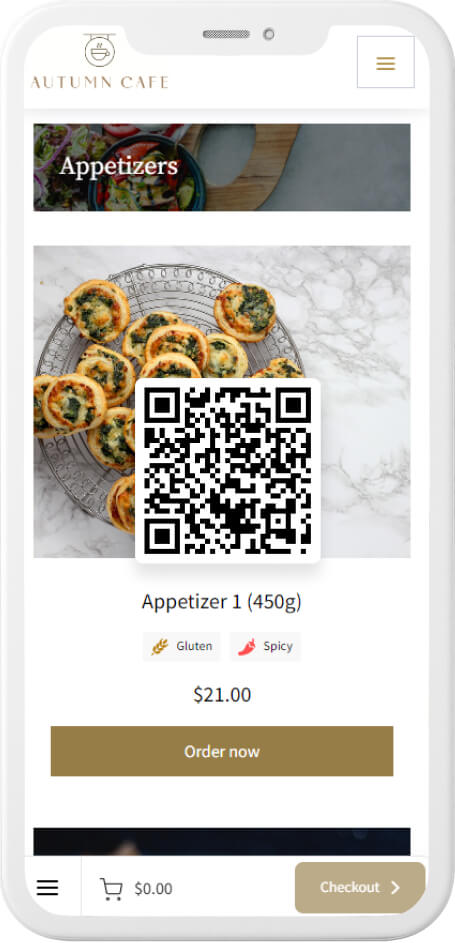
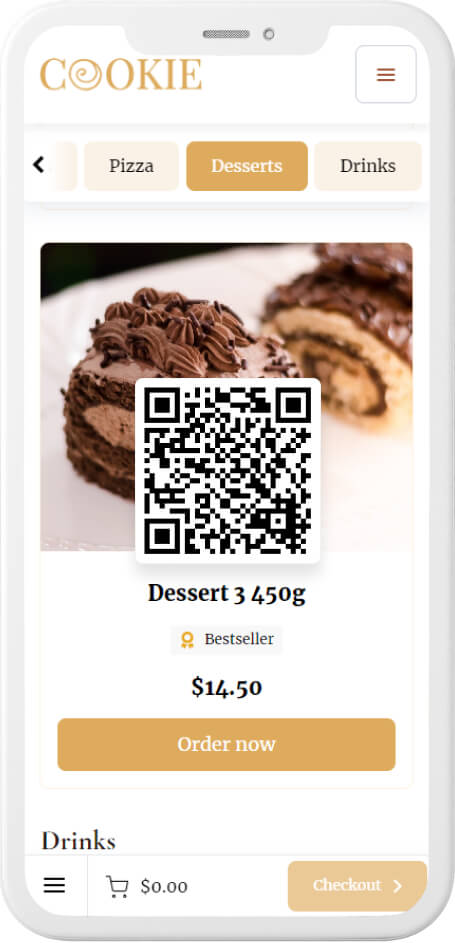
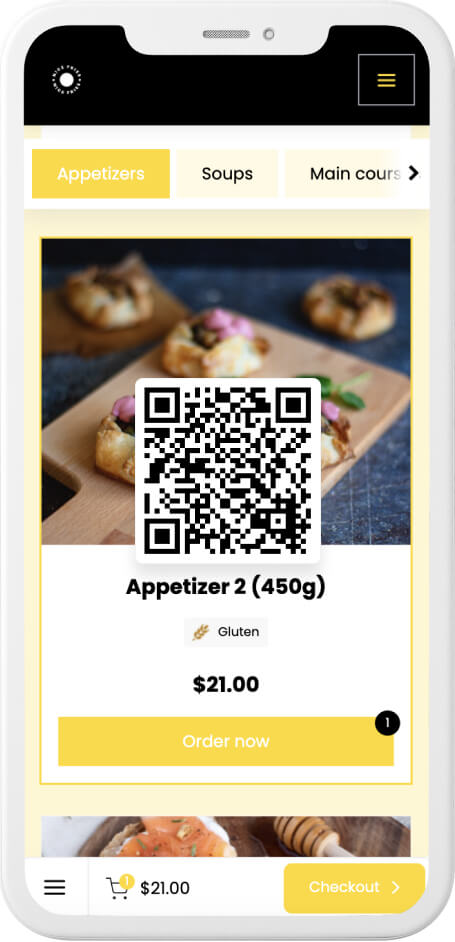
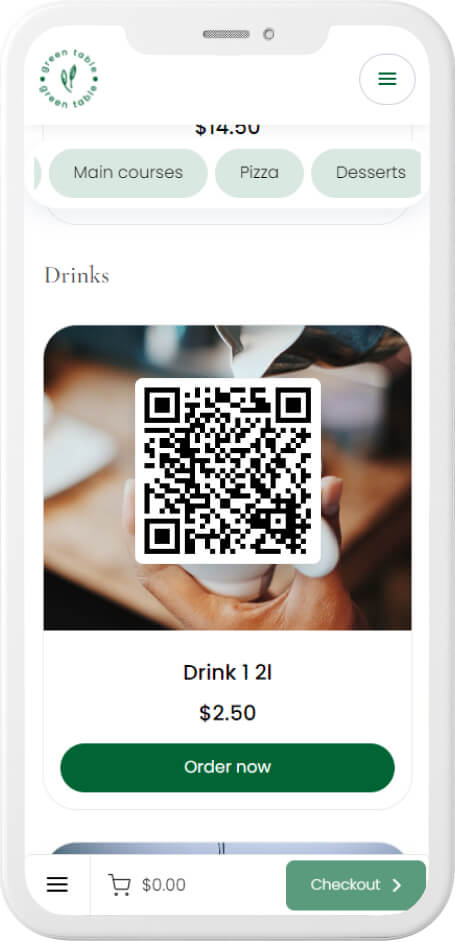
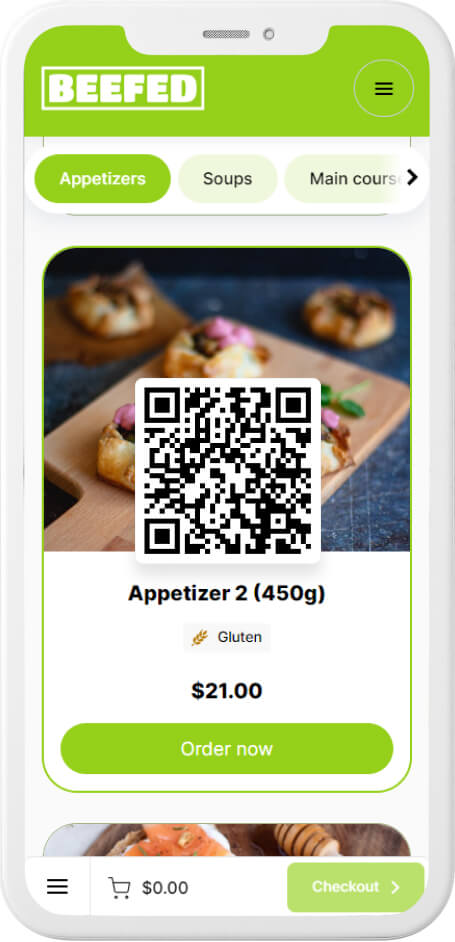
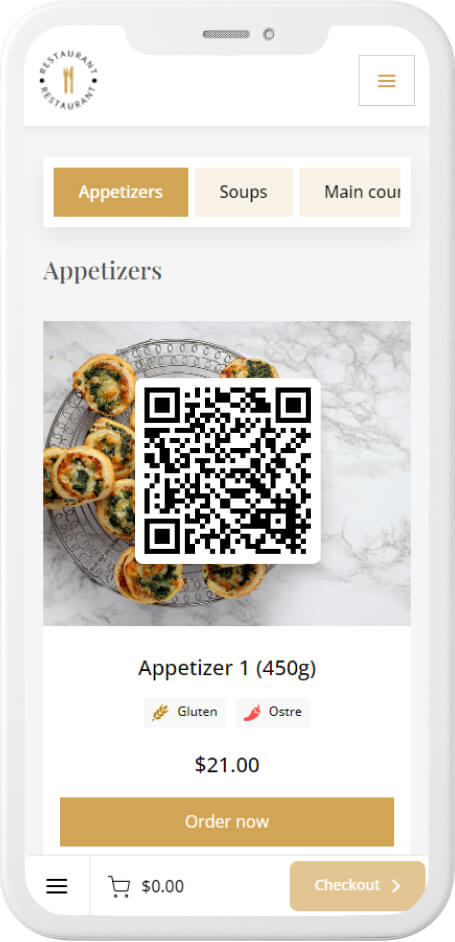
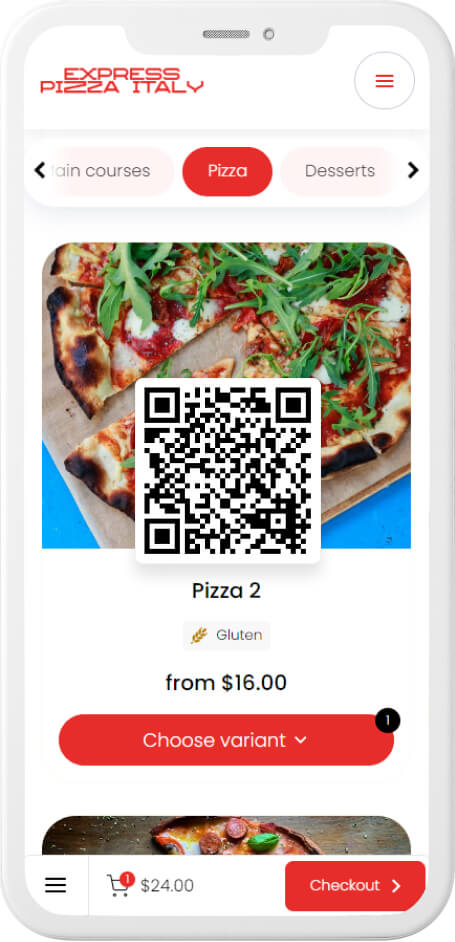
Scan the QR code with your phone to see how it works.

How to use a QR Code menu

8 ways to place a QR Code menu
in your restaurant

Sticker
The easiest way to add a QR Code menu to every table.

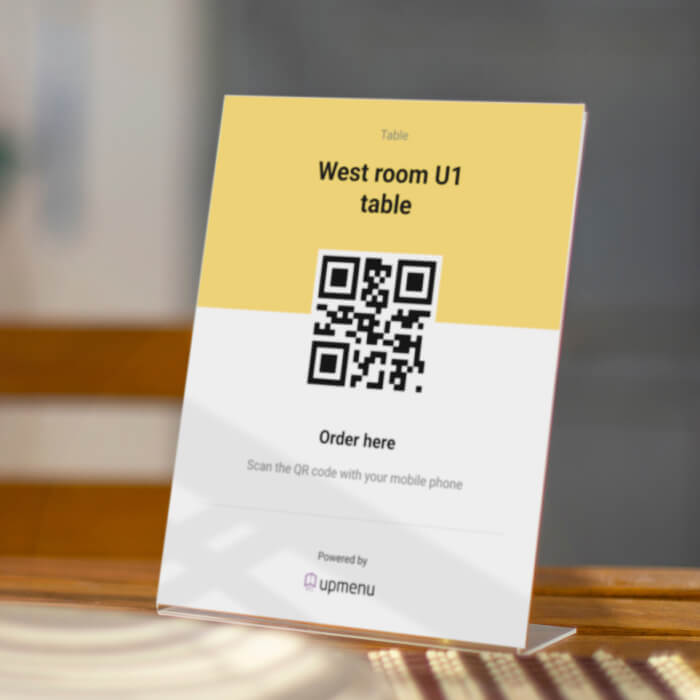
Table Tents
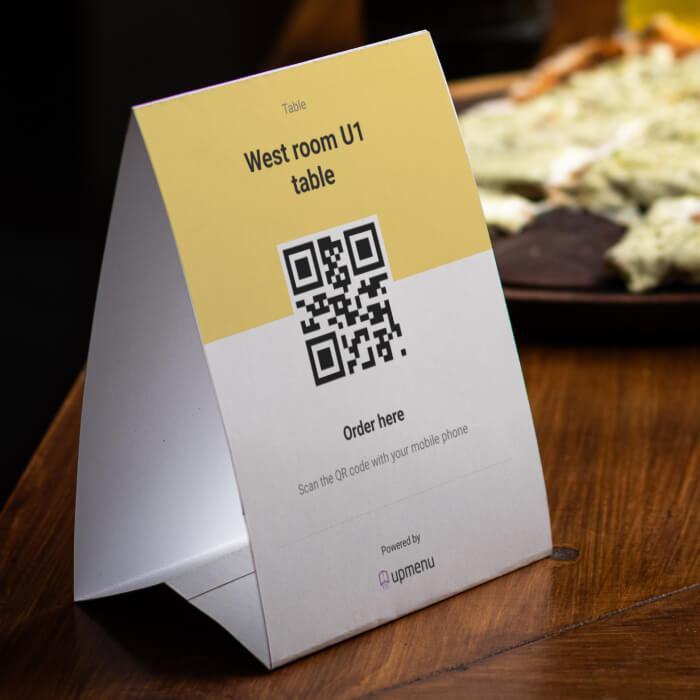
A printed table stand lets you personalize your QR Code menu and add extra information like your logo or table number.

Tabletop Inserts
For a more durable and stable solution, use a table stand and place the QR Code menu inside.

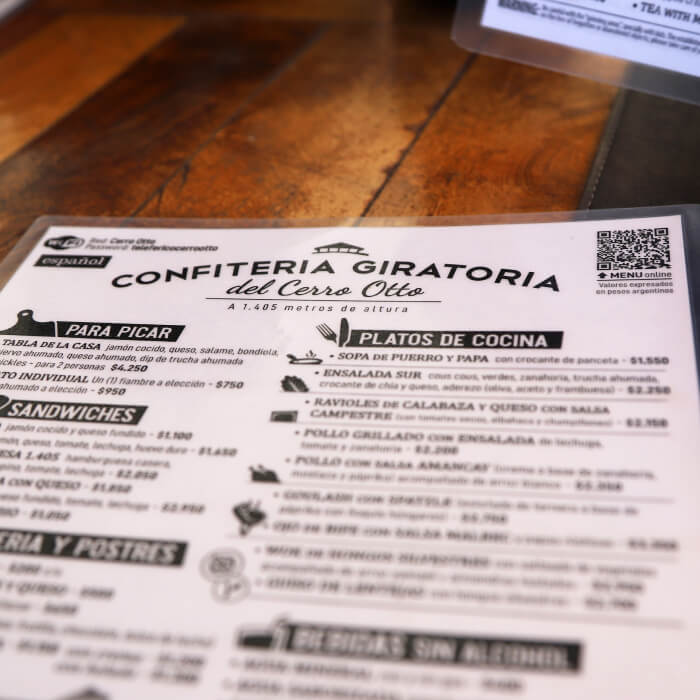
Paper Menus
Add the QR code to your printed menu to connect your traditional menu with its digital version.

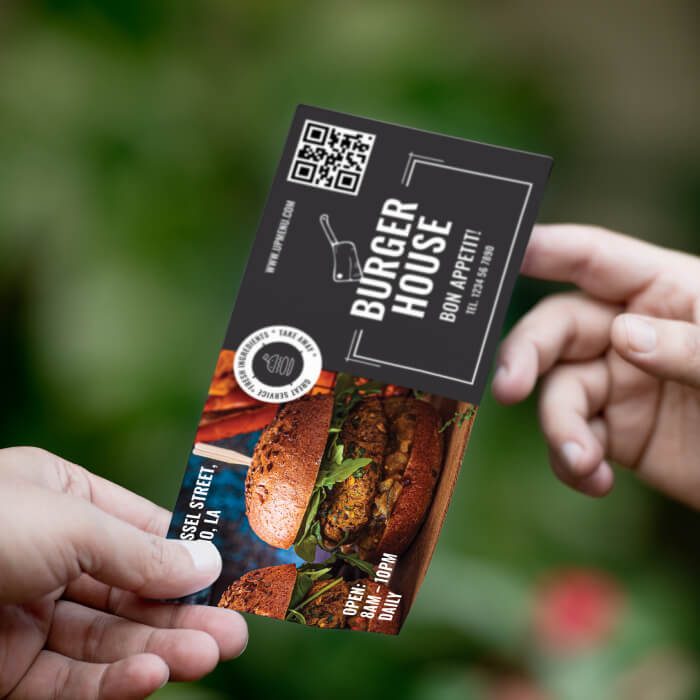
Promotional flyers
Add the QR code to flyers so customers can access your QR Code menu even outside the restaurant.

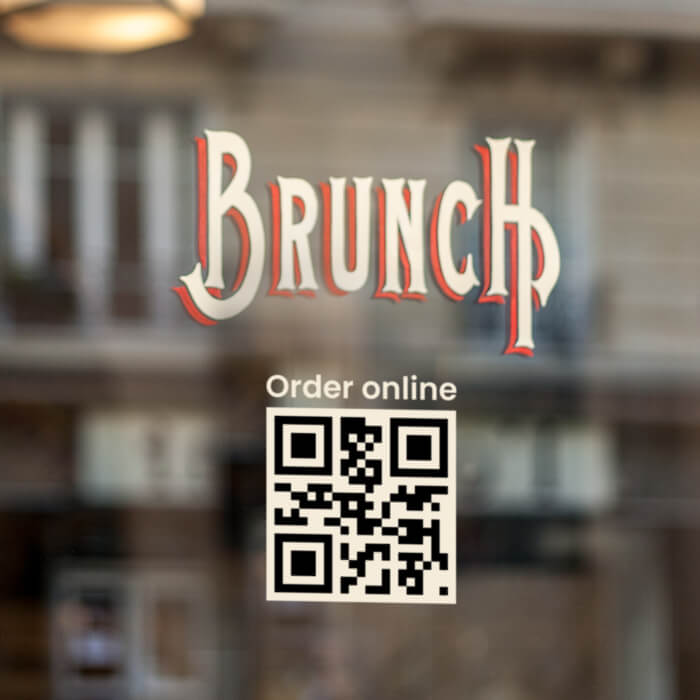
Window and wall stickers
Place QR codes on windows or walls so passersby can quickly check your restaurant’s menu on their phone.

Packaging stickers and labels
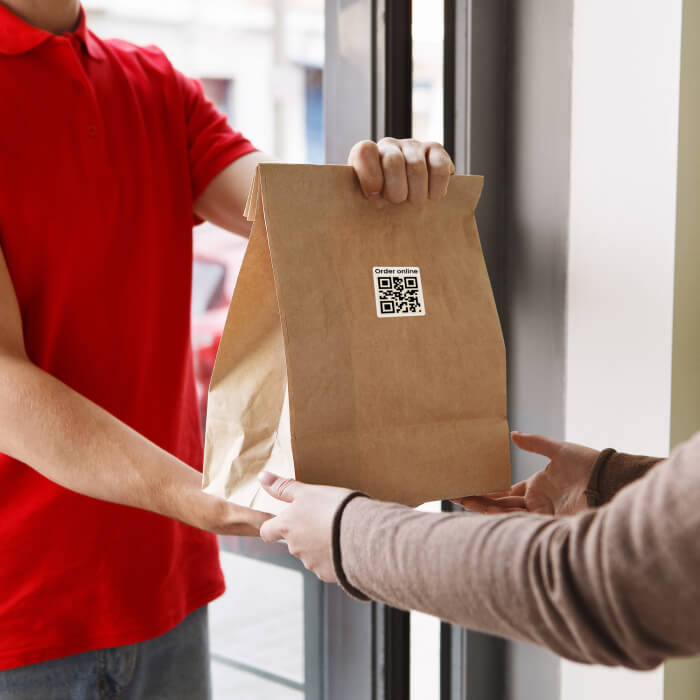
Add QR codes to takeout packaging so customers can easily return to your QR Code menu at home.

Outdoor stands
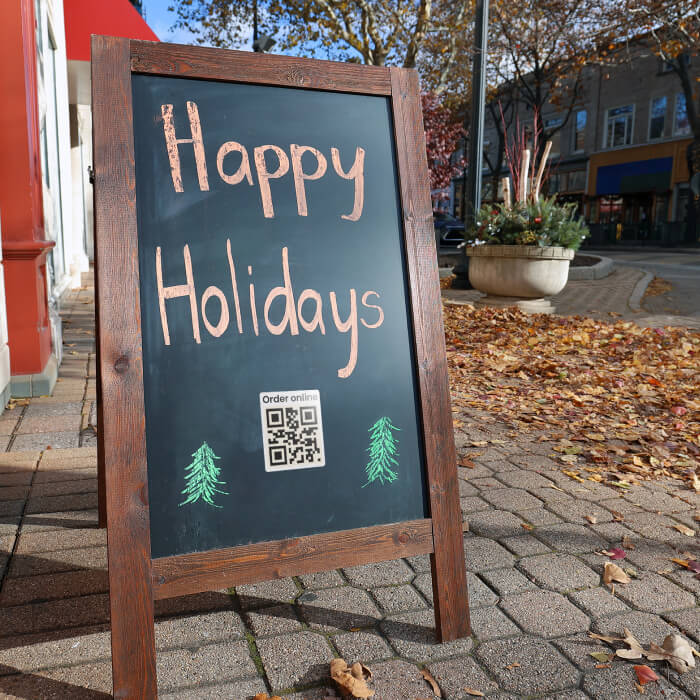
Use outdoor stands with QR codes to attract attention and direct people to your QR Code menu.

OUR HAPPY CLIENTS

Why restaurateurs choose UpMenu

WHAT OWNER SAYS

PRICING

How much does a QR Code menu cost?

QR Code menu is included in the subscription
$49

per month / per location

Frequently Asked Questions (FAQ)

A QR Code menu is a restaurant menu that customers open on their phone by scanning a QR code at the table.
Guests can browse dishes, check prices, and place an order without waiting for a waiter.

No. The QR Code menu opens directly in the customer’s phone browser — no app download required.

You create a QR Code menu by adding your dishes, prices, and choosing a menu template.
Then you download the QR codes, print them, and place them on your tables.

Yes. The QR Code menu allows customers not only to browse the menu but also to place orders directly from their phone.

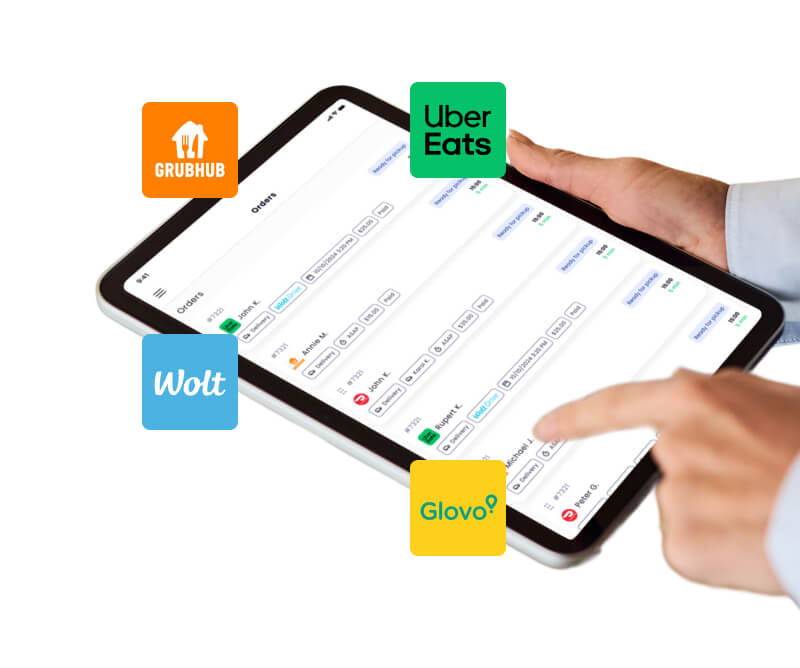
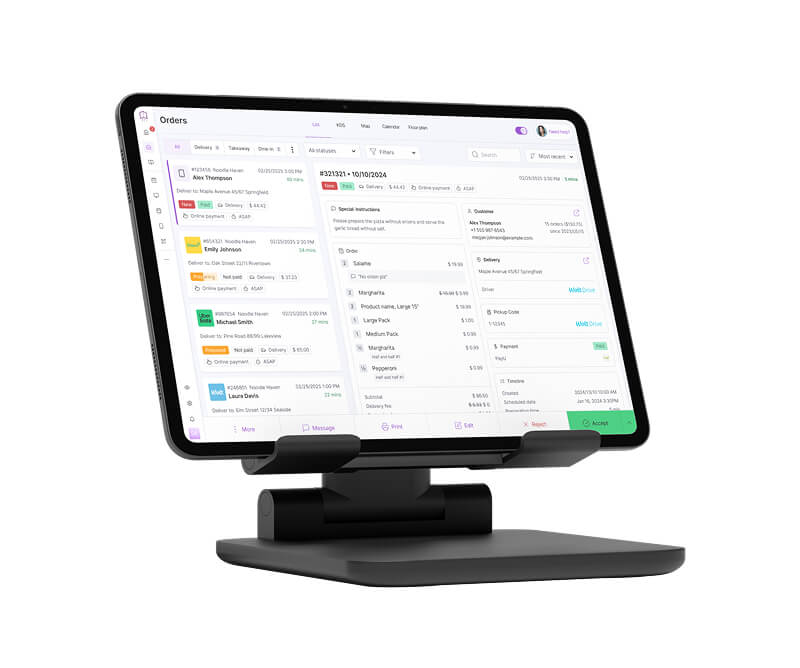
Orders placed from the QR Code menu appear in the same dashboard as orders from your website or delivery platforms.

Usually just a few minutes — the time it takes to add your menu items, prices, and download the QR codes.

Printing the QR codes is simple. You can print them on a regular printer and place them on the corner of your tables.

Most restaurants use a QR Code menu to support their staff, not replace them.

However, if you want fully self-service tables, it’s possible. Guests can browse the menu and place orders directly from the digital menu without waiter assistance.

Ready to streamline your restaurant service? 🚀

Try the QR Code menu free for 7 days — no risk.
Ready to take the next step for your restaurant business?
Schedule a Demo Today! 🚀