
QR Code Menu for Restaurants
Create a QR code menu for self-service ordering right from the table.
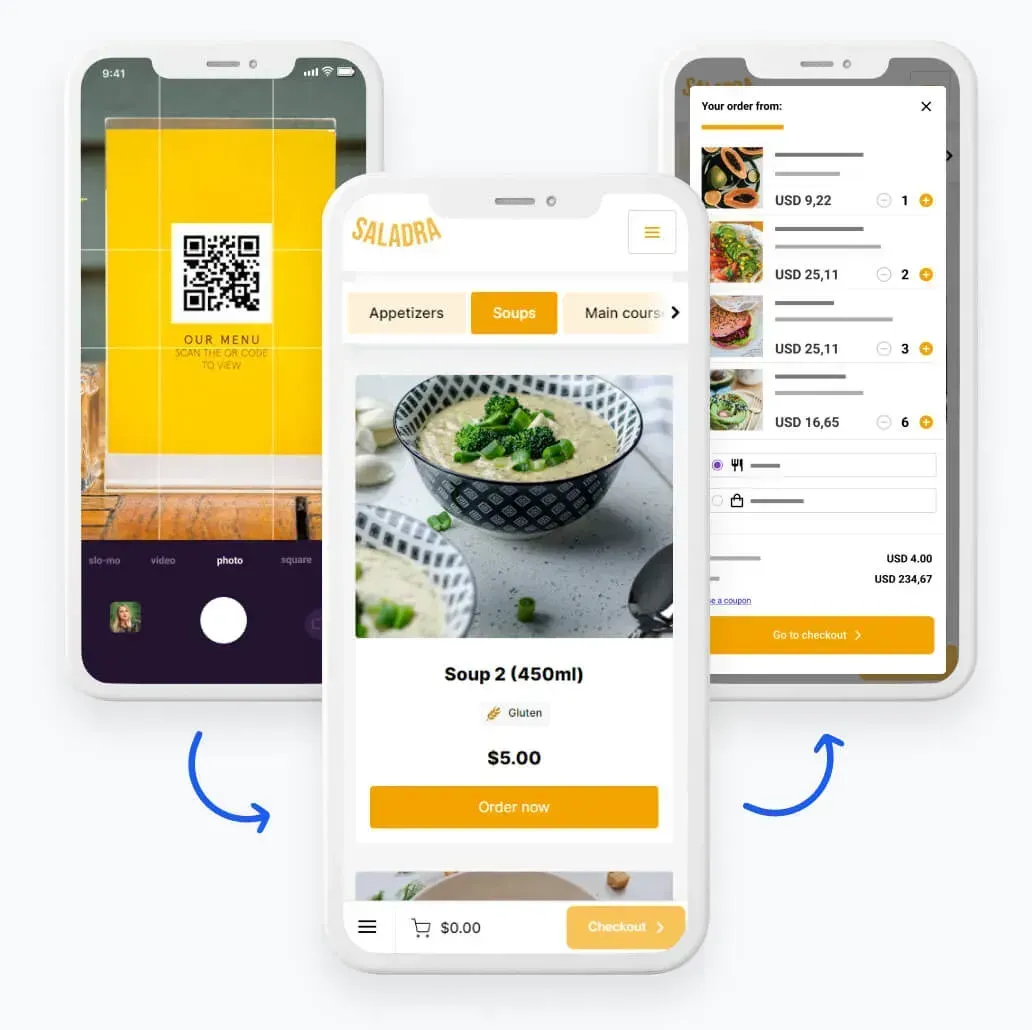
- Instant table ordering: Customers can browse the menu, order, and pay directly from their phones while sitting at the table.
- Faster service, no waiting: Your digital menu is instantly available to guests — no need to wait for a waiter, which helps keep service smooth even during busy hours.
- Easy menu updates: Add new dishes, update prices, or change photos anytime. Your menu updates instantly — no printing required.
Benefits
Digital QR code menu benefits
- Table self-ordering = faster service and fewer mistakes
More efficient service means happier guests and even up to 30% fewer negative reviews. - Increase your average order value by up to 20%
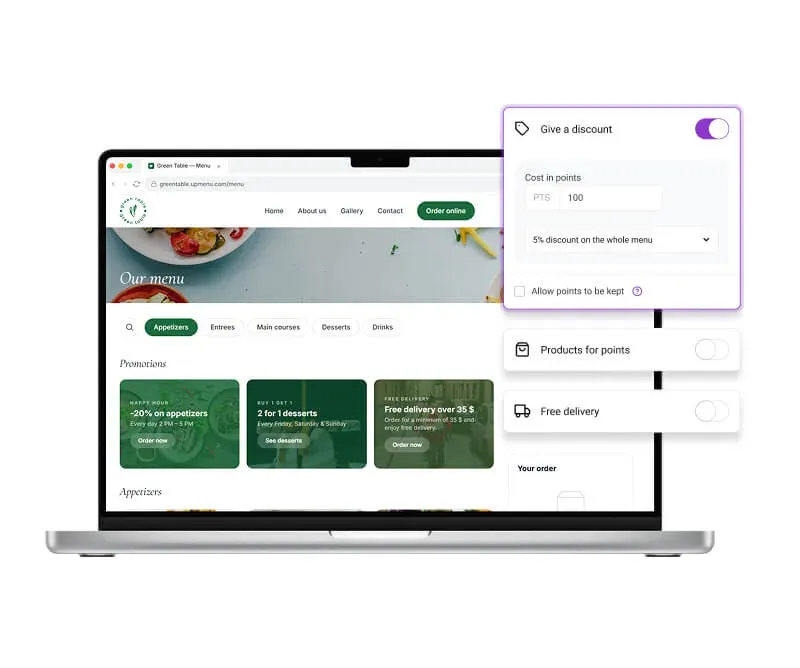
Promotions, happy hours, and dish recommendations help encourage customers to order more. - Lower staff cost
A QR code menu can support your staff or partially replace traditional table service, depending on your restaurant’s model. - More convenience for guests
Digital menus allow guests to browse the menu and order at their own pace. - Less stress and more control
QR menus streamline service and help waitstaff work more efficiently — giving managers and owners more time to focus on running the restaurant.
Trust our experience
We've been working with restaurants since 2012. Together with restaurant owners, we've built an all-in-one platform designed specifically for the restaurant industry.
One of our solutions is a digital QR menu that helps streamline service, lets guests browse the menu and order easily, and helps managers and owners reduce chaos and stress during busy hours.
Quick setup. Zero risk.
Your digital menu ready in minutes
- 7-day free trial — test everything with no risk and no upfront cost
- No long-term contracts — cancel anytime
- 7-day support via chat and email — before and after launch
- Easy setup — menu editor, QR codes, and ready-to-use templates
Benefits
What else do you get with a QR Code menu?
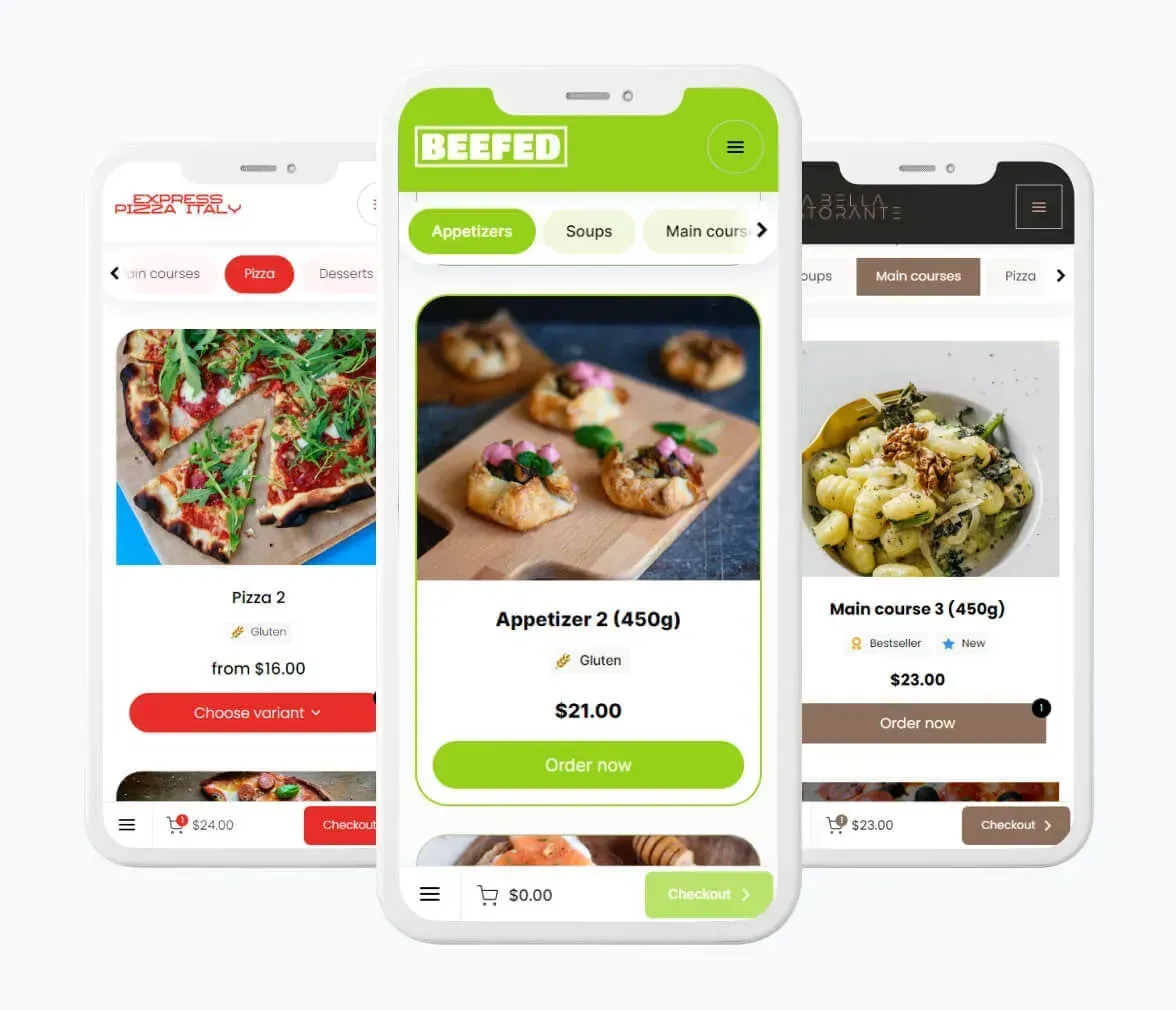
- Menu customized to match your restaurant's brand and style
- Modern look — keep your restaurant experience up to date
- 40+ ready-to-use menu templates
- Automatic customer reviews collected after orders
- Online payments directly at the table
- Multilingual menu — easier service for international guests
- Support for restaurant chains — one QR Code menu for all locations
How it works
How to create a QR Code menu?
Create your QR Code menu
Add your dishes, prices, and table numbers, and customize the design to match your restaurant.
Download and print your QR codes
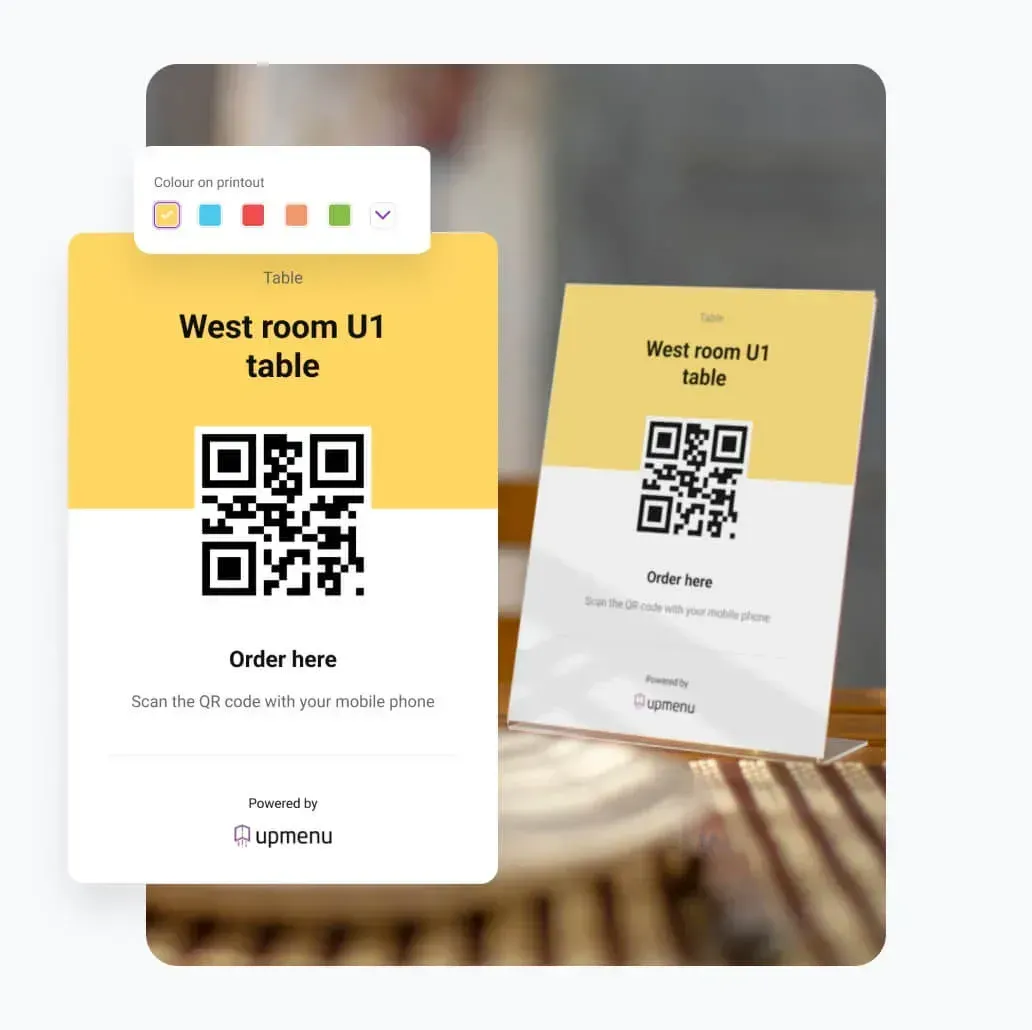
Generate QR codes in your dashboard and print them as stickers, table stands, or menu inserts.
Place QR codes on tables
Place or stick QR codes on tables so they're easy for guests to scan.
Customers scan and order
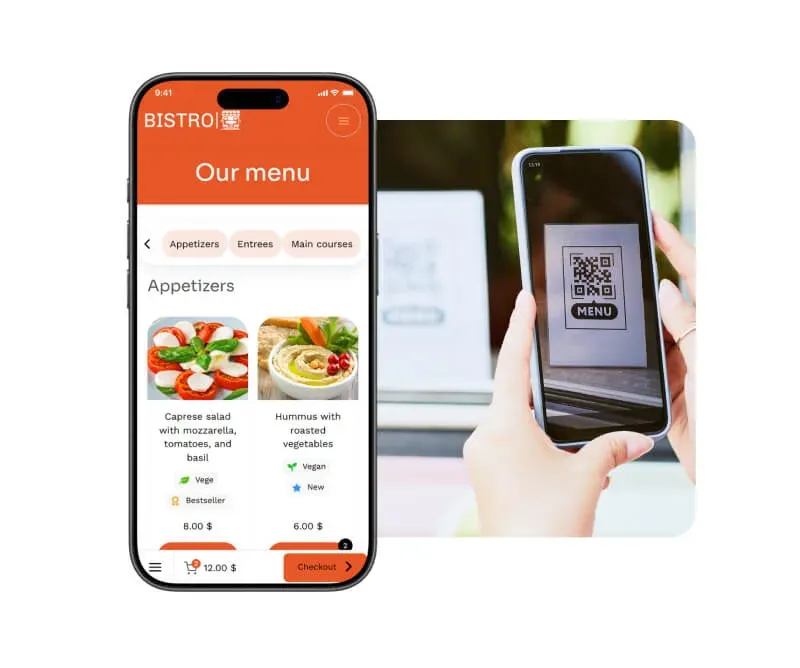
Guests scan the QR code, open the QR Code menu on their phone, browse dishes, and place an order.
Orders without waiting for a waiter
Service becomes faster, guests are happier, and you can increase sales while building a loyal customer base.
Templates
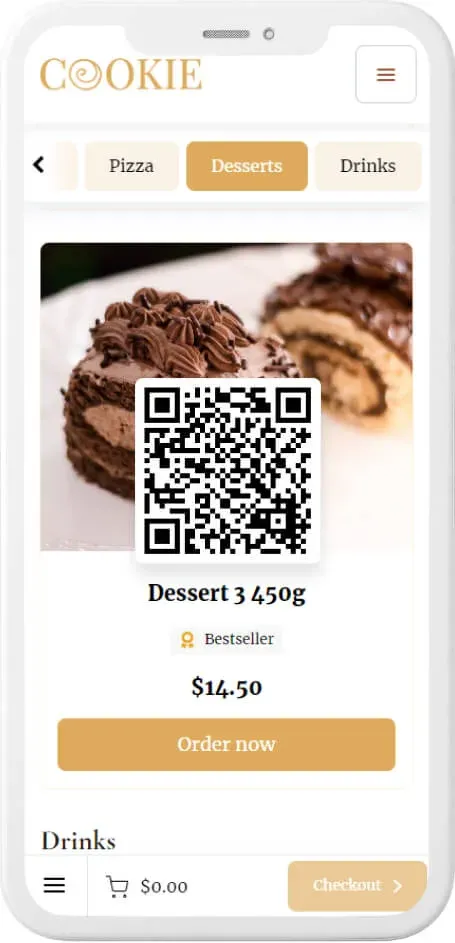
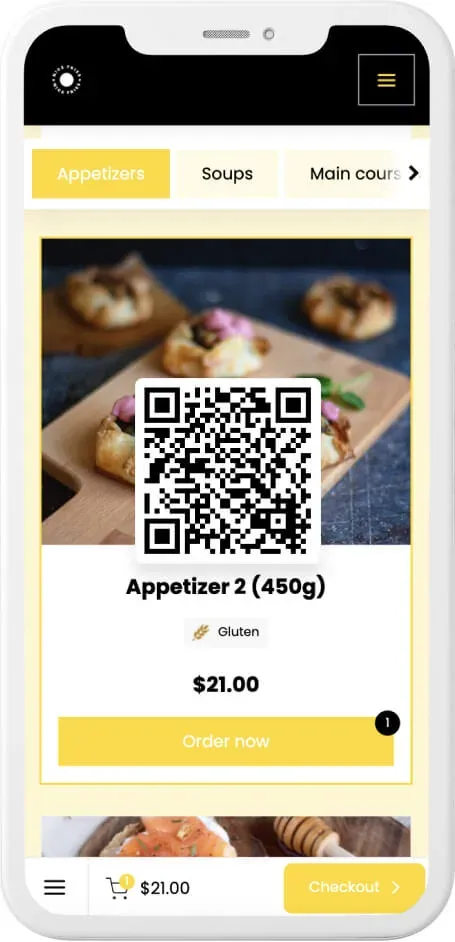
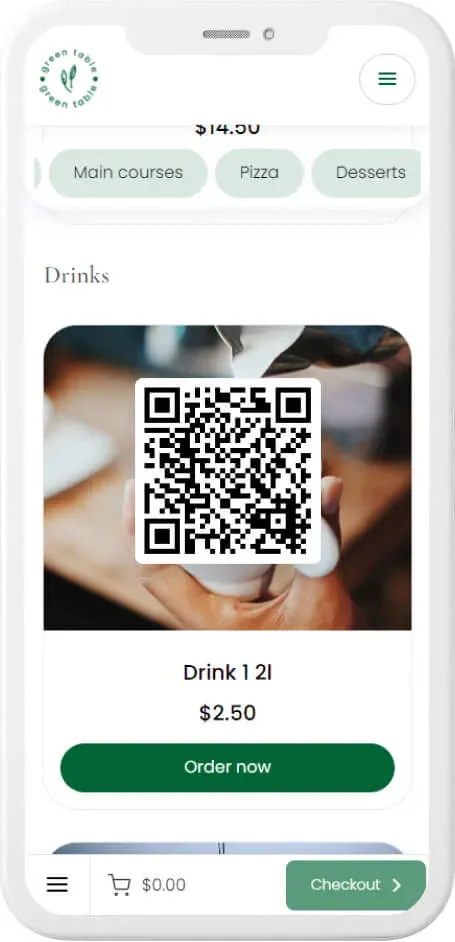
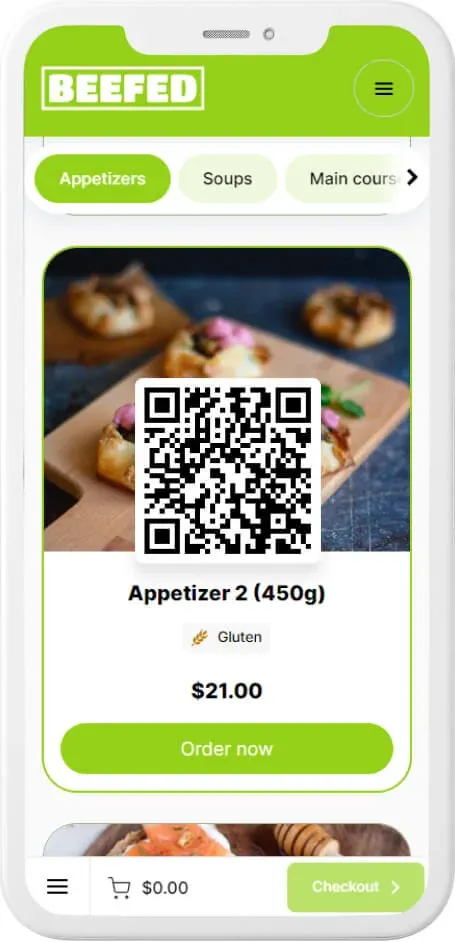
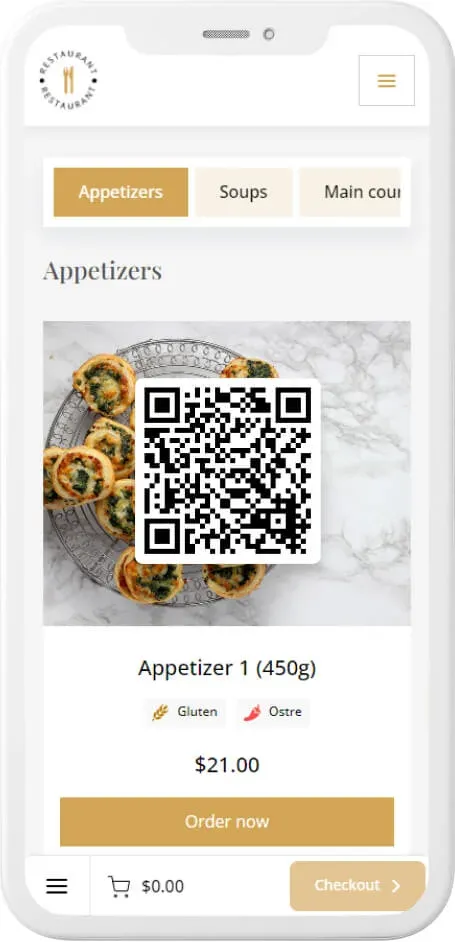
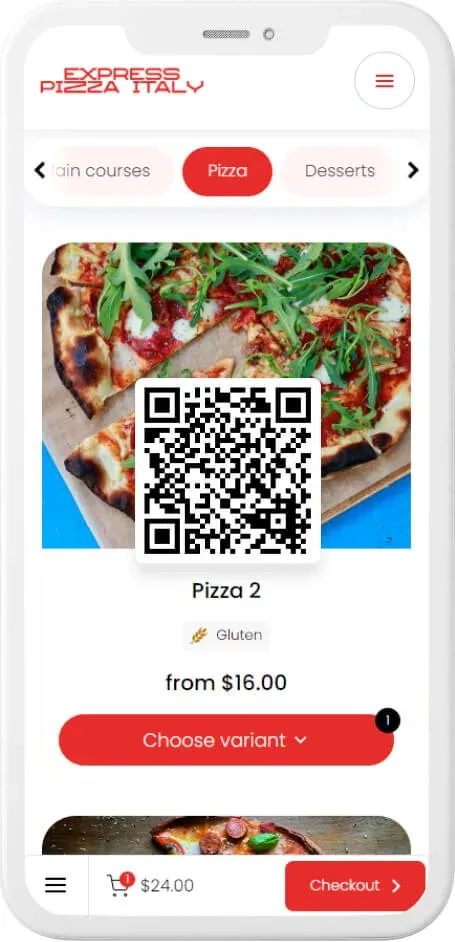
40+ QR code menu templates
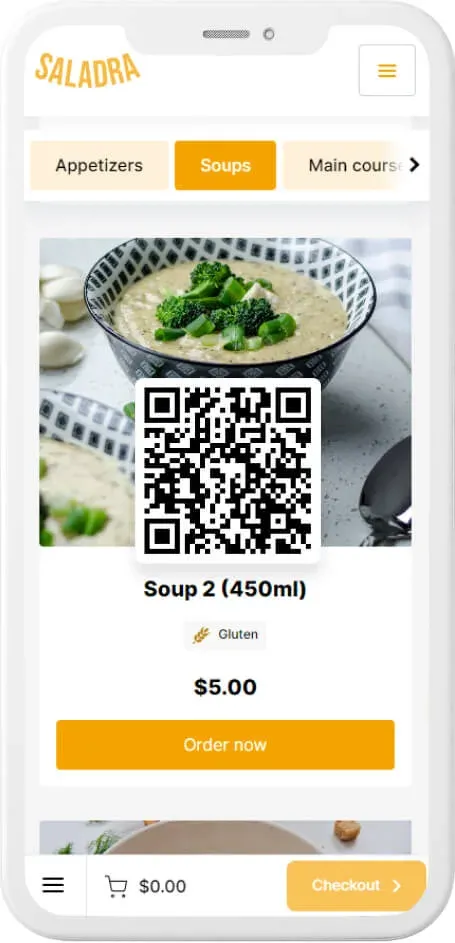
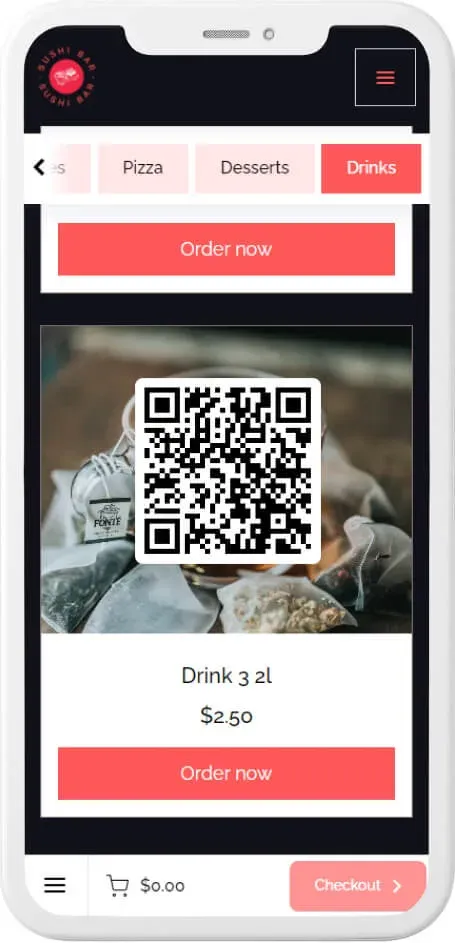
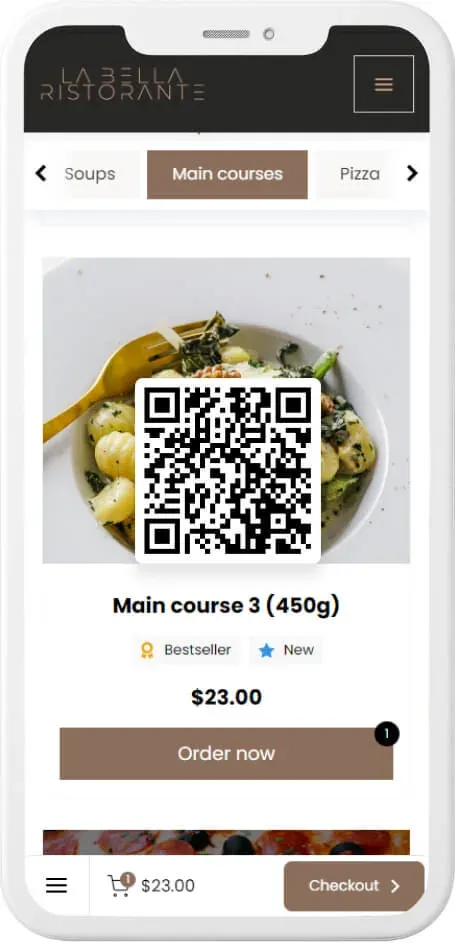
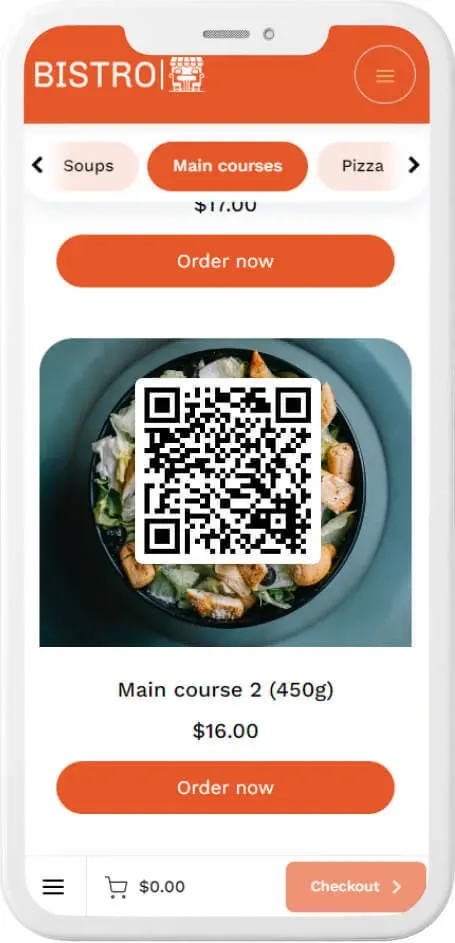
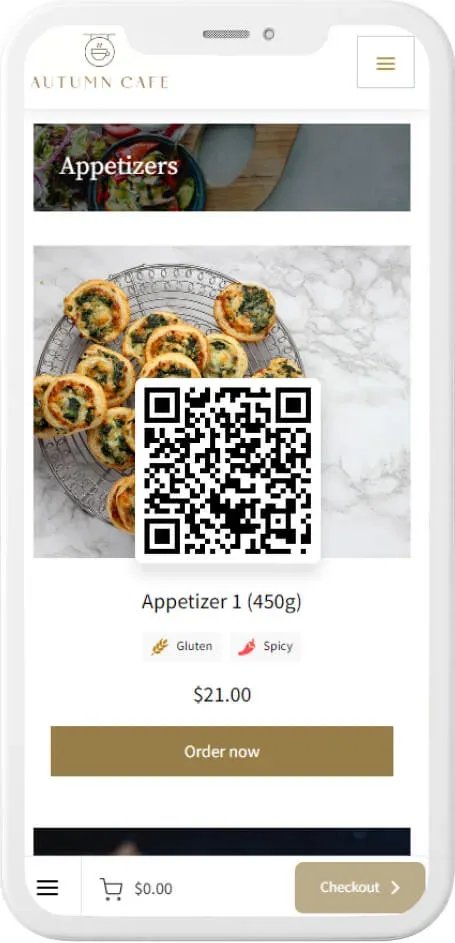
Try it out! Scan the QR code with your phone to see how it works.
How to use a QR Code menu
8 ways to place a QR Code menu in your restaurant
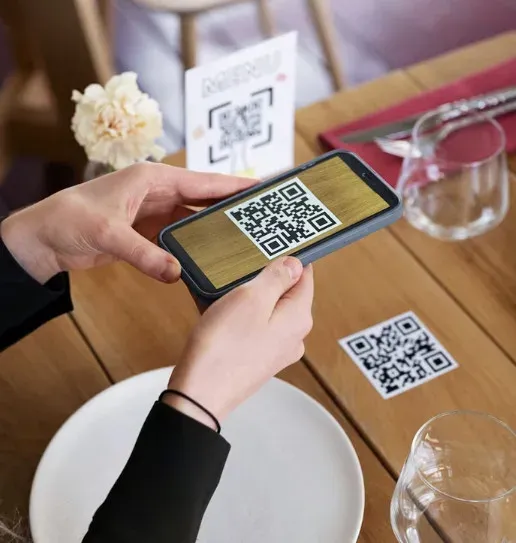 Sticker
The easiest way to add a QR Code menu to every table.
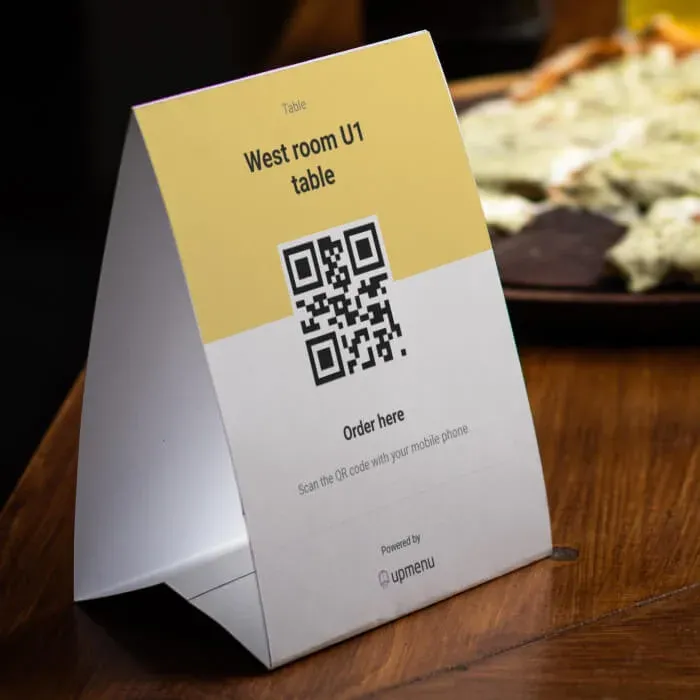 Table Tents
A printed table stand lets you personalize your QR Code menu and add extra information like your logo or table number.
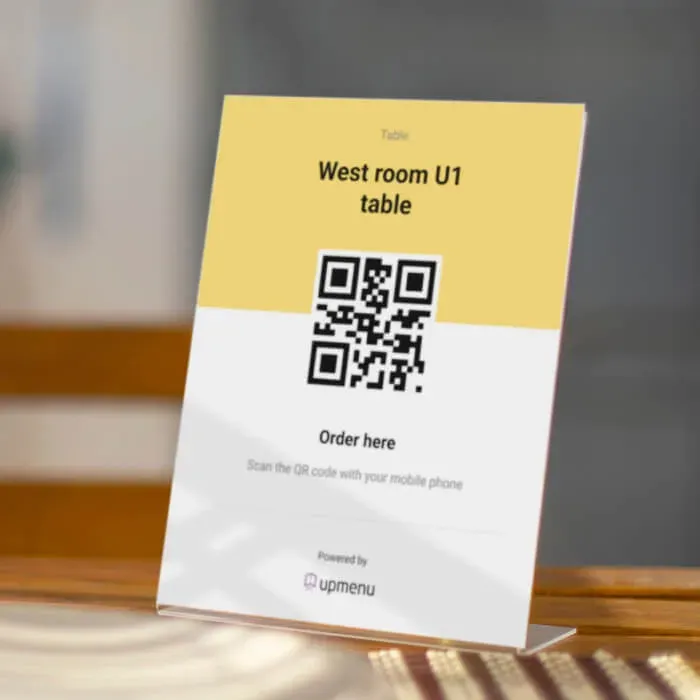 Tabletop Inserts
For a more durable and stable solution, use a table stand and place the QR Code menu inside.
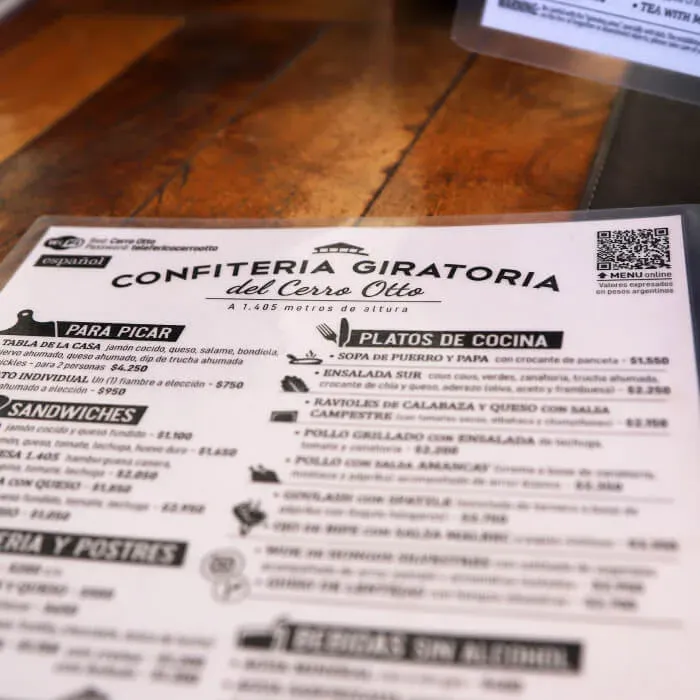 Paper Menus
Add the QR code to your printed menu to connect your traditional menu with its digital version.
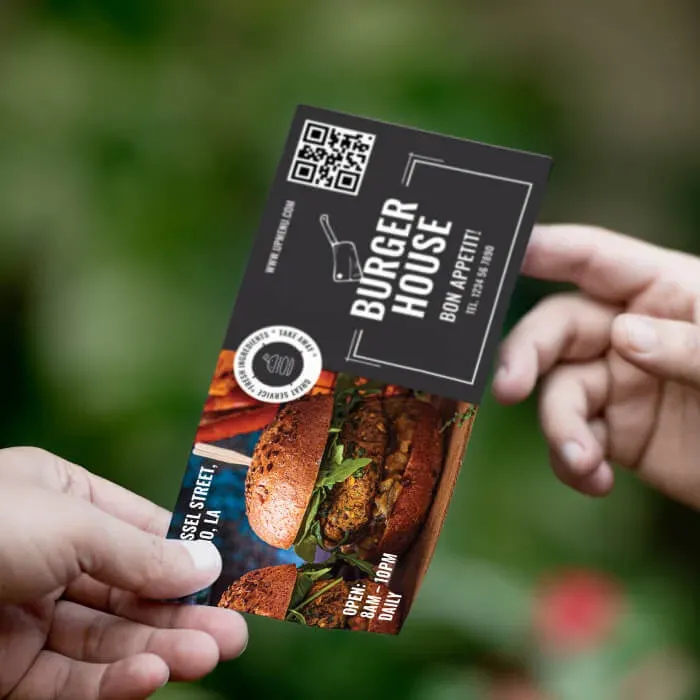 Promotional flyers
Add the QR code to flyers so customers can access your QR Code menu even outside the restaurant.
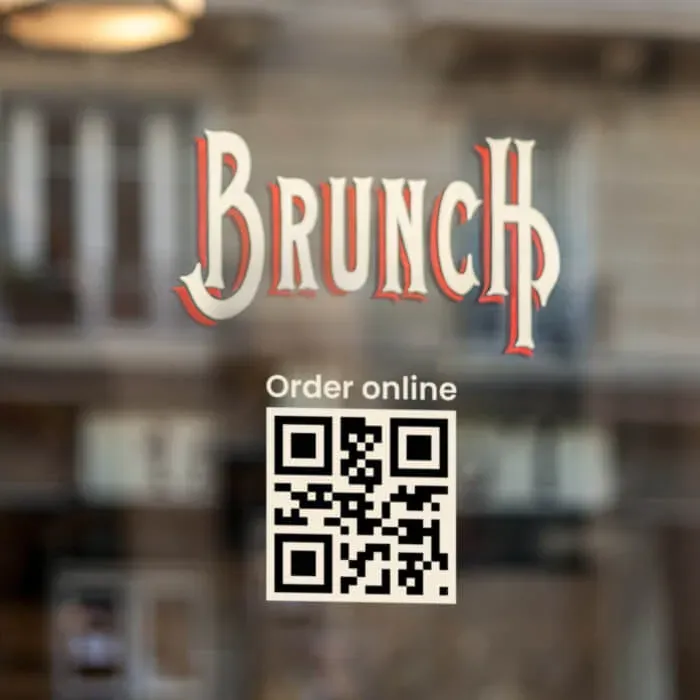 Window and wall stickers
Place QR codes on windows or walls so passersby can quickly check your restaurant's menu on their phone.
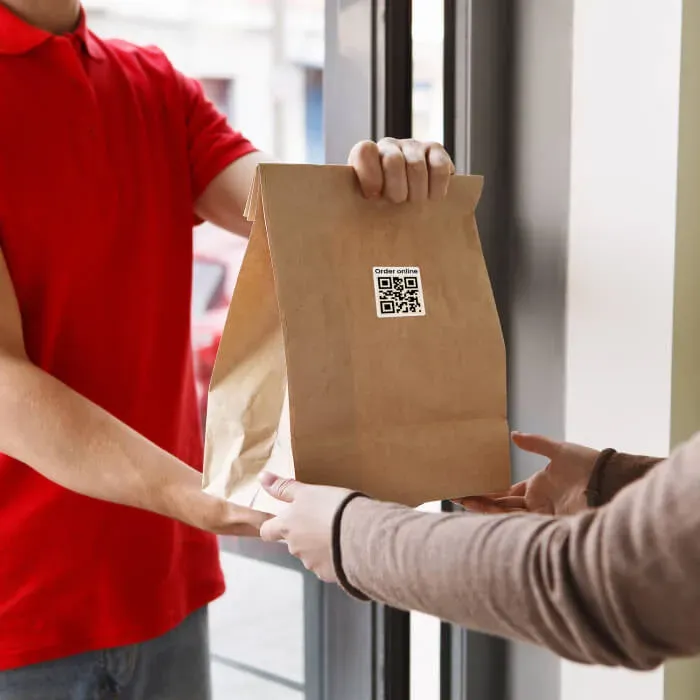 Packaging stickers and labels
Add QR codes to takeout packaging so customers can easily return to your QR Code menu at home.
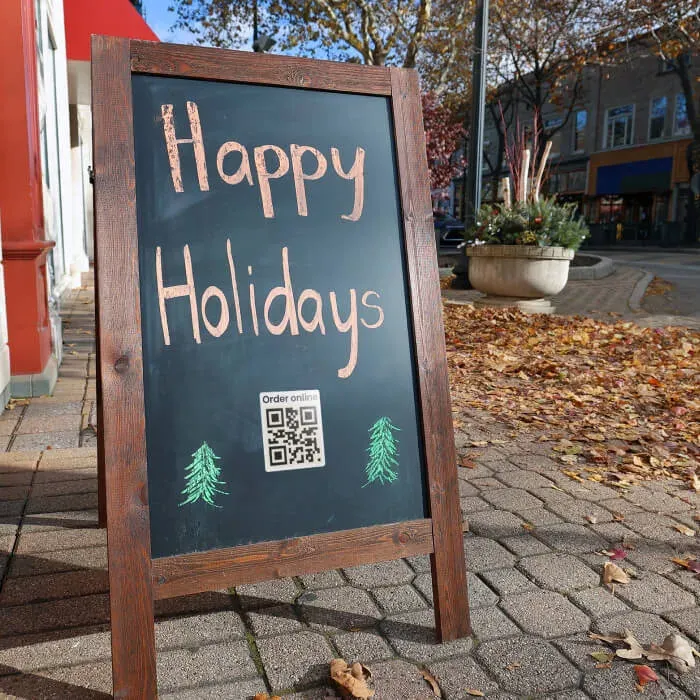 Outdoor stands
Use outdoor stands with QR codes to attract attention and direct people to your QR Code menu.
UpMenu products
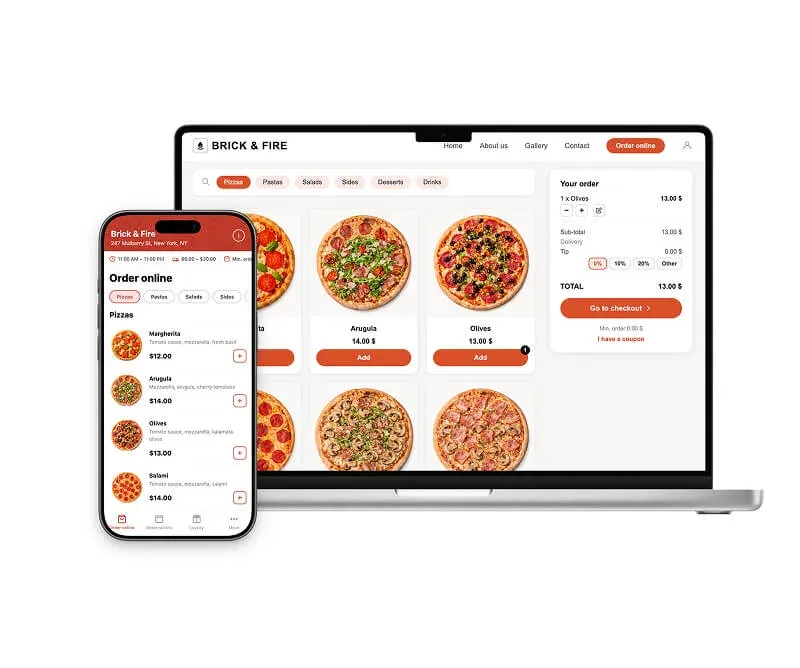
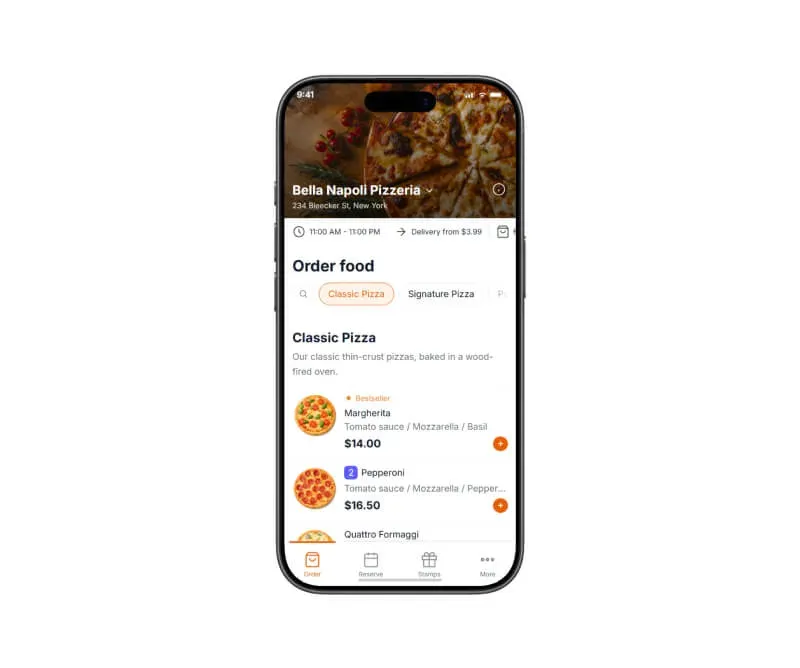
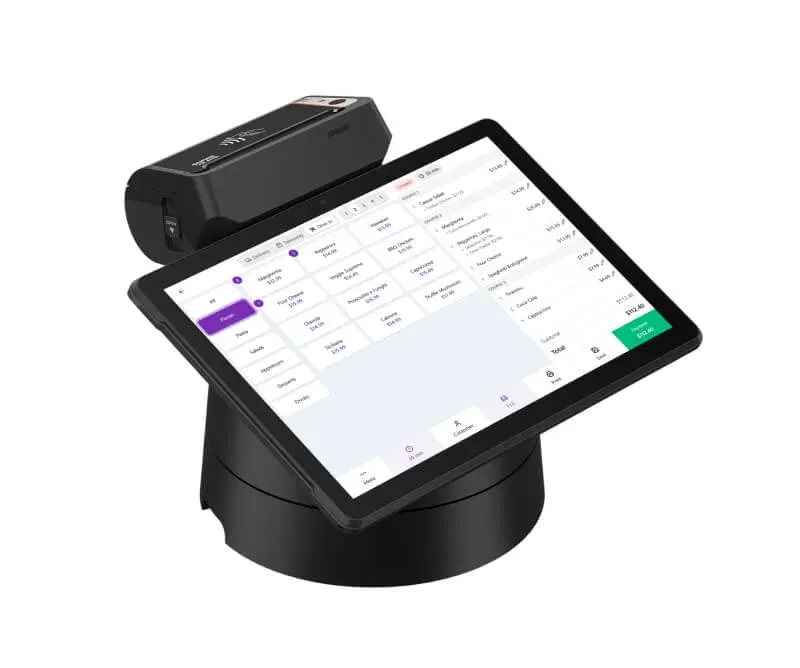
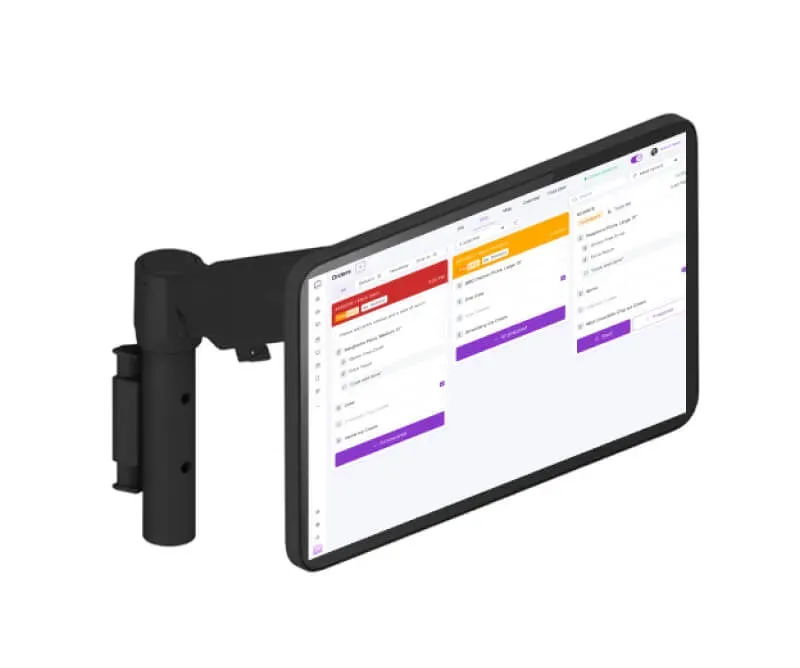
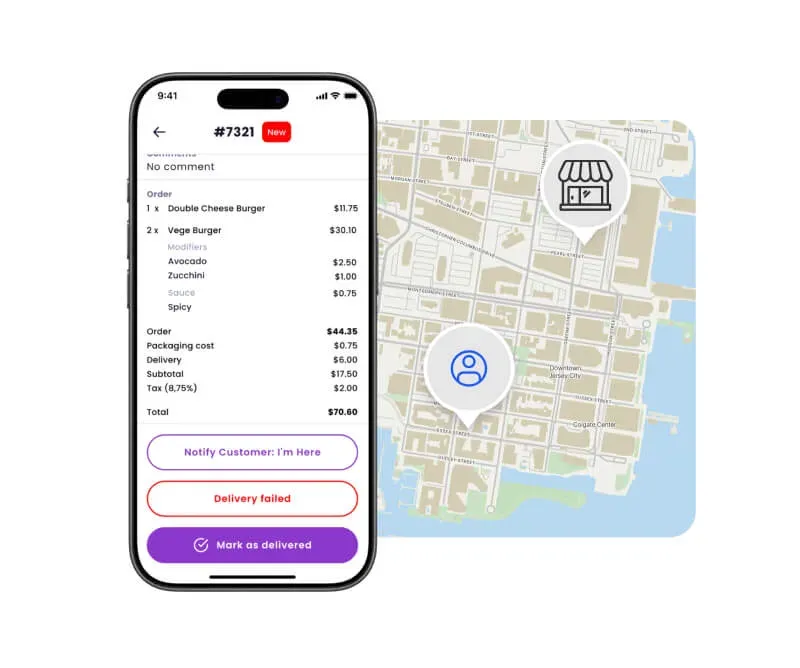
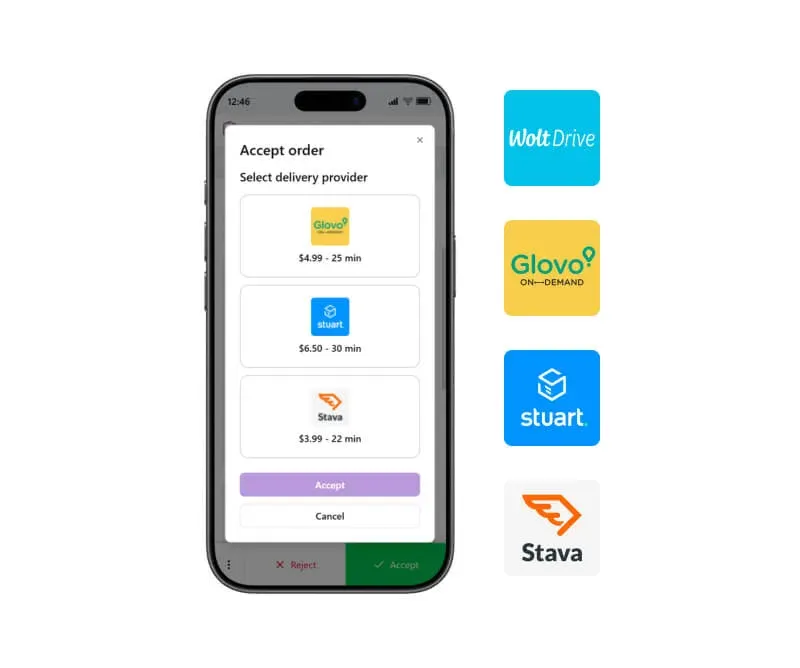
Explore the UpMenu platform
Everything your restaurant needs
Our happy clients
Why restaurateurs choose UpMenu





What owners say
Pricing