
WordPress Restaurant Menu Plugin
- All-in-one system = no plugin chaos and full control
Manage your menu, orders, and payments in one place instead of using multiple disconnected WordPress plugins. - More direct orders from your website
Turn your WordPress site into a sales channel where customers can order directly — not just browse. - Automated online ordering = less manual work
Orders, confirmations, and notifications run automatically — no more calls, notes, or manual coordination. - No commissions = higher profit margins
Keep 100% of every order instead of paying marketplace fees.
How it works
How the restaurant menu plugin works
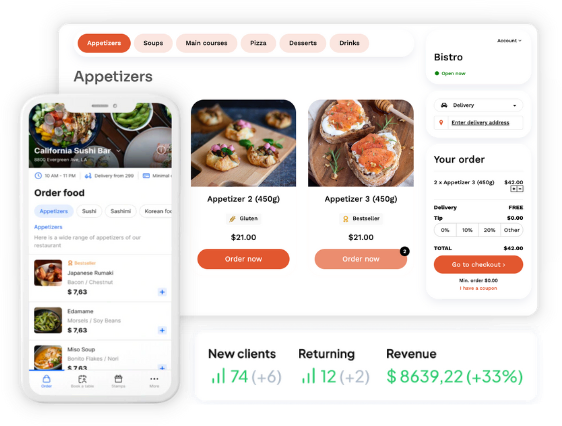
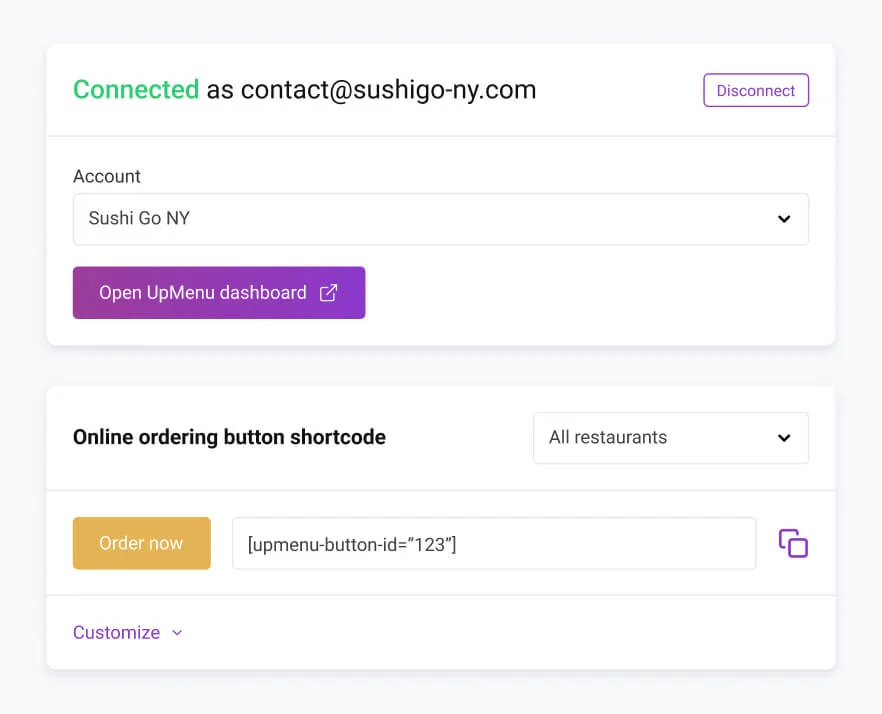
Add the plugin to your WordPress website in just a few clicks — no coding required.
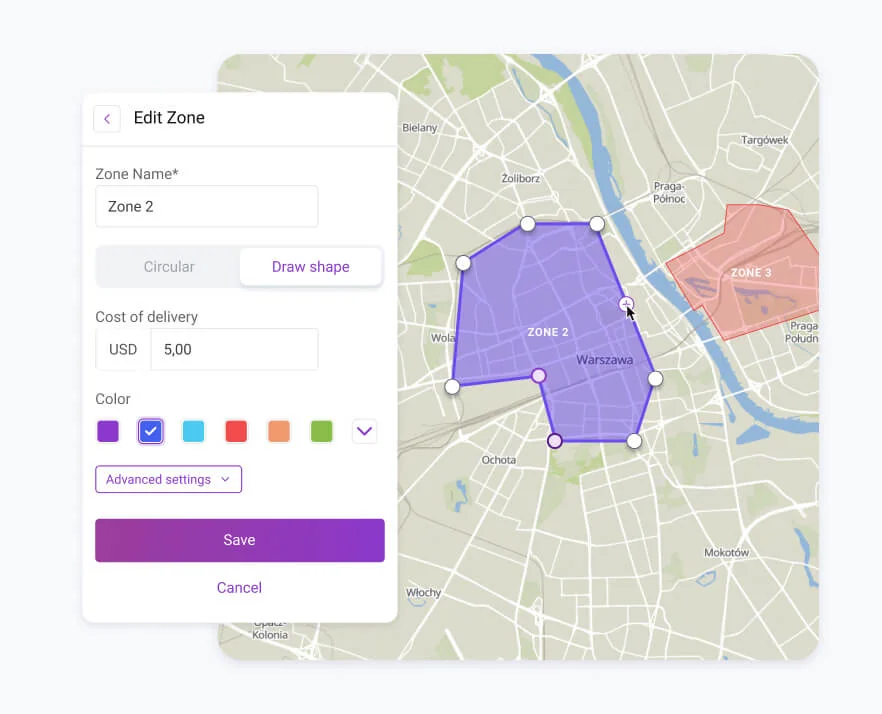
Configure opening hours, delivery zones, pickup options, payments, and notifications.
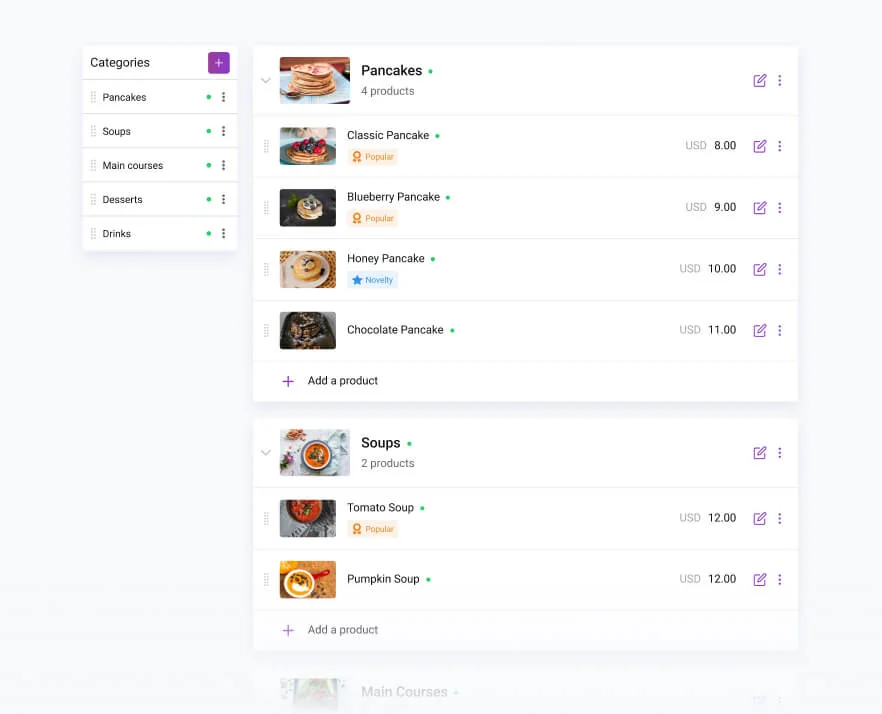
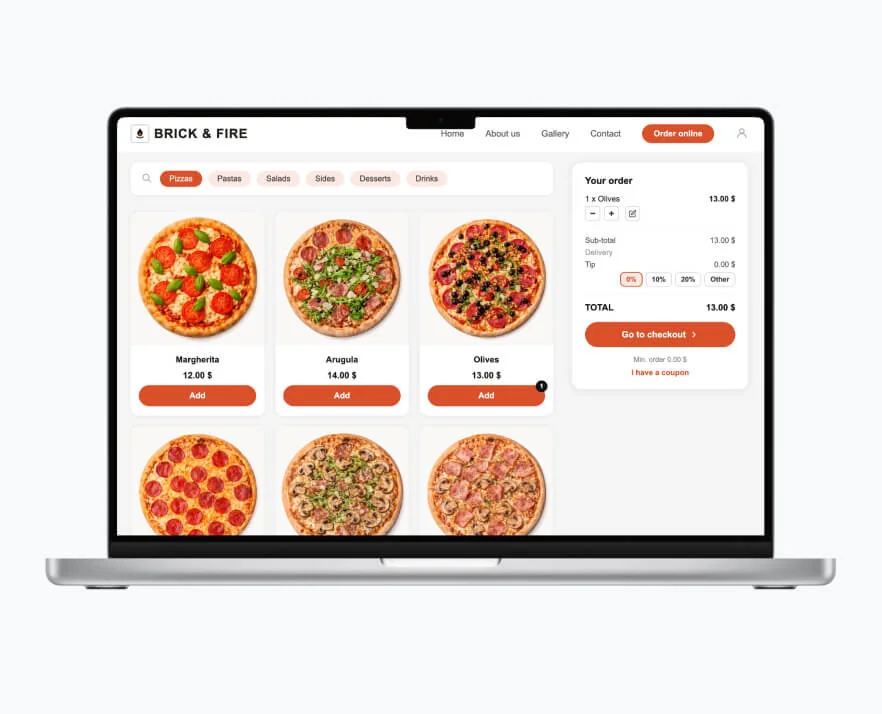
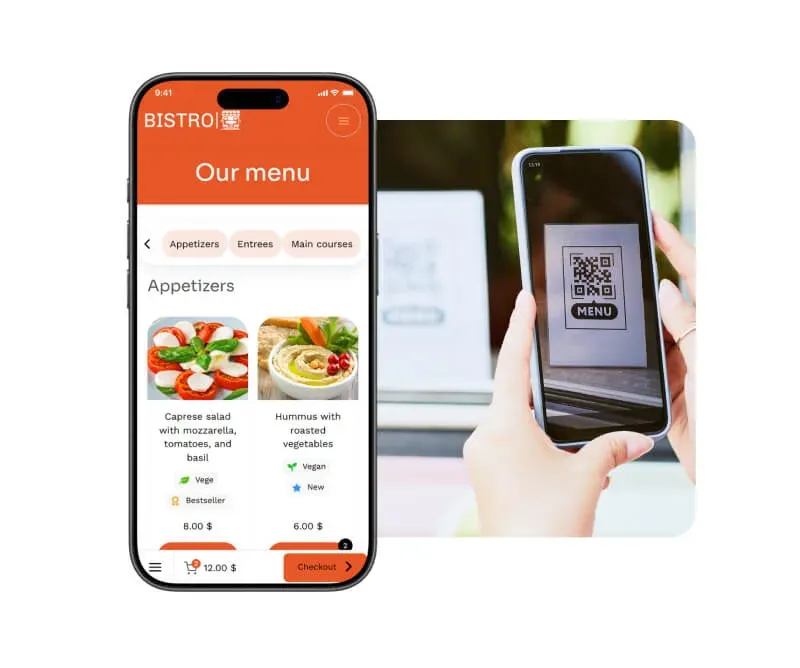
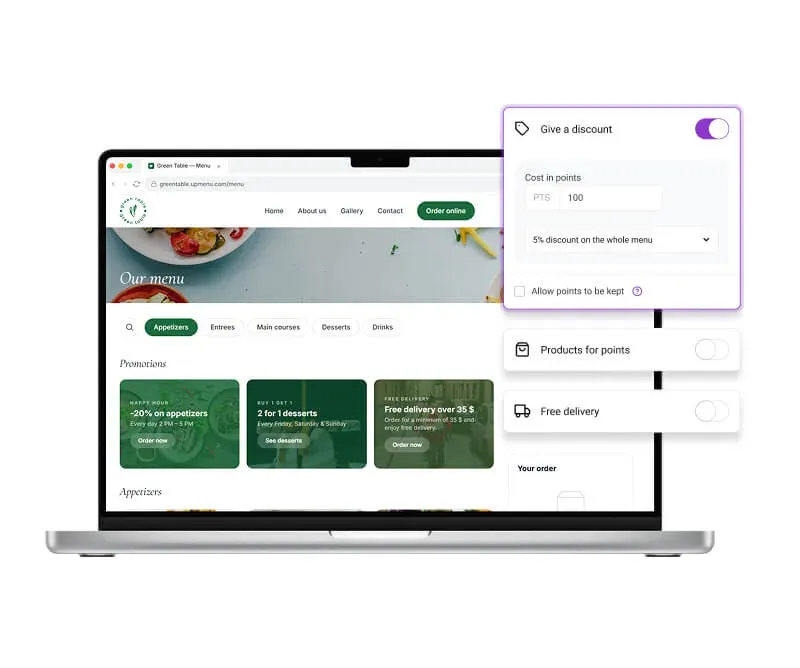
Add categories, items, images, modifiers, and pricing — fully customizable and easy to update anytime.
Embed your menu and ordering buttons anywhere on your website using ready-to-use widgets.
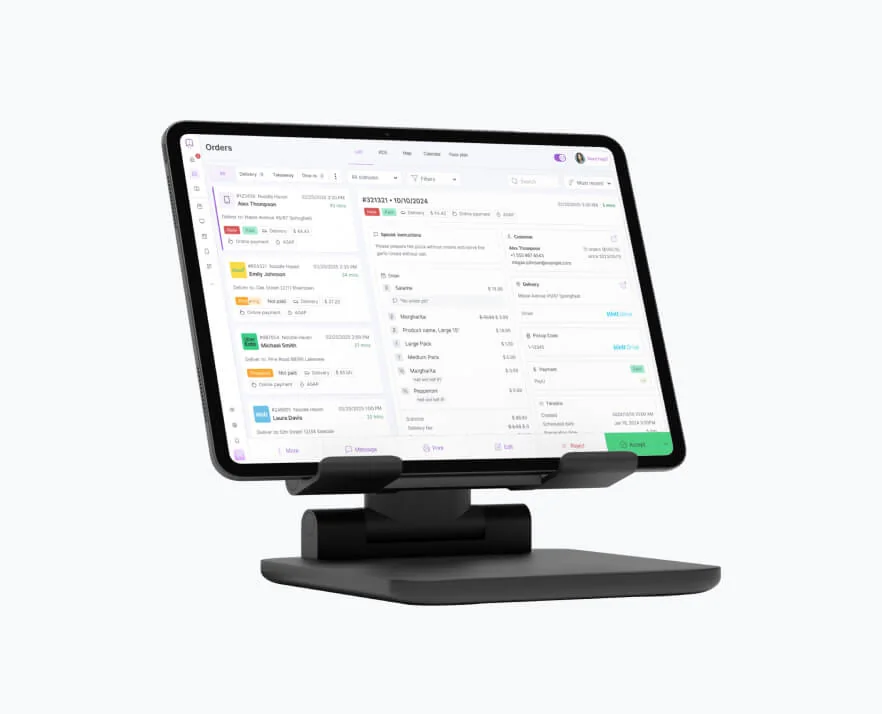
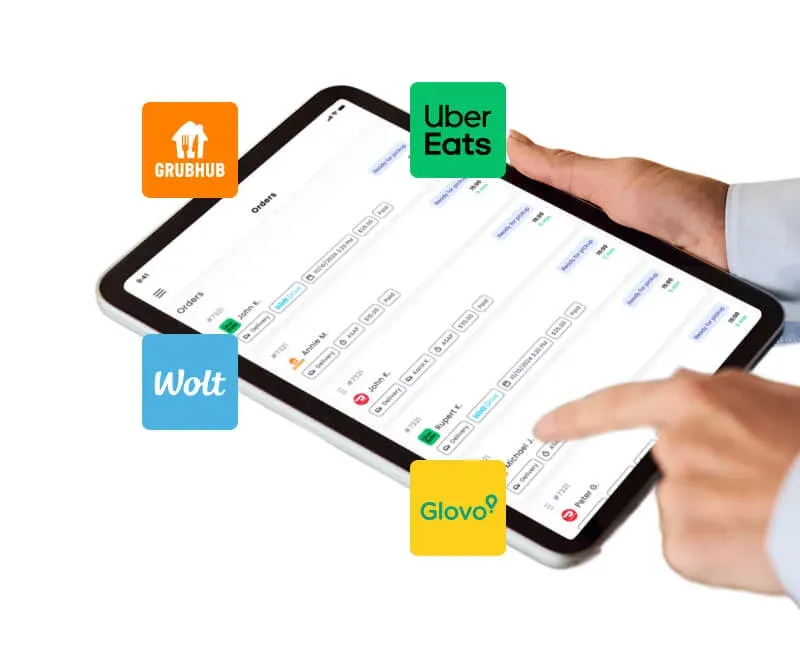
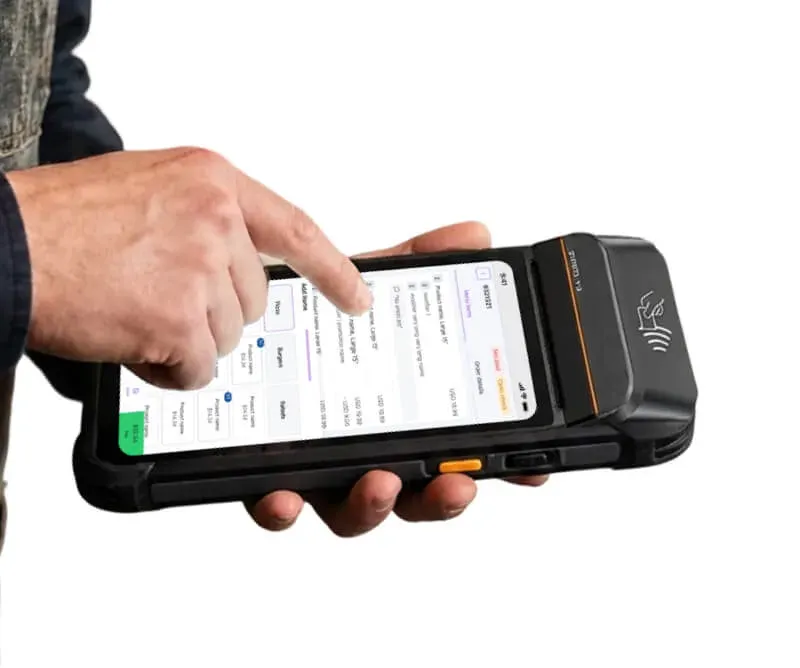
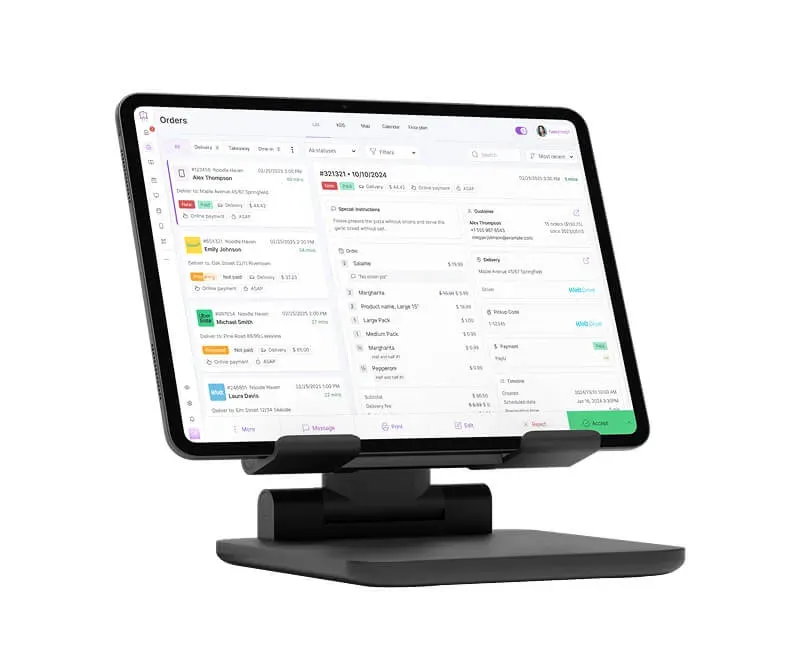
Manage and fulfill all orders in one dashboard — real time, without manual coordination.
Result
More direct orders, full control, and zero plugin chaos
You manage everything directly on your WordPress website — without commissions, broken plugins, and manual work.

Benefits
Benefits of the WordPress restaurant menu plugin
- Easy menu management = faster updates without developers
Edit menu items, prices, availability, and categories directly in WordPress — no coding or external tools needed. - Higher conversion from menu visitors to orders
Turn your online menu into an ordering experience — not just a static page. - Fewer errors and missed orders
Eliminate mistakes caused by outdated menus, manual processes, or plugin conflicts. - Lower costs by replacing multiple plugins and tools
Run your menu and ordering system without paying for separate plugins or integrations. - Real-time updates on your website = full control
Change menu items, availability, or pricing instantly — your website always shows the latest version.
Key features
What else you get with menu plugin
- All-in-one WordPress restaurant plugin
Manage menu, orders, and payments in one system — no need for multiple plugins.
- Online ordering directly on your website
Let customers place orders without leaving your WordPress site — no third-party platforms.
- Menu builder with full customization
Create categories, items, images, modifiers, and pricing — easy to update anytime.
- Ordering widgets and easy website integration
Embed menus and ordering buttons anywhere on your site with ready-to-use widgets.
- Integrated payments and checkout
Accept online payments and automate the entire ordering process.
- Real-time order management dashboard
Track, edit, and manage all orders from one place.
- Multi-location management
Manage multiple restaurant locations from one system.
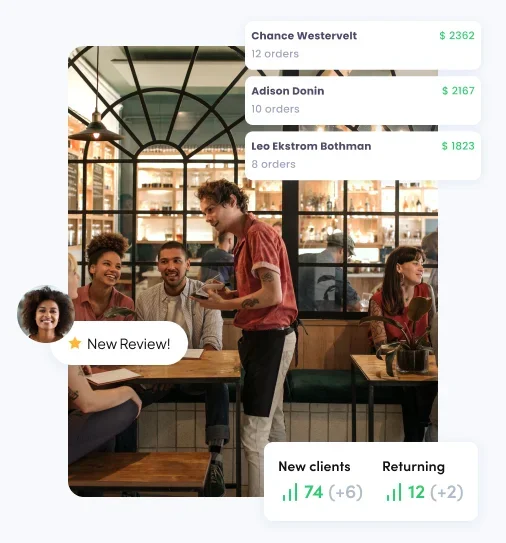
- Customer data and order history
Collect and use customer data to improve retention and marketing.
- Reports and performance insights
Track orders, revenue, and performance directly from your dashboard.
Benefits
What changes when your website becomes your main ordering channel
- Better customer retention and repeat orders
Let customers order directly from your website and build long-term relationships. - Faster daily operations and less manual work
Handle menu updates, orders, and changes quickly without switching between tools. - No lost orders to competitors or marketplaces
Keep customers on your website instead of sending them to third-party platforms. - More predictable workflow for you and your team
Standardize how orders and menu updates are handled — no chaos during busy hours. - No technical maintenance stress
Avoid plugin conflicts, broken updates, and constant troubleshooting in WordPress.
Quick start & zero risk
Start taking orders from your WordPress website today
Use the plugin as long as you want — no lock-ins or commitments.
Get help via chat or email — before, during, and after setup.
No time? We’ll configure your WordPress restaurant plugin so you can go live faster.
Install, configure, and launch your ordering system without coding or developer help.

Try the system on your real WordPress restaurant website and see how it improves menu management, ordering, and daily operations.
Real restaurant examples
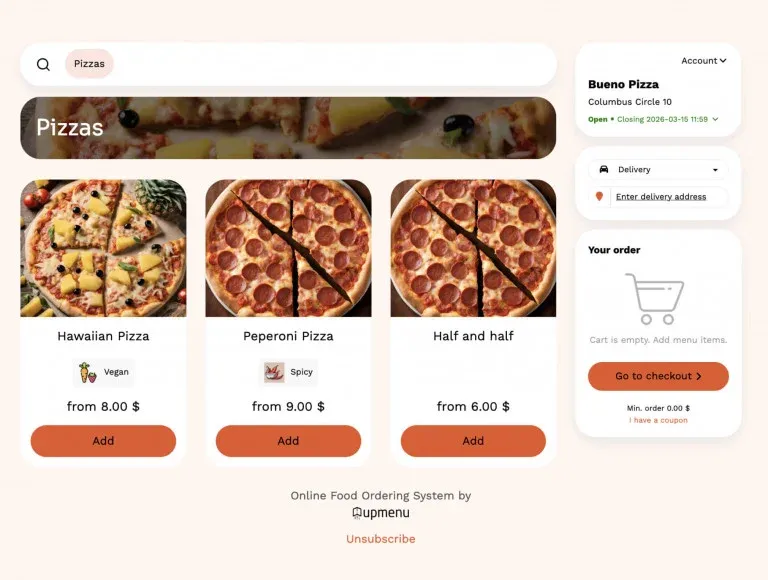
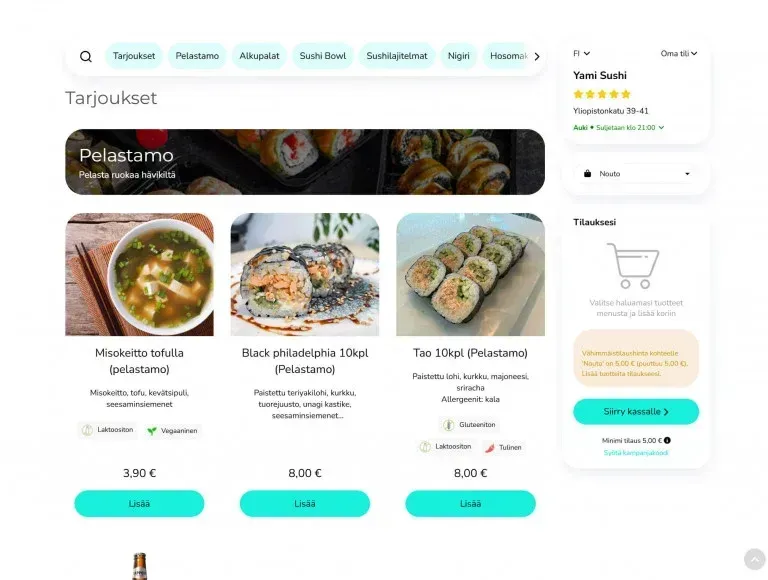
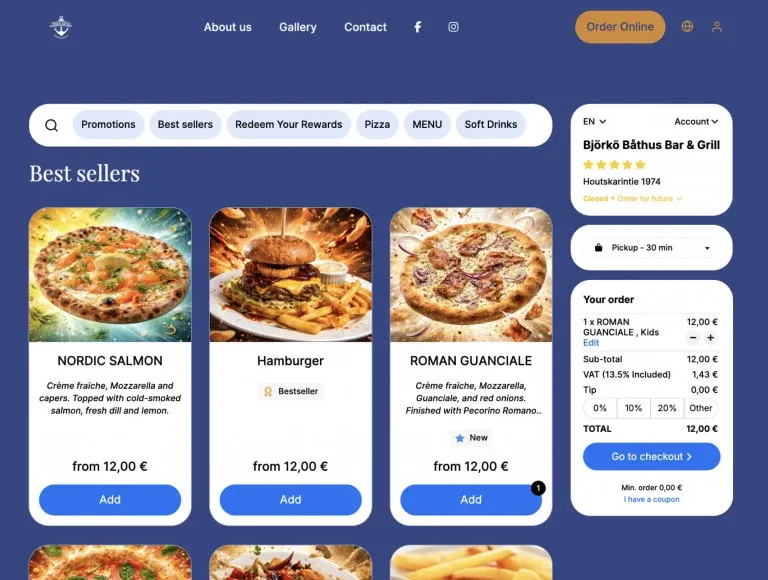
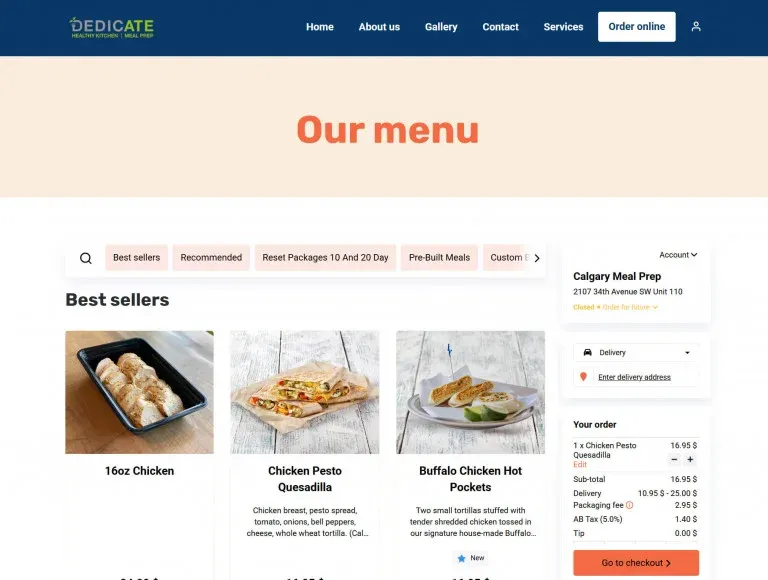
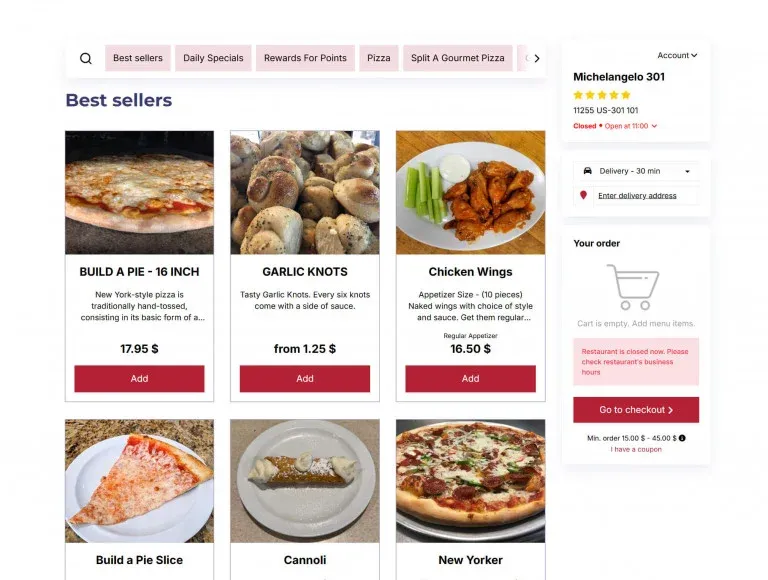
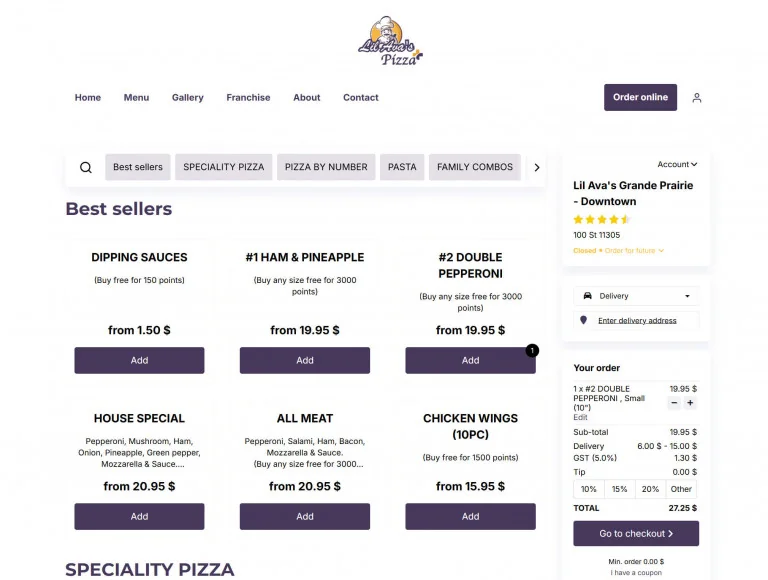
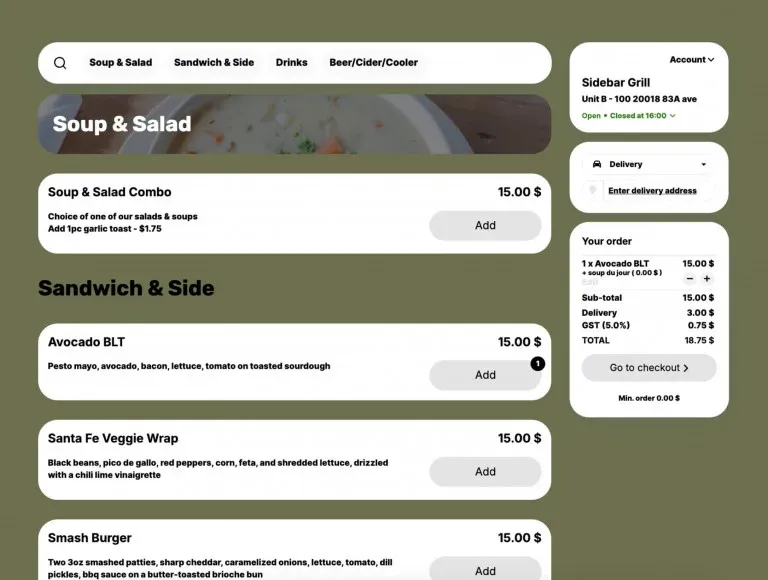
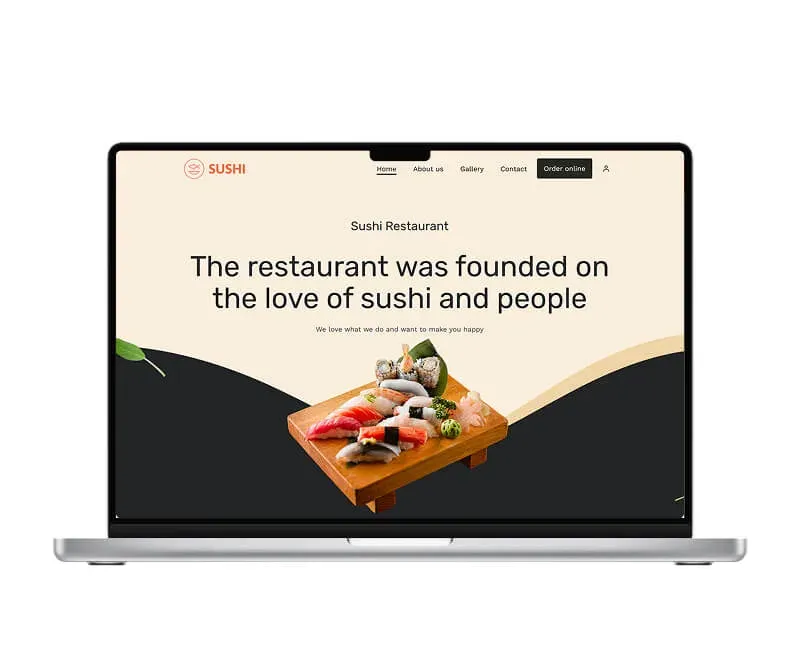
See how your WordPress restaurant menu could look
Who it is for
Who is this WordPress restaurant plugin for?
- Restaurants using WordPress websites
Perfect if you already have a WordPress site and want to add online ordering without switching platforms.
- Restaurants relying on marketplaces (DoorDash, Uber Eats)
Ideal if you want to reduce commissions and start getting direct orders from your own website.
- Restaurants using multiple plugins for menu and ordering
Best for businesses struggling with plugin conflicts, broken features, or complicated setups.
- Growing restaurants that want more control and scalability
Great if you want to manage orders, menu, and customers in one system as your business grows.
UpMenu products
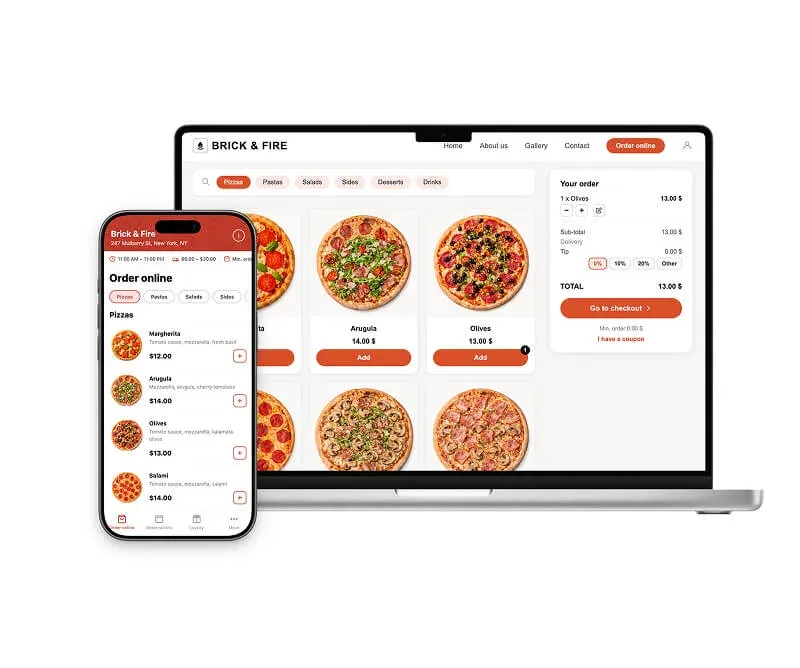
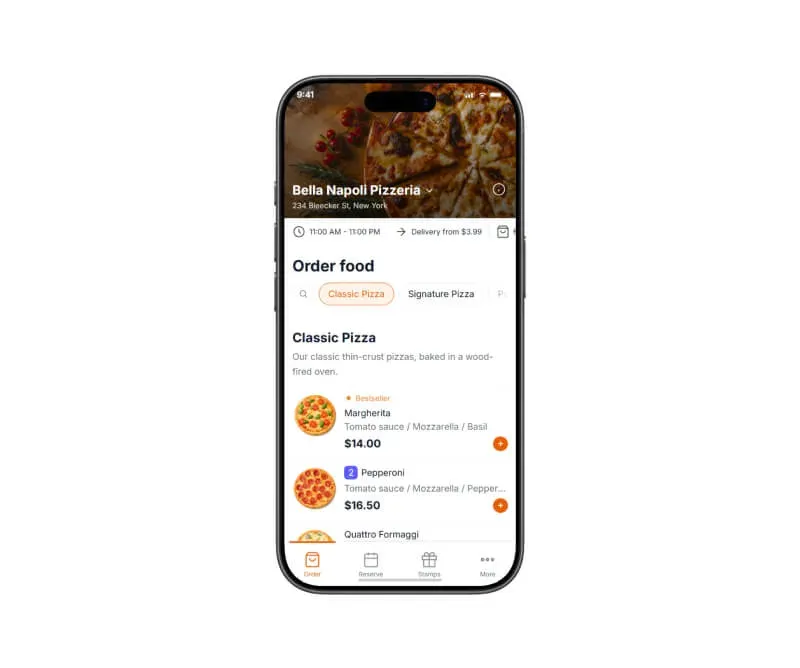
Explore the UpMenu platform
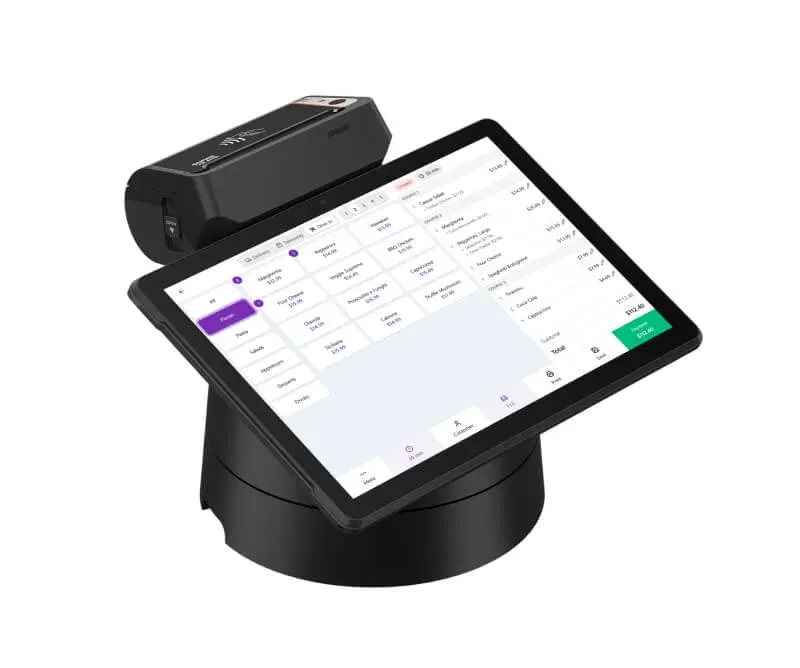
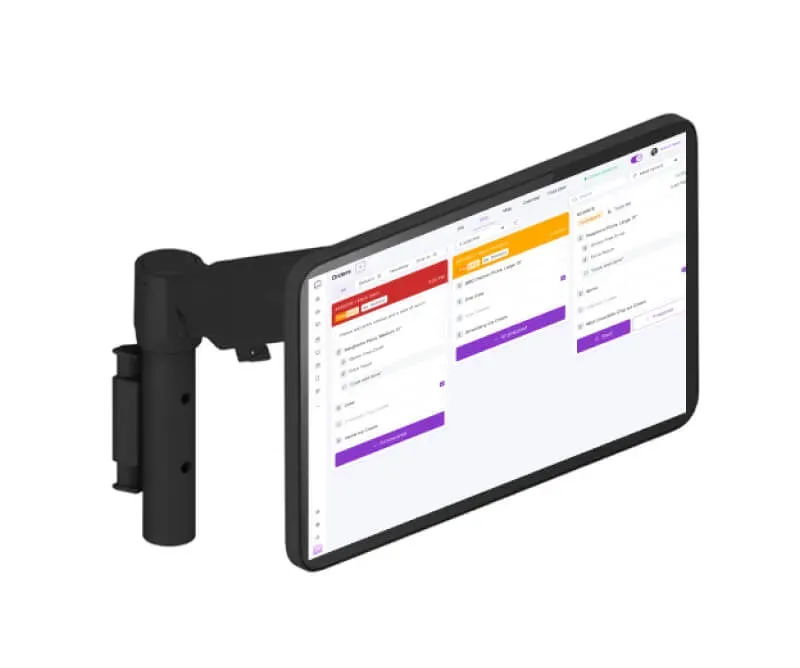
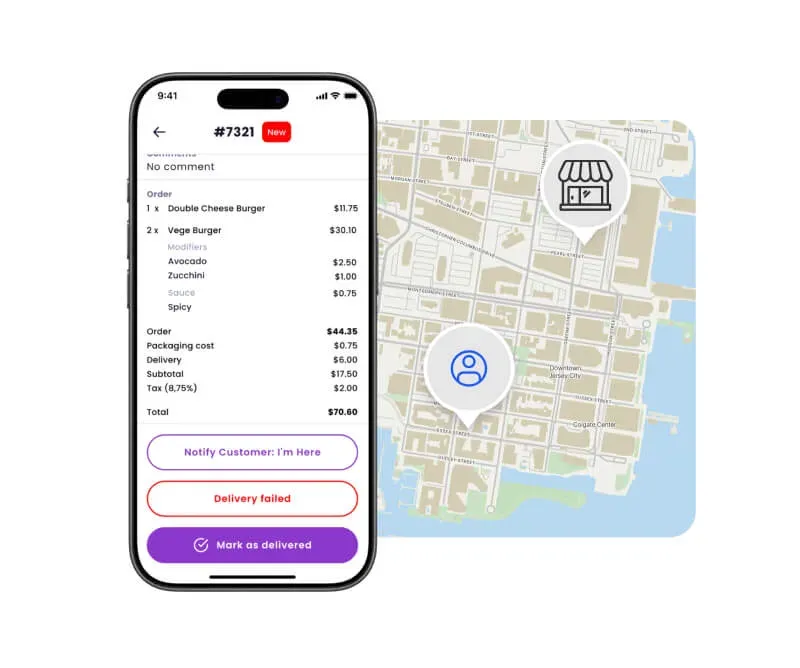
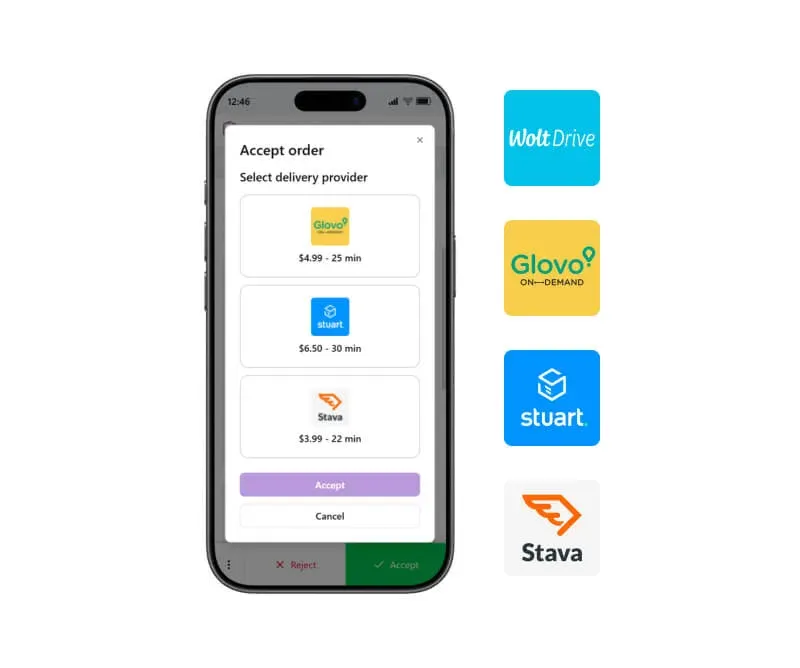
Everything your restaurant needs

Trust our experience
We've been working with restaurants since 2012, building tools designed specifically for how food businesses operate.
We understand how challenging it is to manage a restaurant website, keep your menu up to date, and handle online orders without relying on multiple plugins or marketplaces.
That's why we created a WordPress restaurant menu plugin that helps you manage your menu, accept orders, and run your online sales — all in one system.
Our happy clients
Why restaurateurs choose UpMenu






What owners say
Pricing
How much does a WordPress restaurant menu plugin cost
Included in a simple monthly subscription