




Talk to sales Contact Login English

Kitchen Display System

Kitchen chaos causing delays?

Streamline communication between front of house and the kitchen, speed up service, and eliminate errors with UpMenu KDS.

Say goodbye to mix-ups, messy paper tickets, and customer refunds with smooth, paperless order management.

KDS SOFTWARE

Instant communication with the kitchen

Kitchen chaos, lost printouts, and delays in order preparation can seriously disrupt restaurant operations.

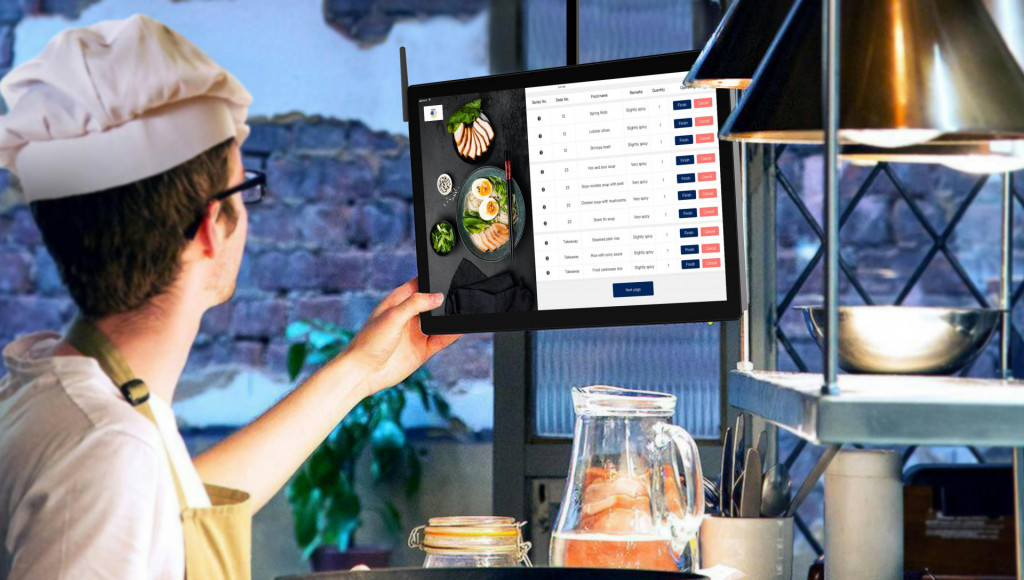
UpMenu KDS streamlines the entire order flow to the kitchen, ensuring fast and accurate communication between the front of house and the back of house.

  • No order mistakes – every order reaches the kitchen correctly and on time, without paper tickets.
  • Faster guest service – shorter waiting time for dishes.
  • Calmer teamwork – less stress, better organization.
  • Happier customers – a greater chance they will come back.

ORDER ACCURACY

Reduce mistakes and refunds

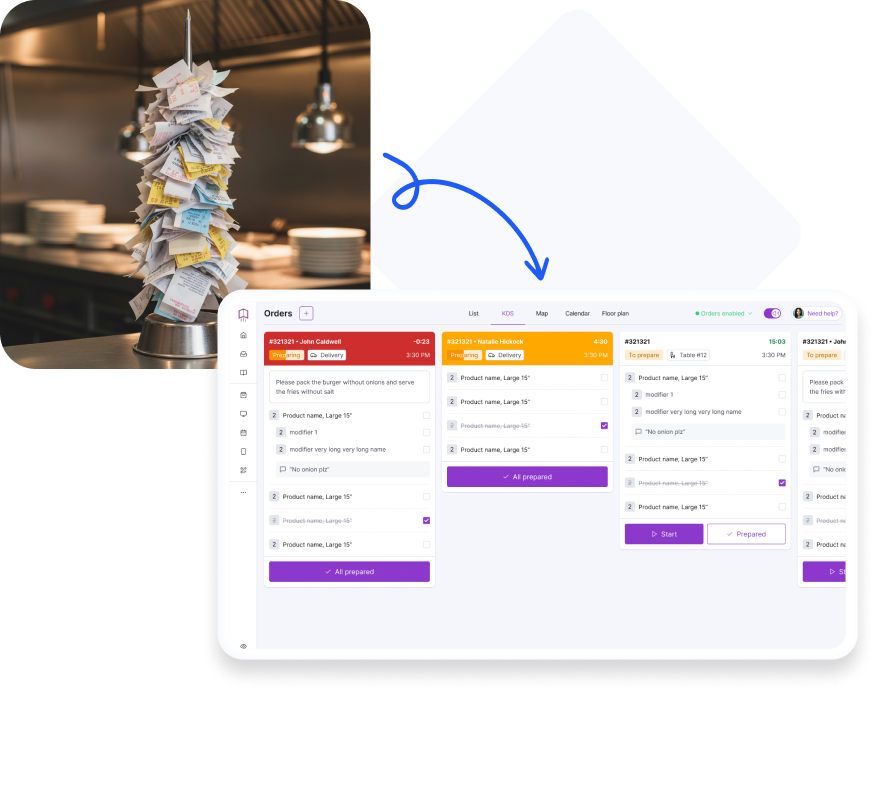
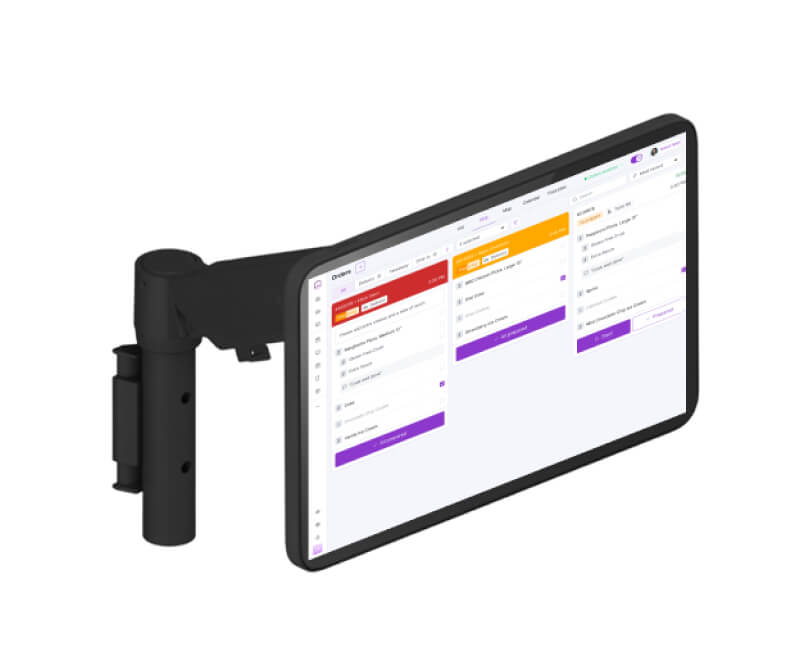
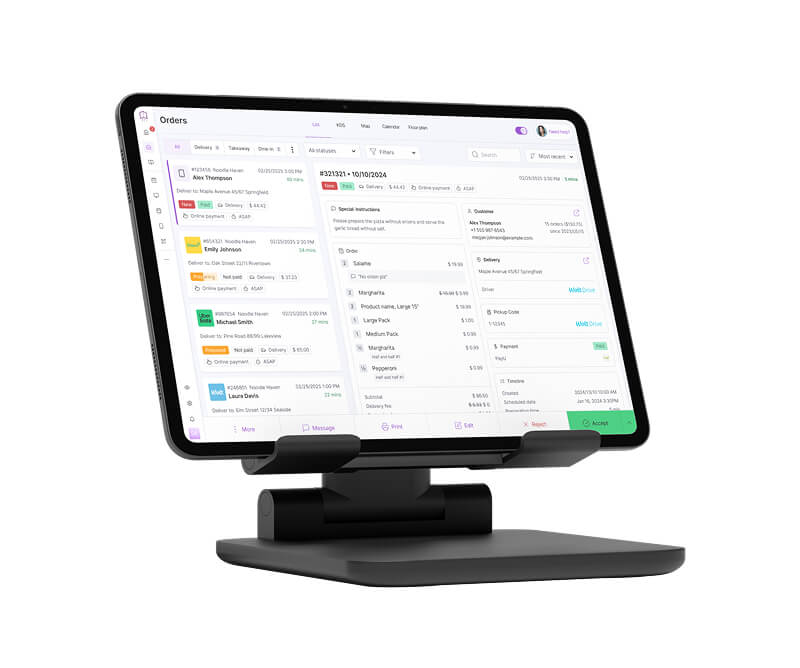
Clear orders on KDS screens help your staff stay focused and avoid errors. Every order is shown instantly in a clean, easy-to-read format.

  • Send orders to the kitchen in seconds – no delays.
  • Update dish status in real time.
  • All details in one place: quantities, modifiers, and notes.
  • Faster service, fewer mistakes, happier guests.

ORDER MANAGEMENT

All your orders on one screen

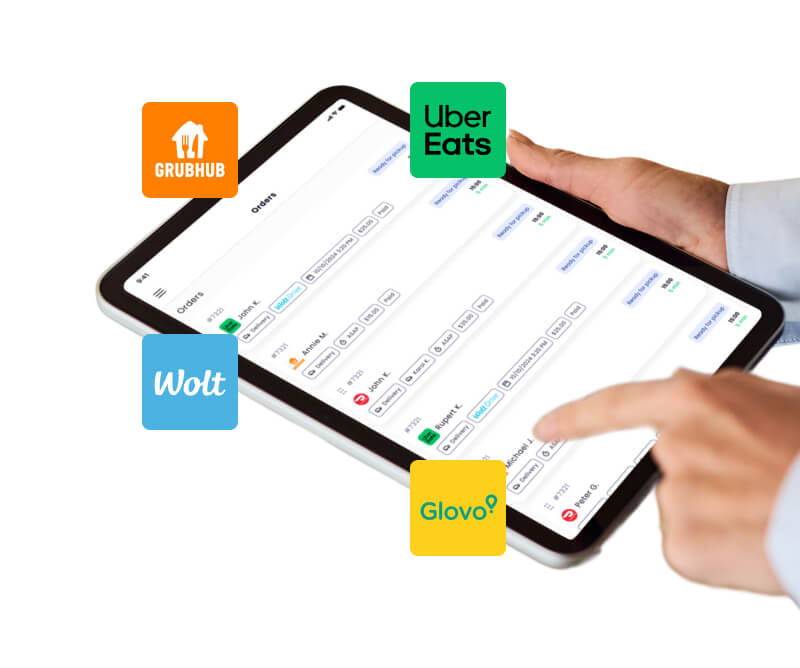
It doesn’t matter whether the order is placed in your restaurant, online on your website, or through external platforms such as Uber Eats or DoorDash. Everything is sent smoothly and automatically to the KDS screen in the kitchen.
  • All orders in one place, no manual retyping
  • Full control and zero chaos
  • Faster and more efficient order fulfilment

MULTIPLE KDS SCREENS

Multi-screen and multi-station support

Split orders across multiple screens and improve the workflow in your kitchen. Each station sees only what matters to them.

  • Assign screens to specific kitchen stations
  • Better organization and no confusion
  • Balanced workload for the team
  • Faster order preparation and delivery

ALL-IN-ONE

Meet UpMenu and extend your KDS

UpMenu is an all-in-one platform for restaurants.
It gives restaurants everything they need to operate efficiently and boost sales.

Online Ordering

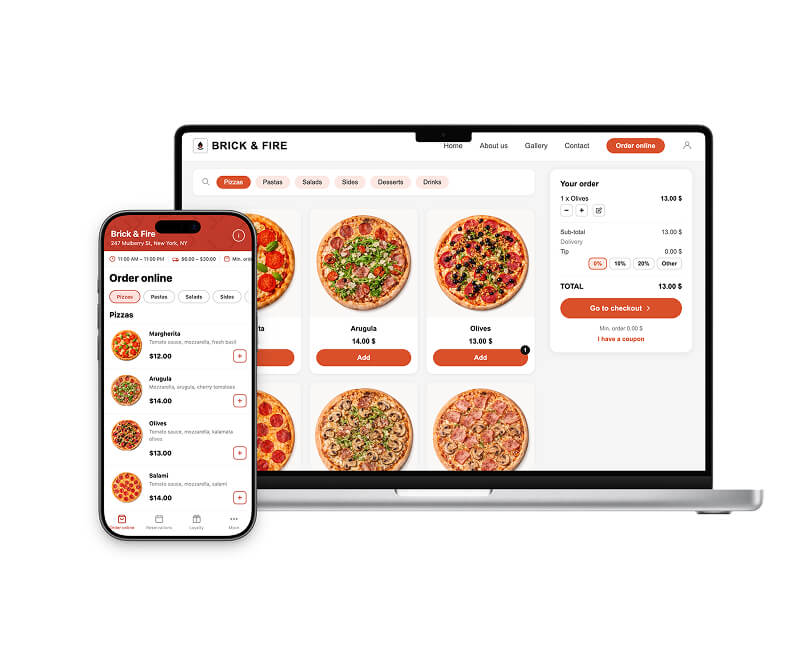
Start selling online on your website and app with smart menus and upsells.

Learn more

Mobile App

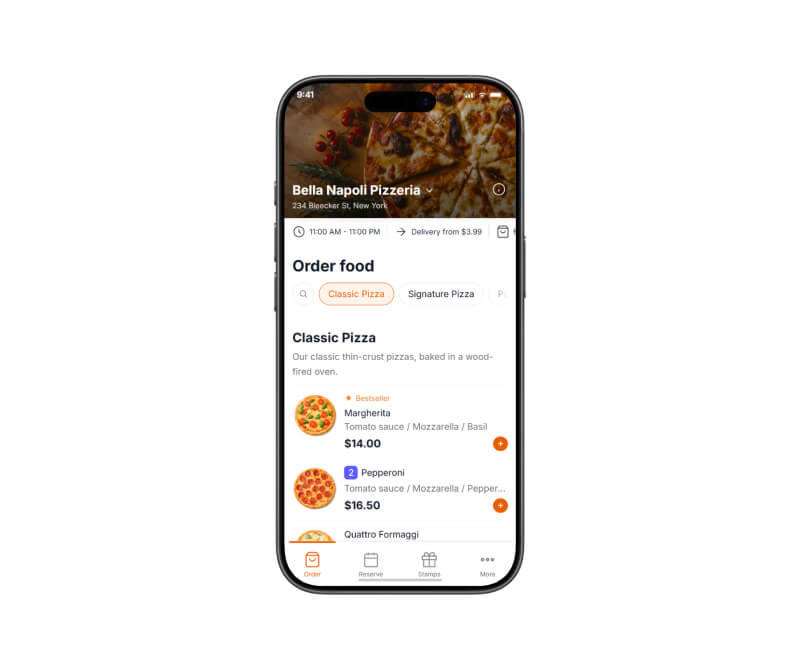
Launch your own branded iOS/Android app.

Learn more

POS System

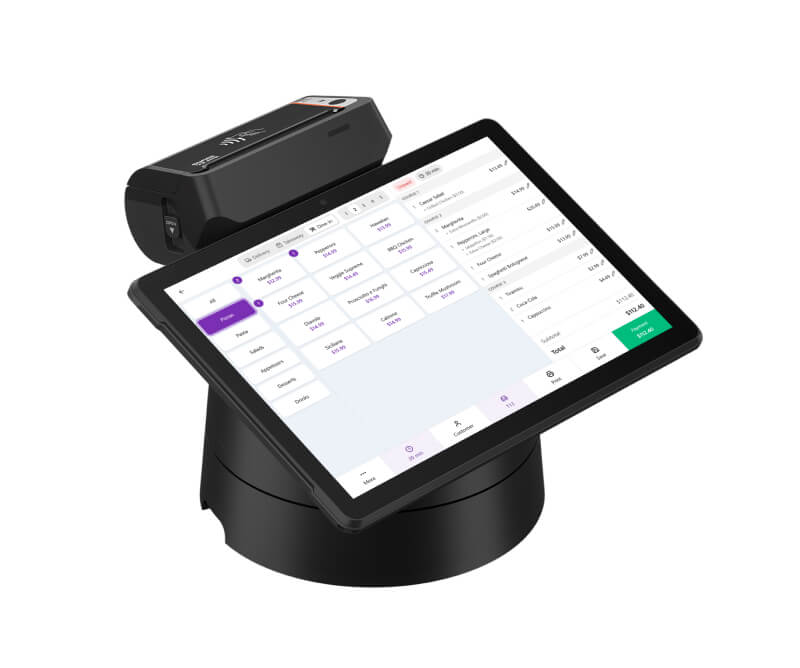
Take all orders in one place: dine-in, pickup, delivery, online.

Learn more

Order Management

Track every order in one place with clear statuses and throttling.

Learn more

KDS

Show orders on kitchen screens to speed prep and reduce errors.

Learn more

Driver App

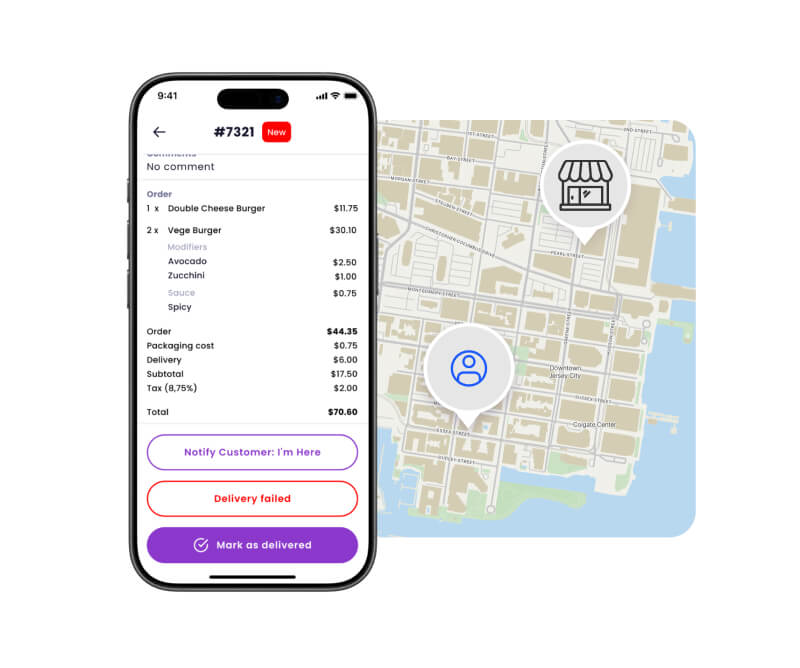
Assign deliveries, navigate, and track drivers in real time.

Learn more

Dispatch delivery

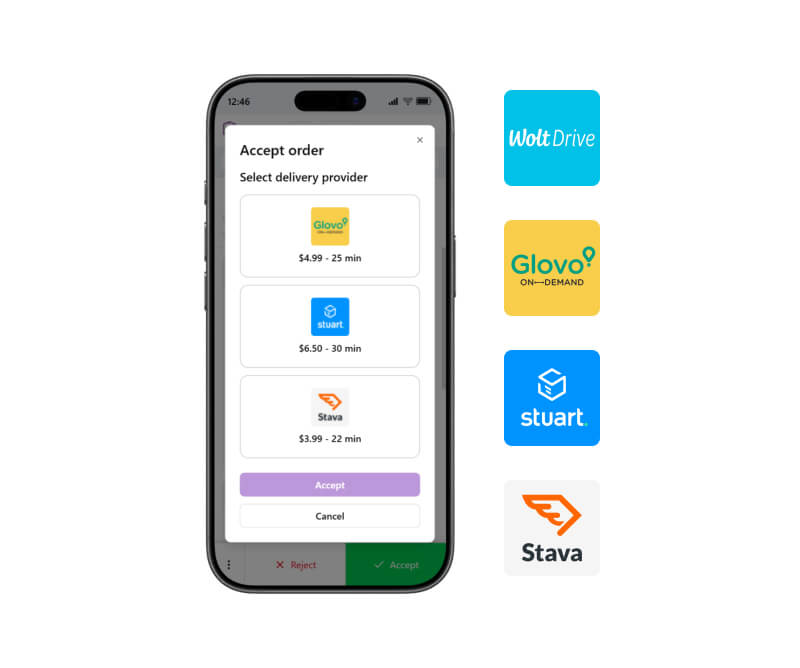
Easily dispatch delivery to your customers without needing your own fleet.

Learn more

Restaurant Website

A website builder designed for restaurant owners.

Learn more

Marketing Tools

Run promos, coupons, email/SMS, and loyalty to grow repeat orders.

Learn more

OUR HAPPY CLIENTS

Why Restaurateurs Choose UpMenu

Frequently Asked Questions (FAQ)

KDS (Kitchen Display System) is a system of kitchen screens that display all orders in real-time from the dining area, your website, and platforms such as Uber Eats or DoorDash.

Orders no longer need to be sent to the kitchen using paper tickets.

KDS automatically sends orders to the kitchen, organizes them, and shows their status. This makes work faster, smoother, and better organized. KDS also eliminates the need for printed paper tickets.

Yes. All orders from the POS system, as well as from other sources such as online orders from your website and external delivery platforms, are automatically sent to KDS.

Yes. UpMenu is well known for supporting restaurant chains. The same applies to KDS — you can manage orders from multiple locations on KDS at the same time.

Yes. You have access to full filtering options — not only by order type, but also by order source, payment method, and status.

Yes. Delayed orders are highlighted in red. You can also see how much time is left until the promised fulfillment time for each order.

Without KDS, orders are sent using printed paper tickets and kitchen printers. This is not only time-consuming but also prone to errors — tickets can get lost, not picked up, or not passed on.

With KDS, orders are sent directly to the screen, eliminating the risk of such situations.

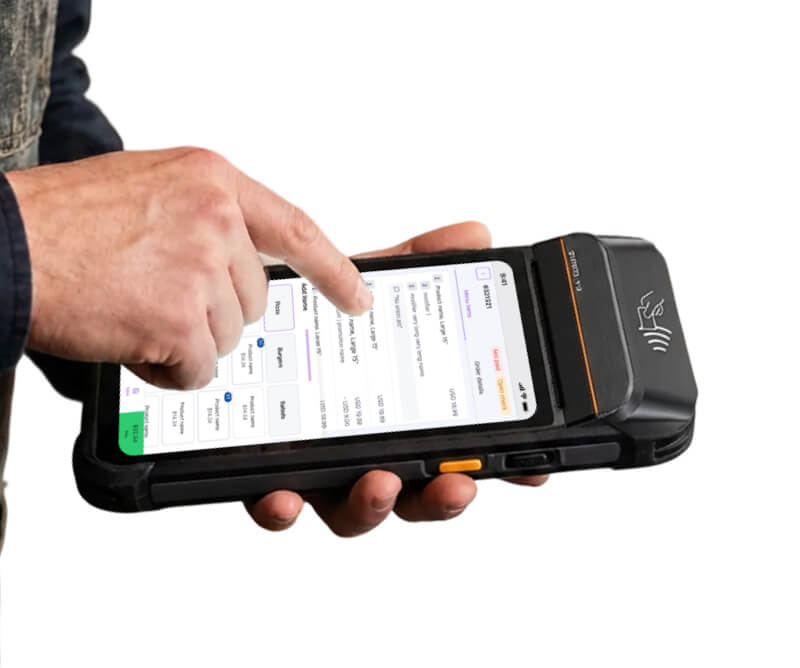
You only need a tablet, monitor, or computer with internet access. The system works on standard devices.

Setup is quick and usually takes several minutes. In the UpMenu admin panel, you add a new KDS station, connect and start the tablet, monitor, or computer, log into the system, and you can start working right away.
Yes, the system supports multiple screens and stations simultaneously. Each one can be assigned to a different kitchen area.
One KDS station costs $29 per month. You can increase, reduce, or cancel the number of stations at any time.
No. Billing is monthly, and you can cancel KDS at any time.
Yes. UpMenu allows you to create a free account and test KDS completely free for 7 days.
No. KDS requires an internet connection to operate.

Start your free 7-day trial today 🚀

Become a UpMenu Partner
Ready to take the next step for your restaurant business?
Schedule a Demo Today! 🚀