
Kitchen Management Software
Take control of daily kitchen operations, reduce food waste, and make smarter decisions with UpMenu kitchen management software.
- Connect your kitchen to POS and KDS
Streamline operations, reduce costs, and run a more profitable kitchen—from one restaurant to multiple locations.
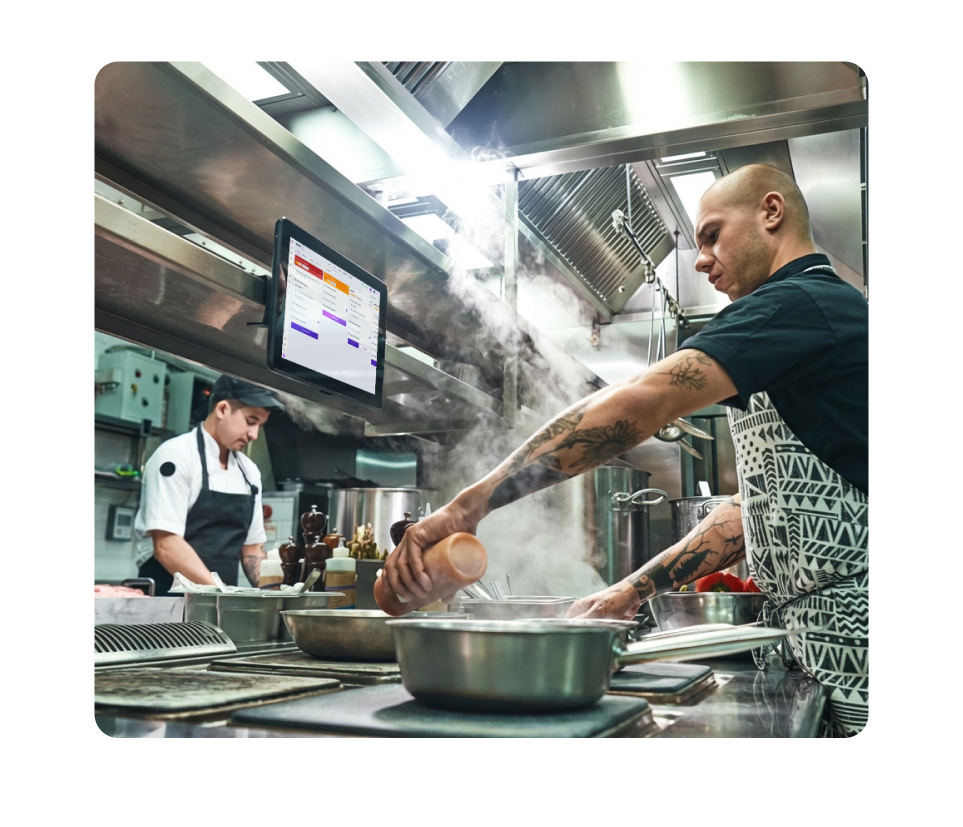
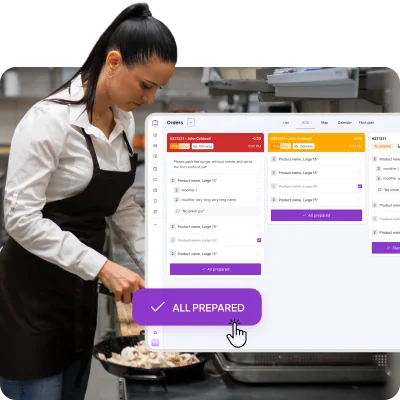
Kitchen Management Software
Gain full control over your kitchen, every day
UpMenu kitchen management software connects your POS and KDS into one clear workflow, giving you better control over daily kitchen operations and performance.
- Clear overview of kitchen operations in one place
- Less chaos during service and back-of-house tasks
- Better control over costs and food usage
- Smoother workflows for the entire kitchen team
Without kitchen management software vs. with kitchen management software
| Cons | Pros | |
|---|---|---|
| Tracking | ❌Manual tracking of food, costs, and tasks | ✅Centralized kitchen management in one system |
| Visibility | ❌Limited visibility into kitchen operations | ✅Clear overview of kitchen operations in real-time |
| Food waste | ❌Higher food waste and poor waste control | ✅Easier to reduce food waste and minimize waste |
| Decisions | ❌Decisions based on assumptions | ✅Smarter decisions powered by real-time data |
| POS & kitchen | ❌Disconnected POS and kitchen workflows | ✅POS and KDS are connected in one workflow |
| Cost control | ❌Harder cost control and unclear profitability | ✅Better control over costs and profit margins |
| Manual work | ❌More manual work for kitchen staff | ✅Less manual work and smoother daily tasks |
| Scaling | ❌Difficult to scale to multiple locations | ✅Easier to manage one restaurant or multiple locations |
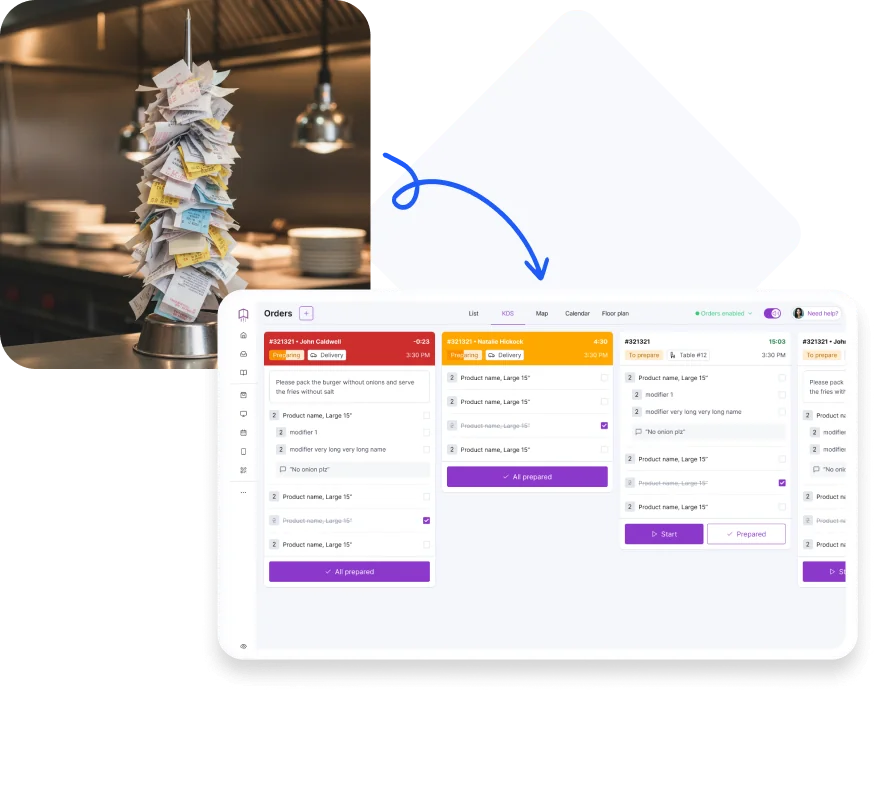
Order Accuracy
Fewer mistakes, better kitchen control
Keep kitchen data accurate and up to date by syncing orders between POS and KDS, helping your kitchen staff stay focused and consistent during service.
- Orders and menu items are clearly visible in one workflow
- Real-time updates between POS and kitchen screens
- Fewer preparation mistakes and miscommunication
- More consistent dishes and smoother service
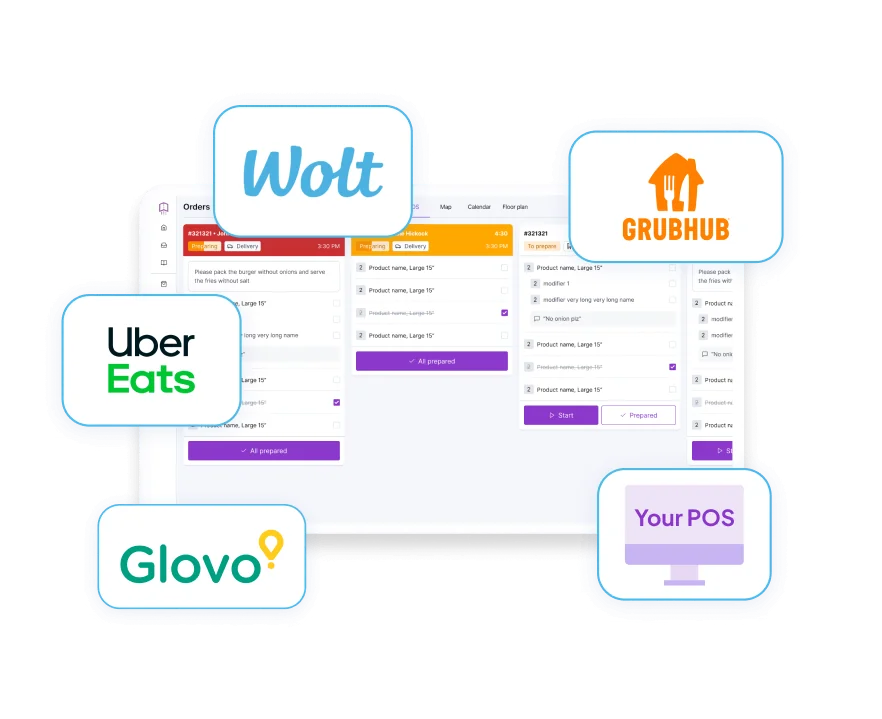
Order Management
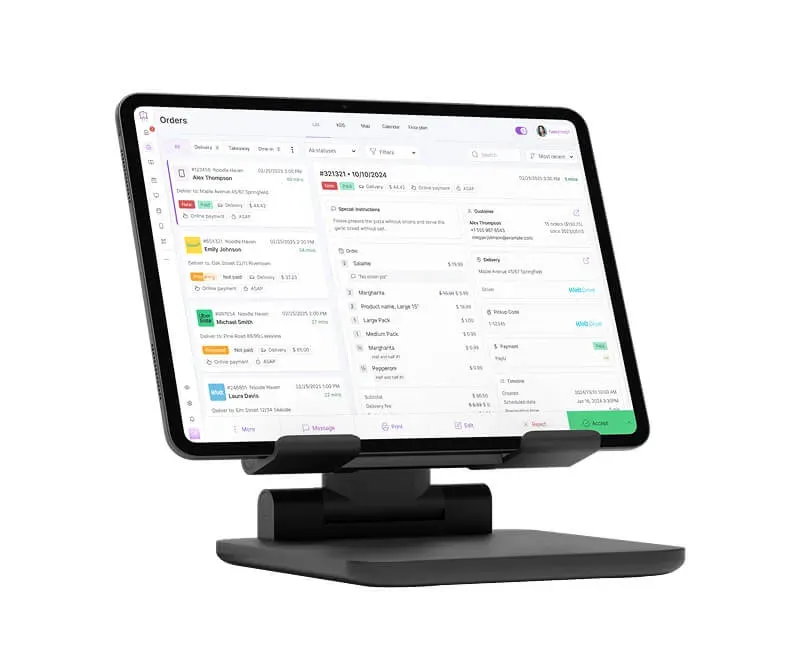
All orders and kitchen workflows in one place
When orders come from multiple channels, managing them across the kitchen becomes more difficult and time-consuming. UpMenu brings order management and kitchen workflows together, giving you full control over how orders move through your kitchen.
- Clear order statuses and smoother kitchen workflows
- Less manual handling and fewer bottlenecks
- Better coordination between front and back-of-house
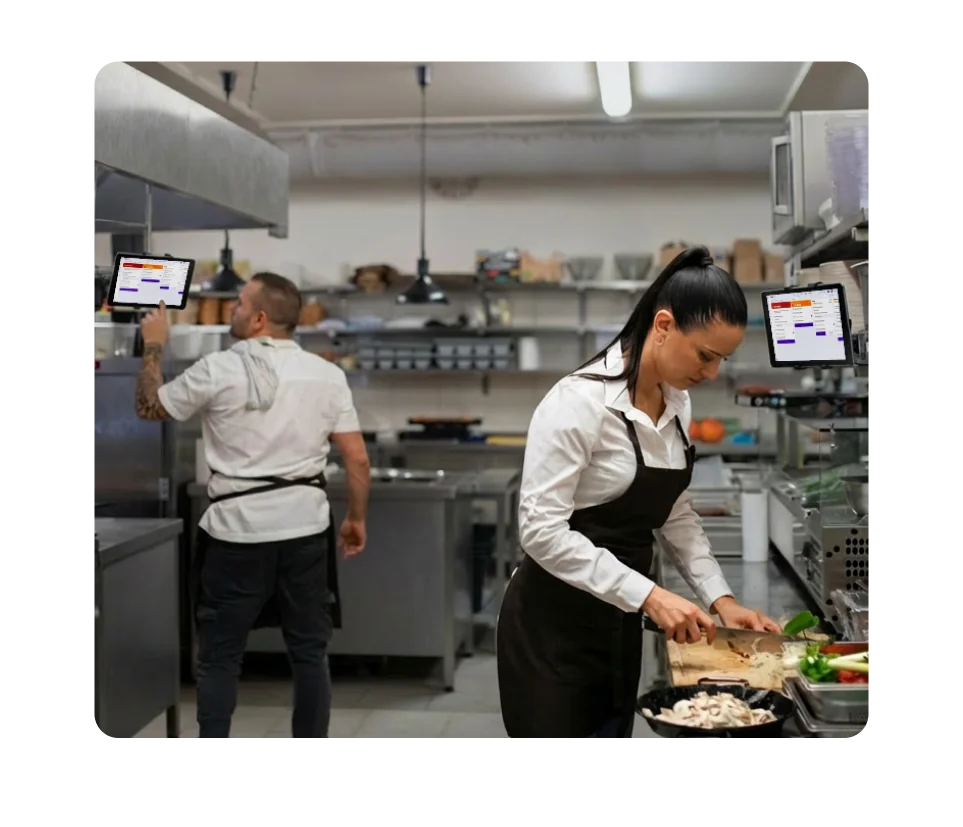
Multiple Kitchen Stations
Clear workflows across every station
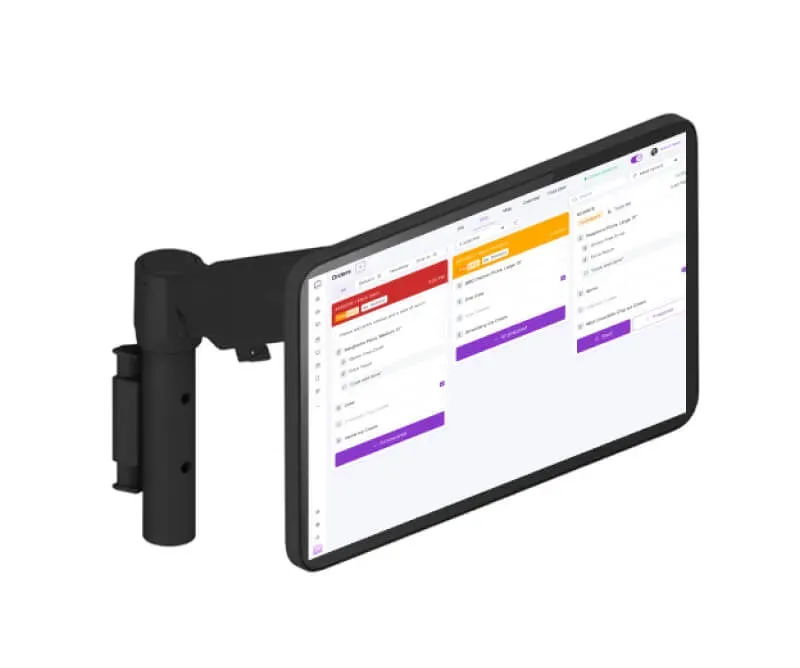
Split kitchen tasks across multiple screens and stations to keep workflows clear and organized.
- Assign screens to specific kitchen prep stations
- Better organization with no unnecessary information
- Balanced workload across the kitchen team
- Faster preparation and smoother handoffs
ALL-IN-ONE
Extend your kitchen management system
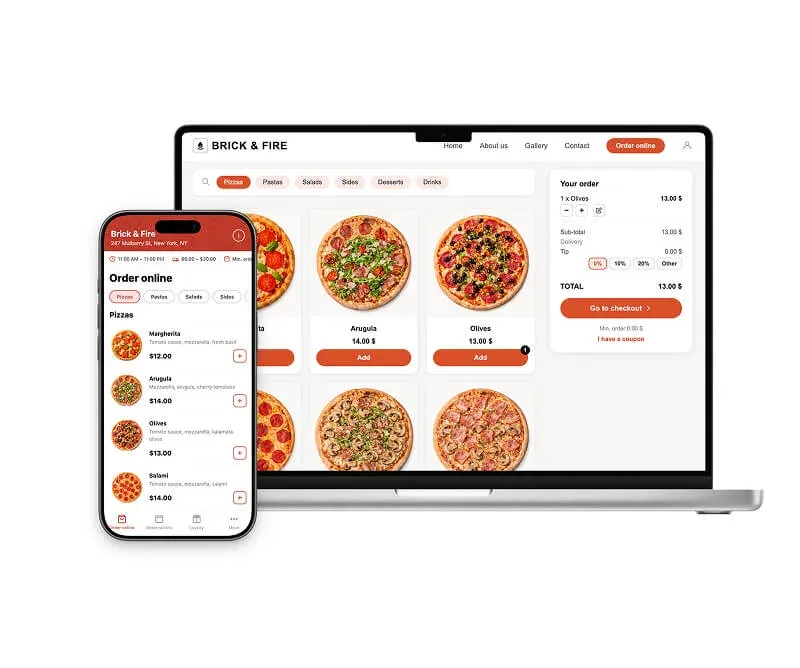
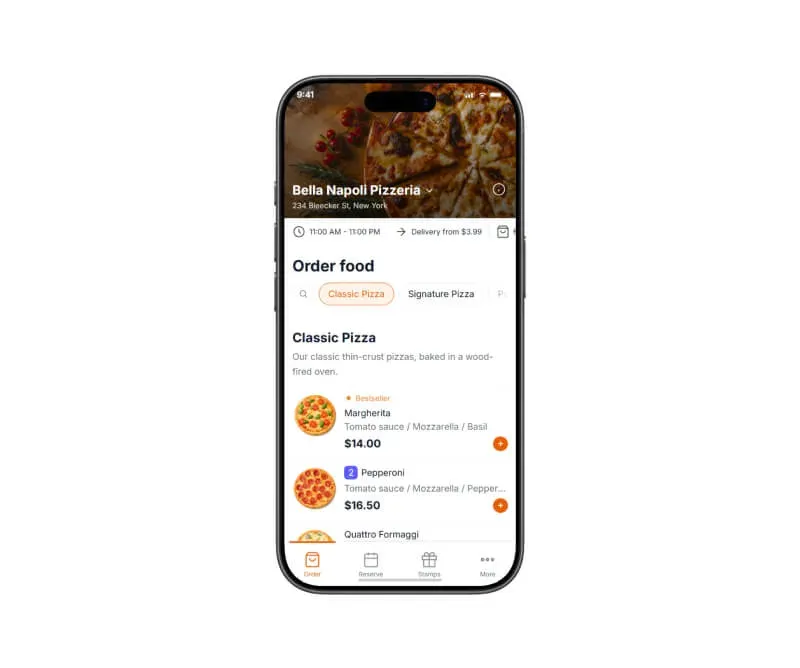
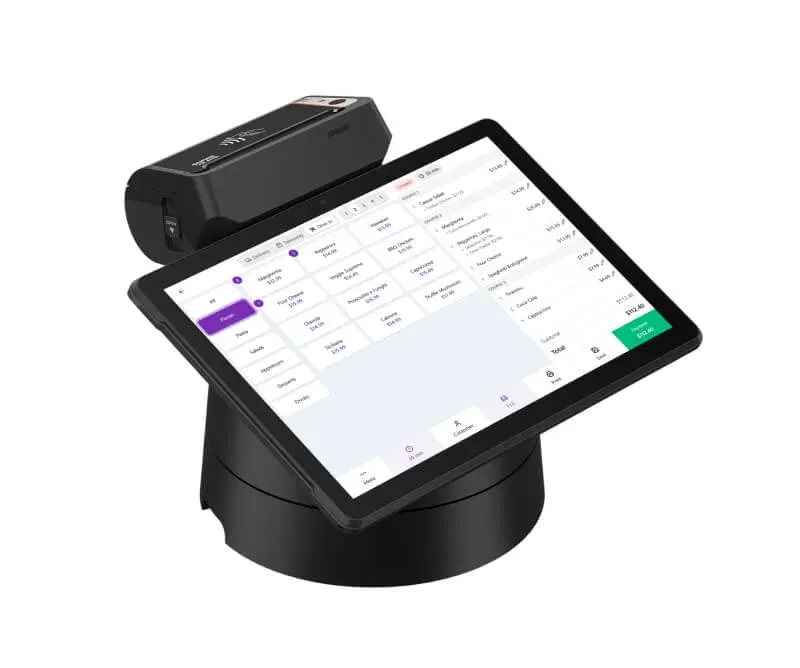
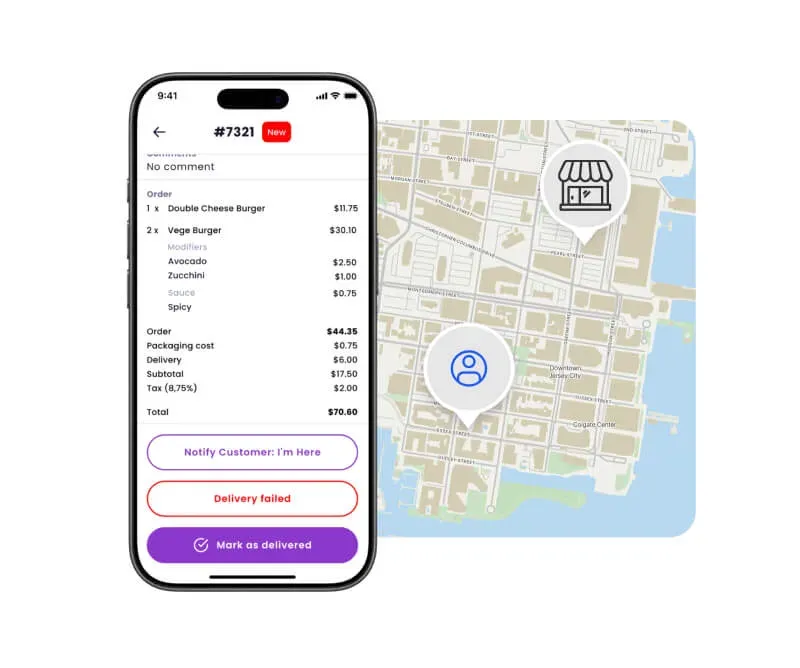
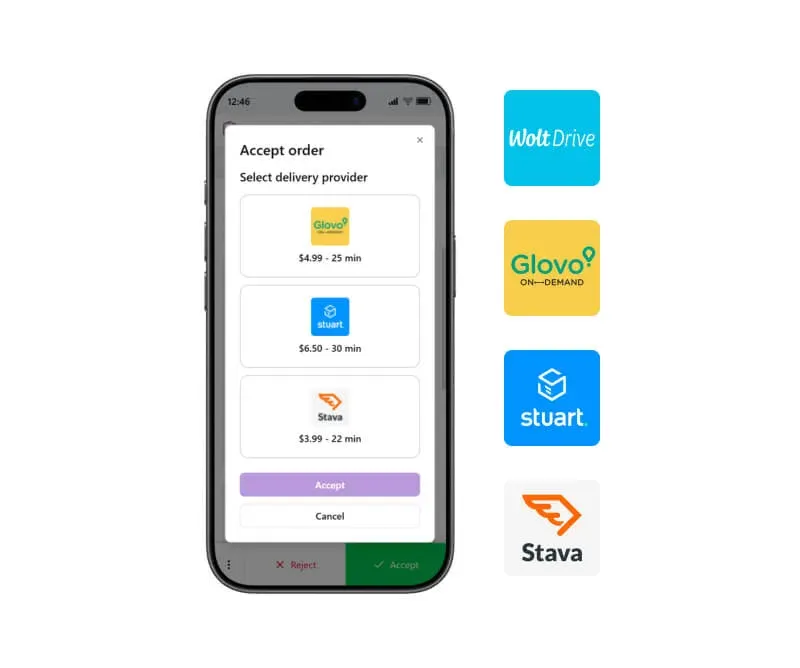
Connect your kitchen to POS, KDS, online ordering, and delivery tools to run smoother operations and grow sales from a single software.
Our happy clients
Why restaurateurs choose UpMenu





What owner says
Kitchen Operations & Supply Chain
Operations
Restaurant Food Suppliers: Where Do Restaurants Get Their Food?
Operations
Kitchen Management: How to Run Efficient Restaurant Kitchen
Operations
10 Best Practices in Restaurant Supply Chain Management
Operations
Par Level: What It Is & How to Set in Restaurant
Operations
Top 10 Restaurant Inventory Management Software in 2024 (Tried & Tested)
Operations